Andrew Kramer
Video Copilot founder and FX Console publisher
Free After Effects plugin by Video Copilot — quick-access effects browser, presets, and shortcuts for faster compositing workflows.
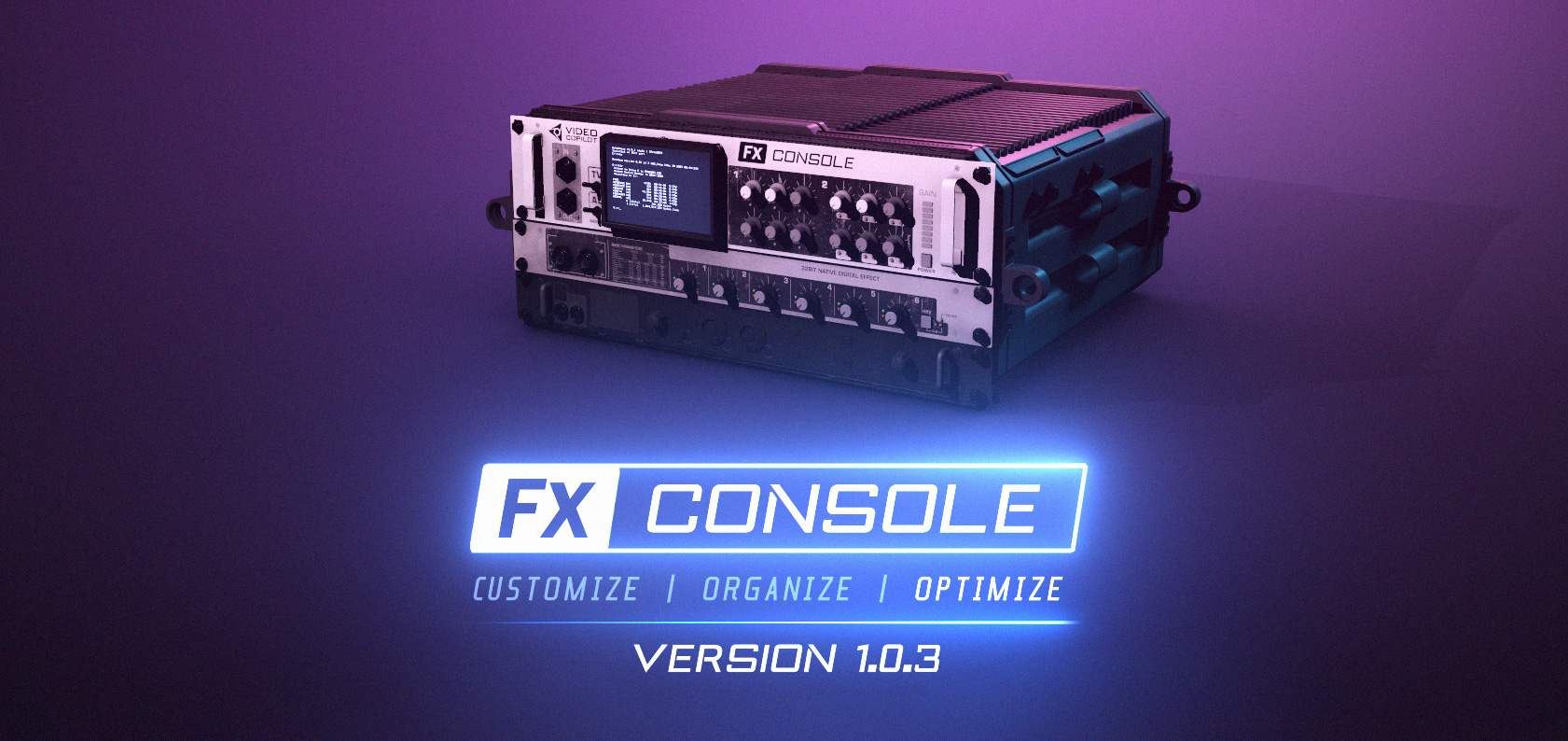
FX Console is a free After Effects plugin from Video Copilot that gives you instant access to effects, presets, and shortcuts without digging through menus. Press a hotkey to open the effects browser, type to search, and apply effects in seconds. Save custom presets, take screenshots of your viewport, and create snapshot comparisons.
It's become an essential tool for motion designers and VFX artists who want to work faster in After Effects. Completely free, no strings attached.
Common questions about FX Console
Traffic and momentum for FX Console
6 similar tools

Railcut
Track-based clip editing for After Effects — trim, ripple, cut, and move clips without roundtripping to Premiere.
MotionVFX
Professional plugins, effects, and templates for Final Cut Pro and DaVinci Resolve — titles, transitions, LUTs, and more.
Quick Menu
After Effects script for instant access to effects, presets, expressions, and more — search and apply anything from a floating menu.
Free Content Editing Pack by xSaandi
Free Premiere Pro pack with shorts presets, transitions, audio effects, graphics, and animations.
Camera Shake Effect Preset
A free drag-and-drop camera shake effect for Adobe Premiere Pro.

Higgsfield for Adobe
Free AI plugin for Premiere Pro and After Effects — reframe, remove background, upscale to 4K/8K, draw to edit, and generate video without leaving Creative Cloud.
The people behind FX Console
Video Copilot founder and FX Console publisher
Similar Launches
Quick Menu
After Effects script for instant access to effects, presets, expressions, and more — search and apply anything from a floating menu.
Higgsfield for Adobe
Free AI plugin for Premiere Pro and After Effects — reframe, remove background, upscale to 4K/8K, draw to edit, and generate video without leaving Creative Cloud.
Railcut
Track-based clip editing for After Effects — trim, ripple, cut, and move clips without roundtripping to Premiere.
Magnific Plugins
Magnific plugins for Premiere Pro, After Effects, DaVinci Resolve, and Final Cut Pro — generate, upscale, relight, reframe, add AI audio, and pull from 250M stock assets in your timeline.
AE GPT
AI assistant for After Effects — generate expressions, scripts, and automate tasks with natural language prompts.
Comments