
Jake Bartlett
Creator
Track-based clip editing for After Effects — trim, ripple, cut, and move clips without roundtripping to Premiere.
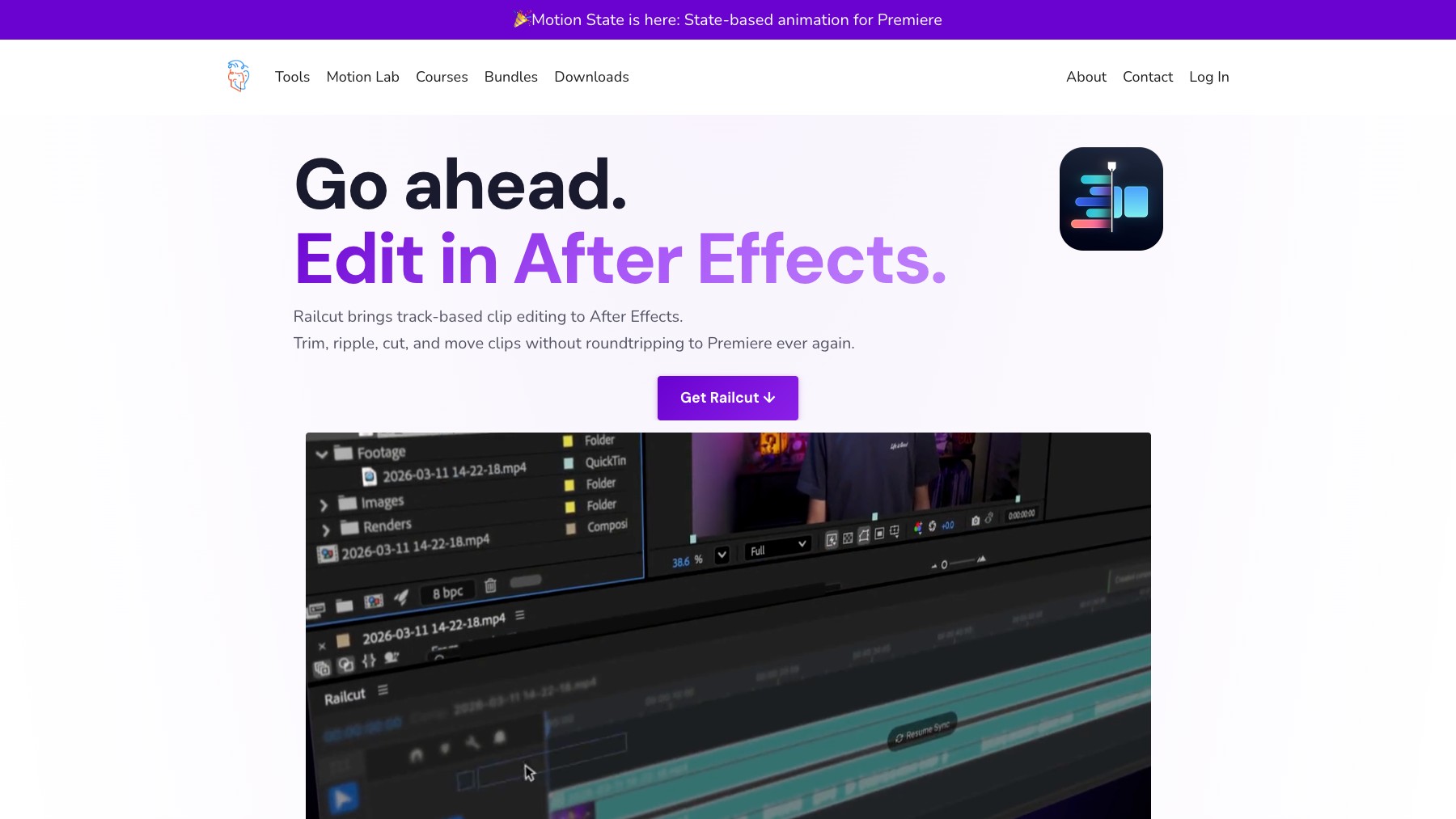
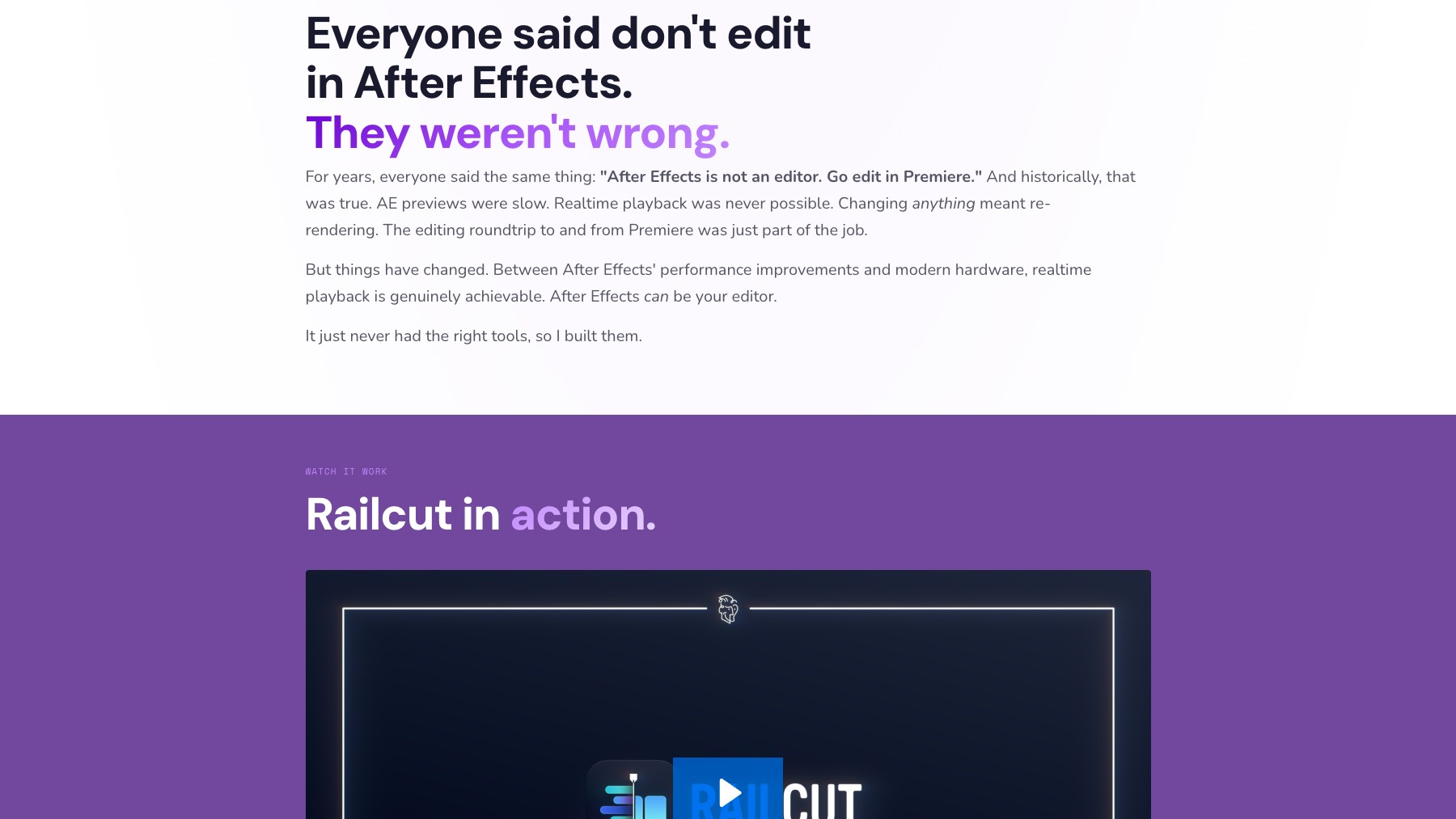
Railcut is an After Effects extension by Jake Bartlett that brings NLE-style track-based editing directly into After Effects. Drag and drop footage from the Project Panel onto a multi-track timeline with video above and audio below. Use familiar editing tools — Select, Blade, Ripple Edit, Rolling Edit, Slip, Slide, and Rate Stretch — with audio waveforms and video thumbnails on every clip.
Customizable keyboard shortcuts include presets for Premiere Pro, DaVinci Resolve, Final Cut Pro, and After Effects. Railcut keeps layers synced live with the active composition, so you can edit and animate in the same app. One-time purchase at $48 with a two-seat license and free updates.
Common questions about Railcut
Traffic and momentum for Railcut
6 similar tools
MotionVFX
Professional plugins, effects, and templates for Final Cut Pro and DaVinci Resolve — titles, transitions, LUTs, and more.
Quick Menu
After Effects script for instant access to effects, presets, expressions, and more — search and apply anything from a floating menu.
Free Content Editing Pack by xSaandi
Free Premiere Pro pack with shorts presets, transitions, audio effects, graphics, and animations.
Camera Shake Effect Preset
A free drag-and-drop camera shake effect for Adobe Premiere Pro.
FX Console
Free After Effects plugin by Video Copilot — quick-access effects browser, presets, and shortcuts for faster compositing workflows.

Higgsfield for Adobe
Free AI plugin for Premiere Pro and After Effects — reframe, remove background, upscale to 4K/8K, draw to edit, and generate video without leaving Creative Cloud.
The people behind Railcut
Creator
Similar Launches
FX Console
Free After Effects plugin by Video Copilot — quick-access effects browser, presets, and shortcuts for faster compositing workflows.
Quick Menu
After Effects script for instant access to effects, presets, expressions, and more — search and apply anything from a floating menu.
Higgsfield for Adobe
Free AI plugin for Premiere Pro and After Effects — reframe, remove background, upscale to 4K/8K, draw to edit, and generate video without leaving Creative Cloud.
Comments