
Joaquín Cuenca Abela
Freepik / Magnific company co-founder
Magnific plugins for Premiere Pro, After Effects, DaVinci Resolve, and Final Cut Pro — generate, upscale, relight, reframe, add AI audio, and pull from 250M stock assets in your timeline.
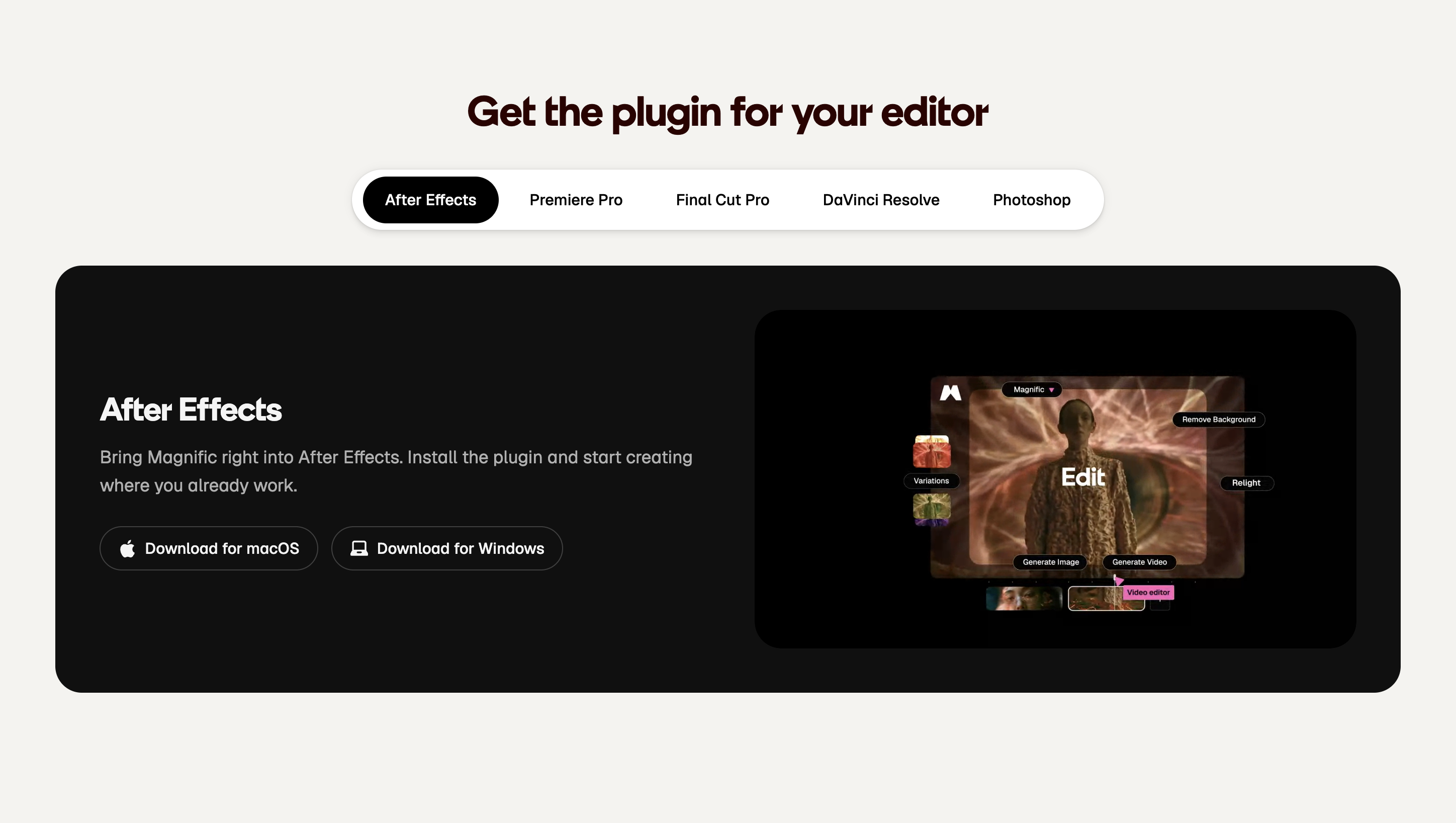
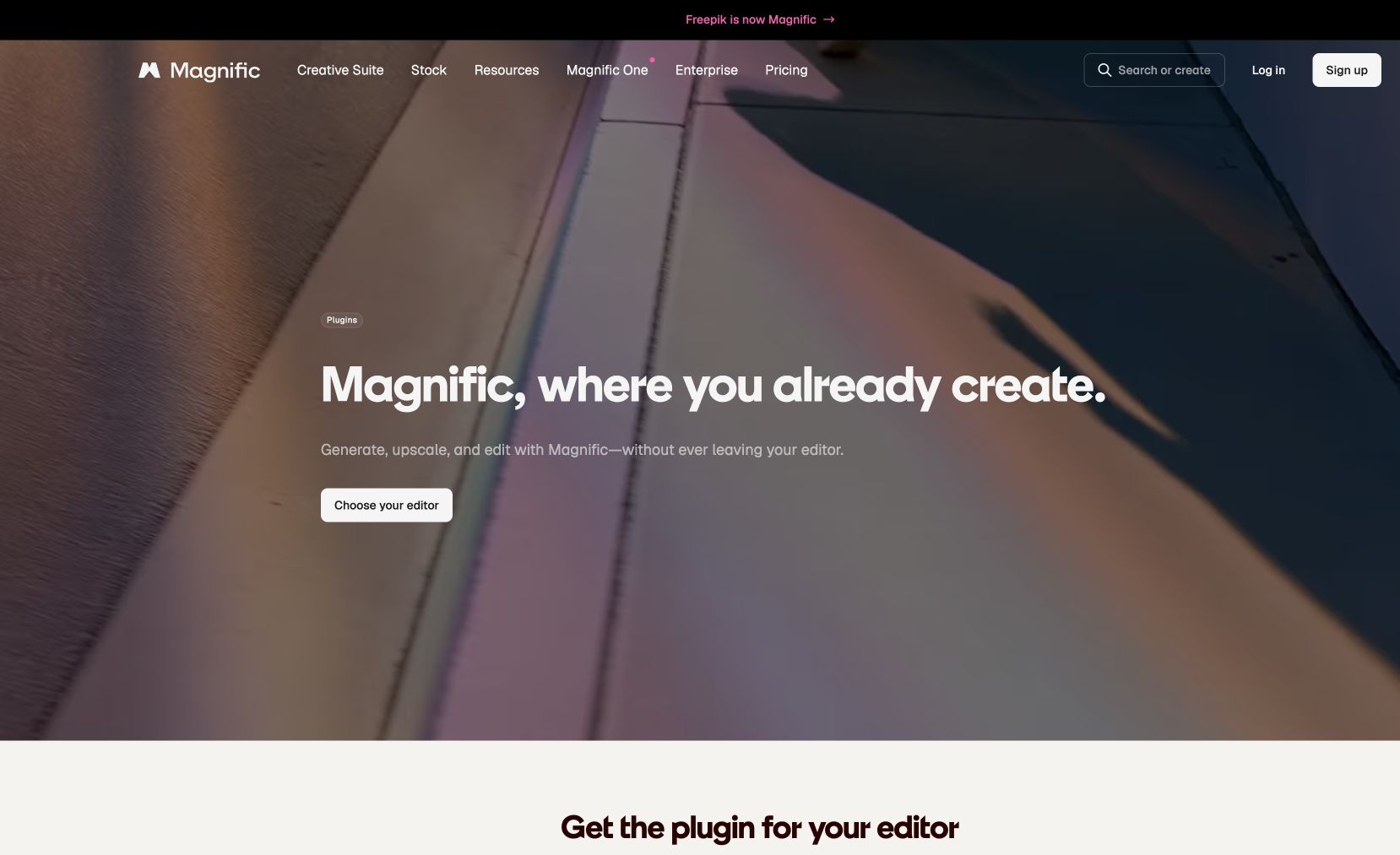
Magnific Plugins bring the Magnific creative platform directly into the major video editors — Premiere Pro, After Effects, DaVinci Resolve, and Final Cut Pro. Without leaving your timeline you can choose, generate, upscale, relight, reframe, and remove backgrounds, add AI music and voice to your edit, and search and drag in from Magnific's 250M+ stock assets. Available for Mac and Windows.
Common questions about Magnific Plugins
Traffic and momentum for Magnific Plugins
6 similar picks

Higgsfield for Figma
Generate AI images and video, remove backgrounds, relight, and expand — all inside Figma and FigJam without switching tools.
HeyGen for Canva
Generate HeyGen AI avatar videos directly inside Canva — pick an avatar, type your script, and drop the result into your design.

Canva for Affinity
Unlock Canva AI tools directly inside Affinity Designer, Photo, and Publisher — Canva Premium subscribers get a supercharged Affinity workflow with cross-app generation and editing.
Magic Animator
Figma plugin that animates your designs in seconds with AI — bring static layers to life without a motion workflow.
Shape Move
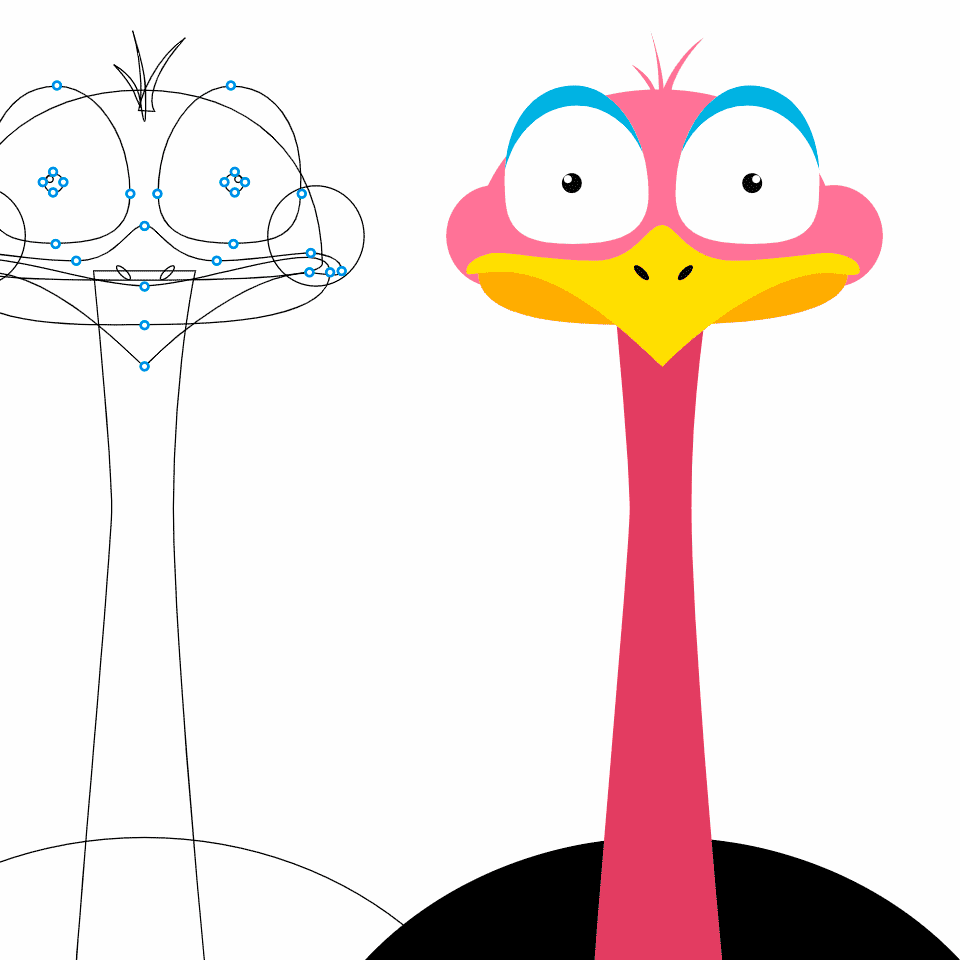
Figma plugin that animates shapes along any path — draw a line, attach a shape, and export smooth motion graphics in one click.
The people behind Magnific Plugins
Freepik / Magnific company co-founder
Freepik / Magnific company co-founder
Freepik / Magnific company co-founder
Similar Launches
Higgsfield for Adobe
Free AI plugin for Premiere Pro and After Effects — reframe, remove background, upscale to 4K/8K, draw to edit, and generate video without leaving Creative Cloud.

OpenEdit
Open source agentic video editor by VEED. Install it as an agent skill and let Claude Code, Codex, or Gemini transcribe footage, design caption styles, and render finished MP4s locally.
Adobe for ChatGPT
Adobe's unified plugin for ChatGPT. Access tools from Photoshop, Adobe Express, Illustrator, Premiere, Acrobat, and more in ChatGPT, ChatGPT Work, and Codex using natural language.
AE GPT
AI assistant for After Effects — generate expressions, scripts, and automate tasks with natural language prompts.

BlenderBuddy
AI assistant for Blender — get help with modeling, texturing, and workflows directly inside Blender.
MagicPath for ChatGPT
The MagicPath plugin brings an infinite canvas into ChatGPT on web and desktop — visualize code, build landing pages, prototypes and presentations, and draw diagrams and graphs on one live, shared canvas.
Comments