Alex Mashrabov
Co-founder and CEO of publisher Higgsfield
Free AI plugin for Premiere Pro and After Effects — reframe, remove background, upscale to 4K/8K, draw to edit, and generate video without leaving Creative Cloud.
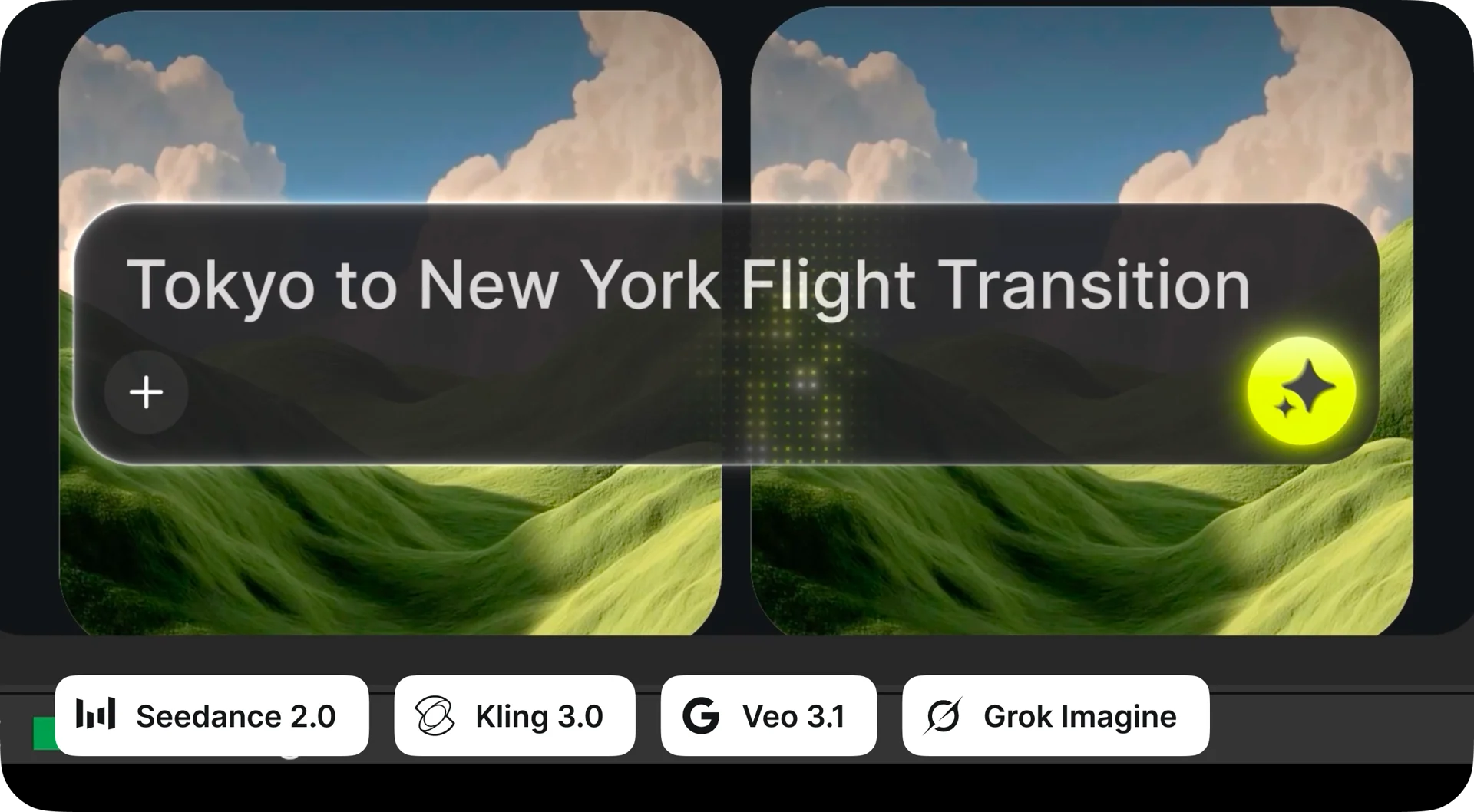
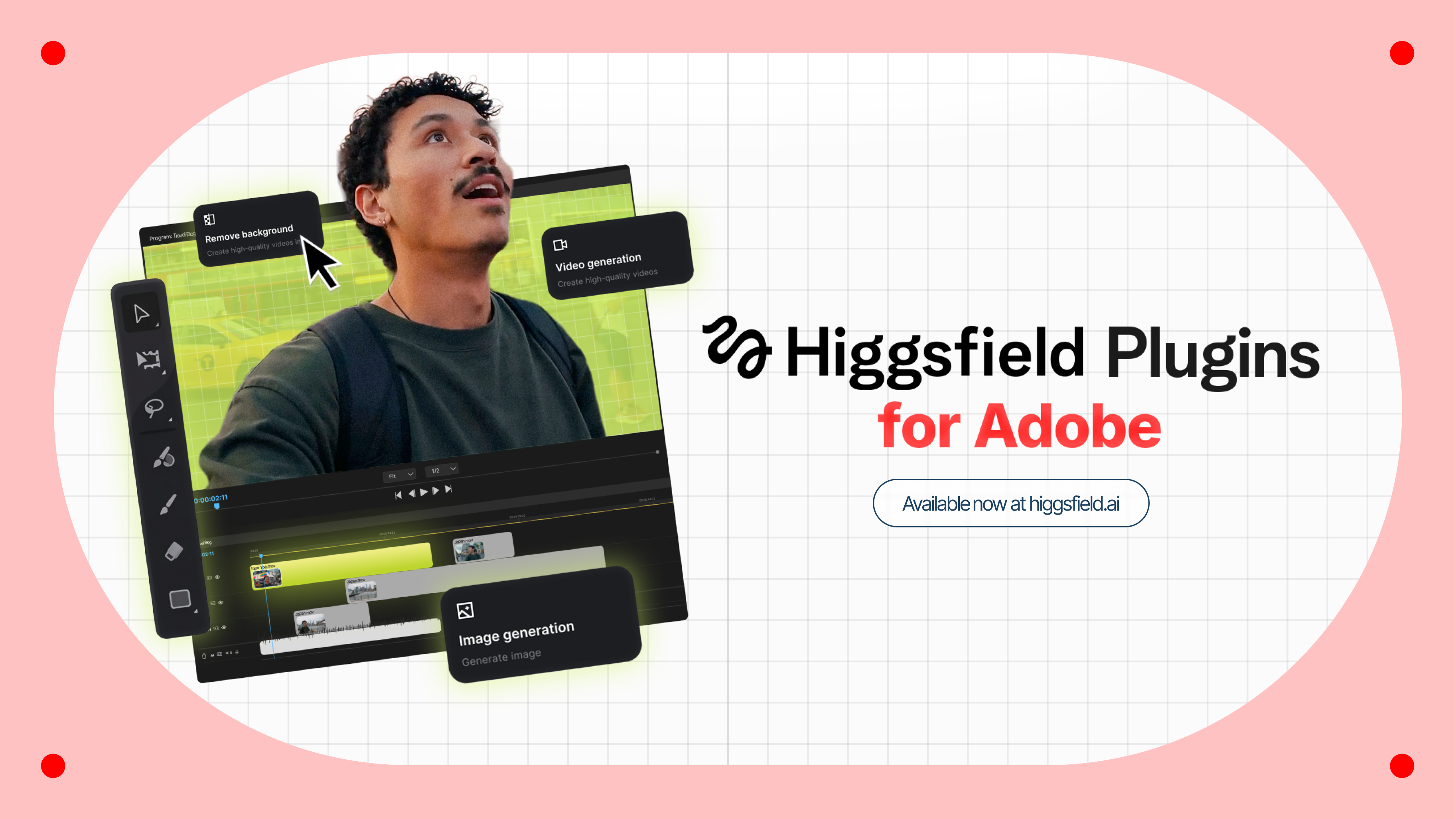
Higgsfield for Adobe is a free AI plugin suite for Premiere Pro and After Effects (2024 and later). Install it once and you get five AI tools directly on your timeline: Reframe auto-crops your footage to any of 6 aspect ratios while keeping subjects centered; Remove Background replaces any background without a green screen; Upscale enhances resolution up to 4K or 8K; Draw to Edit lets you sketch over a frame to remove or add objects; and Generate creates video or images from a text prompt. Processing runs on Higgsfield's servers, so an internet connection is required.
Free tier available; paid plans unlock commercial usage rights.
Common questions about Higgsfield for Adobe
Traffic and momentum for Higgsfield for Adobe
6 similar picks
Adobe After Effects
Motion graphics, VFX, and compositing on a timeline — animated titles, rotoscoping, 3D tracking, particles, and expression-driven animation.
HeyGen for Canva
Generate HeyGen AI avatar videos directly inside Canva — pick an avatar, type your script, and drop the result into your design.
Magnific Plugins
Magnific plugins for Premiere Pro, After Effects, DaVinci Resolve, and Final Cut Pro — generate, upscale, relight, reframe, add AI audio, and pull from 250M stock assets in your timeline.
Adobe for ChatGPT
Adobe's unified plugin for ChatGPT. Access tools from Photoshop, Adobe Express, Illustrator, Premiere, Acrobat, and more in ChatGPT, ChatGPT Work, and Codex using natural language.

Canva for Affinity
Unlock Canva AI tools directly inside Affinity Designer, Photo, and Publisher — Canva Premium subscribers get a supercharged Affinity workflow with cross-app generation and editing.

Higgsfield
AI video and image generation platform — create videos, edit with motion control, swap faces, and collaborate in real time.
The people behind Higgsfield for Adobe
Similar Launches
Adobe for ChatGPT
Adobe's unified plugin for ChatGPT. Access tools from Photoshop, Adobe Express, Illustrator, Premiere, Acrobat, and more in ChatGPT, ChatGPT Work, and Codex using natural language.
Magnific Plugins
Magnific plugins for Premiere Pro, After Effects, DaVinci Resolve, and Final Cut Pro — generate, upscale, relight, reframe, add AI audio, and pull from 250M stock assets in your timeline.
AE GPT
AI assistant for After Effects — generate expressions, scripts, and automate tasks with natural language prompts.
FX Console
Free After Effects plugin by Video Copilot — quick-access effects browser, presets, and shortcuts for faster compositing workflows.
Quick Menu
After Effects script for instant access to effects, presets, expressions, and more — search and apply anything from a floating menu.

OpenEdit
Open source agentic video editor by VEED. Install it as an agent skill and let Claude Code, Codex, or Gemini transcribe footage, design caption styles, and render finished MP4s locally.
Comments