Shantanu Narayen
Chair and CEO of Adobe
Adobe's unified plugin for ChatGPT. Access tools from Photoshop, Adobe Express, Illustrator, Premiere, Acrobat, and more in ChatGPT, ChatGPT Work, and Codex using natural language.
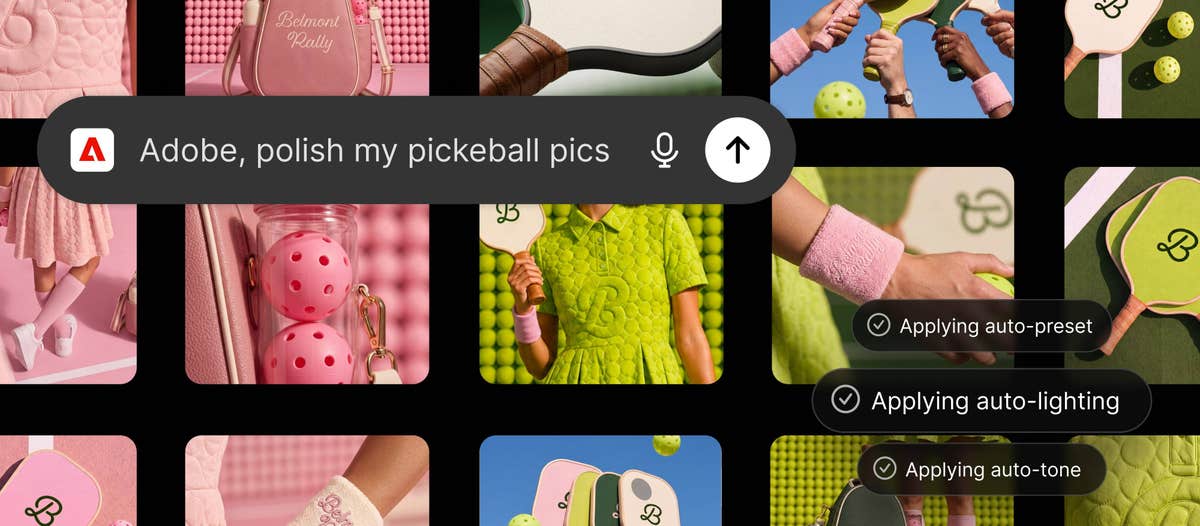
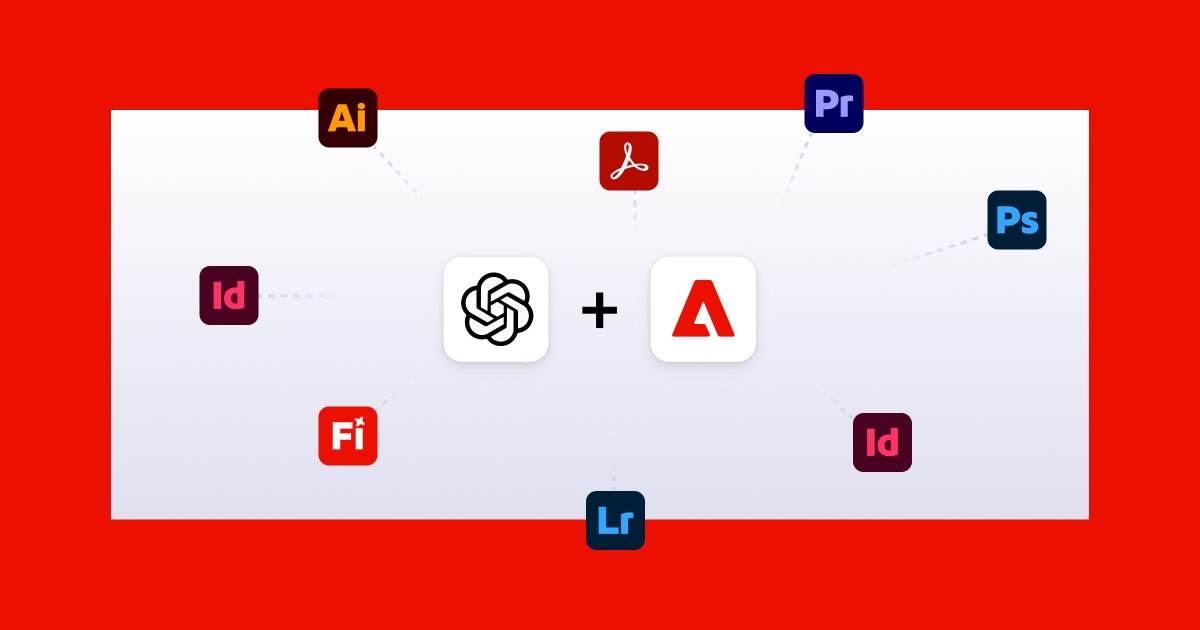
Adobe for ChatGPT is Adobe's unified plugin that brings more than 70 pro-grade tools from Photoshop, Firefly, Acrobat, Adobe Express, Premiere, Lightroom, Illustrator, InDesign, and Stock into ChatGPT, ChatGPT Work, and Codex. Describe the result you want and the plugin routes your request to the right Adobe tools behind the scenes: retouch photos in bulk, turn long-form video into highlight reels resized for every platform, customize design templates, or transform spreadsheets into polished PDFs. Add the plugin, type @Adobe, and start as a guest, or sign in with an Adobe account to unlock generative capabilities, your Creative Cloud files, and cross-session saves.
When a project calls for pixel-level control, continue in Adobe's desktop apps right where you left off.
Common questions about Adobe for ChatGPT
Traffic and momentum for Adobe for ChatGPT
6 similar picks
Adobe Express
Free all-in-one design app — create social media posts, flyers, videos, and more with thousands of templates and AI tools.
ChatGPT
AI assistant by OpenAI — chat, write, code, analyse data, generate images, and browse the web, powered by the GPT-5.6 family.
Reve for Chrome
Reve's official Chrome extension — add images from across the web straight into your Albums and References in Reve.
Figma for Chrome
Official Figma browser extension — capture live websites and import them into Figma as editable layers, not screenshots.
Magnific Plugins
Magnific plugins for Premiere Pro, After Effects, DaVinci Resolve, and Final Cut Pro — generate, upscale, relight, reframe, add AI audio, and pull from 250M stock assets in your timeline.

Higgsfield for Adobe
Free AI plugin for Premiere Pro and After Effects — reframe, remove background, upscale to 4K/8K, draw to edit, and generate video without leaving Creative Cloud.
The people behind Adobe for ChatGPT
Similar Launches
MagicPath for ChatGPT
The MagicPath plugin brings an infinite canvas into ChatGPT on web and desktop — visualize code, build landing pages, prototypes and presentations, and draw diagrams and graphs on one live, shared canvas.
Higgsfield for Adobe
Free AI plugin for Premiere Pro and After Effects — reframe, remove background, upscale to 4K/8K, draw to edit, and generate video without leaving Creative Cloud.
Magnific Plugins
Magnific plugins for Premiere Pro, After Effects, DaVinci Resolve, and Final Cut Pro — generate, upscale, relight, reframe, add AI audio, and pull from 250M stock assets in your timeline.
AE GPT
AI assistant for After Effects — generate expressions, scripts, and automate tasks with natural language prompts.

BlenderBuddy
AI assistant for Blender — get help with modeling, texturing, and workflows directly inside Blender.
Adobe Illustrator
Vector editor for logos, icons, illustrations, and typography — Pen tool, Shape Builder, Generative Recolor, and art that stays sharp at any size.
Comments