Grant Shaddick
Co-founder
Browser-based screen and webcam recorder with custom scene layouts, zoom effects, and backgrounds — polished demos with no post-production.
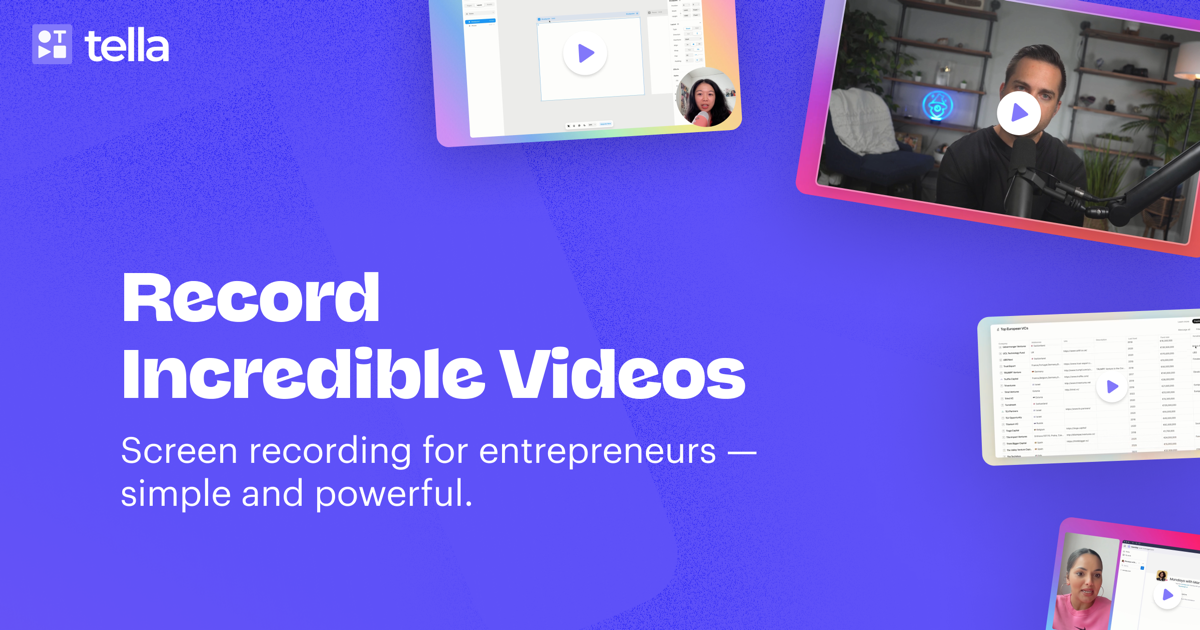
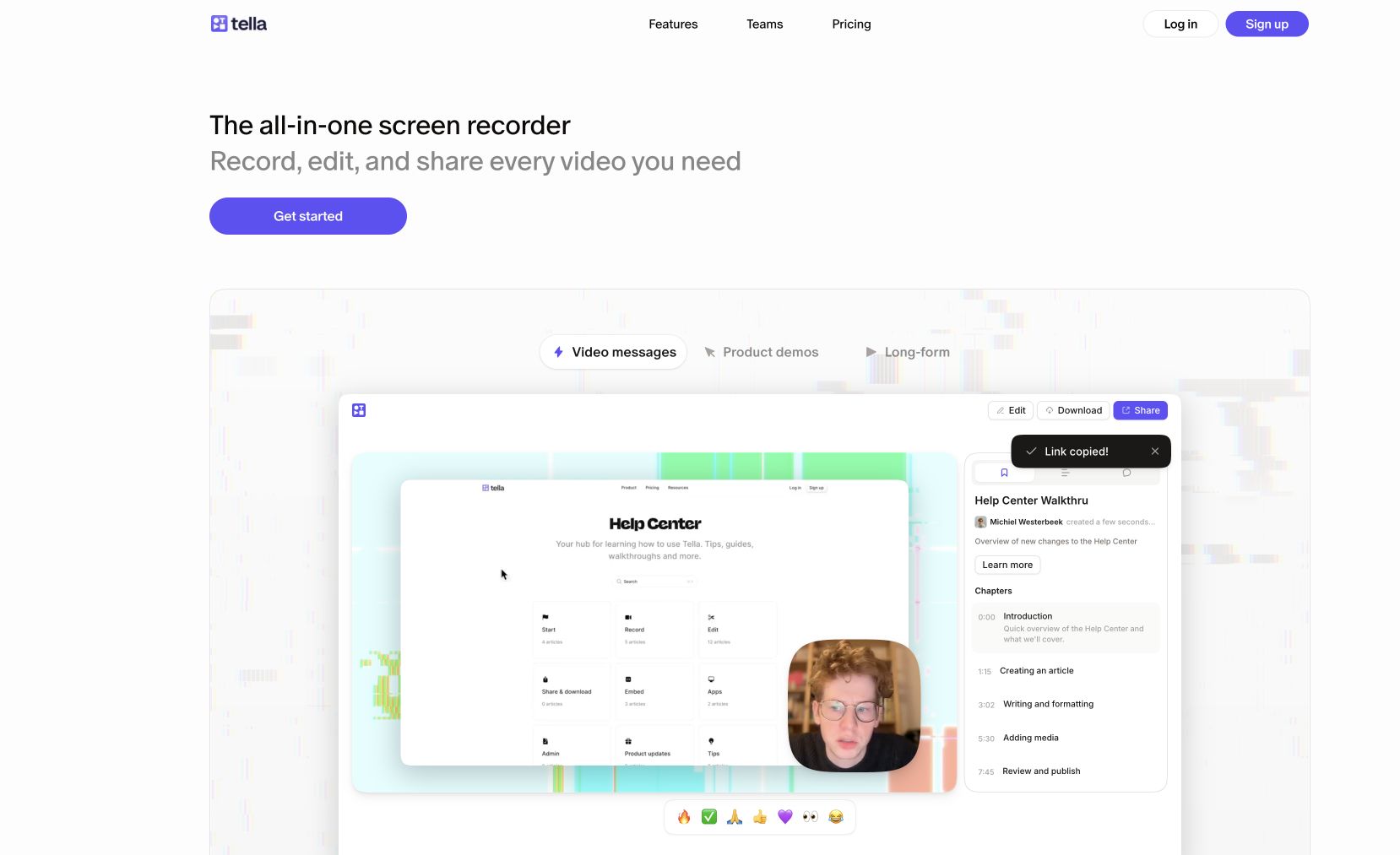
Tella is a screen recorder built for creators who care about presentation. Record your screen, webcam, or both with custom layouts that put you front and center alongside your content. Features include zoom effects, custom backgrounds, multiple scene layouts, and a browser-based recording flow that requires no downloads.
Tella is designed for product demos, course content, client walkthroughs, and video messages that look polished without any post-production. Share instantly via link or download for editing.
Common questions about Tella
Traffic and momentum for Tella
6 similar tools
Motionfly
A desktop screen recorder for software demos — auto zoom, animated 3D device mockups, and motion-graphics-style demo videos.
SuperMotion
Turn product screenshots and screen recordings into polished promo videos — zoom, pan, device mockups, annotations, and multi-scene editing. One-time $79.
Taken
Screen recorder for your 9th take. A lightweight macOS menu bar app to capture, record, trim, copy, or export any screen region in a few clicks.
Screen Movie
Native macOS screen recorder and video editor — record, screenshot, animate text and captions, add music, and export product videos in 4K.

Google Vids Screen Recorder
Chrome extension by Google — record your screen directly from the browser and import into Google Vids for editing.
Recordly
Open-source screen recorder with auto-zoom, motion blur cursors, and minimal interface — a free alternative to Screen Studio.
The people behind Tella
Similar Launches
Motionfly
A desktop screen recorder for software demos — auto zoom, animated 3D device mockups, and motion-graphics-style demo videos.

Cap
Open source screen recorder for Mac — capture your full screen or a single window in high quality and share it instantly via link, no watermarks.
Shotbase
macOS capture workspace — screenshots, screen recordings and full-page web captures, edited, auto-organised by on-device AI, and shared as a link.

Screen Studio
Mac screen recorder that turns raw captures into polished demo videos — smooth cursor motion, auto-zoom on clicks, and custom backgrounds.
Recordly
Open-source screen recorder with auto-zoom, motion blur cursors, and minimal interface — a free alternative to Screen Studio.
Google Vids
AI-powered video creation tool by Google — generate clips, record your screen, convert presentations to video, and edit with AI assistance.
Comments