
Adam Pietrasiak
Creator of Screen Studio
Mac screen recorder that turns raw captures into polished demo videos — smooth cursor motion, auto-zoom on clicks, and custom backgrounds.
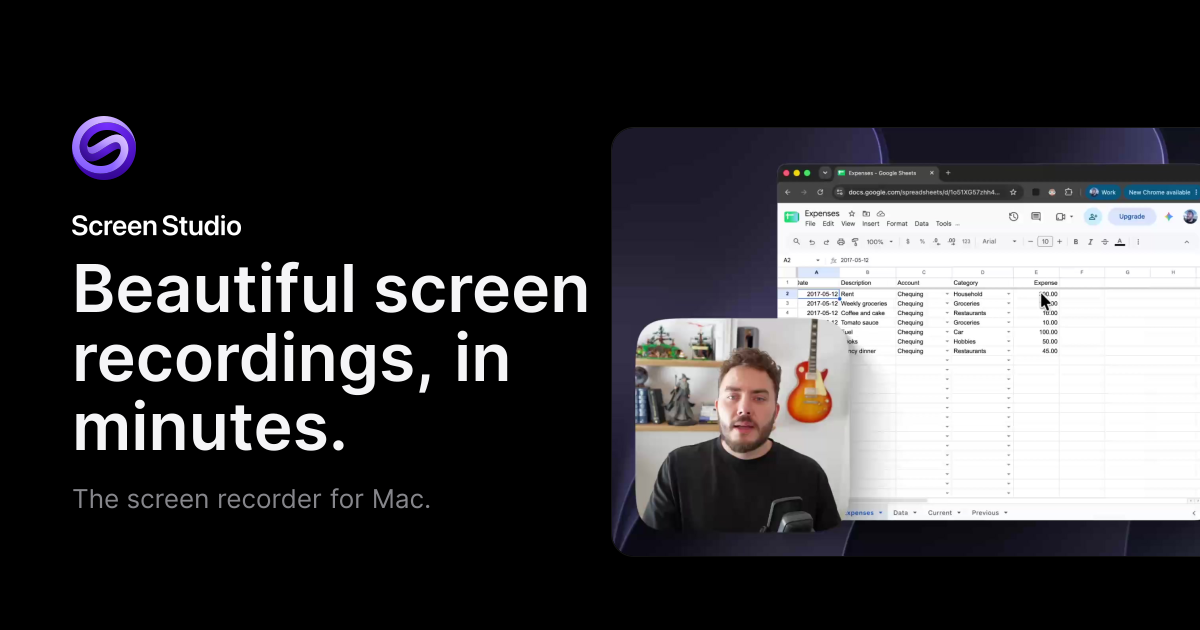
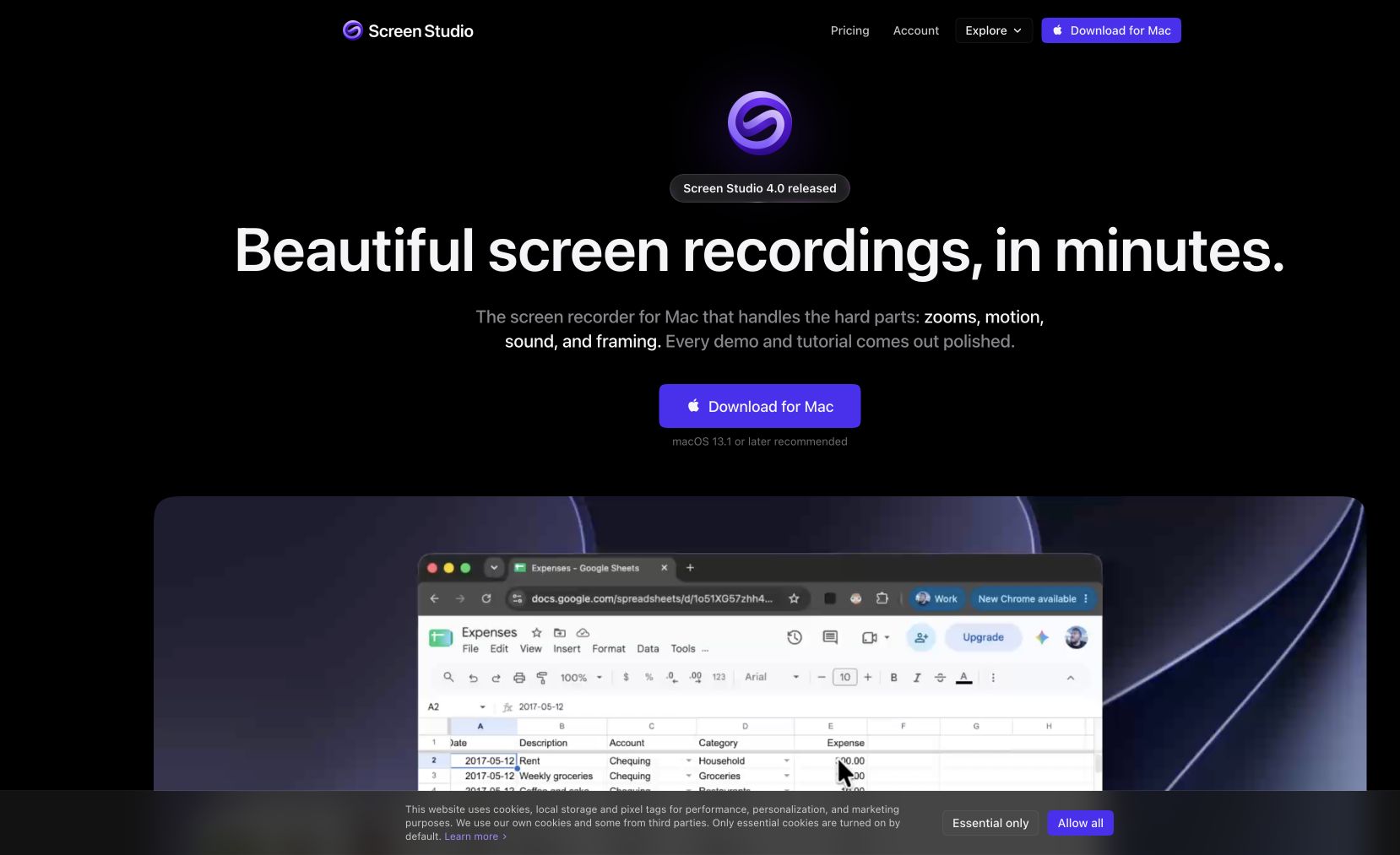
Screen Studio is a Mac screen recording app that automatically transforms raw screen captures into beautiful, polished demo videos. It adds smooth cursor movements, auto-zoom on clicks, customizable backgrounds, and cinematic motion — turning a simple screen recording into something that looks professionally produced. No video editing skills required.
Perfect for SaaS product demos, app walkthroughs, tutorial videos, and developer content where you want high production value without spending time in a video editor.
Common questions about Screen Studio
Traffic and momentum for Screen Studio
6 similar tools

Descript
Edit video and podcasts by editing the transcript — delete a word and it leaves the video, plus Studio Sound cleanup and Overdub voice cloning.
Motionfly
A desktop screen recorder for software demos — auto zoom, animated 3D device mockups, and motion-graphics-style demo videos.
SuperMotion
Turn product screenshots and screen recordings into polished promo videos — zoom, pan, device mockups, annotations, and multi-scene editing. One-time $79.
Taken
Screen recorder for your 9th take. A lightweight macOS menu bar app to capture, record, trim, copy, or export any screen region in a few clicks.
Screen Movie
Native macOS screen recorder and video editor — record, screenshot, animate text and captions, add music, and export product videos in 4K.
Recordly
Open-source screen recorder with auto-zoom, motion blur cursors, and minimal interface — a free alternative to Screen Studio.
The people behind Screen Studio
Similar Launches
Motionfly
A desktop screen recorder for software demos — auto zoom, animated 3D device mockups, and motion-graphics-style demo videos.

Cap
Open source screen recorder for Mac — capture your full screen or a single window in high quality and share it instantly via link, no watermarks.
Shotbase
macOS capture workspace — screenshots, screen recordings and full-page web captures, edited, auto-organised by on-device AI, and shared as a link.
Tella
Browser-based screen and webcam recorder with custom scene layouts, zoom effects, and backgrounds — polished demos with no post-production.
Recordly
Open-source screen recorder with auto-zoom, motion blur cursors, and minimal interface — a free alternative to Screen Studio.

Google Vids
AI-powered video creation tool by Google — generate clips, record your screen, convert presentations to video, and edit with AI assistance.
Comments