
Larry Page
Google co-founder
AI-powered video creation tool by Google — generate clips, record your screen, convert presentations to video, and edit with AI assistance.
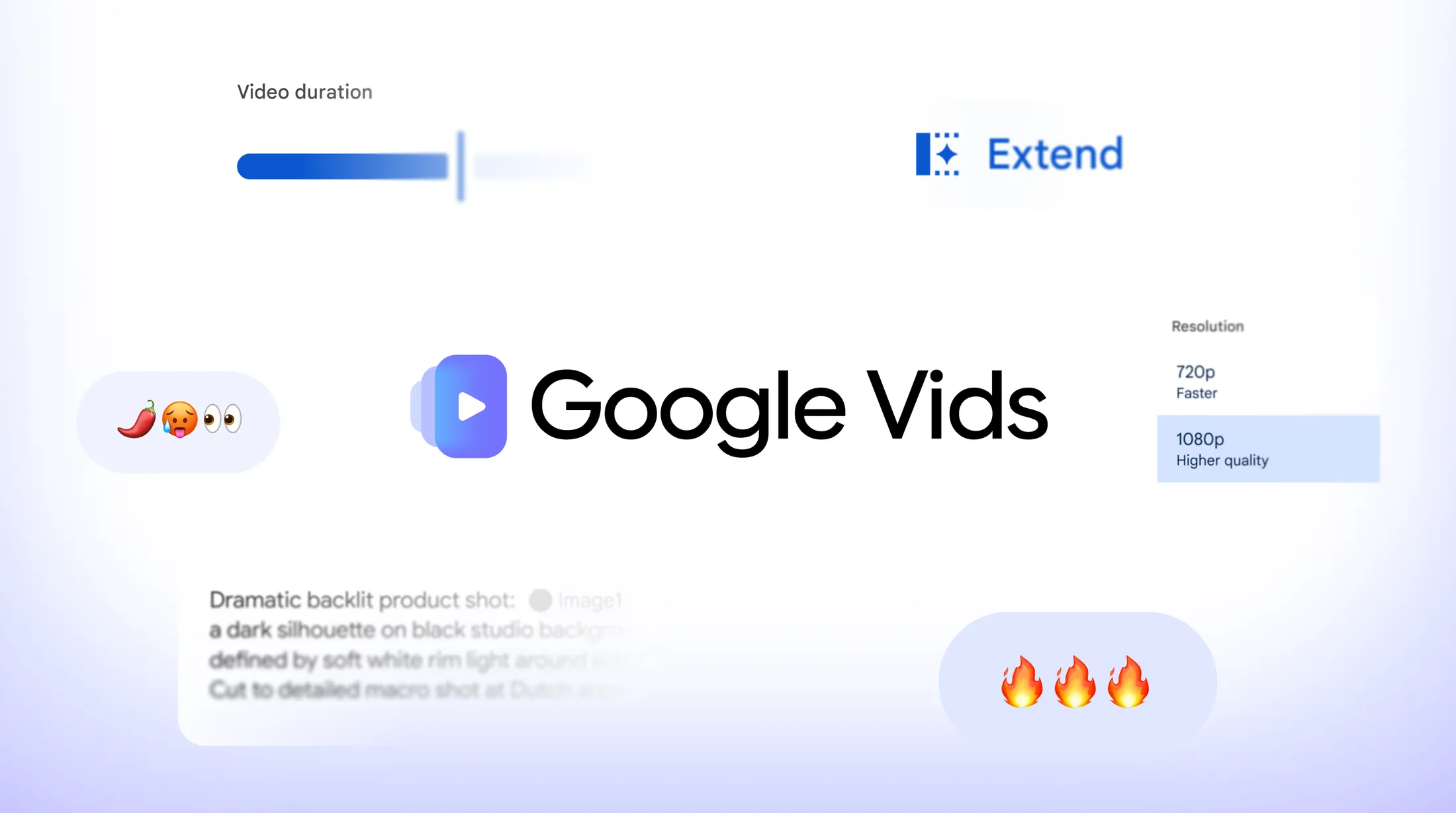
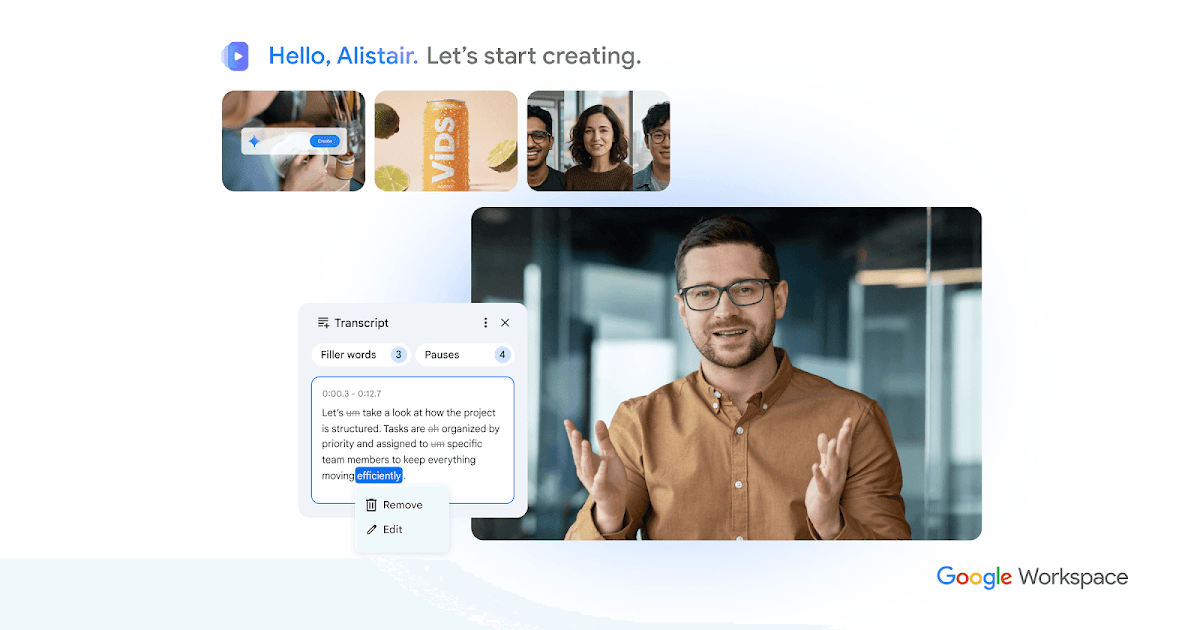
Google Vids is an AI-powered video creation and editing tool built into the Google ecosystem. Generate video clips using Google's Veo AI model, record your screen for tutorials and demos, convert Google Slides presentations into narrated videos, and edit everything with AI-assisted tools. It's designed for professionals and creators who need to produce video content quickly without specialized editing software.
Google Vids integrates with Google Drive, Slides, and Workspace, making it easy to collaborate on video projects. Available with both Workspace and personal Google accounts.
Common questions about Google Vids
Traffic and momentum for Google Vids
6 similar tools
Pomelli
AI-powered marketing tool that generates brand-consistent social media content and studio-quality product photos.
SynthID
Google DeepMind tool that watermarks and identifies AI-generated content — images, text, audio, and video — to foster transparency and trust.
Material Icons
Google's open-source icon library — 2,500+ icons in five styles (outlined, rounded, sharp, filled, two-tone) for web and mobile projects.

Cap
Open source screen recorder for Mac — capture your full screen or a single window in high quality and share it instantly via link, no watermarks.
Kite
Screen recorder for stunning demo videos — record, edit, and share polished product demos and tutorials.
Google Chrome
Fast, secure web browser with built-in Gemini AI — browse, search, and automate tasks across all your devices.
The people behind Google Vids
Google co-founder
Google co-founder
CEO of Google and Alphabet
Similar Launches

Google Vids Screen Recorder
Chrome extension by Google — record your screen directly from the browser and import into Google Vids for editing.

Google Playground
Describe a game in chat, test it in the browser, and change the rules, physics, or characters by asking. Experimental, for U.S. users 18+.

mtioon
Prompt-driven motion design editor that connects to Claude Code, reads your project assets, and builds editable videos on a real timeline.

Descript
Edit video and podcasts by editing the transcript — delete a word and it leaves the video, plus Studio Sound cleanup and Overdub voice cloning.

Submagic
AI-powered short-form video editor — auto-captions, B-roll, sound effects, and transitions for TikTok, Reels, and Shorts.
AI Producer
AI editing agent for your own footage — one pass adds captions, B-roll, motion design, music, and SFX, then you chat with it to adjust the cut.
Comments