



Young Zhao
Co-founder
Turns long podcasts and webinars into short vertical clips for TikTok, Shorts, and Reels — AI picks the moments, adds captions, and reframes.
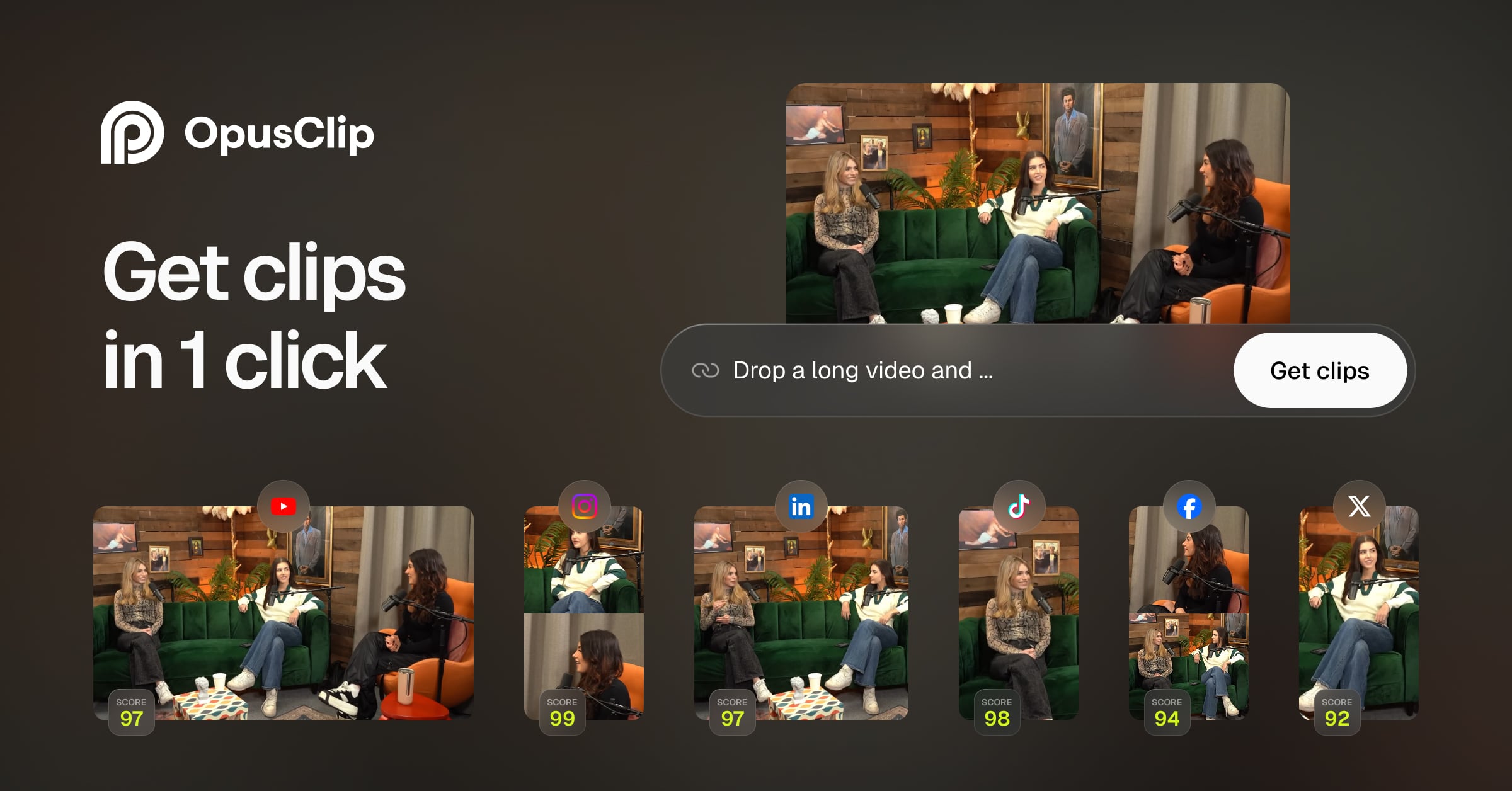
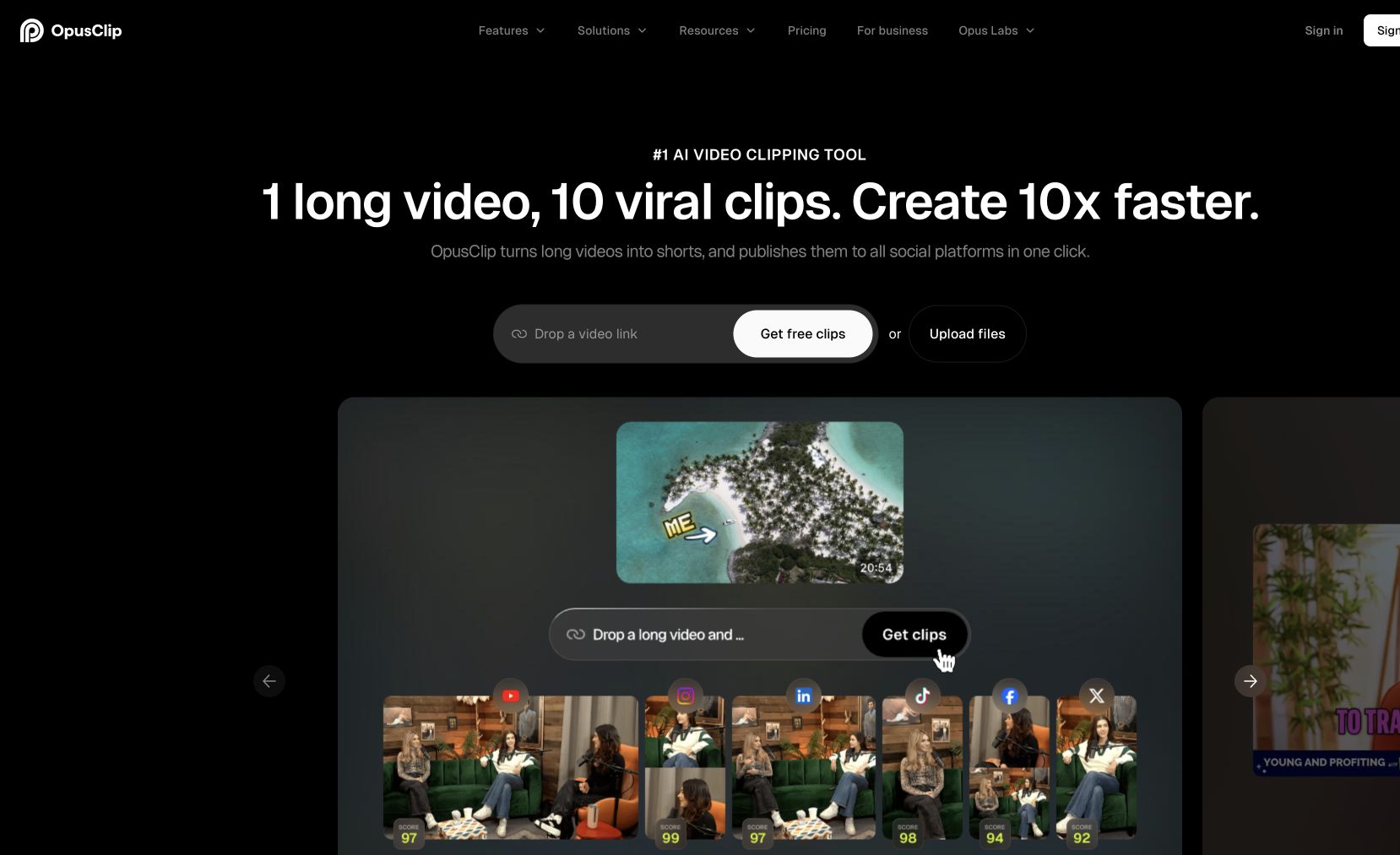
OpusClip is an AI video repurposing tool that automatically turns long-form videos into short, viral clips optimized for TikTok, YouTube Shorts, Instagram Reels, and LinkedIn. Upload a podcast, webinar, or interview, and AI identifies the most engaging moments, adds captions, reframes for vertical format, and generates multiple clips ready to post. Customize branding, adjust clip selections, and batch-export.
Used by content creators and marketing teams who want to maximize the reach of every piece of long-form content without hours of manual editing.
Common questions about OpusClip
Traffic and momentum for OpusClip
Official videos and tutorials for OpusClip.
6 similar tools
Runway
AI-powered creative suite for generating and editing video, images, and 3D — featuring the world's most advanced video generation model.
HeyGen
Talking-head videos from AI avatars — pick from hundreds or build your own from a clip, script in 40+ languages, and translate with lip sync intact.

CapCut
All-in-one video editing software with AI-powered tools, trending effects, and multi-track editing across app, web, and desktop.
OpenShorts
Free open-source clip generator and AI UGC video creator for TikTok, Reels, and Shorts.
Doodles Stoodio
AI-powered character creator from Doodles — generate, customize, and animate unique characters and wearables.
SendShort
Turn long videos into viral short clips with AI — auto-captions, reframing, and editing that works for any video.
The people behind OpusClip
Co-founder
Similar Launches
HeyGen
Talking-head videos from AI avatars — pick from hundreds or build your own from a clip, script in 40+ languages, and translate with lip sync intact.
InVideo AI
Turns text prompts into finished videos — AI writes the script, picks stock footage, adds music and transitions, then you refine by text command.
Agent Opus
End-to-end AI video agent — turn scripts, audio, and brand assets into polished, ready-to-post videos in one click.
AI Producer
AI editing agent for your own footage — one pass adds captions, B-roll, motion design, music, and SFX, then you chat with it to adjust the cut.

Hera
AI motion designer — turn text into professional motion graphics, animations, and motion design without manual keyframing.
AI Producer
OpusClip's video-editing agent: drop in raw footage, chat to direct the edit, and it returns a fine cut with captions, b-roll, motion graphics and SFX.
Comments