Sanket Shah
Co-founder and CEO
Turns text prompts into finished videos — AI writes the script, picks stock footage, adds music and transitions, then you refine by text command.
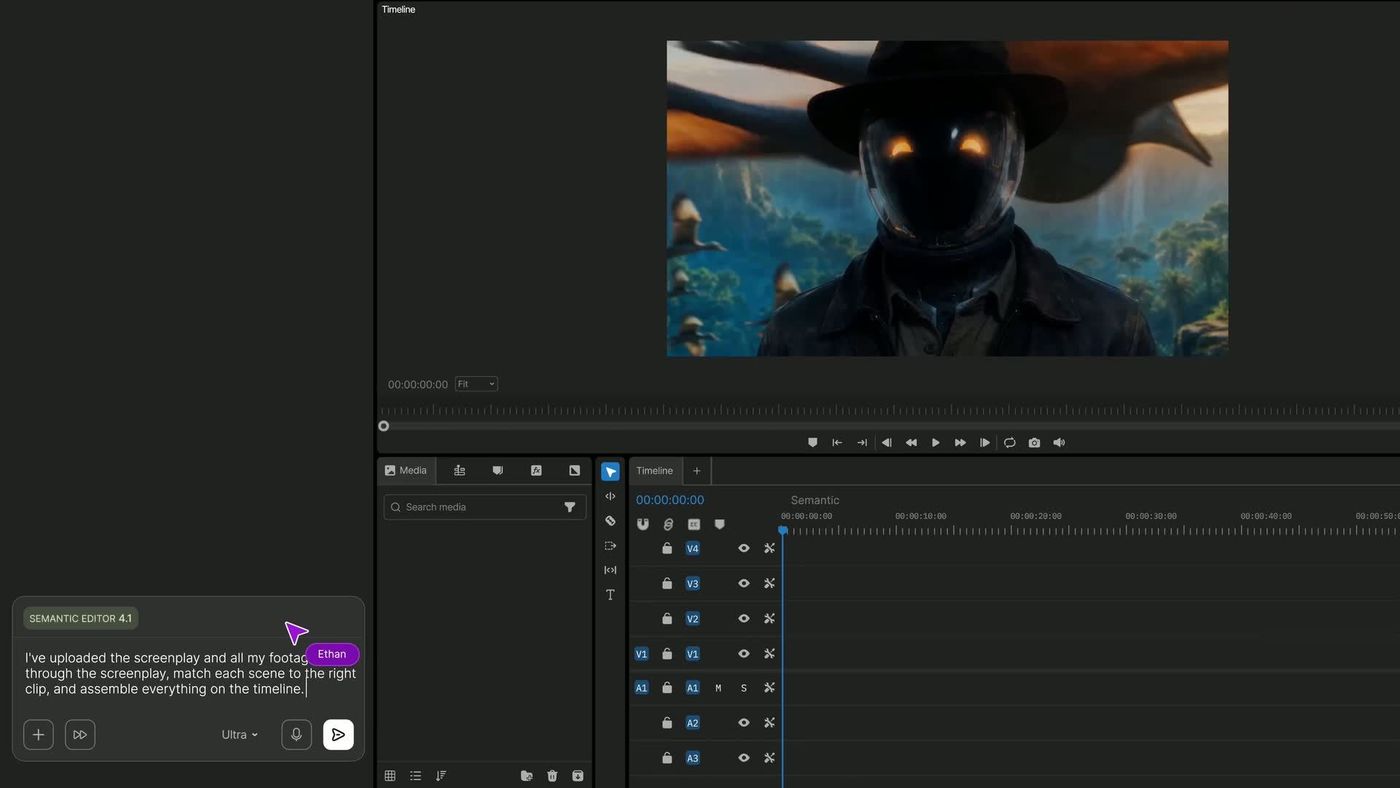
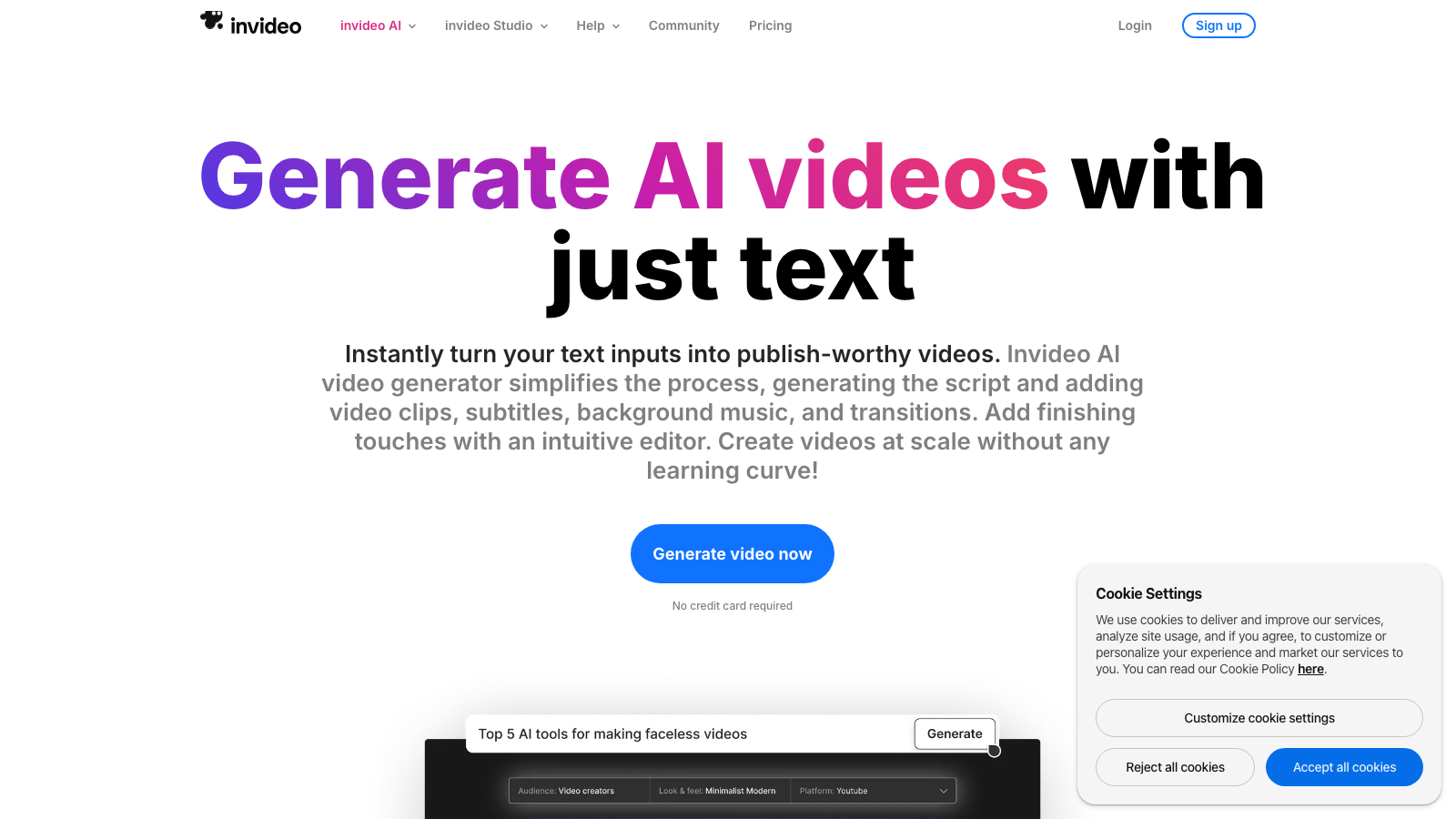
InVideo AI turns text prompts into complete, edited videos. Describe your video idea and AI generates a script, selects matching stock footage, adds music, applies transitions, and produces a ready-to-publish video. Edit any part of the result with simple text commands or use the traditional timeline editor for fine control.
With access to millions of stock clips, templates, and AI voiceover, InVideo makes video creation accessible to marketers, educators, and small businesses who need professional video content without professional video skills.
Common questions about InVideo AI
Traffic and momentum for InVideo AI
6 similar tools
Runway
AI-powered creative suite for generating and editing video, images, and 3D — featuring the world's most advanced video generation model.

OpusClip
Turns long podcasts and webinars into short vertical clips for TikTok, Shorts, and Reels — AI picks the moments, adds captions, and reframes.
HeyGen
Talking-head videos from AI avatars — pick from hundreds or build your own from a clip, script in 40+ languages, and translate with lip sync intact.
Glif
Creative super agent that generates videos, graphics, logos, and animations from a single prompt.
Pika
AI video generation platform — create and edit videos with text prompts, image-to-video, and AI effects.

Google Flow
AI-powered creative studio by Google Labs for generating and editing videos, images, and stories.
The people behind InVideo AI
Co-founder and CEO
Co-founder
Similar Launches
HeyGen
Talking-head videos from AI avatars — pick from hundreds or build your own from a clip, script in 40+ languages, and translate with lip sync intact.
OpusClip
Turns long podcasts and webinars into short vertical clips for TikTok, Shorts, and Reels — AI picks the moments, adds captions, and reframes.
Agent Opus
End-to-end AI video agent — turn scripts, audio, and brand assets into polished, ready-to-post videos in one click.
AI Producer
AI editing agent for your own footage — one pass adds captions, B-roll, motion design, music, and SFX, then you chat with it to adjust the cut.

Hera
AI motion designer — turn text into professional motion graphics, animations, and motion design without manual keyframing.
AI Producer
OpusClip's video-editing agent: drop in raw footage, chat to direct the edit, and it returns a fine cut with captions, b-roll, motion graphics and SFX.
Comments