
David Zitoun
Co-founder
AI-powered short-form video editor — auto-captions, B-roll, sound effects, and transitions for TikTok, Reels, and Shorts.

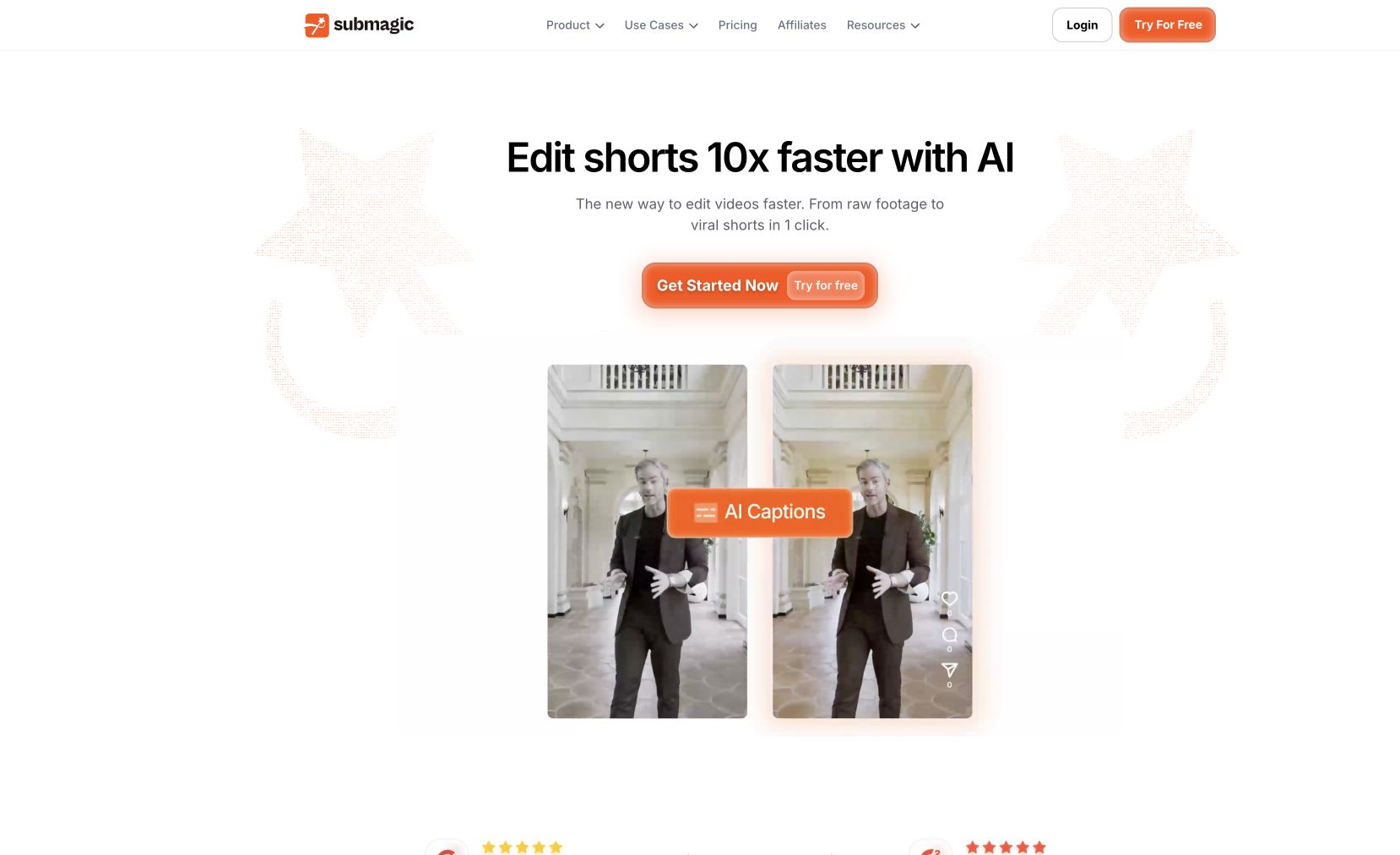
Submagic is an AI video editor built specifically for short-form content. Upload a raw clip and Submagic auto-generates animated captions, suggests B-roll matched to your script, adds zoom transitions and sound effects, and outputs a finished clip sized for TikTok, Reels, and Shorts. Designed for creators who post daily and need to compress their editing time from hours to minutes.
Supports 70+ languages and works directly in the browser — no desktop install required.
Common questions about Submagic
Traffic and momentum for Submagic
6 similar tools

CapCut
All-in-one video editing software with AI-powered tools, trending effects, and multi-track editing across app, web, and desktop.

Descript
Edit video and podcasts by editing the transcript — delete a word and it leaves the video, plus Studio Sound cleanup and Overdub voice cloning.

OpusClip
Turns long podcasts and webinars into short vertical clips for TikTok, Shorts, and Reels — AI picks the moments, adds captions, and reframes.

Clip Factory
Scrape viral YouTube Shorts, stitch them with your CTA, and bulk-schedule to TikTok, Instagram, and YouTube — built for creators and operators.
Hoox
AI UGC video generator for e-commerce ads — realistic AI avatars and auto-edited videos with b-rolls, subtitles, and music in minutes.
SendShort
Turn long videos into viral short clips with AI — auto-captions, reframing, and editing that works for any video.
The people behind Submagic
Similar Launches

mtioon
Prompt-driven motion design editor that connects to Claude Code, reads your project assets, and builds editable videos on a real timeline.
Descript
Edit video and podcasts by editing the transcript — delete a word and it leaves the video, plus Studio Sound cleanup and Overdub voice cloning.

Scrptly
Reverse-engineer viral Reels — analyze top creators in your niche, break down videos beat-by-beat, score your script, and generate new ones from proven frameworks.
AI Producer
AI editing agent for your own footage — one pass adds captions, B-roll, motion design, music, and SFX, then you chat with it to adjust the cut.
LTX Studio
AI video production platform for turning concepts into professional videos with camera control, consistent characters, and timeline editing.

Google Vids
AI-powered video creation tool by Google — generate clips, record your screen, convert presentations to video, and edit with AI assistance.
Comments