Shantanu Narayen
Chair and CEO of Adobe
Vector editor for logos, icons, illustrations, and typography — Pen tool, Shape Builder, Generative Recolor, and art that stays sharp at any size.
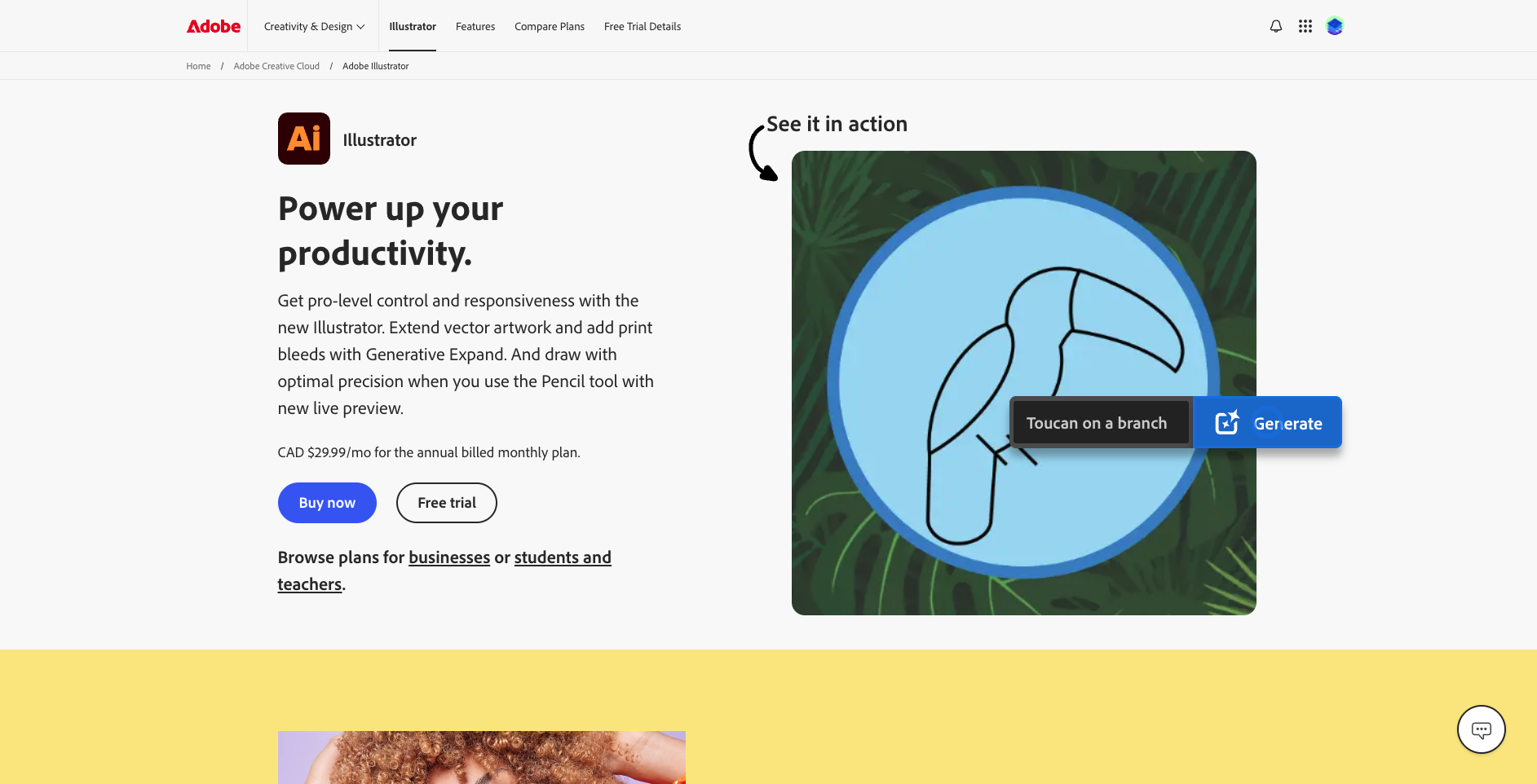
Adobe Illustrator is the industry-standard vector graphics editor used by millions of designers worldwide. Create scalable logos, detailed illustrations, typography, icons, and complex infographics that stay razor-sharp at any size — from mobile screens to billboard prints. With features like the Pen tool, Shape Builder, Generative Recolor powered by Adobe Firefly, and a comprehensive typography engine, Illustrator gives you the precision and creative freedom to bring any visual idea to life.
Seamlessly integrates with Photoshop, InDesign, and the rest of the Adobe Creative Cloud.
Common questions about Adobe Illustrator
Traffic and momentum for Adobe Illustrator
6 similar tools
Canva
Free online design platform for creating presentations, social media graphics, videos, websites, and print materials with thousands of templates.
Adobe Photoshop
Photo editing, retouching, and digital painting — Generative Fill and Expand, Neural Filters, layer compositing, and professional color grading.
Affinity
Professional creative suite — vector design, photo editing, and page layout in one seamless platform with no subscription.
Adobe Creative Cloud
Get the full Adobe Creative Cloud suite at a massive discount with a valid student or educator ID.
Adobe Firefly
Commercially safe generative AI trained on licensed content — text to image, Generative Fill, text effects, and color palette variations.
The people behind Adobe Illustrator
Similar Launches
Adobe Photoshop
Photo editing, retouching, and digital painting — Generative Fill and Expand, Neural Filters, layer compositing, and professional color grading.

Adobe Podcast
Next generation audio from Adobe is here. Record, transcribe, edit, share. Crisp and clear, every time.
Adobe Express
Free all-in-one design app — create social media posts, flyers, videos, and more with thousands of templates and AI tools.
Adobe Firefly Text to Speech
Generate natural-sounding voiceovers from text with Adobe Firefly — choose from multiple voices, languages, and styles.
Adobe for ChatGPT
Adobe's unified plugin for ChatGPT. Access tools from Photoshop, Adobe Express, Illustrator, Premiere, Acrobat, and more in ChatGPT, ChatGPT Work, and Codex using natural language.

Higgsfield for Adobe
Free AI plugin for Premiere Pro and After Effects — reframe, remove background, upscale to 4K/8K, draw to edit, and generate video without leaving Creative Cloud.
Comments