Mike Bespalov
Refero creator
Curated DESIGN.md library for AI agents — drop-in design systems for Cursor, Claude Code, Lovable, and other AI coding tools.
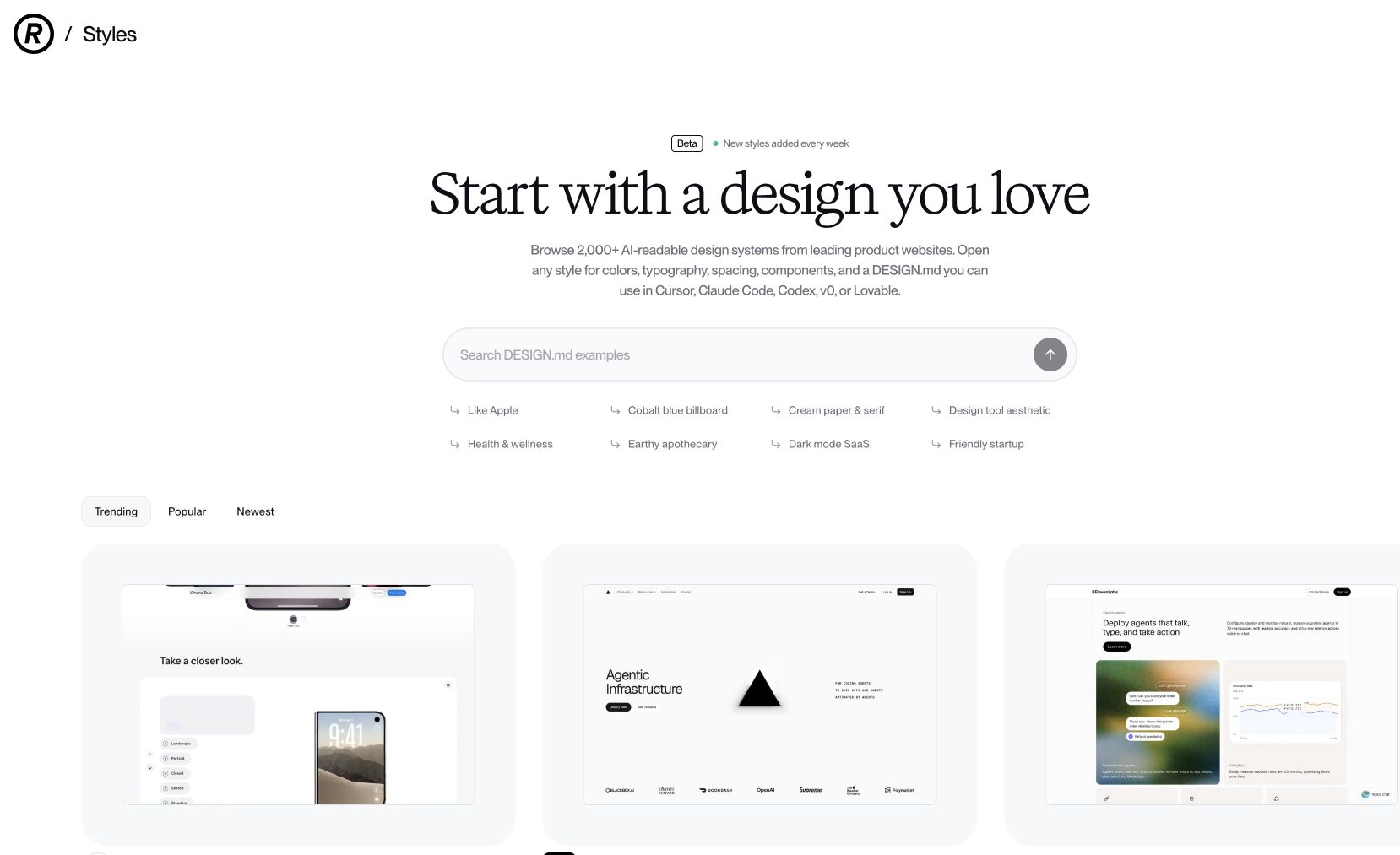
Refero Styles is a curated library of design systems formatted as DESIGN.md files — drop-in context for AI coding agents. Browse hundreds of top sites and copy a single Markdown file that captures their colors, typography, spacing, motion, and component patterns. Hand it to Cursor, Claude Code, Lovable, Bolt, or any other AI coding tool and watch the output go from generic to brand-grade.
Common questions about Refero Styles
Traffic and momentum for Refero Styles
6 similar picks

MiroMiro
Chrome extension that extracts design assets, code, and design tokens from any website without opening DevTools.

DESIGN.md Style Extractor
Chrome extension that extracts CSS styles from any website and generates DESIGN.md files for AI-assisted development.
Refero
UI/UX design inspiration library of real product screens, flows, and patterns for web and iOS — searchable design research for humans and AI.

Graphify
Turn a codebase into a knowledge graph your AI assistant can trace — answers come back as graph paths with real file:line citations.
Hugging Face
The open home of machine learning: 3 million models, 500,000 datasets and 1 million apps, with hosted inference, Spaces and the Transformers libraries.
MagicPath Agent Skills
Drop MagicPath into Claude Code, Cursor, or Codex as an agent skill — design + build in MagicPath from your favorite AI coding agent. Open-source via the Agent Skills CLI.
The people behind Refero Styles
Refero creator
Similar Launches
Graphify
Turn a codebase into a knowledge graph your AI assistant can trace — answers come back as graph paths with real file:line citations.
Hugging Face
The open home of machine learning: 3 million models, 500,000 datasets and 1 million apps, with hosted inference, Spaces and the Transformers libraries.
MagicPath Agent Skills
Drop MagicPath into Claude Code, Cursor, or Codex as an agent skill — design + build in MagicPath from your favorite AI coding agent. Open-source via the Agent Skills CLI.

Editframe
Build video with code — declarative HTML + CSS that renders to video, with React support, agent prompts, and parallel cloud rendering at scale.
HyperFrames
Open-source framework for rendering HTML compositions into MP4 videos, built for AI agents and automated pipelines.
LanceDB
Multimodal vector database for RAG, AI agents, and hybrid search with native versioning and S3-compatible storage.
Comments