
Build video with code — declarative HTML + CSS that renders to video, with React support, agent prompts, and parallel cloud rendering at scale.

What is Editframe?
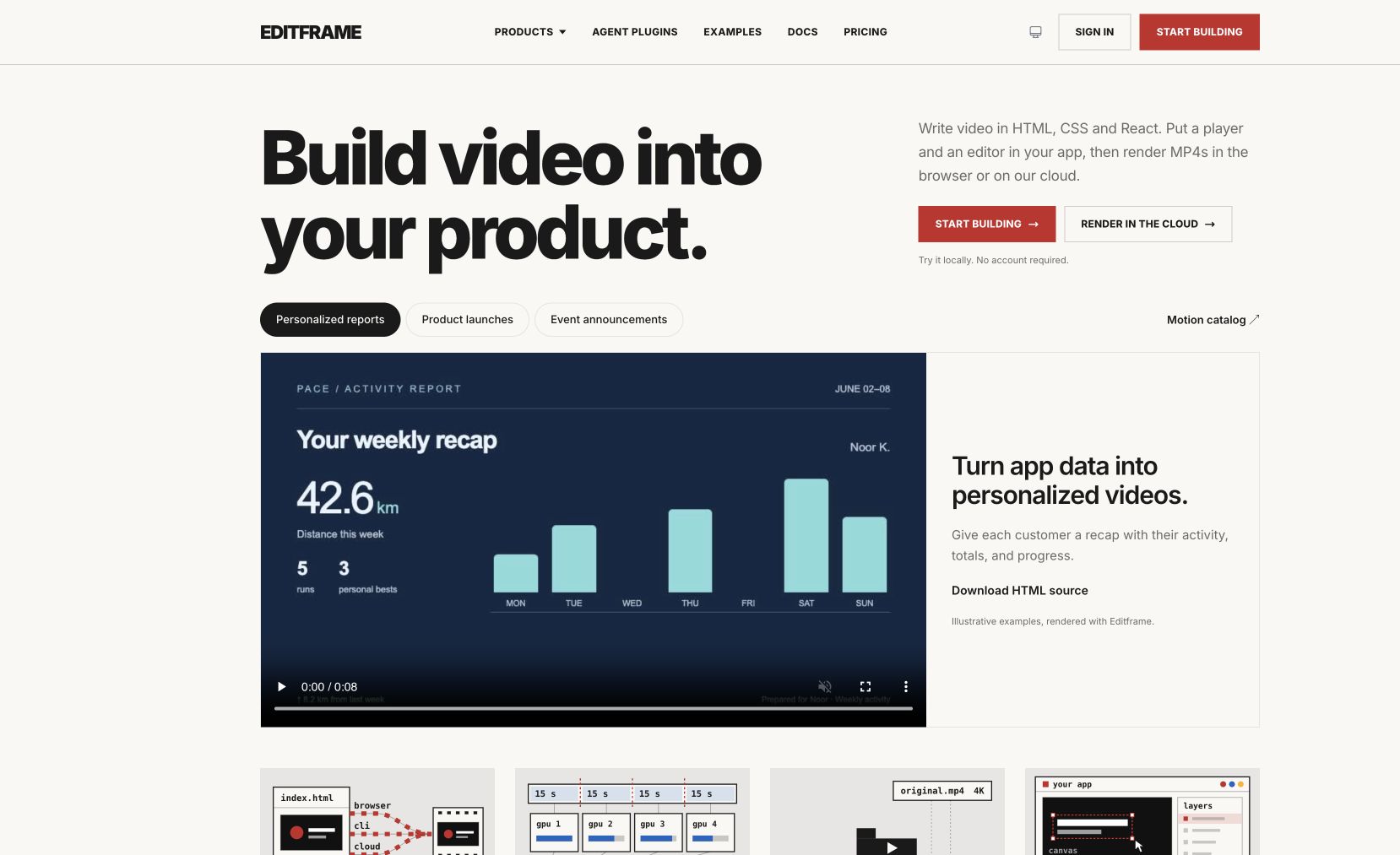
Editframe lets you build video with code. Write declarative HTML + CSS (or React components) and Editframe renders it to MP4 — locally for instant preview, or in parallel across cloud workers for production-scale jobs. Drive renders programmatically, hand a project to an AI agent, or build personalized video pipelines that fan out per user.
The same model that React and Vercel popularized for the web, applied to video.
Features
- Render HTML + CSS to video
- React component support
- Prompt-driven agent workflows
- Instant browser preview
- Parallel cloud rendering at scale
FAQs
Common questions about Editframe
Is Editframe free?
How is this different from Remotion?
Insights
Traffic and momentum for Editframe
Similar to Editframe
6 similar picks

Diffusion Studio
Browser-based video editor on an infinite canvas — multi-track timeline, AI-powered workflows, 4K export, free.
Remotion
Make videos programmatically — create animations, data visualizations, and dynamic video content using React and code.

OpenEdit
Open source agentic video editor by VEED. Install it as an agent skill and let Claude Code, Codex, or Gemini transcribe footage, design caption styles, and render finished MP4s locally.

Capsule
AI video editor for marketing teams — works from your brand assets, templates, and motion design systems so videos come out on-brand and editable.

nizima ACTION!!
Browser-based video editor by Live2D — create rich videos with Live2D models, perfect for VTubers and motion designers.
HyperFrames
Open-source framework for rendering HTML compositions into MP4 videos, built for AI agents and automated pipelines.
Team
The people behind Editframe
Similar Launches
HyperFrames
Open-source framework for rendering HTML compositions into MP4 videos, built for AI agents and automated pipelines.

Graphify
Turn a codebase into a knowledge graph your AI assistant can trace — answers come back as graph paths with real file:line citations.
Hugging Face
The open home of machine learning: 3 million models, 500,000 datasets and 1 million apps, with hosted inference, Spaces and the Transformers libraries.

Higgsfield Academy
Free interactive courses on AI filmmaking from Higgsfield, taught by the directors behind the Cannes-screened feature Hell Grind. Learn to make movies, not just generations.
HeyGen for Canva
Generate HeyGen AI avatar videos directly inside Canva — pick an avatar, type your script, and drop the result into your design.
Refero Styles
Curated DESIGN.md library for AI agents — drop-in design systems for Cursor, Claude Code, Lovable, and other AI coding tools.
Comments