Joshua Xu
Co-founder and CEO of publisher HeyGen
Generate HeyGen AI avatar videos directly inside Canva — pick an avatar, type your script, and drop the result into your design.
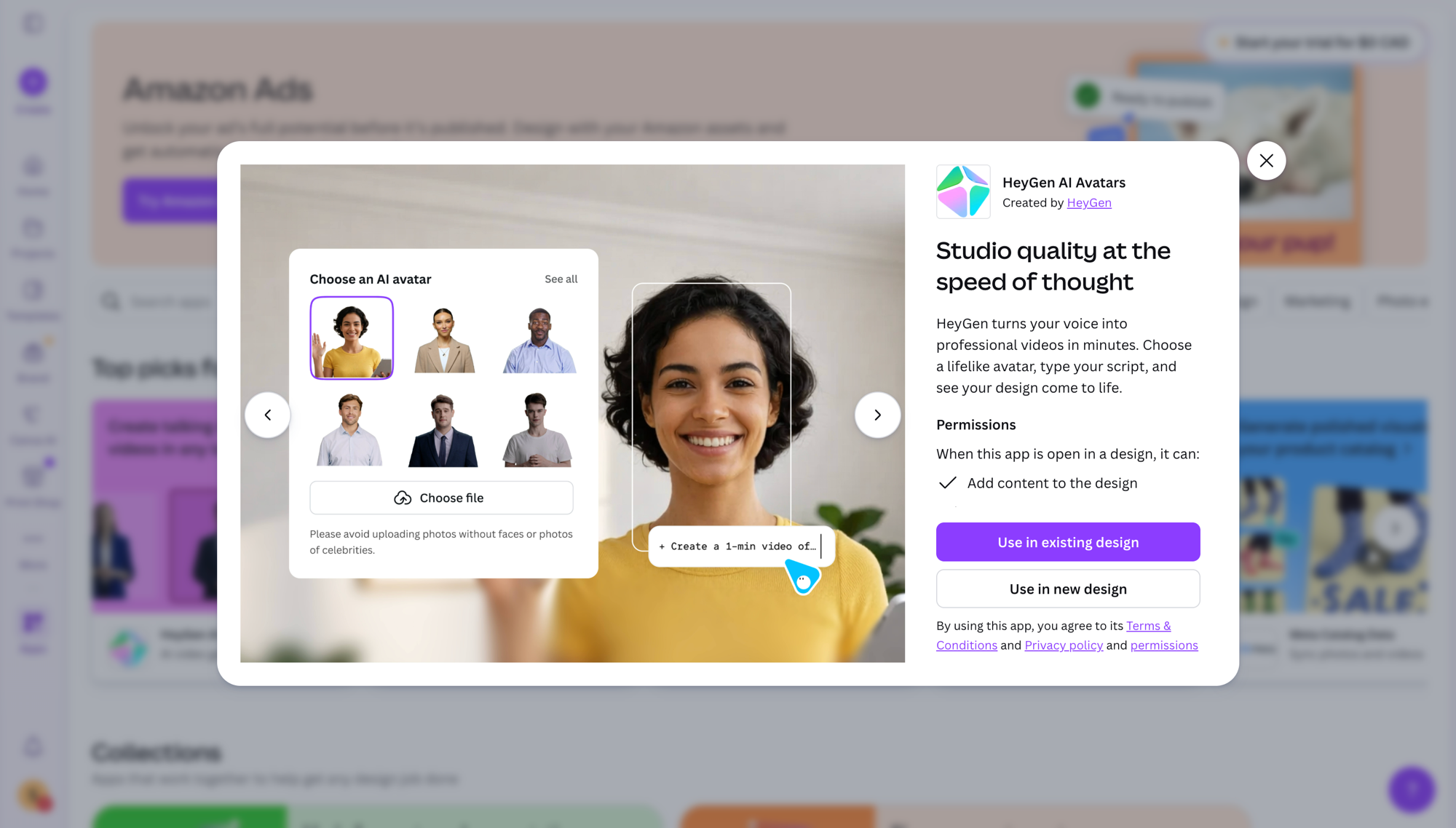
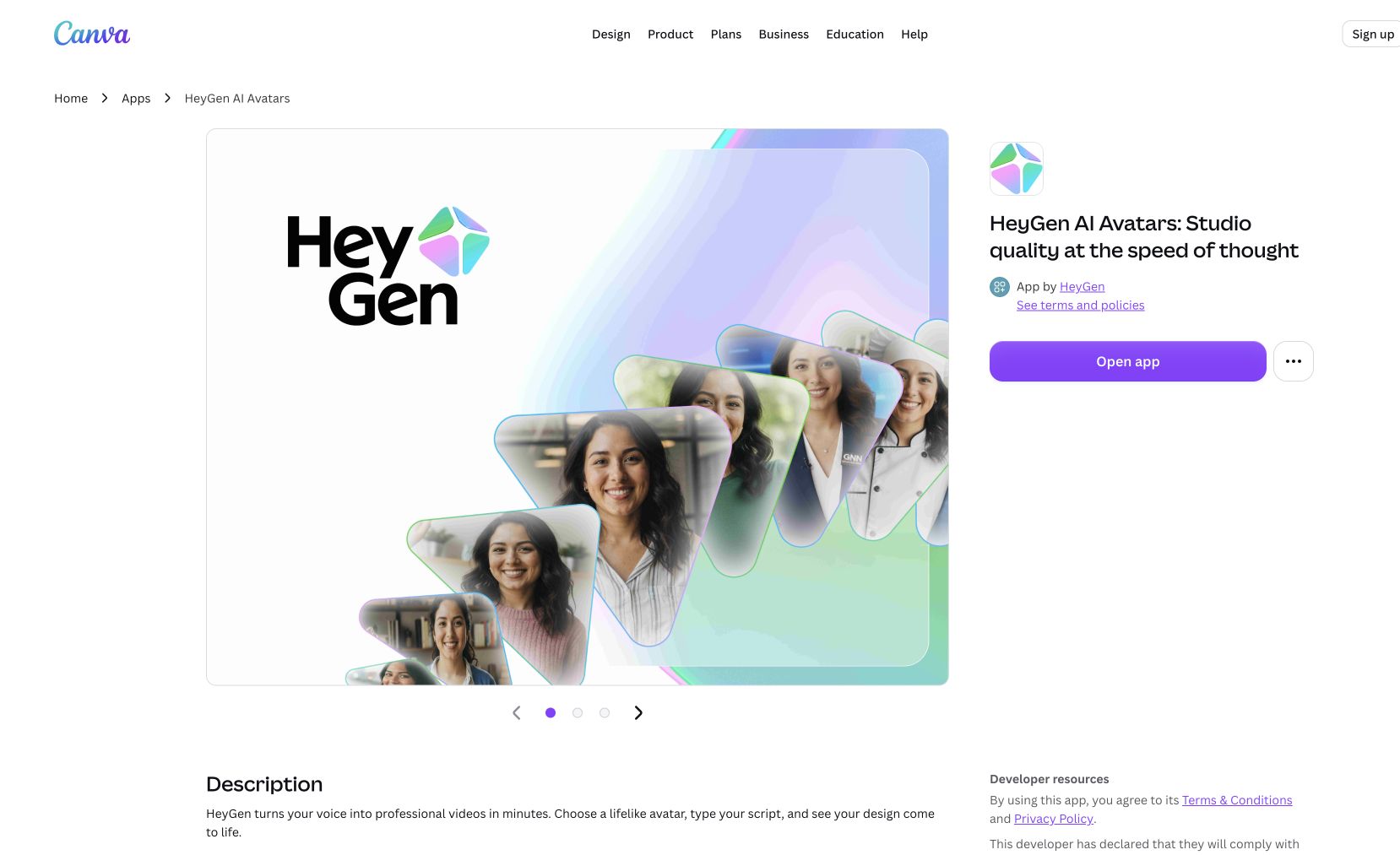
The HeyGen Canva App lets you generate AI avatar videos without leaving Canva. Choose from HeyGen's library of realistic avatars (or your own custom avatar), type a script, pick a voice in 40+ languages, and Canva drops the generated clip right onto your canvas. Perfect for social posts, training decks, product demos, and personalized outreach where you'd rather not film yourself.
Combines HeyGen's avatar quality with Canva's layout tools — no separate exports, downloads, or asset wrangling.
Common questions about HeyGen for Canva
Traffic and momentum for HeyGen for Canva
6 similar picks
Canva
Free online design platform for creating presentations, social media graphics, videos, websites, and print materials with thousands of templates.
HeyGen
Talking-head videos from AI avatars — pick from hundreds or build your own from a clip, script in 40+ languages, and translate with lip sync intact.
Adobe for ChatGPT
Adobe's unified plugin for ChatGPT. Access tools from Photoshop, Adobe Express, Illustrator, Premiere, Acrobat, and more in ChatGPT, ChatGPT Work, and Codex using natural language.
Magic Animator
Figma plugin that animates your designs in seconds with AI — bring static layers to life without a motion workflow.
Shape Move
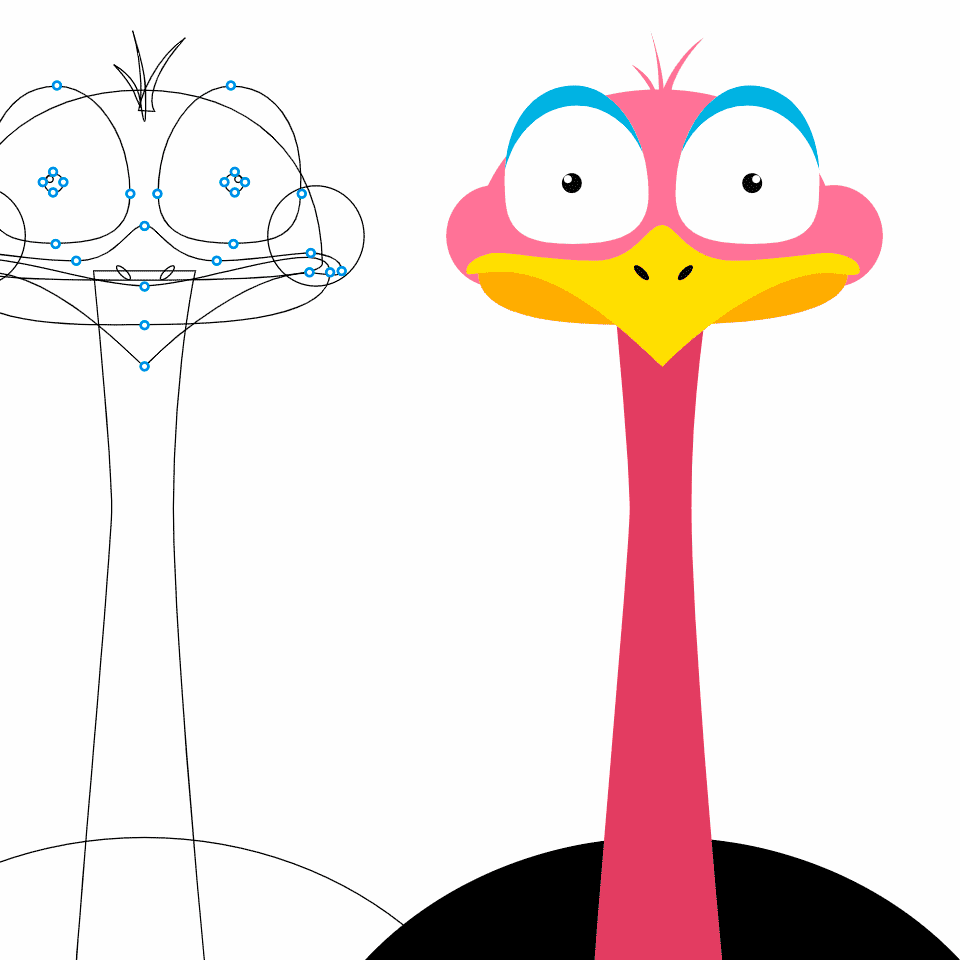
Figma plugin that animates shapes along any path — draw a line, attach a shape, and export smooth motion graphics in one click.
Reve for Chrome
Reve's official Chrome extension — add images from across the web straight into your Albums and References in Reve.
The people behind HeyGen for Canva
Similar Launches
HeyGen for Android
Create AI avatar videos on the go — generate, edit, and share talking-head videos from your Android phone.

Higgsfield Academy
Free interactive courses on AI filmmaking from Higgsfield, taught by the directors behind the Cannes-screened feature Hell Grind. Learn to make movies, not just generations.

Canva for Affinity
Unlock Canva AI tools directly inside Affinity Designer, Photo, and Publisher — Canva Premium subscribers get a supercharged Affinity workflow with cross-app generation and editing.

Editframe
Build video with code — declarative HTML + CSS that renders to video, with React support, agent prompts, and parallel cloud rendering at scale.
HyperFrames
Open-source framework for rendering HTML compositions into MP4 videos, built for AI agents and automated pipelines.

VEED Subtitles API
API to burn polished, styled subtitles into any video — VEED transcription and presets, served by fal with 100+ languages and 4K output.
Comments