
Melanie Perkins
Co-founder of Canva (publisher)
Unlock Canva AI tools directly inside Affinity Designer, Photo, and Publisher — Canva Premium subscribers get a supercharged Affinity workflow with cross-app generation and editing.
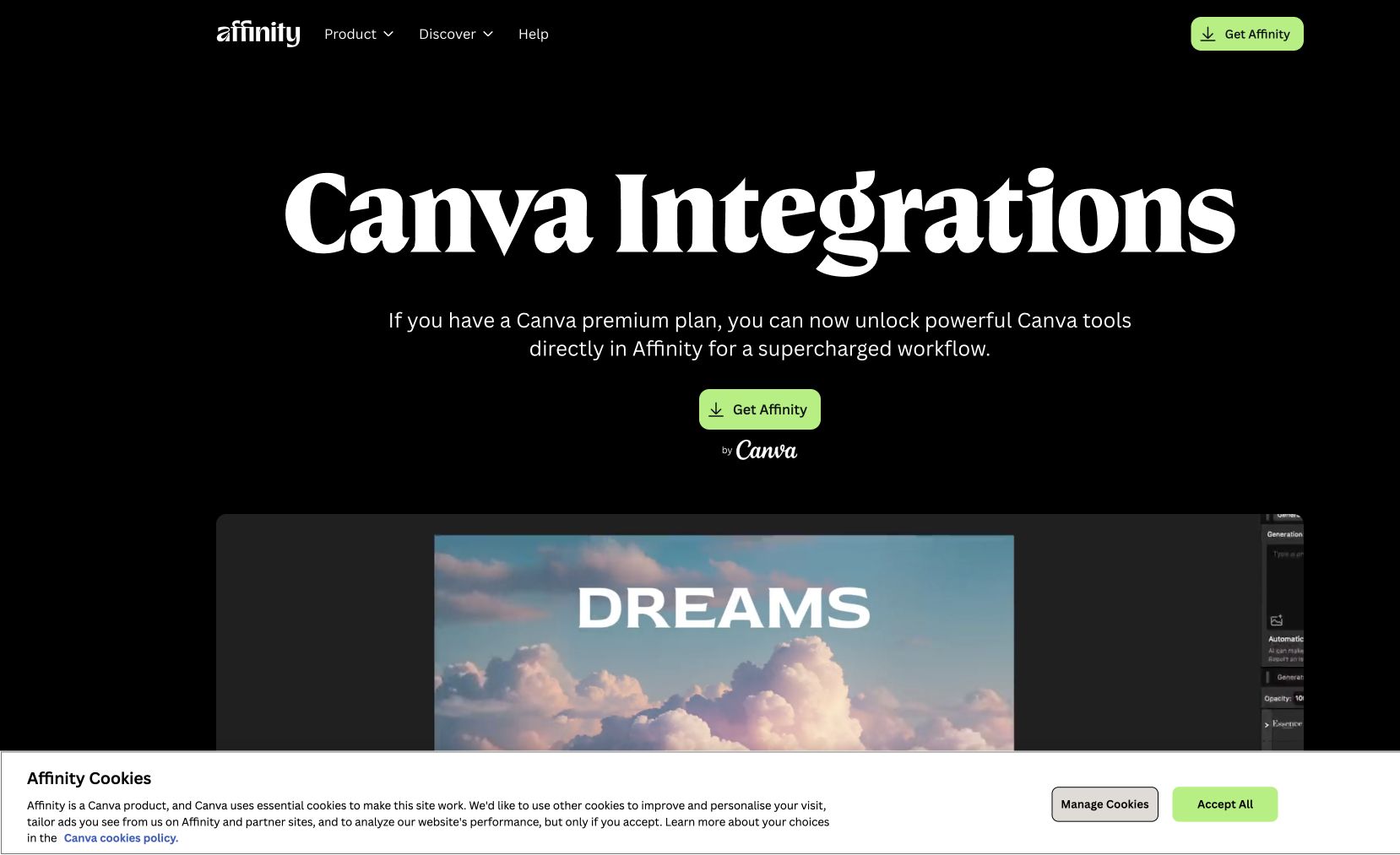
If you have a Canva Premium subscription, you can unlock Canva's AI tools inside Affinity Designer, Photo, and Publisher. Generate images, edit with AI, and pull on Canva's full library without leaving the Affinity canvas. The integration adds a smarter Generate Image and Generative Edit workflow with multiple AI model options including Nano Banana 2.
Acquisition synergy after Canva bought Affinity — designers who lived in Affinity for control now get Canva's AI without the round-trip.
Common questions about Canva for Affinity
Traffic and momentum for Canva for Affinity
6 similar picks

Canva
Free online design platform for creating presentations, social media graphics, videos, websites, and print materials with thousands of templates.
Affinity
Professional creative suite — vector design, photo editing, and page layout in one seamless platform with no subscription.
Magnific Plugins
Magnific plugins for Premiere Pro, After Effects, DaVinci Resolve, and Final Cut Pro — generate, upscale, relight, reframe, add AI audio, and pull from 250M stock assets in your timeline.
Adobe for ChatGPT
Adobe's unified plugin for ChatGPT. Access tools from Photoshop, Adobe Express, Illustrator, Premiere, Acrobat, and more in ChatGPT, ChatGPT Work, and Codex using natural language.
Magic Animator
Figma plugin that animates your designs in seconds with AI — bring static layers to life without a motion workflow.
Shape Move
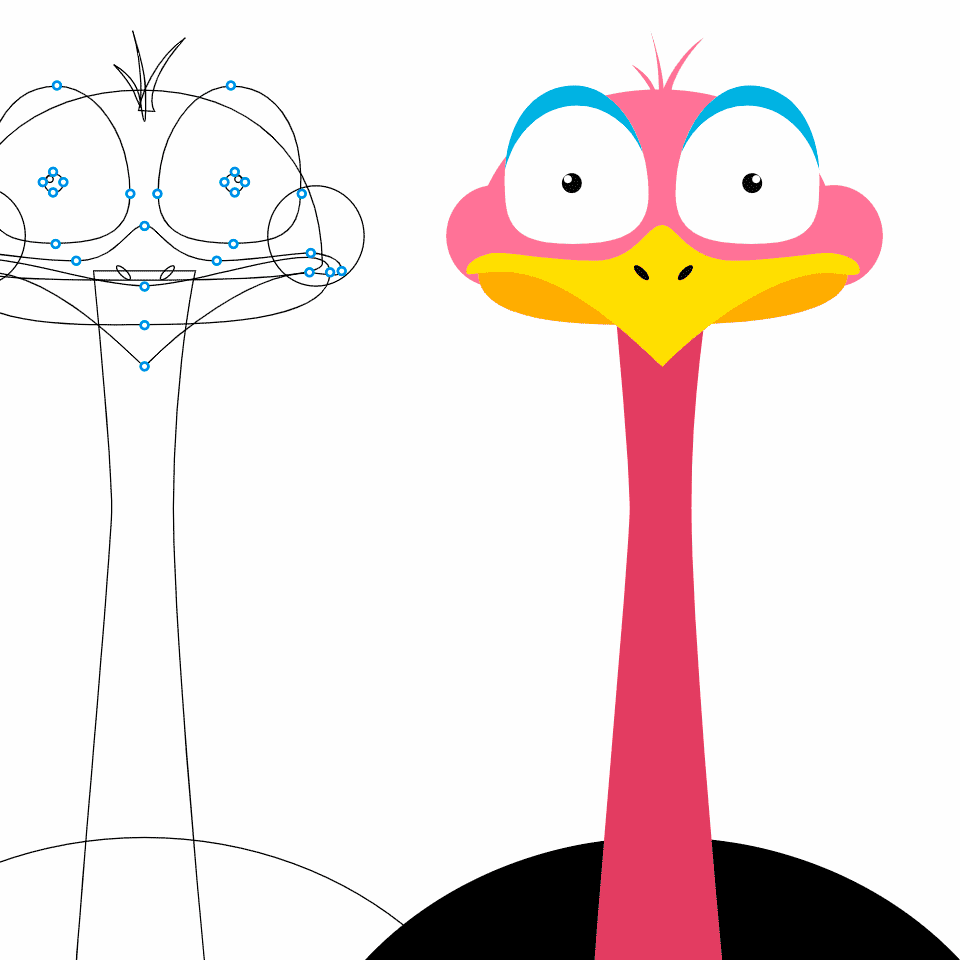
Figma plugin that animates shapes along any path — draw a line, attach a shape, and export smooth motion graphics in one click.
The people behind Canva for Affinity
Co-founder of Canva (publisher)
Co-founder of Canva (publisher)
Co-founder of Canva (publisher)
Similar Launches

Comments