10 Link in Bio Platforms Compared for 2026
Which link in bio platform is best? That question is the wrong one, and it's why so many creators end up paying for a tool they abandon in six months. A scan of 100 million Instagram profiles found about 31 million of them using a link-in-bio tool spread across 62 identifiable platforms, so this is a mature, crowded category full of products that look identical in a screenshot (Dataintelo's link in bio platform market report). They don't behave identically.
Here's the short answer. If all you need is a tidy list of destinations, a classic link list goes live in an afternoon and often costs nothing. If you sell courses, downloads, coaching, or bookings, pay for a storefront with checkout built in instead of bolting a payment link onto a list. If the page should feel like a small website with sections, media, and a form, use a one-page builder. If you already pay for social scheduling or a website platform, the bio page bundled into that subscription is usually the cheapest sensible option and almost never the best standalone one.
The ten tools below are grouped by the job they do: simple link lists, storefronts, mobile-first builders, and ecosystem add-ons. Picking the wrong group costs a subscription and, worse, a rebuild in the middle of a launch. For a wider shortlist that covers options this list leaves out, the link in bio app comparison is a useful second pass.
1. Linktree
Linktree is the default answer to a problem Instagram created. It launched in 2016 as a workaround for the single profile link, letting one mobile page stack a website, a shop, a newsletter, a portfolio, and other social profiles (a short history of Linktree's growth). That head start became scale. The company reported more than 24 million users and more than 500 million monthly visits by 2022, and LinkedIn's coverage of its creator survey put it at 50 million global users in 2024 (LinkedIn's story on creator earnings).
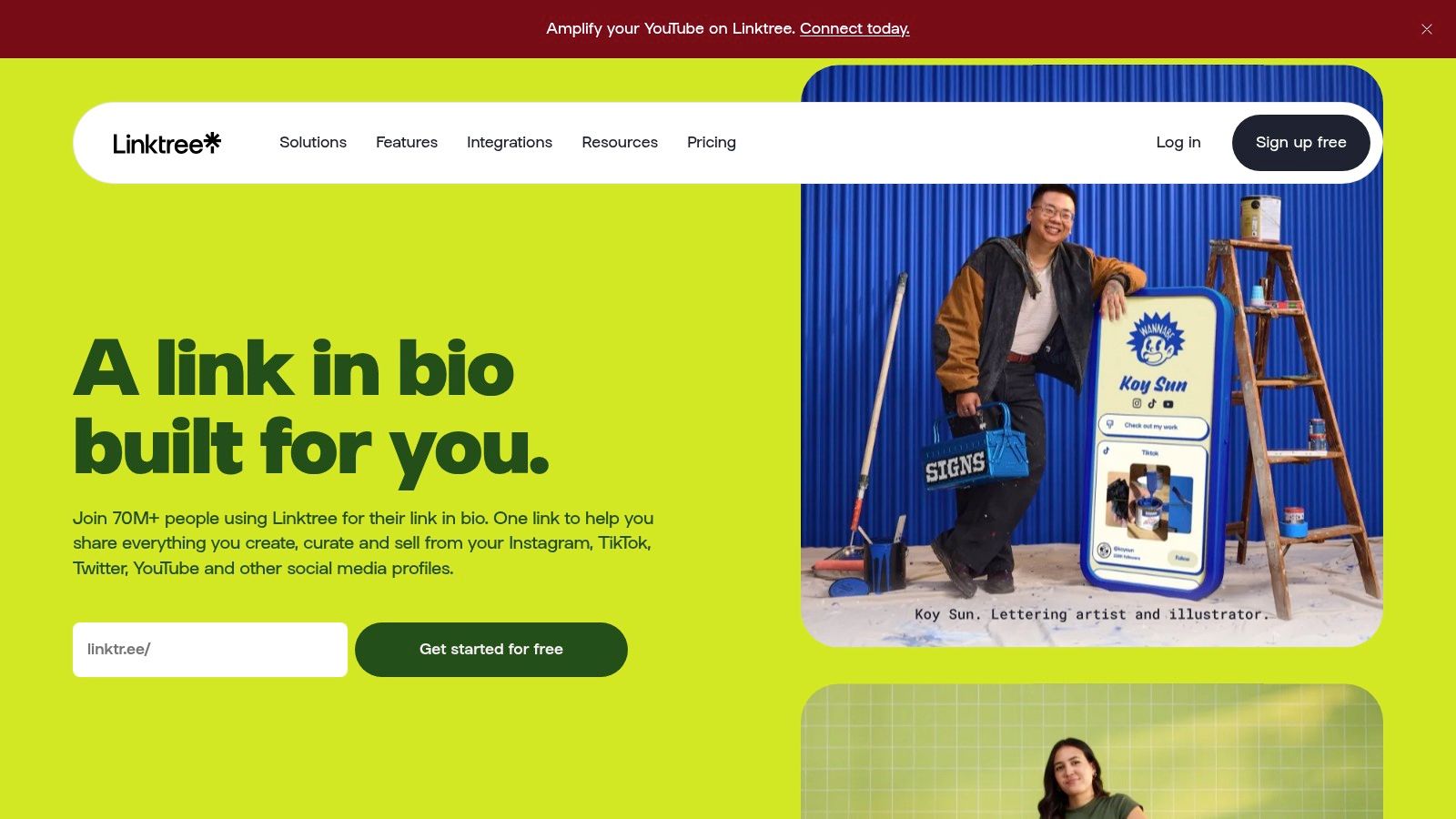
Setup takes minutes and visitors recognize the format immediately, which is a conversion advantage nobody gives it credit for. What you get:
- A free tier with unlimited basic links, sufficient for users who just need a hub.
- Paid plans that add styling, analytics, and marketing integrations, with scheduled links and smart routing at higher tiers.
- Selling for products and courses, with seller fees that change depending on the plan you're on.
Linktree is a link list first. If revenue depends on checkout happening inside the page, you'll feel the seams within a month.
Treat it as the safe default for a general audience, not a final destination. Inside a wider social media management and marketing workflow, the bio page is one node, not the system. Official site: linktr.ee.
2. Beacons
Beacons sells consolidation. The bio page is the front door, but the account behind it also holds digital product sales, an email list, a media kit, affiliate links, and an Instagram auto-DM tool.
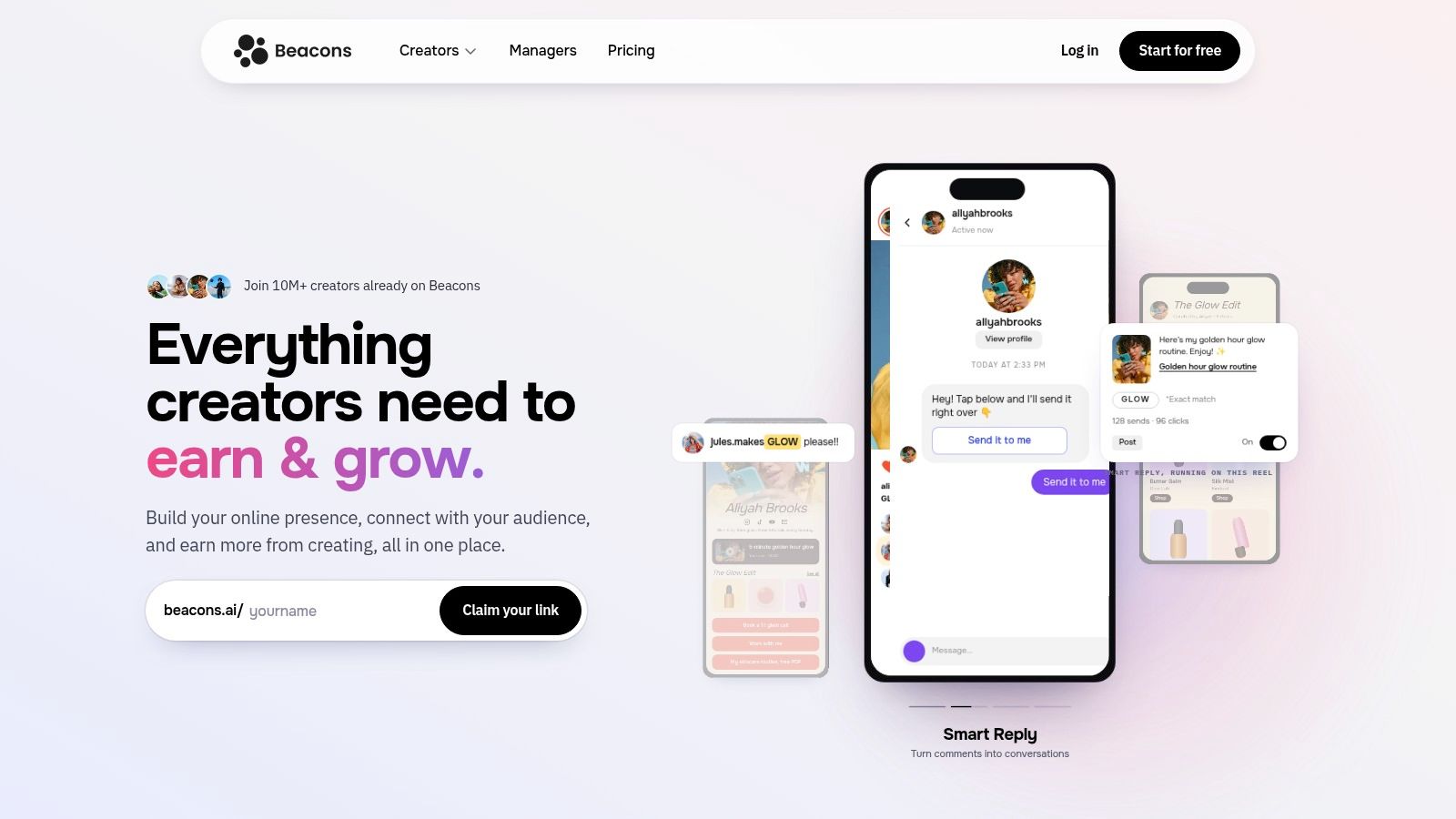
Where consolidation earns its keep
Revenue data explains the appeal. In a 2022 global survey of 9,500 creators, 59% of beginners had not monetized at all and 53% earned under $100 from a single brand collaboration (TechCrunch's summary of the creator economy report). One account carrying a product, a list, and a sponsorship link beats three logins.
The build itself is straightforward:
- Page and site in one, with layout control and a media kit for brand pitches.
- Selling and email built in, so a template or a download can be bought without leaving the page.
- Growth tools including affiliate links, Instagram auto-DMs, and AI-assisted page and copy generation.
The pitch only pays off if you're stitching together three or four subscriptions today. Already run a checkout and an email platform you like? Beacons duplicates both.
The catch is the fees. Seller fees vary by plan tier, so check Beacons' pricing page against last month's sales before you commit. And a basic list of links needs none of this. Official site: beacons.ai.
3. Stan Store
Stan Store answers a different question than Linktree does. Not where to send people, but where they pay. Selling is native rather than bolted on, and the page layout pushes every visitor toward a transaction.
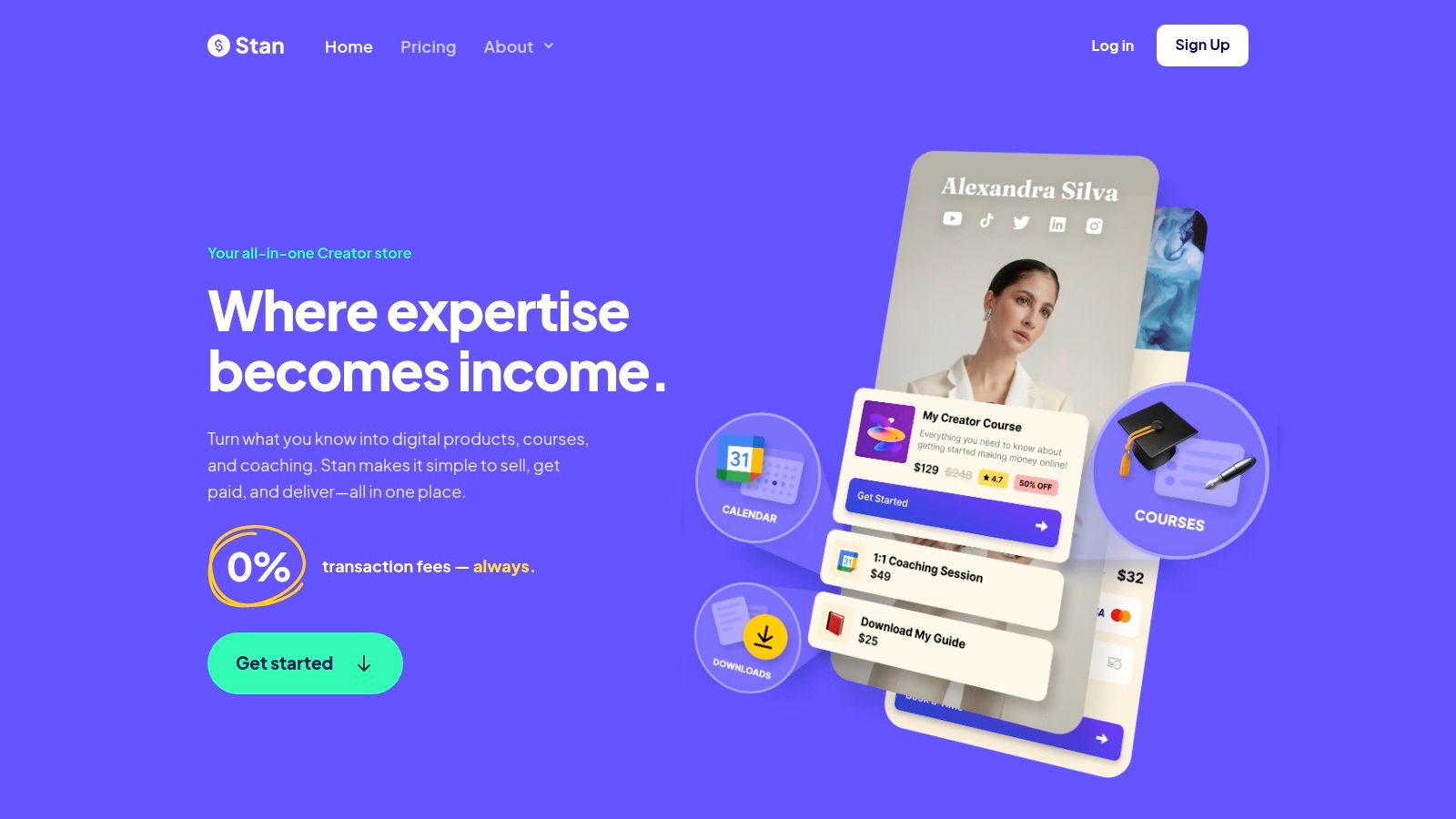
- Native checkout for digital products, services, courses, and recurring subscriptions.
- Booking and calendar tools for coaching calls and consultations.
- Lead collection attached to the store, so buyers end up on a list you own rather than a platform's.
- No free plan. The help center states a 14-day trial before the paid subscription begins.
If you're not selling yet, this is the most expensive way to display six links.
The commitment is the trade-off. A subscription is hard to justify from a page that only routes traffic, and the storefront layout can feel heavy for someone whose main goal is a portfolio or a newsletter sign-up. For those who do sell, page design matters far less than product-market fit, so study proven digital product examples before spending a month on branding. Official site: stan.store.
4. Later Link in Bio
Later's bio page only makes sense if Later is already your scheduling tool. It's a mini-site tied to your content calendar rather than a standalone product, and it's priced accordingly.
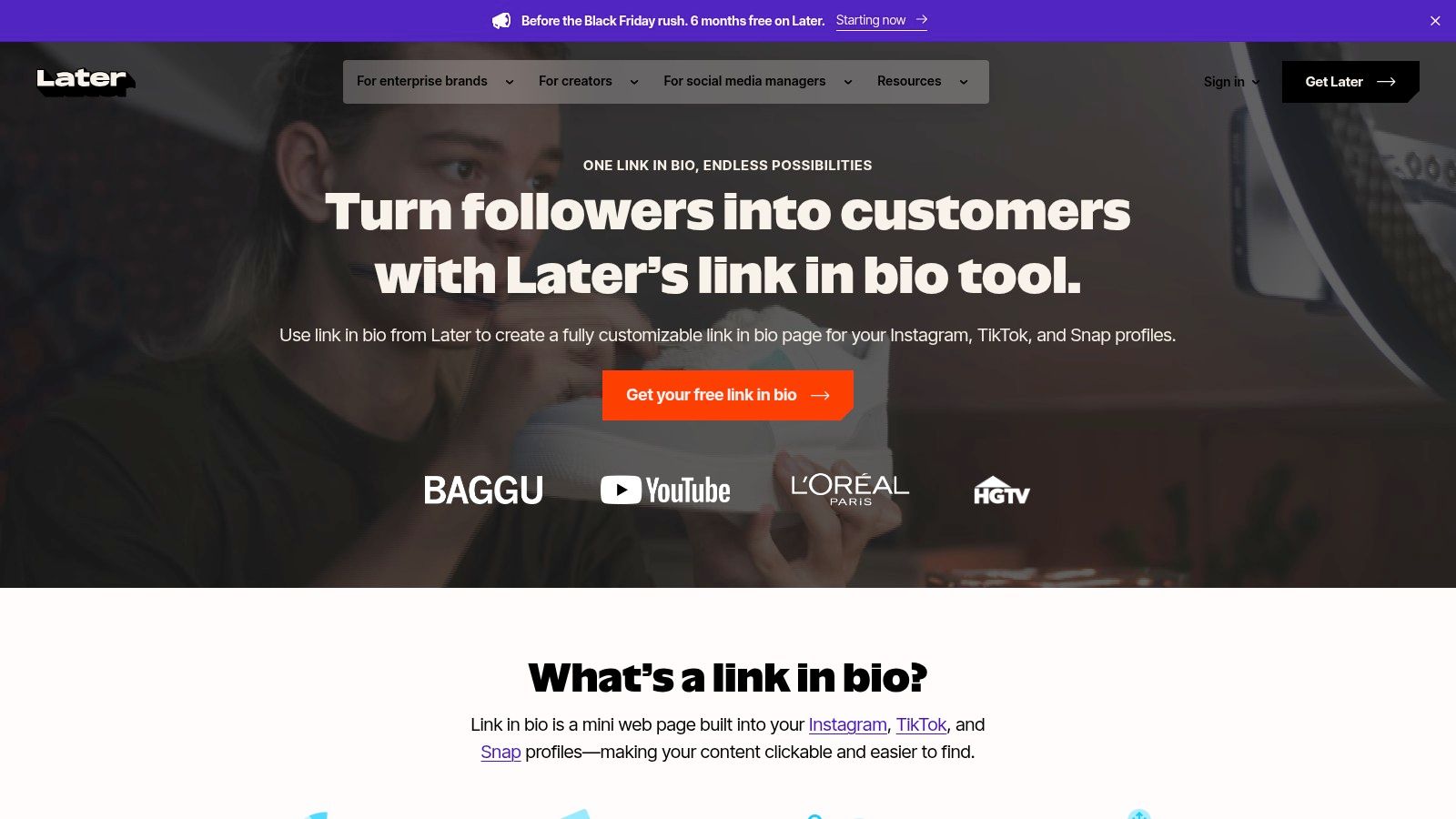
Where it earns its place is the link between planning and destination. A launch scheduled across Instagram and TikTok can point at the same bio page, and the analytics from that page sit next to the social numbers you're already reviewing. What's inside:
- Content routing to products, videos, blog posts, and other destinations.
- Calendar-linked updates, so the page changes when the campaign does.
- Analytics included in the Later plans you already pay for.
A bio page updated by the same team that schedules the posts avoids the classic failure: new campaign, stale links.
Without the wider subscription the page is thin value, and features and cost ride on the larger Later plan. Don't buy it for the bio page alone. If the calendar is all you need, free social media scheduling tools cover most of that job. Official site: later.com.
5. Carrd
Carrd is a one-page website builder that people use as a bio page because a stack of buttons can't hold a layout. Sections, spacing, and typography are yours to control, which is the whole reason it has a following among freelancers and small studios.
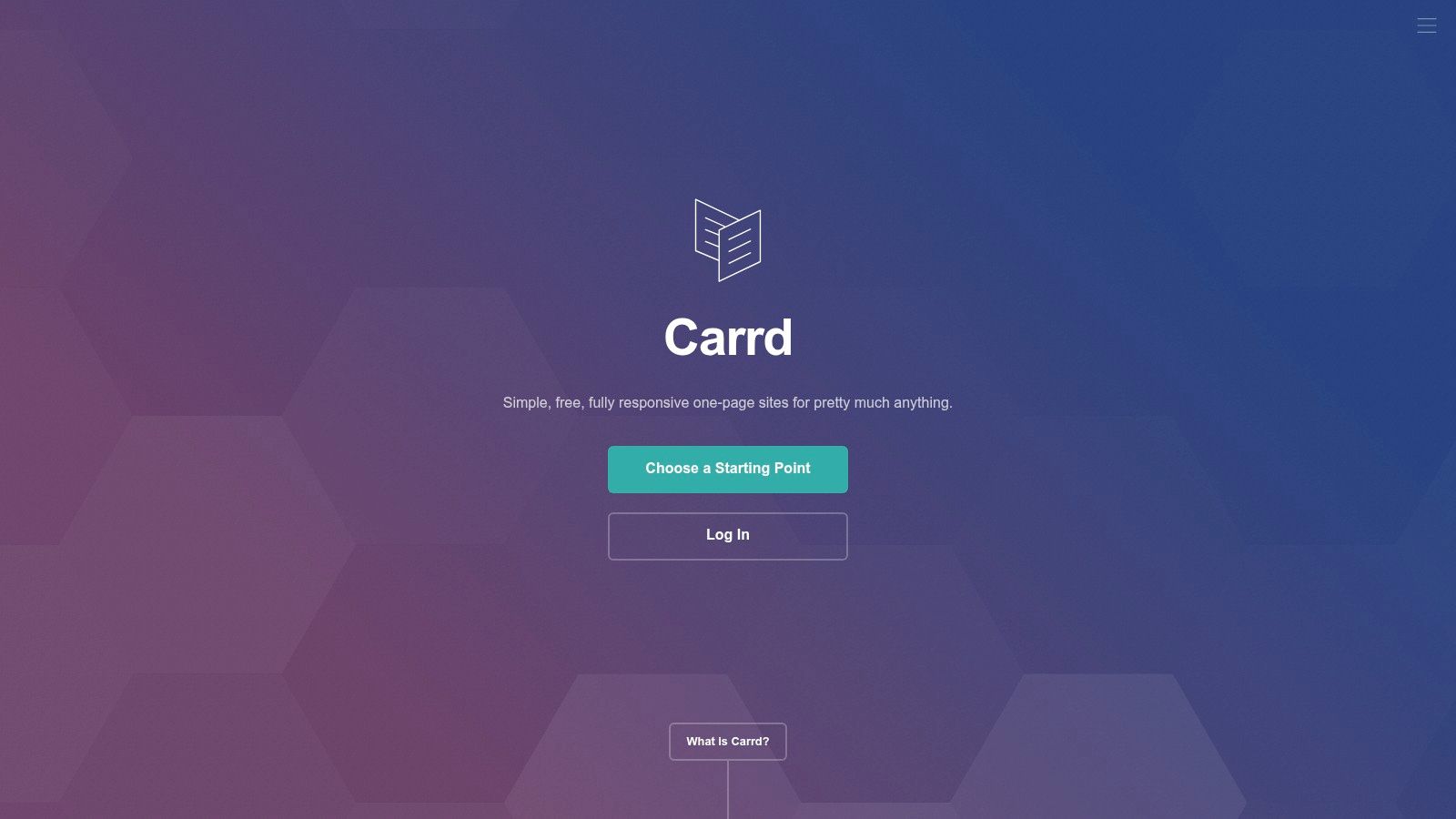
Pro is where it becomes useful for real work: custom domains, forms, embeds, and analytics, with Pro Standard covering up to 10 sites. Annual pricing keeps it cheaper than most monthly subscriptions, which matters if you run pages for more than one brand.
The setup cost nobody mentions
A ready-made link list takes ten minutes. A Carrd page takes an afternoon if you care how it looks, and a custom domain or form requires Pro. The free Basic option exists, but it's a trial run more than a finished page.
A blank canvas is a useful honesty test. If you can't say what the page is for in one sentence, you'll decorate instead of decide.
Use it for portfolios, service pages, and contact destinations as well as social bios. Official site: carrd.co.
6. Lnk.Bio
Lnk.Bio is the pragmatic pick for anyone who refuses to add another recurring charge. The free tier gives unlimited links, and selected paid tiers can be bought as one-time payments.
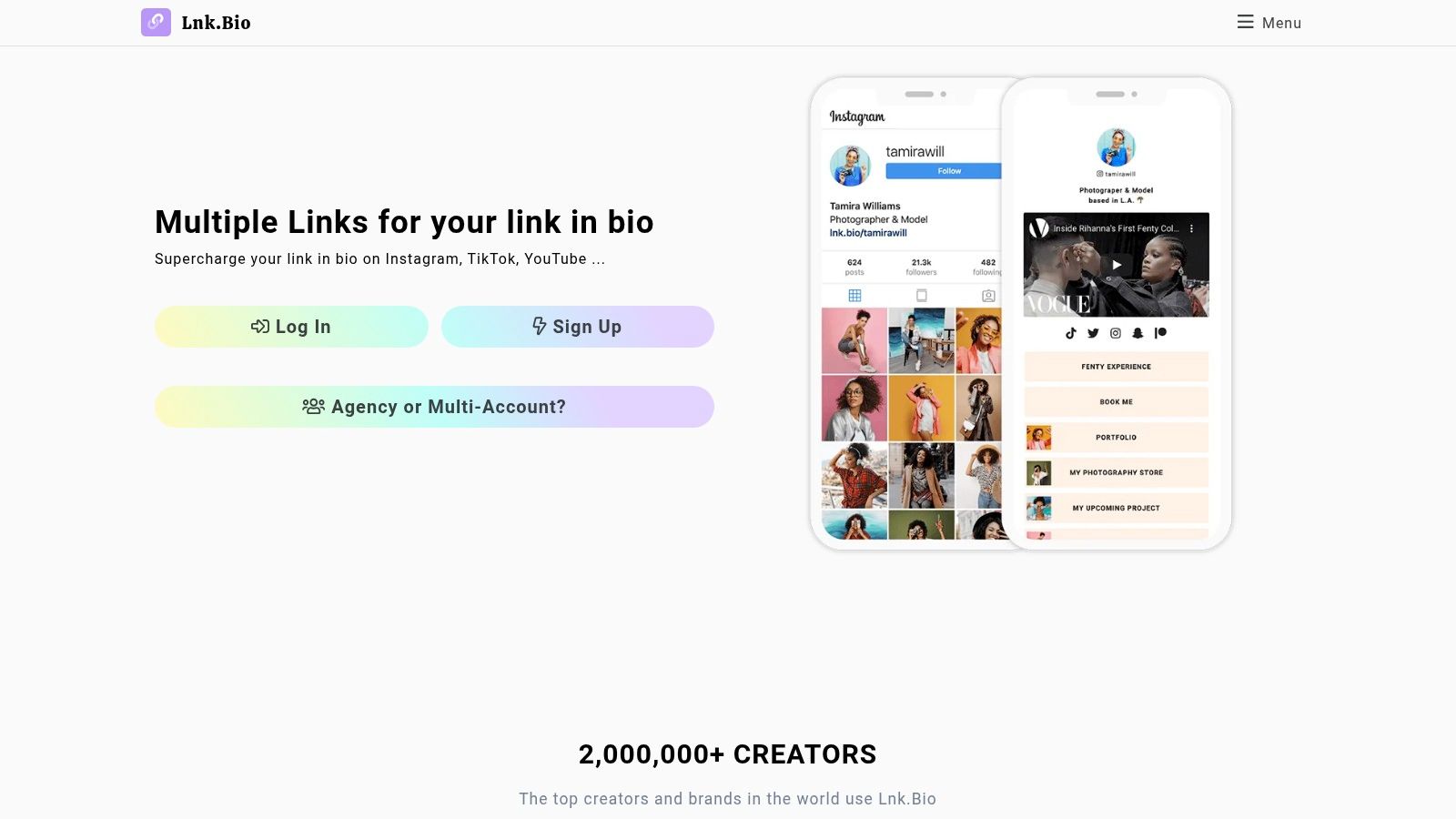
- Free tier with unlimited links and basic sharing features.
- Mini plan at low cost, adding link scheduling and advanced analytics.
- Embeds for music, video, and other services, which suits musicians and video creators.
- One-time payment options on some tiers, rare in this category.
The tiers differ in ways that matter more than the price tag. Branding removal, page limits, and custom domain support all shift as you move up, so read the comparison before assuming the cheapest paid plan covers a custom domain. A feature-rich page also takes real configuration, so budget an evening rather than ten minutes.
Paying once for a link page is underrated. A subscription you forget about for two years costs more than the page was ever worth.
It suits a clean, fast, low-maintenance page. It is not the tool for running a storefront. Official site: lnk.bio.
7. Taplink
Taplink is a page builder that happens to live in a bio link. Blocks of text, media, forms, and payment elements sit alongside your links, which makes the page feel closer to a landing page than a directory.
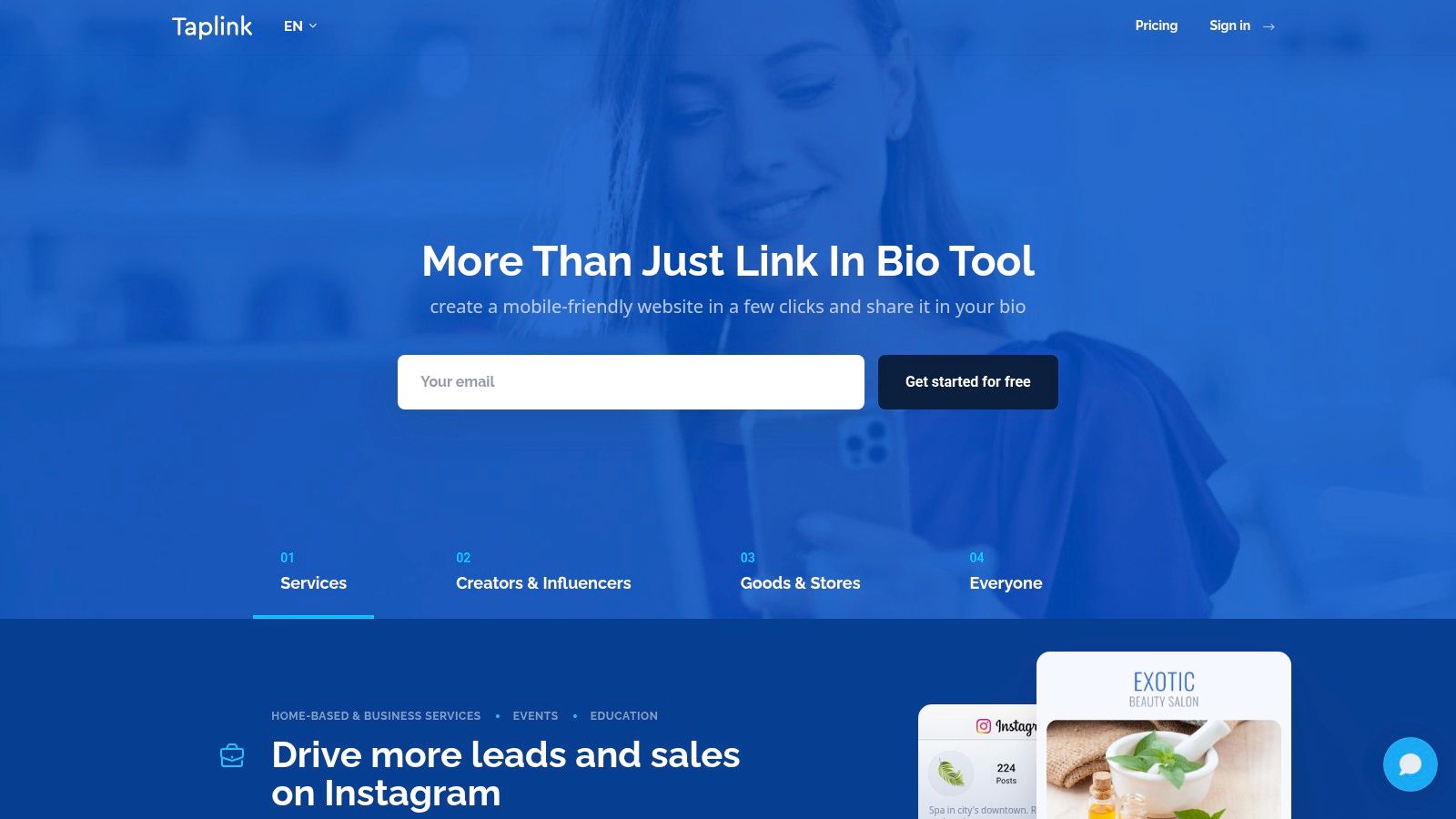
- Free tier with unlimited links and customizable blocks.
- Pro adding media blocks, scheduled blocks, and click analytics.
- Business adding forms, digital products, payments, and custom domains.
- Off-page routing through QR codes and messaging-app links, useful for events and print.
Structure only helps when it points somewhere specific. A 2026 survey found 79% of U.S. consumers had abandoned an action when a social link led to a generic homepage instead of the exact product or destination they expected, while 36% of respondents cited cross-channel tracking as a major difficulty (PPC Land's coverage of the Bitly research).
That points at the trap with block builders. They make it easy to reproduce your homepage, which is exactly what loses the visitor. Use the blocks to explain one offer and route people to it. Business-tier forms and payments are also more than most creator pages need, and prices shift with the billing period. Official site: taplink.at.
8. Milkshake
Milkshake is built for the phone by design. Instead of a stack of buttons you get swipeable Cards, closer to a Stories sequence than a webpage, and everything is edited in the app.
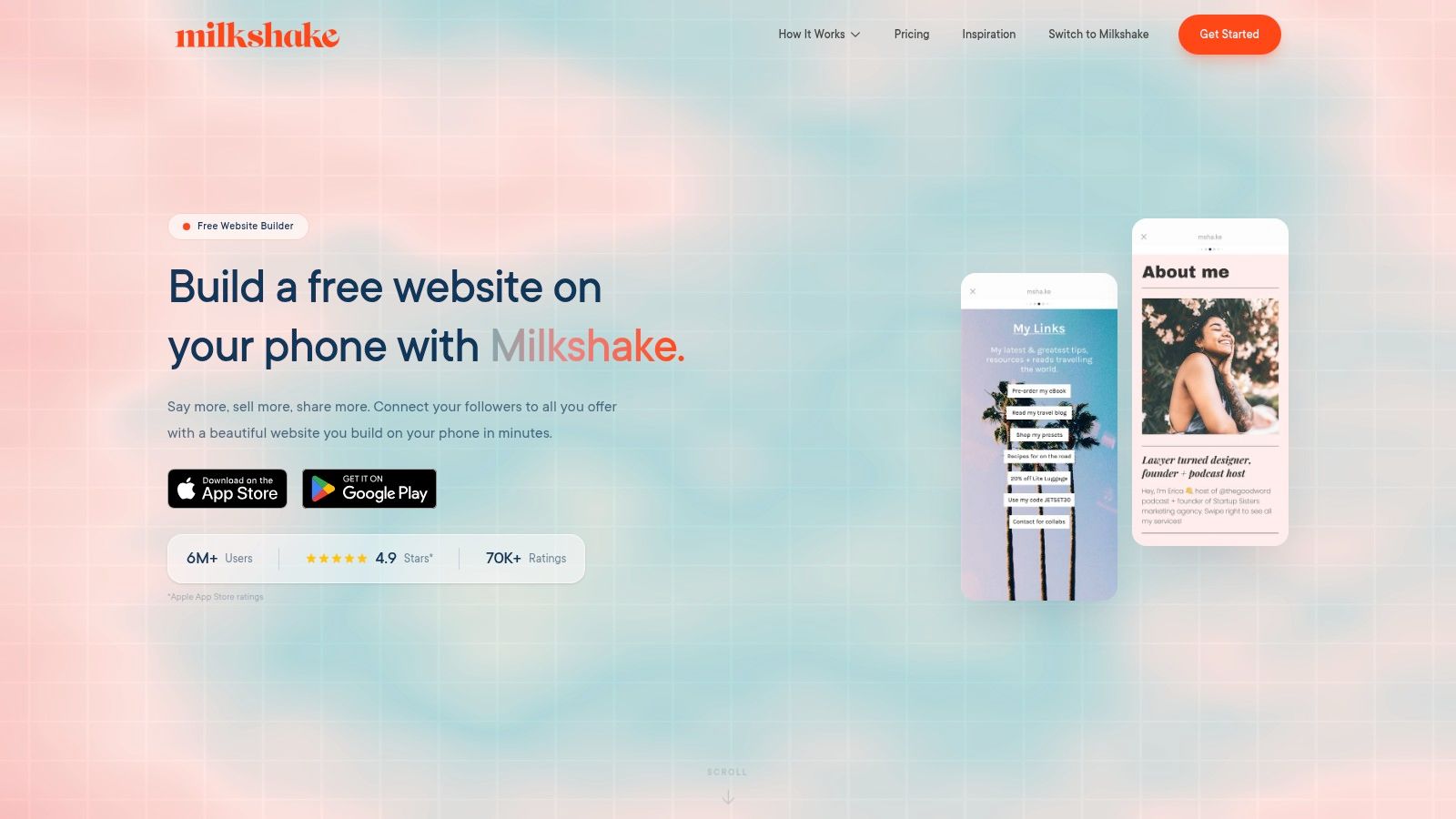
- App-based editing on iPhone, iPad, and Android.
- Unlimited links and Cards on the free plan, with hosting and basic analytics included.
- Templates, fonts, colors, and QR sharing for a consistent look across a campaign.
- Paid tiers adding a contact form and a mailing list, with custom domain support reserved for the highest listed tier.
Design-led pages win attention and lose clicks. If the goal is a purchase, test a plain button against your prettiest card and keep whichever one converts.
The workflow is the limitation. Desktop editing isn't how it works, and custom domains sit at the top of the ladder. If you manage pages for several people, an app-first model gets tedious quickly. It's best for Instagram-native creators promoting a small set of destinations at a time. Official site: milkshake.app.
9. Campsite.bio
Campsite.bio is the reporting-friendly option in the link list group. The free plan already includes analytics, and paid tiers add custom domains, integrations, and multiple profiles from one account.
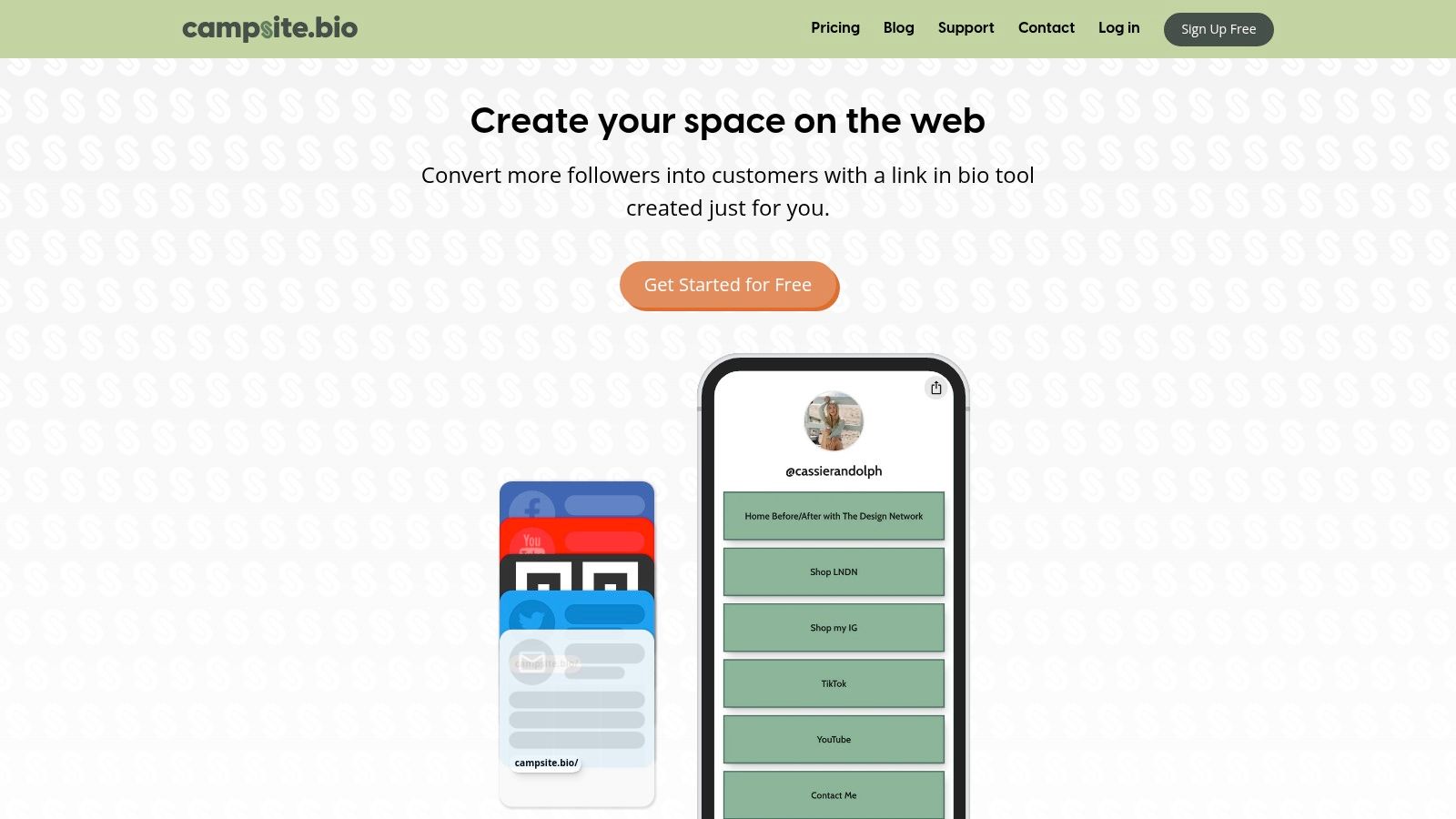
- Analytics on the free plan, covering views, clicks, referrals, location, and devices.
- Pro for custom domains and deeper reporting.
- Multiple profiles and collaborators for people running pages for a brand or a small team.
Measurement is the reason to choose it. Bitly's 2025 survey of more than 1,500 consumers, marketers, and creators found 29% used link-in-bio pages capable of tracking individual clicks, and respondents expected links in social profiles and content to generate an average of 39% of their revenue over the following 12 months (Bitly's click expectation report).
Advanced reporting and collaboration require a paid plan, and organization tiers overshoot what a solo creator needs. If you never open the dashboard, you're paying for something you aren't using. Official site: campsite.bio.
10. Squarespace Bio Sites
Bio Sites is for people already inside Squarespace. It's a mini-site for social profiles that borrows the polish of the main builder without asking you to build a full website.
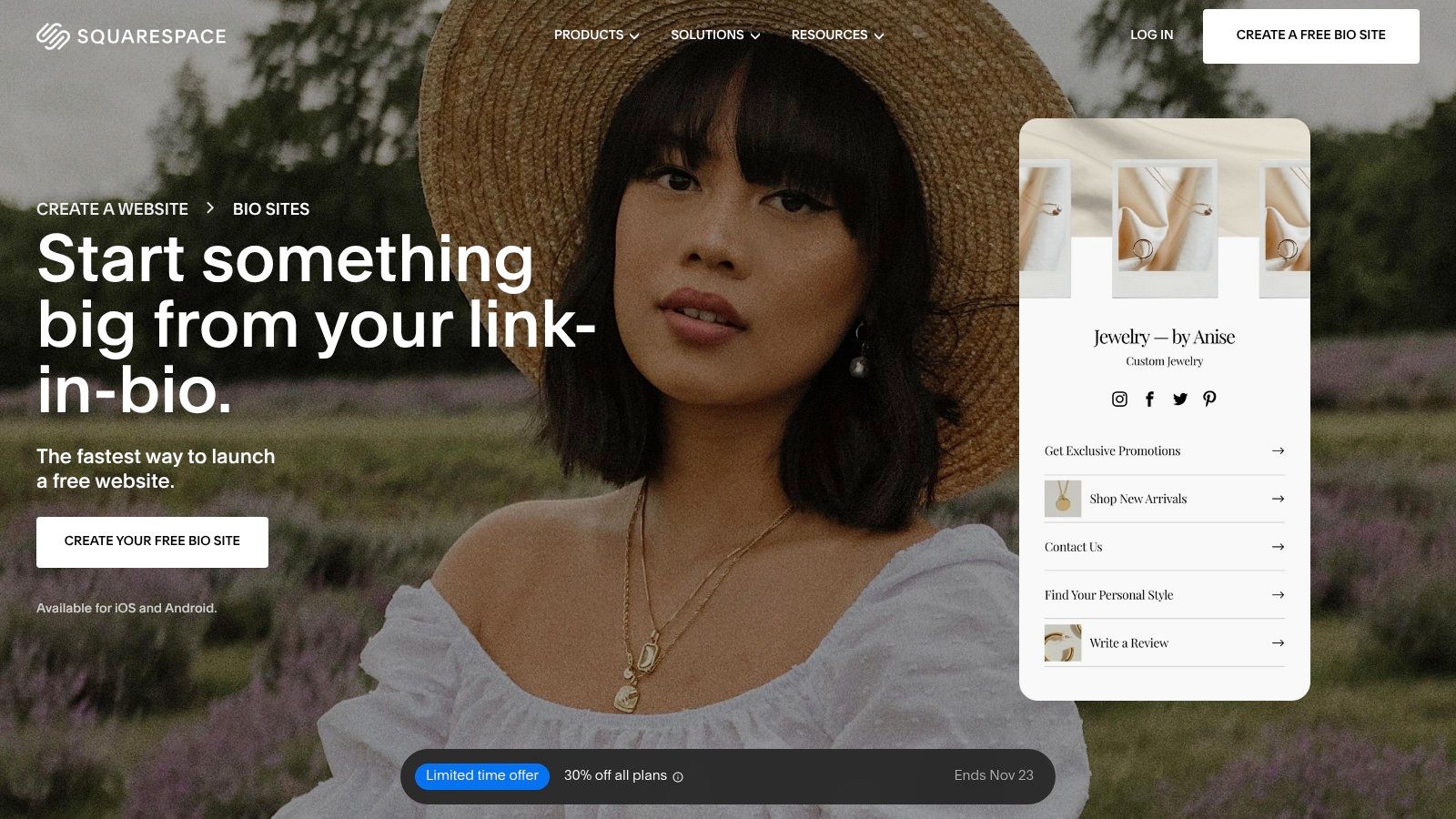
- Mini-site format designed for social profiles rather than general commerce.
- Links and creator content in one branded destination.
- Publishing without a full site when a hub is all you need.
- Ecosystem ties to Squarespace's wider web and creator tools.
Ecosystem tools are a discount, not a decision. Choose them because you already pay the parent bill, never because they appear on the same invoice.
As a standalone purchase this is the weakest case on the list. Features and pricing are set separately from the main Squarespace plans, and anything involving selling or advanced marketing needs confirming directly with Squarespace before you commit. Buy it as an extension of a subscription you already have. Official site: squarespace.com.
Link in Bio Platforms at a Glance
Pick by job first: link lists for many destinations, storefronts for checkout, mobile-first builders for phone edits, ecosystem add-ons for tools already on your bill.
| Item | Free Plan | Best For | Standout Feature | Main Limitation |
|---|---|---|---|---|
| Linktree | Unlimited basic links | Creators and organizations needing a simple link page | Familiar format with room to add creator tools | Advanced customization and analytics require a paid plan |
| Beacons | Free plan available | Creators consolidating sales and marketing tools | Bio page, email tools, media kit, and sales features in one account | Free and entry plans charge a 9% seller fee |
| Stan Store | No free plan; 14-day trial | Creators selling products, courses, or bookings | Storefront combines checkout, bookings, and courses | Paid subscription may be excessive for a basic bio page |
| Later Link in Bio | Included in Later plans | Later users connecting social posts to destinations | Scheduled posts can update the bio page | Less useful without Later's broader tools |
| Carrd | Free Basic option | Portfolios, landing pages, and custom bio pages | Flexible one-page website layouts | Custom domains and forms require Pro |
| Lnk.Bio | Unlimited links | Users seeking a low-cost or one-time-payment option | One-time purchase options on selected tiers | Branding and features vary by paid tier |
| Taplink | Unlimited links and customizable blocks | Creators capturing leads or taking payments | Forms, products, and payments on Business | Business features may be unnecessary for basic link sharing |
| Milkshake | Unlimited links and Cards | Creators building pages on a phone | Visual, swipeable Cards with mobile editing | Desktop editing is not the focus |
| Campsite.bio | Unlimited links and basic analytics | Creators managing multiple profiles | Free analytics for views, clicks, and referrals | Advanced reporting and collaboration require paid plans |
| Squarespace Bio Sites | Pricing set separately from core plans | Squarespace users wanting a polished mini-site | Branded bio page inside an existing Squarespace workflow | Weak standalone buy; selling or advanced marketing need direct confirmation |
Choosing Your Platform and Tracking What Works
Audit before you shop. Write down four things: how many destinations you update in a month, whether money changes hands on the page, whether you need an email address from visitors, and whether you'll edit from a phone. Those answers pick a category for you. Five or more live destinations with no selling points to a link list, a checkout requirement points to a storefront, constant mobile edits point to Milkshake, and a page that has to look like a site points to Carrd or Taplink.
Then check the infrastructure once, before you migrate. Custom domain support, mobile page speed, whether click data can be exported, and what happens to your analytics if you downgrade or leave.
Reading the numbers after launch
The first week of clicks tells you more than any template preview. Compare outbound clicks per link against visits to the page, then follow the traffic one step further into sign-ups or orders. A link with strong clicks and no conversions is a positioning problem, not a traffic problem, so fix the label and the destination before you touch the design.
Attribution limits are real and worth internalizing. Instagram tells you how many people tapped your profile link, not who they were, and third-party dashboards add aggregate views and click counts rather than named click histories. Reconcile those aggregates against your email platform and checkout instead of trusting a single dashboard.
Privacy is the part most guides skip. Link-in-bio tools increasingly bundle analytics, tracking pixels, and monetization features, and market research on the category identifies growing concern about third-party data handling and unclear data-use policies (Strategyr's link in bio tools market research). Write down what your page collects, which vendors receive it, and how you handle deletion requests, then make the consent banner match. If you're adding analytics or pixels, set up analytics consent properly before the first campaign rather than after a complaint.
Pricing and terms move constantly. Free tiers get capped, seller fees change, plans get renamed, so confirm the current details on each publisher's site before you move a live page. For whatever lands on your shortlist next, Creators Toolbox tracks new tools, updates, and comparisons across design, video, development, and AI, with communities for each and a Following feed that surfaces the latest posts from the products you care about.
Creators Toolbox keeps a running watch on the tools that surround a bio page, from scheduling apps and analytics add-ons to the design software that makes the page look like yours. Browse the tool comparisons and product pages to see how each option stacks up before you commit a subscription, and follow the ones you're evaluating so new updates land in your Following feed. Start at Creators Toolbox and build the page once, properly.