Social Media Scheduling Tools Free: 10 Picks for 2026
The usual advice to skip free schedulers and start with a paid trial is too blunt. Free doesn't mean featureless, and several tools offer ongoing free access rather than a countdown to checkout. For a solo creator or small business, a basic calendar and dependable publishing queue may be all that's needed.
The catch is that free plans measure usage differently. A queue cap limits how far ahead you can prepare, a monthly allowance limits publishing volume, and a lifetime allowance eventually runs out. Account restrictions matter just as much, especially if you manage multiple brands on the same network.
For social media scheduling tools free of subscription costs, compare those restrictions before comparing AI writers or calendar colors. The free social scheduler reviews from PostSyncer offer another useful starting point, but your actual publishing workload should determine the shortlist.
Practical rule: Choose the free plan that supports your normal publishing routine, not the one with the longest feature list.
The options below suit different jobs: maintaining a rolling cross-platform queue, designing posts before scheduling, reviewing performance, or publishing inside a native studio. None deserves a recommendation just because signup is free. The important question is whether you can keep using it without rebuilding your workflow when you hit its first meaningful restriction.
Table of Contents
- 1. Buffer
- 2. Adobe Express Content Scheduler
- 3. Publer
- 4. Metricool
- 5. Zoho Social
- 6. Meta Business Suite
- 7. CoSchedule Social Calendar
- 8. Planable
- 9. YouTube Studio
- 10. TikTok Studio
- Free plan limits at a glance
- Matching a Tool to Your Posting Reality
1. Buffer
Buffer is the straightforward choice when you already have finished content and want a simple place to line it up. You don't need to adopt a larger marketing suite just to publish captions, graphics, and videos on a schedule.
Buffer's free plan supports up to 3 social channels and 10 queued posts per channel at a time, with access limited to one user. Importantly, that's a queue limit rather than a monthly publishing allowance: published posts free up space for new ones.
The limit is planning depth
A frequent publisher can keep using the free plan by topping up regularly. A creator who wants to prepare an extended campaign and leave it untouched will find the queue more restrictive.
- What works: A rolling publishing routine with regular queue maintenance.
- What doesn't: Long unattended campaigns or a workflow requiring teammates to review and approve content.
- Useful extras: Saved ideas, an AI assistant, and basic insights support preparation without becoming the main reason to choose it.
Keep your master content library outside the scheduled queue so ready-to-publish material doesn't get confused with rough ideas. Our guide to product discovery services also explains how to assess software against the job you need it to perform.
I'd recommend Buffer for solo publishers who value simplicity and don't mind refilling the queue. Advanced reporting and collaboration are reasons to reassess the plan, not features to assume are included.
2. Adobe Express Content Scheduler
For a designer, the annoying part of scheduling can be moving finished assets between applications. Adobe Express reduces that handoff by putting content creation and publishing in the same workspace.
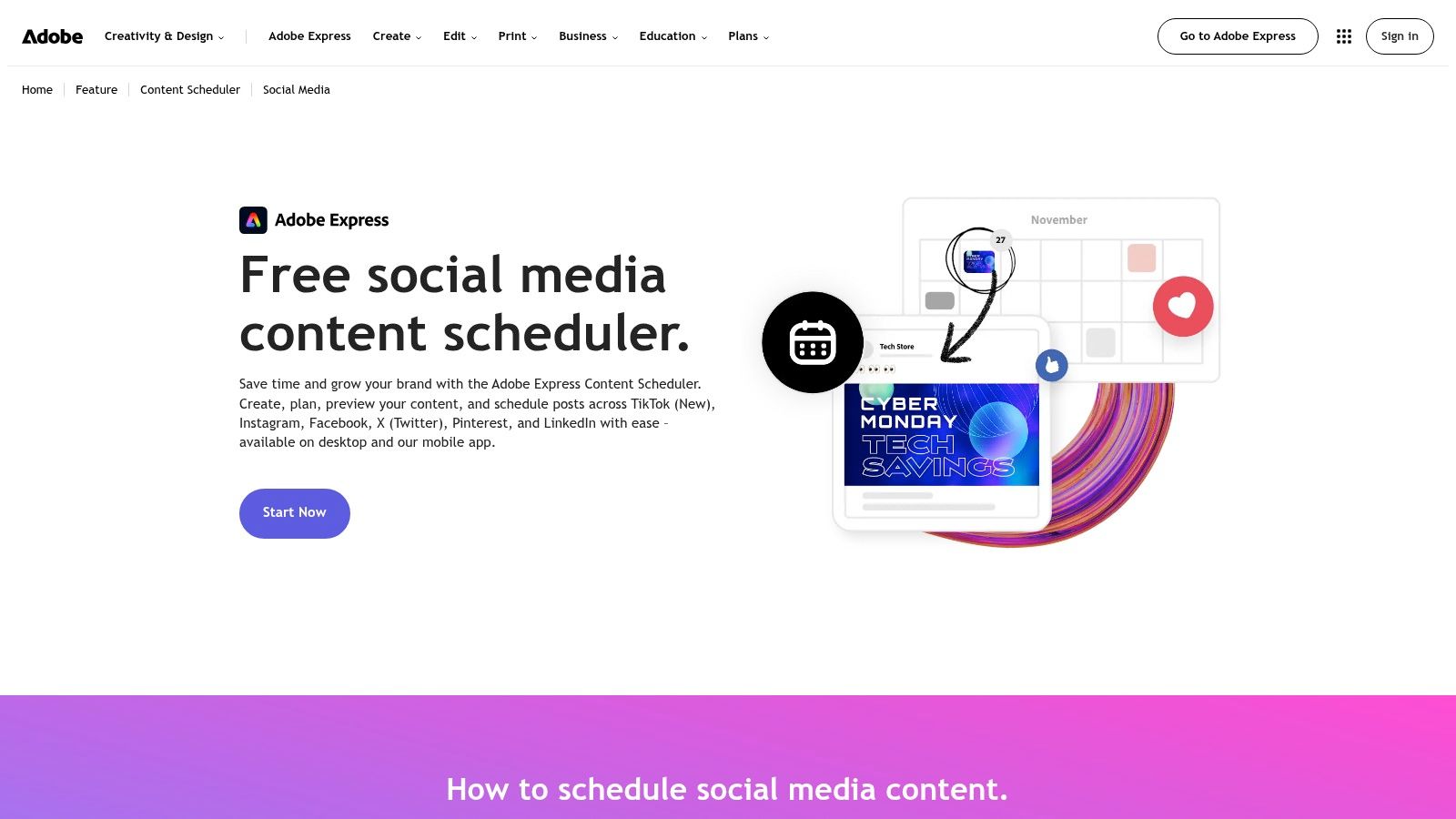
The Adobe Express Content Scheduler offers up to 1,000 posts per month on its free plan, but permits only one account per social network. Its supported destinations include Facebook, Instagram, X, Pinterest, LinkedIn, TikTok, and YouTube.
That makes the account restriction more important than the headline publishing allowance. A creator publishing their own brand across networks has a different requirement from a freelancer managing several clients on Instagram.
Design convenience versus account flexibility
Templates, design assets, previews, and the content calendar make sense together when you're producing visual posts. Desktop and mobile access also help when content starts on a computer but needs a final check elsewhere.
The trade-off is that a design workspace isn't automatically a complete social-management workspace. Don't choose Express expecting the same emphasis on reporting, account administration, or review processes that you'd seek in a dedicated management platform.
Before preparing a campaign, test the actual content formats you publish. Network support doesn't guarantee identical options across every account type or format.
Choose Adobe Express when creating the asset is a substantial part of the job. It's less compelling when your assets are already finished and managing multiple accounts on the same network is the main requirement.
3. Publer
Publer makes sense for a creator who wants a replenishing queue but also needs per-network customization and clear post previews. Its calendar helps organize prepared content without forcing every destination to use an identical caption.
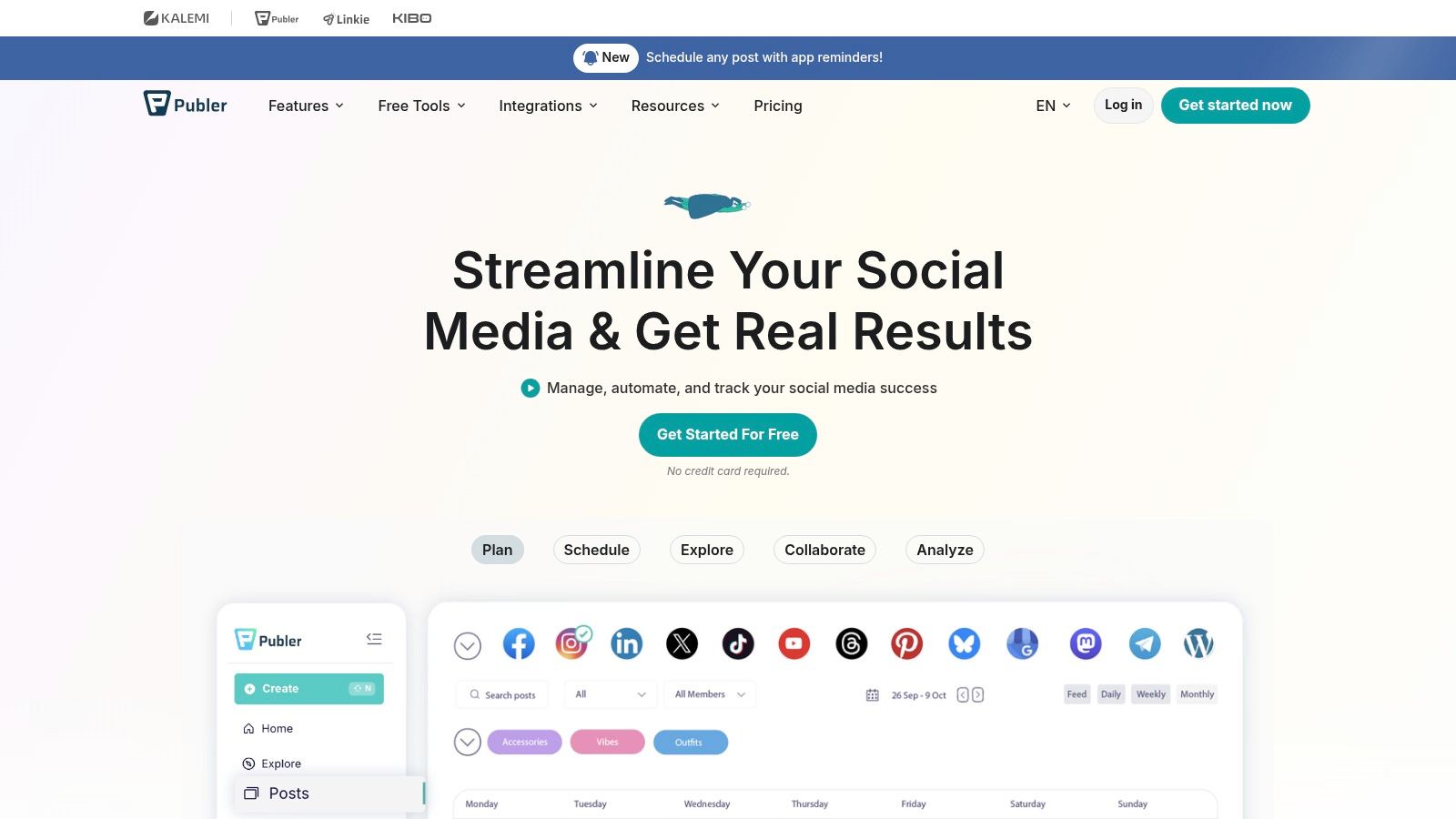
Publer's permanent free tier allows 3 social accounts with up to 10 scheduled posts per account, while published-post history is retained for only 24 hours. Queue space becomes available again after posts publish, so the scheduling cap doesn't represent a fixed monthly allowance.
The exclusions deserve attention before signup. X isn't included in the free plan, and Pinterest accounts must meet eligibility requirements for free automation.
- Best fit: Individuals publishing regularly across a small group of supported accounts.
- Operational catch: Short published-post history makes the scheduler a poor substitute for a durable publishing record.
- Setup priority: Confirm eligibility for each intended destination before importing your content.
Keep a separate record
Use a spreadsheet or project board to retain campaign names, final captions, asset locations, and published links. That gives you a reliable reference when reviewing older content or preparing a report.
Publer's free plan is useful when you can maintain the queue and don't need the scheduler to preserve an extensive history. It becomes less convenient when a client expects you to revisit past publishing activity directly inside the tool.
I'd shortlist it alongside Buffer, then decide based on network eligibility, previews, and how each composer handles your real posts.
4. Metricool
Metricool is the more relevant candidate when the question after publishing is, “What should we change?” Its appeal is the connection between the content calendar and performance review, rather than queue capacity alone.
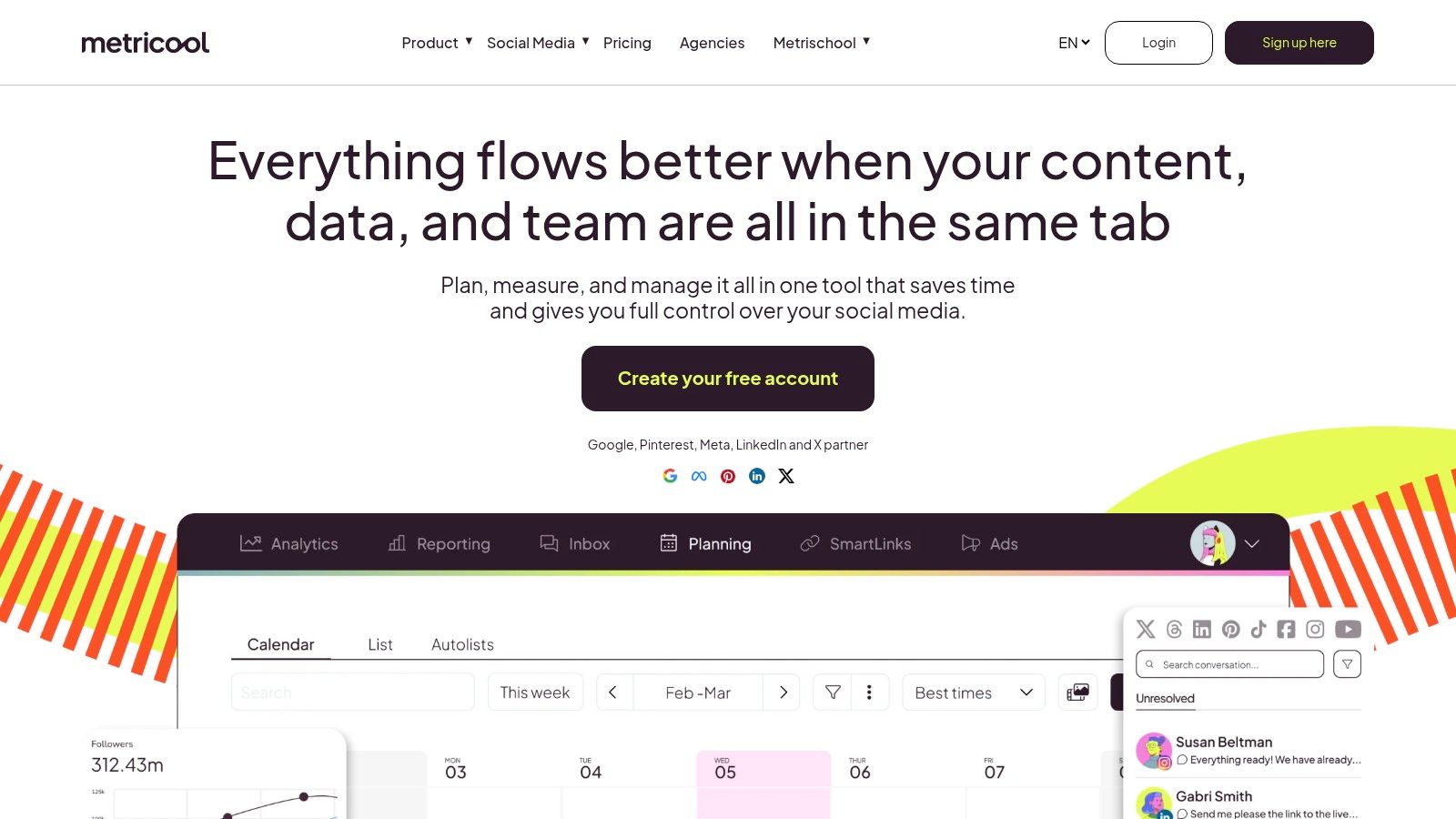
Metricool's free plan covers 1 brand, up to 20 scheduled posts per month, 30 days of analytics, and 5 competitor profiles. It doesn't expire or require a credit card, but LinkedIn and X aren't included.
A monthly cap changes the calculation
Unlike a replenishing queue, a monthly allowance doesn't become available again just because a post has published. Plan your intended destinations as well as your content ideas, and check how the scheduler counts cross-platform versions before filling the calendar.
That distinction between queue capacity, monthly allowances, and analytics retention is central to Nathan Ojaokomo's scheduling-tool comparison. A larger-looking allowance isn't necessarily more useful if it interrupts your normal publishing routine.
Metricool suits lighter publishing schedules where reviewing results is a genuine habit. Competitor tracking can provide context, but it shouldn't replace evaluating whether your own posts attract the audience response you want.
The trade-off is measurement versus volume. If you publish frequently, the monthly restriction may outweigh the convenience of integrated analytics. If you post selectively and review performance carefully, the balance is more attractive.
Keep any longer-term reporting record separately rather than assuming the free analytics window will cover future comparisons.
5. Zoho Social
A small business already using Zoho products has a practical reason to investigate Zoho Social: fewer unfamiliar interfaces and another business task managed within a familiar ecosystem. That doesn't mean every feature advertised for the wider product belongs to the free tier.
Zoho Social offers free access for one brand and one user. Its channel coverage includes a Facebook Page, an Instagram business profile, LinkedIn profile and Page connections, an X profile, and Google Business Profile.
The important distinction is publishing versus scheduling. Don't assume that access to a publishing dashboard means every queue, automation, or calendar function is included in ongoing free access.
Verify the workflow, not just the channel list
Before committing, use the current plan comparison to establish which scheduling functions remain available after any trial. Then test a representative post from preparation through delivery.
- Useful strengths: Basic recent-post engagement information and mobile access.
- Format consideration: Video, GIFs, documents, Reels, and carousels require destination-specific checks.
- Likely mismatch: A team that needs shared responsibility, approvals, or broader account management without upgrading.
For a local business, Google Business Profile coverage may be more useful than an extensive selection of creator-focused networks. For a freelance social manager, the brand and user restrictions matter much more.
Treat Zoho Social as a conditional shortlist choice, especially if you're already using Zoho. Establish that its ongoing free workflow supports your required scheduling tasks before moving your content operation into it.
6. Meta Business Suite
If your business publishes only to Facebook and Instagram, a cross-platform scheduler may add another account connection without solving a real problem. Meta Business Suite is the native starting point for that narrower workload.
Meta Business Suite brings supported Facebook and Instagram planning, scheduling, and business activity into a web and mobile workflow without an additional scheduler subscription. It doesn't replace a calendar for LinkedIn, Pinterest, or unrelated networks.
Narrow coverage can be an advantage
Say a bakery prepares product photos, opening-hours updates, and short promotional videos for Facebook and Instagram. Keeping those posts in Meta's own planner can be simpler than maintaining an external scheduling account.
The limitation appears when the bakery also needs LinkedIn announcements or a coordinated Pinterest campaign. Someone then has to reconcile separate calendars and confirm that each campaign version is scheduled.
Don't pay for cross-platform coverage if your publishing routine doesn't actually cross platforms.
Account setup and content format still matter. Test the exact Page, Instagram profile, and media type you intend to use rather than assuming every publishing option appears everywhere.
Keep finished assets and approved captions in a shared folder or project board, particularly if someone else prepares the content. The native planner can handle delivery without becoming your only content archive.
Choose Meta Business Suite for Facebook-and-Instagram-focused publishing. Choose an external scheduler when coordinating other destinations or managing a common review process creates enough work to justify it.
7. CoSchedule Social Calendar
CoSchedule is attractive when social posts sit alongside other marketing work. A calendar-first approach helps connect a promotional post to the article, launch, or campaign it supports.
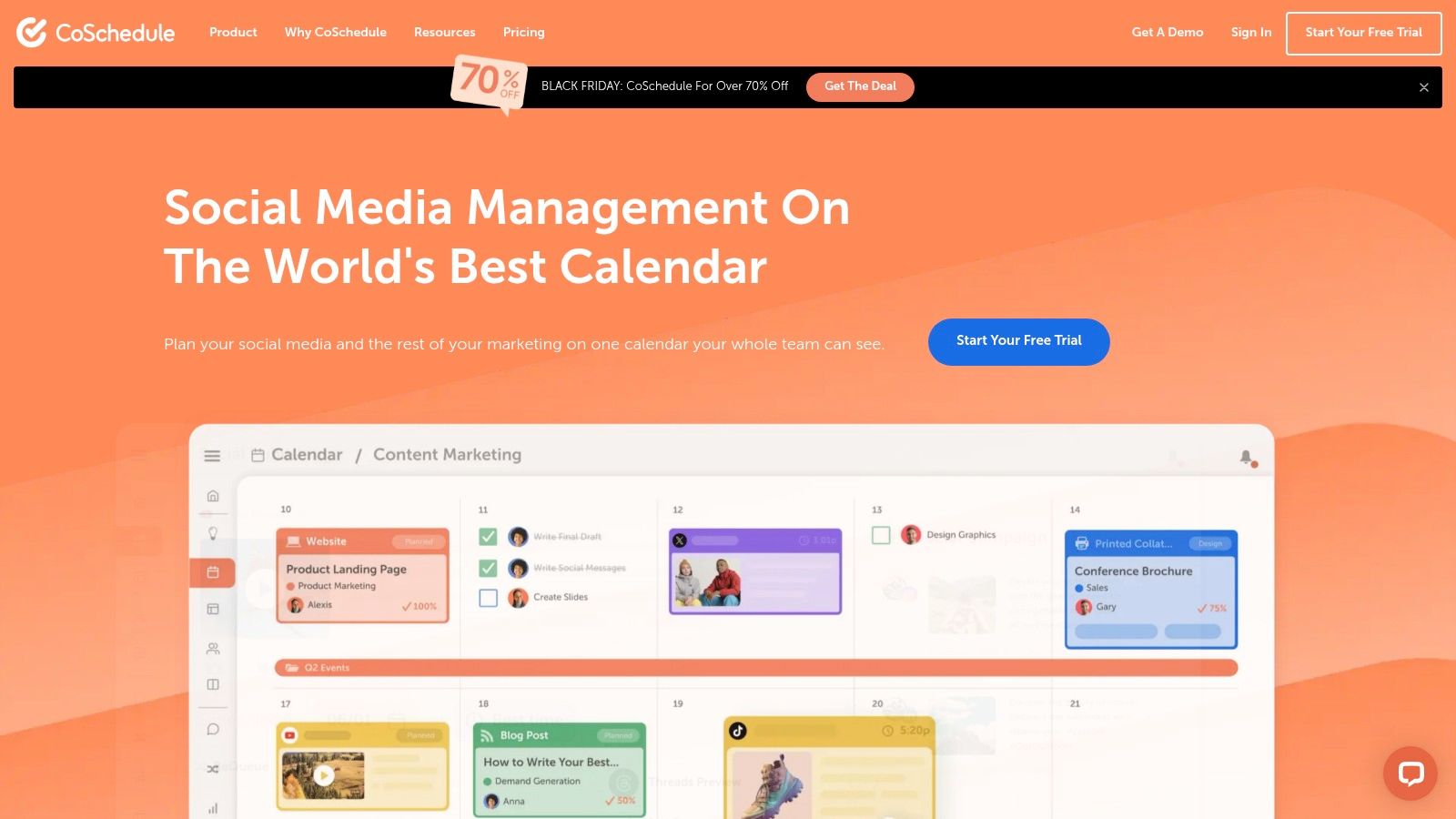
CoSchedule's free Social Calendar allows 1 social profile and up to 15 unsent messages at a time, with drafts and failed messages included in that limit. Access involves starting a paid-plan trial and switching to the free plan before it ends.
That makes housekeeping part of the workflow. A collection of unfinished drafts or unresolved failures can consume capacity you expected to use for scheduled content.
- Calendar benefit: Create and edit messages in the context of wider content planning.
- Capacity catch: Unsent work matters, not just posts that are ready for publication.
- Signup catch: Complete the switch to free access deliberately rather than assuming it happens automatically.
Organize ideas somewhere else
Keep speculative content ideas outside the limited message allowance. Move them into CoSchedule when the copy, asset, and intended publishing date are sufficiently settled.
Draft and pending-review statuses can help organize work, but don't confuse a status label with a full approval system. Confirm what the free workflow allows before assigning review responsibilities.
CoSchedule suits light publishing centered on a primary profile. It isn't the natural choice for someone whose main requirement is managing a broad collection of social accounts without paying.
8. Planable
Planable addresses a different bottleneck: getting people to agree on content before publication. A visual review workflow is more relevant than queue size when feedback otherwise arrives through disconnected messages and email threads.
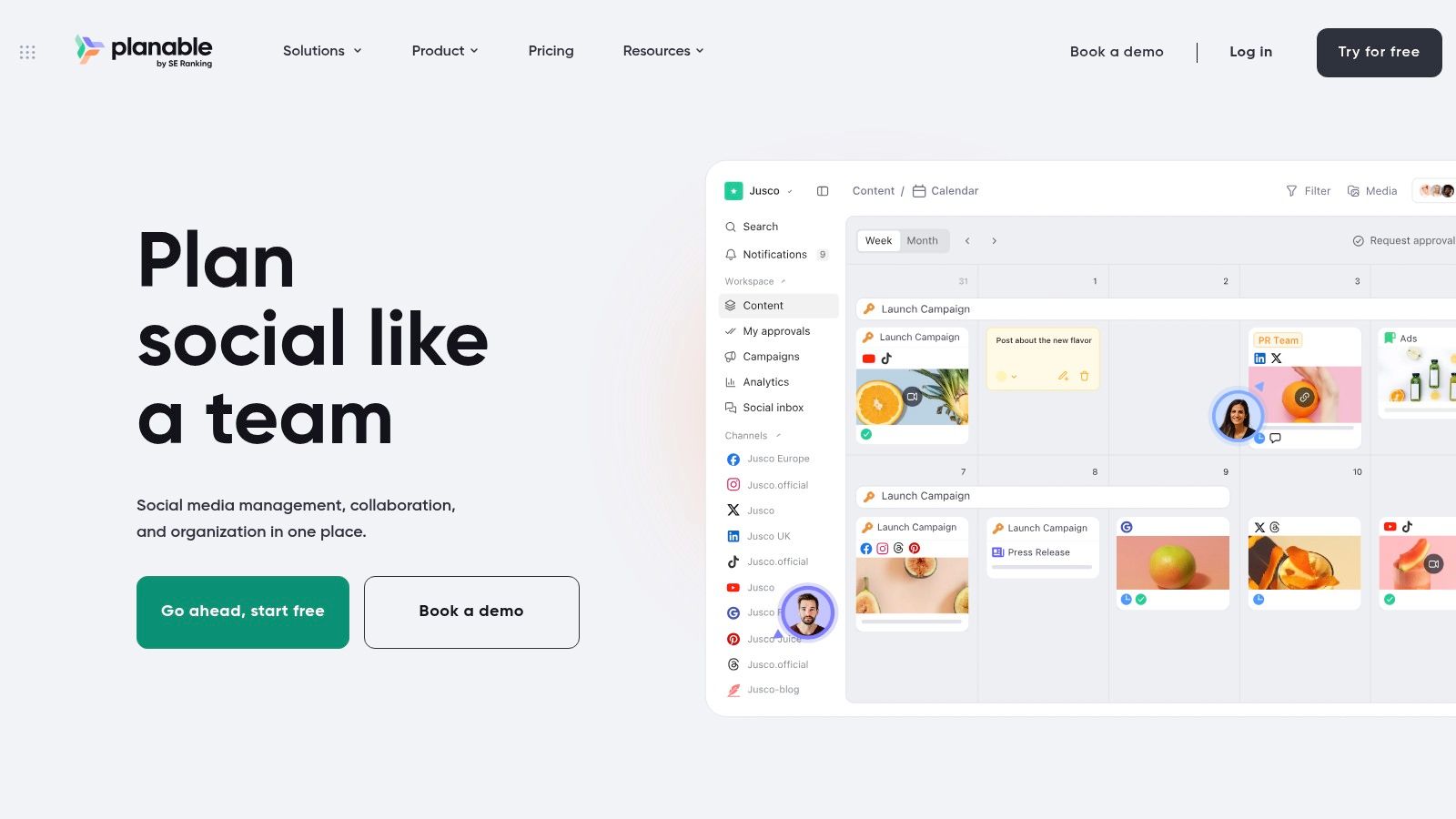
Planable's free access allows 50 posts in total, not a recurring monthly allowance, and versions prepared for multiple networks can count separately. It's a lifetime cap, so ongoing publishing beyond it requires a paid plan.
Use the allowance to test collaboration
Don't spend the available capacity on placeholder posts. Prepare real campaign material, invite the people who normally review it, and establish whether the visual workflow reduces ambiguity.
Test the awkward parts: a rejected graphic, a revised caption, a destination-specific change, and a post that needs another review after editing. Those actions reveal more about workflow fit than a calendar filled with approved examples.
- Strong use case: Evaluating collaborative content creation and review.
- Weak use case: Finding an indefinite, no-cost publishing system.
- Counting risk: Treating a campaign idea as a single unit when network versions may consume separate capacity.
Planable covers a broad selection of destinations, including Instagram, Facebook, LinkedIn, TikTok, YouTube, X, Pinterest, Threads, and Google Business Profile. Confirm the relevant publishing features for each destination rather than relying on coverage alone.
I'd recommend Planable's free access as a practical collaboration test, not as a permanent substitute for an ongoing free scheduler.
9. YouTube Studio
A YouTube producer doesn't necessarily need a social scheduler to publish videos on time. If the work stays on YouTube, the native dashboard keeps uploading, release preparation, and performance review together.
YouTube Studio lets eligible channel users prepare content, set videos to publish at a future time, manage channel details, and review video performance. There's no separate scheduling subscription to add to that workflow.
Schedule the release, not just the upload
Prepare the title, description, thumbnail, audience settings, and visibility before committing the release time. Check that the video has finished processing and review the scheduled state inside the channel dashboard.
For Shorts, confirm that the uploaded video and publishing settings match your intended release. Don't assume a successful upload means every detail is ready.
- What works: YouTube-focused video production with native publishing controls.
- What doesn't: Coordinating the accompanying Instagram post, LinkedIn announcement, and TikTok edit.
- Access requirement: A YouTube channel and the appropriate account permissions.
A shared project board can hold the broader campaign while YouTube Studio handles the actual video release. That arrangement is often more sensible than adding a cross-network scheduler solely to publish the video.
Choose YouTube Studio when YouTube is the destination, not merely part of a larger distribution job. Add another tool only when coordinating the surrounding promotional content becomes the bigger operational problem.
10. TikTok Studio
TikTok-focused creators should start by checking what their native account workflow already supports. Another dashboard isn't automatically an improvement, especially when the final video needs platform-specific preparation.
TikTok Studio provides native content management, publishing workflows, and creator performance information. Availability and features can depend on the account, region, and platform changes, so verify scheduling access in the interface you'll use.
Account access comes before workflow design
Confirm that future publishing is available for your account and device before preparing a large batch around it. Then check the complete posting process, including previews, captions, covers, and any creative features your content needs.
If a required option isn't available in the scheduled workflow, plan the manual finishing step explicitly. A calendar entry isn't the same as unattended publication.
Before batching: Confirm which parts of your TikTok post can be prepared and delivered automatically.
TikTok Studio doesn't replace a shared calendar spanning Instagram, YouTube, LinkedIn, and other destinations. If your content strategy involves adapted versions across networks, keep a central record of assets, captions, and release status.
For a TikTok-only creator, however, native content and performance tools may be enough. You avoid maintaining another scheduler connection and can assess publishing within the account itself.
Use TikTok Studio when its available publishing controls meet your needs. Don't select it on the assumption that every account receives identical scheduling capabilities.
Free plan limits at a glance
| Free plan scope | Platforms supported | Key limitation | Best for |
|---|---|---|---|
| Buffer: Up to 3 channels and 10 scheduled posts per channel; basic insights and AI assistant | Multiple social networks | One user; limited queue and advanced features | Solo creators and small businesses wanting simple scheduling |
| Adobe Express Content Scheduler: Up to 1,000 posts per month, with design tools and a content calendar | Facebook, Instagram, X, Pinterest, LinkedIn, TikTok, YouTube | One account per social network; features vary by network and account | Creators who want to design and schedule content in one place |
| Publer: 3 accounts and up to 10 scheduled posts per account | Multiple networks; X excluded from the free plan | Published-post history lasts only 24 hours; Pinterest automation has eligibility requirements | Individuals regularly posting to a few profiles |
| Metricool: 1 brand, up to 20 posts per month, 30 days of analytics, and competitor tracking | Multiple networks; LinkedIn and X excluded from the free plan | Monthly post limit and limited analytics history | Creators and small businesses wanting basic analytics with scheduling |
| Zoho Social: 1 brand with basic publishing and engagement metrics | Facebook, Instagram, LinkedIn, X, Google Business Profile | One brand and one user; advanced management requires a paid plan | Small businesses, especially those already using Zoho |
| Meta Business Suite: Free scheduling and planning for supported content | Facebook and Instagram | No scheduling for other networks; publishing options vary | People managing Facebook and Instagram business accounts |
| CoSchedule Social Calendar: 1 profile and up to 15 unsent messages | One connected social profile | Limit includes drafts and failed messages; free access requires switching from a trial | People who prefer calendar-first planning for light posting |
| Planable: 50 posts total, with workspaces and collaboration tools | Instagram, Facebook, LinkedIn, TikTok, YouTube, X, Pinterest, Threads, Google Business Profile | 50-post lifetime cap; posts for multiple networks may count separately | Teams testing visual content review and approval workflows |
| YouTube Studio: Free video scheduling, channel management, and performance review | YouTube | YouTube-only; requires a channel and eligible account access | Creators scheduling videos or Shorts for YouTube |
| TikTok Studio: Free TikTok content management and creator tools | TikTok | TikTok-only; availability and features may vary | TikTok-focused creators |
Matching a Tool to Your Posting Reality
Start with your normal workload, not your ideal future content calendar. List the accounts you publish to, how often you refill your schedule, and whether anyone else must approve a post. Those details will eliminate unsuitable free plans faster than a feature comparison.
Heavy cross-posters should weigh Buffer and Publer's queue restrictions against their refill routine. A replenishing queue can support ongoing publishing, but it won't necessarily hold an extended campaign in advance. Publer's network exclusions and short published history also deserve attention before you commit.
Match the restriction to the job
Analytics-minded publishers should consider Metricool if its monthly allowance and supported networks fit their schedule. Design-heavy creators should consider Adobe Express when producing graphics and publishing them are closely connected tasks. Single-platform creators should start with native studios rather than adding account connections they don't need.
- For ongoing free use: Favor predictable replenishment or an allowance that comfortably fits normal publishing.
- For collaborative evaluation: Use Planable to test real review decisions, while recognizing that its allowance eventually runs out.
- For narrow publishing needs: Meta Business Suite, YouTube Studio, and TikTok Studio may remove the need for a separate scheduler.
- For calendar-led organization: Consider CoSchedule, but account for drafts, failures, and the signup transition.
Don't reject third-party scheduling solely because of a blanket claim about reach. The Lzypost review of scheduling experiments describes mixed findings and vendor-run tests, which aren't a reliable basis for promising that scheduling helps or hurts every account.
Test comparable content at consistent times and review your own account analytics. Keep content format, audience response, and publishing reliability separate from assumptions about the scheduling method.
Keep the decision current
A scheduler can organize delivery, but it can't decide whether a post deserves publication. Creators who want a stronger foundation in campaign planning and measurement can study advanced digital marketing alongside developing their publishing workflow.
Free-plan details change, so keep monitoring the tools you depend on. At Creators Toolbox, we bring product updates and comparison pages together across a directory described as covering more than 800 tools, apps, and courses. Following a listed tool gives you a practical way to track relevant changes, while current pricing, availability, and requirements live on the tool publisher's own website.
Choose the smallest workflow that reliably handles your real content. Upgrade when a specific restriction costs you time or blocks necessary work, not because a paid plan advertises more features.
Creators Toolbox brings creative-tool listings, product updates, and workflow comparisons together so you can discover software and follow changes in tools you use. Visit Creators Toolbox to explore social publishing options, compare your shortlist, and follow listed products for updates that could affect your free-plan workflow.