Best Gen AI Newsletter Picks: 10 Worth Your Inbox in 2026
How many AI newsletters are you opening each week, and how many just sit there in bold, unread, proving you subscribed too fast? That gap between subscribing and reading is the whole problem. AI newsletters multiply faster than anyone can triage them, and most of them cover the same five stories with different logos. Picking the "best" one in isolation is the wrong move. Picking the right two or three for the jobs you need done is the move that works.
The signal that this is a real editorial problem, not just inbox noise, shows up in the numbers. In 2025, 28% of newsletter professionals surveyed by HubSpot used generative AI for brainstorming and planning, while 25% used it for content creation, according to HubSpot's state of newsletters report. More publishers competing for the same attention means more briefings, more overlap, and more unopened mail.
So instead of ranking ten newsletters in one flat list, this groups them by the reading job they do best: daily triage (what happened today), practical application (what do I do with it), and research depth (what does it mean). Most readers need one from each category, not ten from all three. If your inbox is already drowning, reduce newsletter clutter across accounts first, then come back and choose deliberately.
1. HoppyCopy, Creators Toolbox
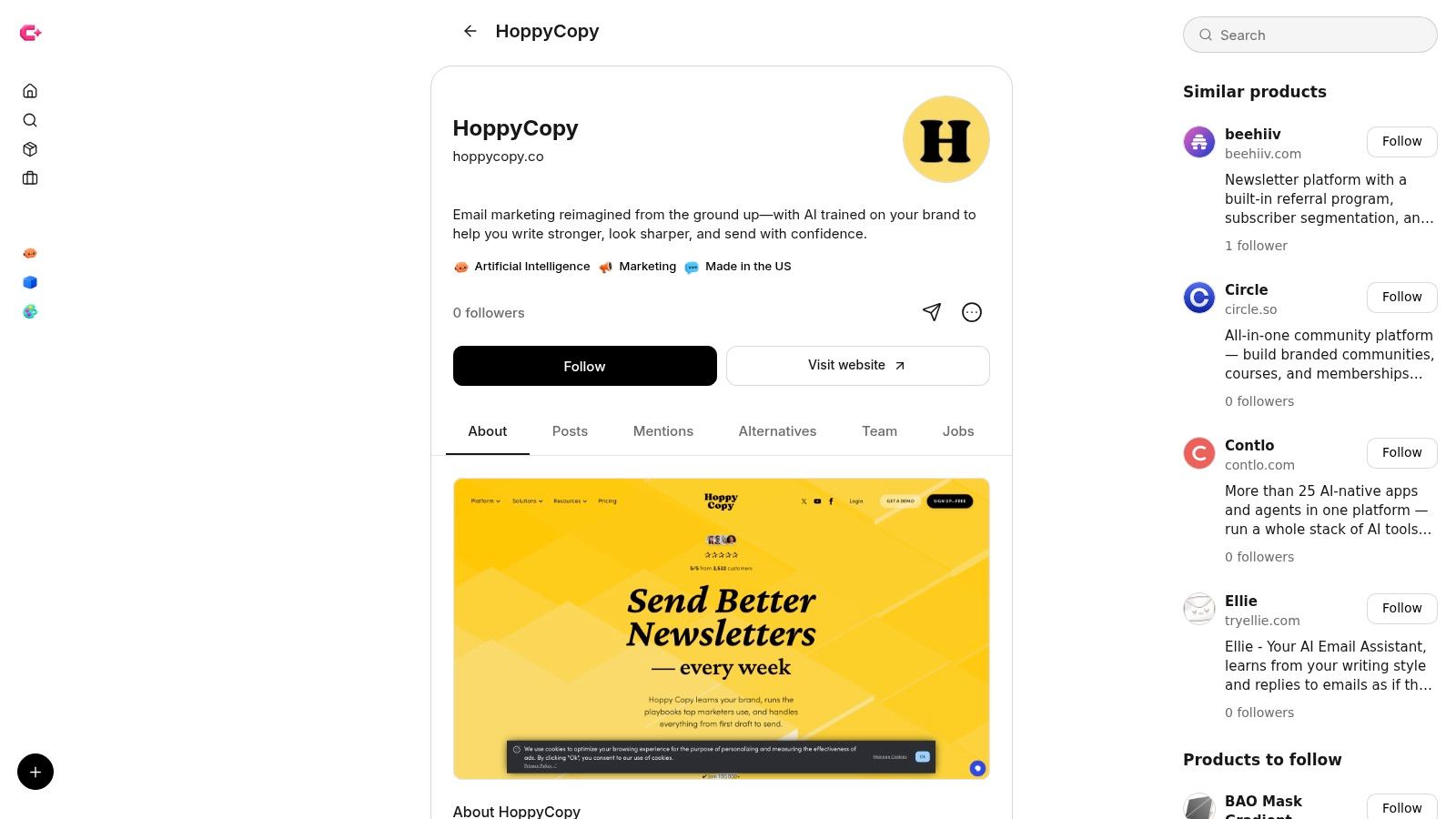
Every other pick on this list is something you read. This one is something you use. HoppyCopy is an AI email writing and design tool, and it fills the practical application slot in the most literal way possible: it applies AI to the job of producing your email.
The heading pairs two things that do different jobs. Creators Toolbox is the platform, a weekly roundup of news, tools, and resources across design, technology, and digital media. Its categories cover web design, video editing, automation, artificial intelligence, and graphic design, and the site helps designers, developers, and creators keep up with new products, product updates, resources, and jobs, including releases from companies like Adobe, Apple, and Canva. HoppyCopy is a product listed there.
How it fits a gen AI newsletter workflow
Each issue of a gen AI newsletter has two jobs: find the substance, then package it for the inbox. The reading picks cover the first job. HoppyCopy covers the second, drafting the copy and handling the design of the send itself, so it slots in alongside a daily briefing without duplicating it.
- Packaging support: You still supply the reporting, the angle, and the point of view. The tool works on the email built around them.
- Writing and design together: It handles both the copy and the visual side of an email, which is the main reason to shortlist it for newsletter production.
- Your edit sets the ceiling: AI email output reads generic when the inputs are thin, so budget a real editing pass on every draft.
Trade-off to weigh: An AI email tool gives you a starting draft, and the ceiling is set by what you feed it and how hard you edit. Run one real issue through it before you rebuild your production process around it.
Listing pages describe a product at a moment in time, and features, pricing, and requirements move. Check the HoppyCopy product page for the current details before committing a publication to it. I'd pair it with one daily briefing from the reading picks and treat that as the whole stack.
2. The Rundown AI
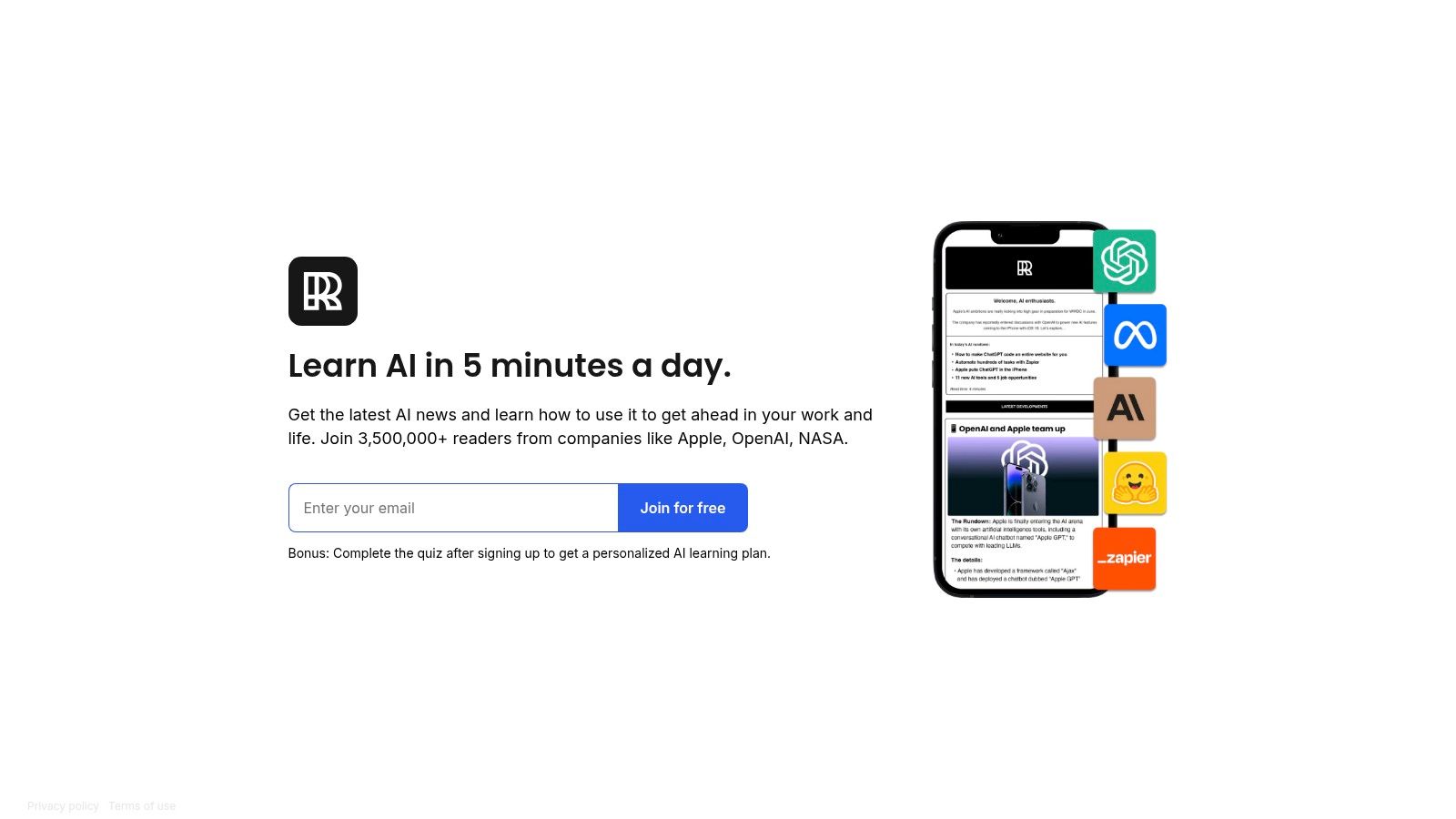
The Rundown is the closest thing to a default first subscription. It's a concise daily briefing on AI news and product launches, paired with practical suggestions for using the tools at work and in daily life. For a general reader who wants headlines plus a takeaway rather than headlines alone, it does the daily triage job with very little friction.
The onboarding is smarter than most. New subscribers get a personalized AI learning plan through a quiz, which turns the first week from passive reading into a sequence you can work through.
Where it earns the slot
- Non-specialist accessible: It assumes you're curious, not technical, which is exactly the right register for most readers.
- News plus application: Each story tends to come with a "so use it like this" element rather than stopping at the announcement.
- Free: No paywall to evaluate before you know whether the cadence suits you.
The con is structural, not editorial. Daily delivery adds up alongside other briefings, and broad coverage means it won't give you the specialist perspective a researcher or a working developer needs. Subscribe to The Rundown AI if you want one daily read that covers the field.
For a sense of how these roundups get assembled week to week, this breakdown of the artificial intelligence weekly format is a useful comparison point.
3. Superhuman AI
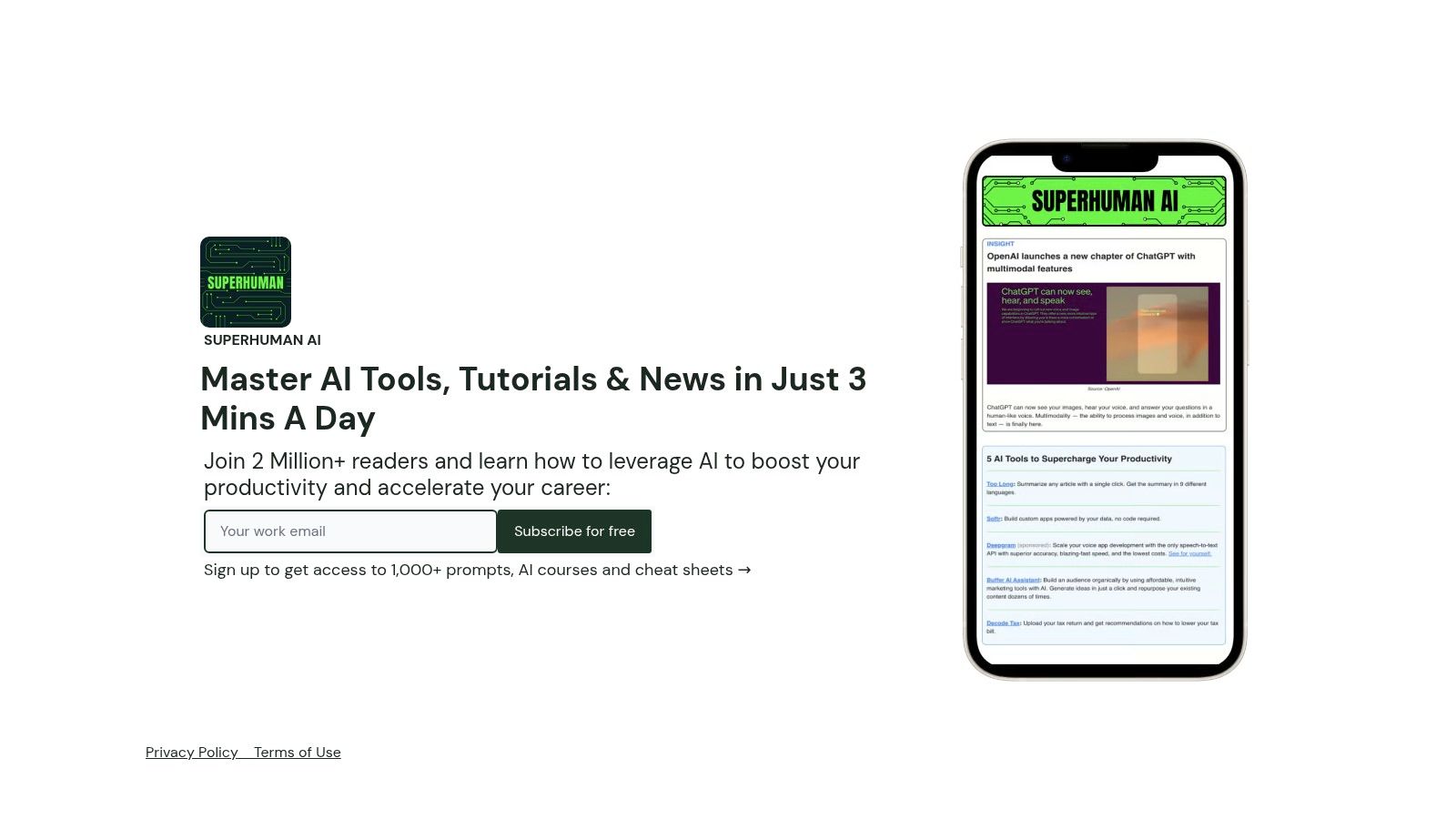
Superhuman makes a sharper promise than most daily briefings: what happened in AI, and what to do with it before lunch. Each issue pairs a short news briefing with tutorials, prompts, and tool recommendations aimed squarely at workplace productivity, which puts it in the practical-application job rather than pure triage.
That emphasis decides who it suits. Someone trying to get more out of AI in an office job gets real value from it; a reader tracking AI art, model evaluation, or academic research will find the lens too narrow, because the coverage keeps pushing from announcement toward task.
Where it earns the slot
The format holds up under daily delivery. Items stay short enough for a quick morning pass, the prompts and walkthroughs carry each edition, and the newsletter is free, which is uncommon for a productivity-focused publication. The trade-off is overlap. Broad daily AI news means it duplicates a large share of any other general briefing you keep, so pick one of them, not both. I'd pair it with a deeper weekly read and treat it as the application layer of the stack.
If your work runs through Gmail, this walkthrough of an email studio for Gmail pairs well with its prompt-driven approach. One naming caution: the newsletter shares its name with Superhuman, the email client, and the Comredix analysis of Superhuman's plans reviews that email product, a separate subscription with its own tiers.
4. TLDR AI
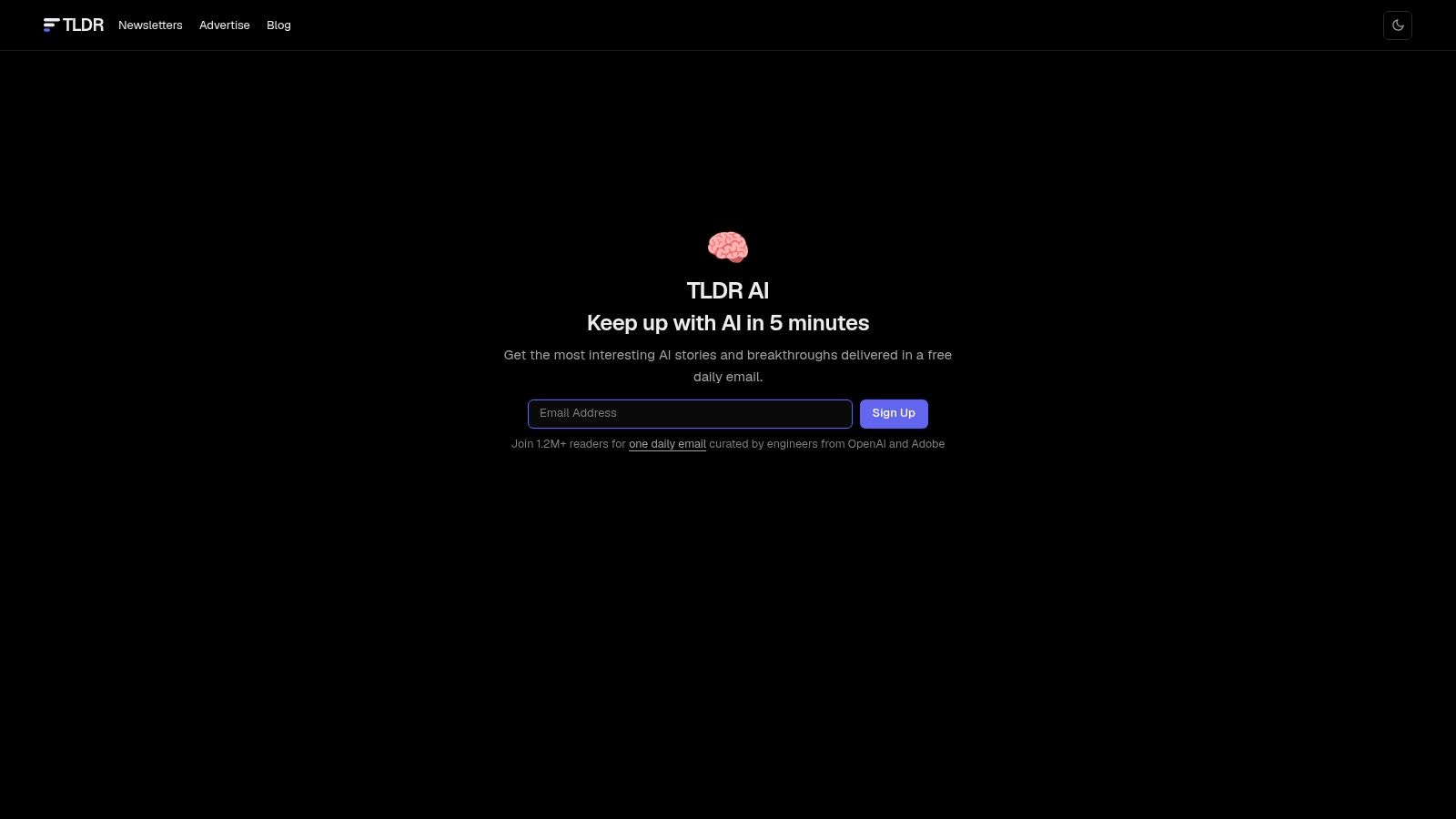
TLDR AI is the triage tool for people who already know they're behind. It's a free weekday newsletter of short summaries covering AI news, research, tools, and model releases, and the defining feature is that almost every item links to the original source.
That linking habit changes how you read it. Instead of trusting the summary, you use it as an index: skim the five items that matter, click through on the one that affects your work, ignore the rest.
The right way to use a link-dense digest
Treat TLDR as a filter, not a feed. Read the summary, open at most two sources, close the tab.
- Fast to scan: Compact items, no long preambles, designed for a two-minute pass.
- Source links: Every claim has a route back to the original, which makes verification cheap.
- Free access: No paywall between you and the day's list.
The trade-off is density. The editorial mix leans technical and engineering-oriented, so general readers will hit items about developer tooling and model architecture that don't apply to them. And brief summaries deliberately strip context, which is fine for triage and useless for understanding. Pair TLDR AI with a deeper weekly read and you have a complete system; use it alone and you'll have headlines without comprehension.
5. The Neuron
The Neuron sits in the middle of the daily-triage category and pitches itself at professionals outside engineering. It covers AI trends and tools with practical framing, written for someone whose job is marketing, operations, or management rather than machine learning.
The brand has grown past the email itself. A podcast and educational courses have been part of the broader content offering, which means readers who prefer listening or structured learning have a second route into the same material.
A reasonable substitute, not an addition
Here's the honest read: The Neuron and The Rundown and Superhuman occupy similar ground. Approachable explanations, tool coverage, general-audience framing. If you already read one of them daily, adding The Neuron probably produces guilt rather than insight.
- Approachable explanations: Good for readers who want practical context without jargon.
- Tools plus context: Covers both specific products and the wider direction of the field.
- Established brand: A recognizable audience and consistent editorial voice.
The limits follow from that positioning. Readers who want research-heavy analysis will find it thin, and the overlap with other general briefings is real. Choose The Neuron if its voice clicks with you better than the alternatives, and choose it instead of them, not alongside.
6. Ben's Bites
Ben's Bites is where daily triage turns into practical application. The newsletter mixes AI news with new-tool roundups, tutorials, and concrete examples of how people are using AI in real workflows. Builder-oriented, but written so curious non-engineers can follow.
The paid Pro tier adds a community and additional learning resources, which is the right structure for this kind of publication: the free email proves the editorial quality, the paid layer sells access to people and support.
What separates it from a news digest
- Experimentation over announcement: The editorial bias is toward things you can try this week.
- Three strands in one issue: Tools, business developments, and learning material, which suits founders and creators juggling all three.
- Community beyond email: The Pro tier gives you somewhere to ask follow-up questions.
The weakness is inherent to the format. Tool roundups date fast. An issue that recommends five new products in a market that ships weekly will read as archaeology within a month, so treat the archive as a snapshot and the current issue as the actionable part. Pro resources also sit behind the paid upgrade, which is fair but means the free tier alone won't give you the community benefit.
Subscribe to Ben's Bites for the ideas, and keep a running list of what you actually tested. The roundup is only worth the subscription if you act on two items a month.
7. Future Tools, The Pulse of AI
Future Tools is less a newsletter than a discovery engine with a newsletter attached. Curated by Matt Wolfe, it combines AI news and commentary with tool discovery, interviews, and video, backed by a browsable directory of AI products.
That multi-format structure is the differentiator. If you learn better by watching someone demo a tool than by reading a description of it, the video layer carries most of the value. If you want a searchable index of what exists, the directory does the work the email can't.
Who this is actually for
- Active testers: Useful if you're regularly trialing new AI products and want a discovery surface.
- Distinct voice: Creator-led commentary gives the coverage a point of view a corporate digest won't have.
- More than email: Website, newsletter, and video give you three ways in.
The mismatch is with readers who want a clean digest. A newsletter-plus-website-plus-video operation is a lot of surface area, and the tool focus means policy, safety, and academic research get comparatively little attention. Go to Future Tools when you're in acquisition mode, hunting for something specific to solve a problem, rather than when you want to be briefed.
8. The Batch, DeepLearning.AI
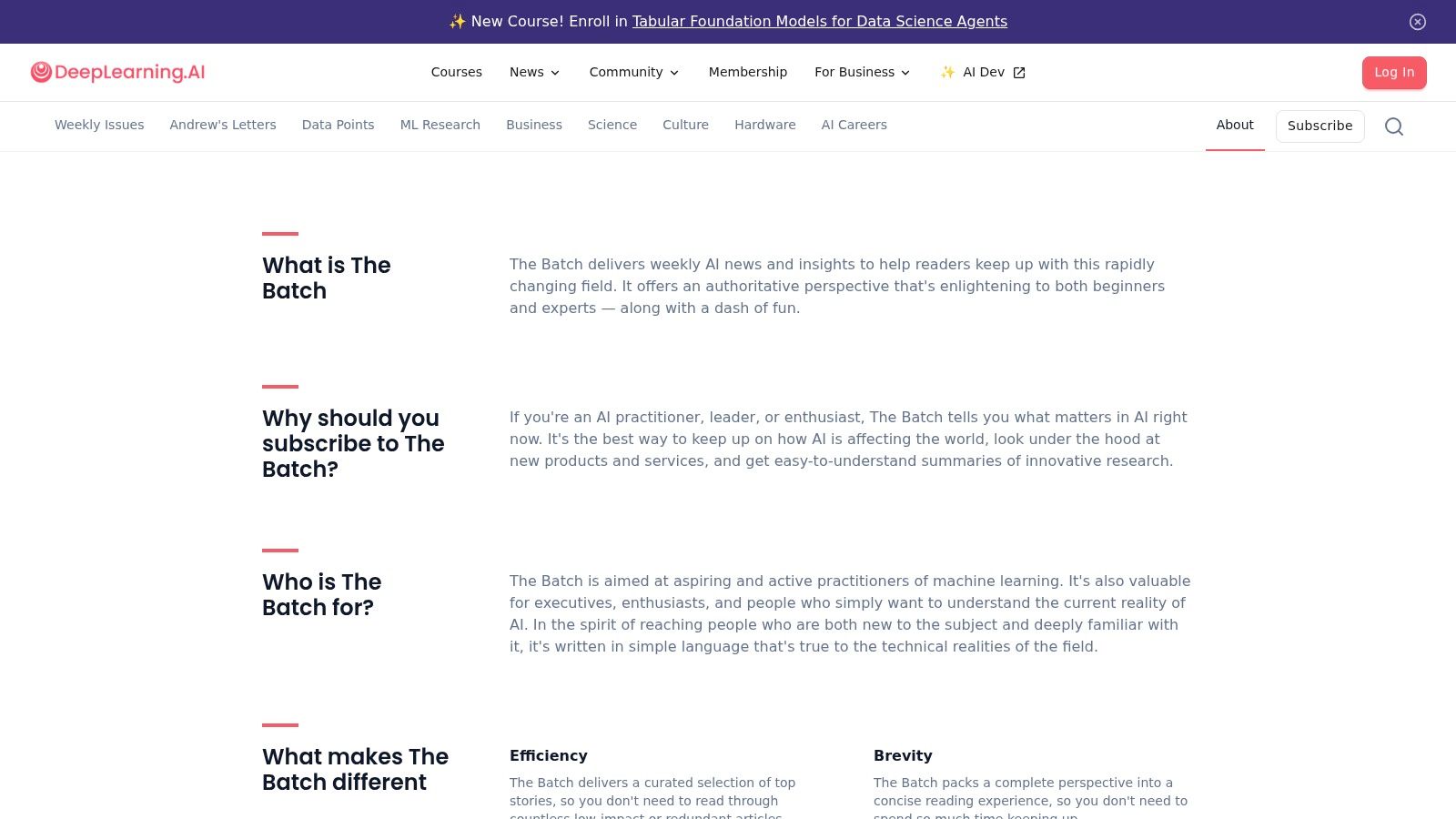
The Batch is the weekly deep read I'd recommend to almost anyone who wants to understand AI rather than just track it. Published by DeepLearning.AI, it selects a handful of news items and research developments each week, explains them in plain language, adds context about why they matter, and includes a letter from Andrew Ng.
The weekly cadence is the feature, not a limitation. Daily publications compete on volume and lose on comprehension. One considered issue a week, with enough room to explain the significance of a result, produces more retained understanding than five briefings you skim.
Why a slower cadence works better for depth
- Manageable rhythm: Weekly is easier to keep up with than daily, which means it gets read.
- Context plus explanation: Plain-language treatment with technical grounding, so it works for practitioners and interested outsiders.
- Further reading: Links let you go deeper where the topic touches your work.
The cost of that cadence is coverage lag. A weekly can't tell you about every product launch on the day it happens, and it isn't trying to be a tutorial channel. If you want step-by-step walkthroughs of tools, pair The Batch with an application-focused newsletter rather than expecting one publication to do both jobs.
9. Import AI
Import AI is the research-depth pick, and it's unapologetic about that. Written weekly by Jack Clark, it analyzes frontier AI research and the implications that follow from it, at a level of detail no daily digest attempts.
This is the newsletter you read when the question isn't "what launched" but "what does this result mean for capability, risk, and policy over the next two years." The public issues are free, which lets you assess the style before considering any paid support.
Reading it without falling behind
Skim the section headers, read the one analysis that connects to your work, and skip the rest without guilt.
- Research over product: The focus is on papers and their consequences, not tool discovery.
- A distinct analytical view: Jack Clark's perspective is consistent and arguable, which is more useful than neutral summary.
- Free public issues: You can evaluate before upgrading to paid benefits like commenting and early access.
The honest limitation is time. Detailed weekly analysis takes longer to read than a briefing, and if you're a designer or creative professional looking for workflow advice, this isn't the publication for that. Read Import AI if you want to think about where the field is going, and keep a practical newsletter alongside it for what to do on Monday.
10. One Useful Thing
One Useful Thing is the odd one out in the best way. Ethan Mollick, a Wharton professor, writes about how AI affects work, education, and daily life through specific examples and experiments rather than a headline roundup.
The publishing cadence is variable, and that's a real constraint if you're building a reading habit around it. What you get in exchange is interpretation: an expert connecting a capability to a decision you might make, with the reasoning visible.
Depth over frequency
- Expert-led perspective: Guidance informed by teaching and research, not aggregation.
- Experiments and examples: Concrete uses rather than abstract claims about transformation.
- Interpretation over announcement: Useful for readers who want to understand implications, not track releases.
The mismatch is obvious once stated: it's not a dependable daily news source, and the longer posts demand more reading time than a briefing. But as the third slot in a three-newsletter stack, it does something the others can't. If you're building around AI without a technical team, the no-code AI automation approach pairs naturally with the kind of practical experimentation Mollick writes about. Follow One Useful Thing for the thinking, not the timetable.
Gen AI Newsletters at a Glance
| Cadence | Main Focus | Best For | Free Access |
|---|---|---|---|
| On demand | HoppyCopy: AI-assisted email writing and design | Creators and businesses producing newsletters and marketing emails | Free trial, then paid plans |
| Weekly | Creators Toolbox: Roundup of news, tools, and resources across design, technology, and digital media | Designers and creators tracking new products and software features | Free; ad-free premium edition on the Pro plan |
| Daily | The Rundown AI: AI news, product launches, and practical guidance | General readers seeking accessible AI updates and takeaways | Free to subscribe |
| Daily | Superhuman AI: AI news, tutorials, prompts, and tools for work | Readers seeking quick, actionable ways to use AI at work | Free newsletter and learning materials |
| Weekdays | TLDR AI: Concise AI news, research, tools, and model releases | Readers who want quick, source-linked updates, especially technical audiences | Free |
| Daily | The Neuron: AI trends and tools with practical context | Professionals seeking approachable AI coverage | Free |
| Daily | Ben's Bites: AI news, tools, tutorials, and examples | Creators, founders, and curious non-engineers | Free email with paid Pro tier |
| Variable | Future Tools, The Pulse of AI: News, commentary, interviews, and tool discovery | People exploring and testing AI products | Free |
| Weekly | The Batch, DeepLearning.AI: AI news and research explained in clear language | Readers wanting accessible context without daily updates | Free |
| Weekly | Import AI: Frontier AI research and its implications | Readers seeking detailed research analysis | Free public issues |
| Variable | One Useful Thing: In-depth analysis of AI's effects on work, education, and daily life | Readers seeking expert perspective and practical interpretation | Free |
Five of these land daily or every weekday, and they chase the same announcements, so subscribing to two adds volume rather than coverage. The weeklies trade speed for explanation. The variable entries fill in around whatever fixed cadence you keep.
Build an Inbox Stack That Actually Gets Read
Three newsletters. That's the working number. One daily triage briefing so you know what happened, one application-focused publication so you know what to do about it, and one weekly deep read so you understand why it matters. Everything beyond that is a subscription you're paying for with attention and not collecting on.
The context for that discipline is stark. EY's 2025 Work Reimagined findings reported that 88% of employees used AI at work to some degree, while only 28% of organizations were positioned to convert deployment into high-value outcomes, according to the EY workforce survey. Access to tools isn't the bottleneck. Knowing what to do with them is. A focused reading stack is how you close that gap.
The combinations that work
- Triage plus application: TLDR AI for the index, Superhuman AI for the how-to. Fast, and both are free.
- Triage plus depth: The Rundown for daily awareness, The Batch for weekly comprehension. The most balanced pair for general readers.
- Application plus depth: Ben's Bites for things to try, One Useful Thing for how to think about them. Best for creators and founders.
- If you're producing rather than reading: HoppyCopy for the build, one briefing for the input.
Pick your stack in writing before you subscribe to anything else. A list on paper is easier to defend than a good intention.
How to cull without regret
Open your inbox and sort by sender. Any newsletter you haven't opened in the last four issues gets unsubscribed this week, not moved to a folder you'll never check. The four-issue rule is arbitrary but effective, because a publication that can't earn four consecutive opens isn't earning the slot. If you're weighing paid tiers against each other, compare newsletter platform pricing before you commit budget to a subscription you might drop.
There's also a supply-side reason the inbox is crowded. AI-focused newsletters accounted for 4% of newsletter-submission volume in 2024, rising to 6% in 2025, according to PPC Land's newsletter monetization reporting. More are coming. Your filter has to be editorial, not aspirational.
For readers who want one more weekly input on the creative side, Creators Toolbox publishes a roundup of design, AI, and creative tools. The Pro Plan includes an ad-free premium newsletter with exclusive content and early access to new tools, and there's an AI community feed if you want conversations alongside the news.
This week's actual task
Open your subscriptions list. Keep the three you opened most recently and most often. Unsubscribe from the rest without reading one final issue to be sure. Then add nothing new for thirty days.
The newsletters above are worth your inbox only if they change what you do, and that's the same test Creators Toolbox applies to the tools it covers. If you want a weekly roundup of design, AI, and creative tools without subscribing to ten separate sources, visit Creators Toolbox and see whether the format earns a slot in your stack.