Top 7 Digital Art Tutorials for Beginners to Start in 2026
By Steven Van ·
Discover the best digital art tutorials for beginners in our curated 2026 roundup. Start learning with top courses for Procreate, Photoshop, and more today!
Stepping into the world of digital art can feel both exciting and overwhelming. With countless tools, techniques, and platforms available, knowing where to start is often the biggest hurdle. This guide is designed to cut through the noise, offering a curated selection of the absolute best digital art tutorials for beginners.
We've evaluated each resource to give you a clear picture of what it offers, who it's for, and why it might be the right fit for you. Whether your goal is to master Procreate on your iPad, learn digital painting in Photoshop, or simply build a consistent drawing habit, this list provides a clear roadmap. We'll explore top-tier platforms like Proko, DrawABox, Skillshare, and Schoolism, ensuring you find the perfect starting point to unlock your creative potential.
To lay a strong foundation in your digital art journey, understanding core concepts is essential. Before diving into software, grasping the elements of art and principles of design will dramatically improve your work. These fundamentals are the building blocks of every composition, from character sketches to complex environmental scenes.
This article skips the generic advice and gets straight to the point. Each recommendation includes:
- A summary of what you'll learn.
- Direct links to get you started immediately.
- Key details on pricing and course structure.
Our goal is to help you move from a blank canvas to a finished masterpiece with confidence. Let's dive into the top resources that will build your skills from the ground up.
1. Courses - Motion Course
For beginners ready to move beyond static images, the Motion Course from Creator's Toolbox offers a structured, results-oriented path into the world of motion design. While many digital art tutorials for beginners focus solely on illustration or photo editing, this course carves out a unique space by concentrating on bringing your creative ideas to life through animation. It’s an exceptional choice for designers, illustrators, and video editors who want to add a professional layer of movement to their work, turning static layouts into engaging, production-ready visuals.
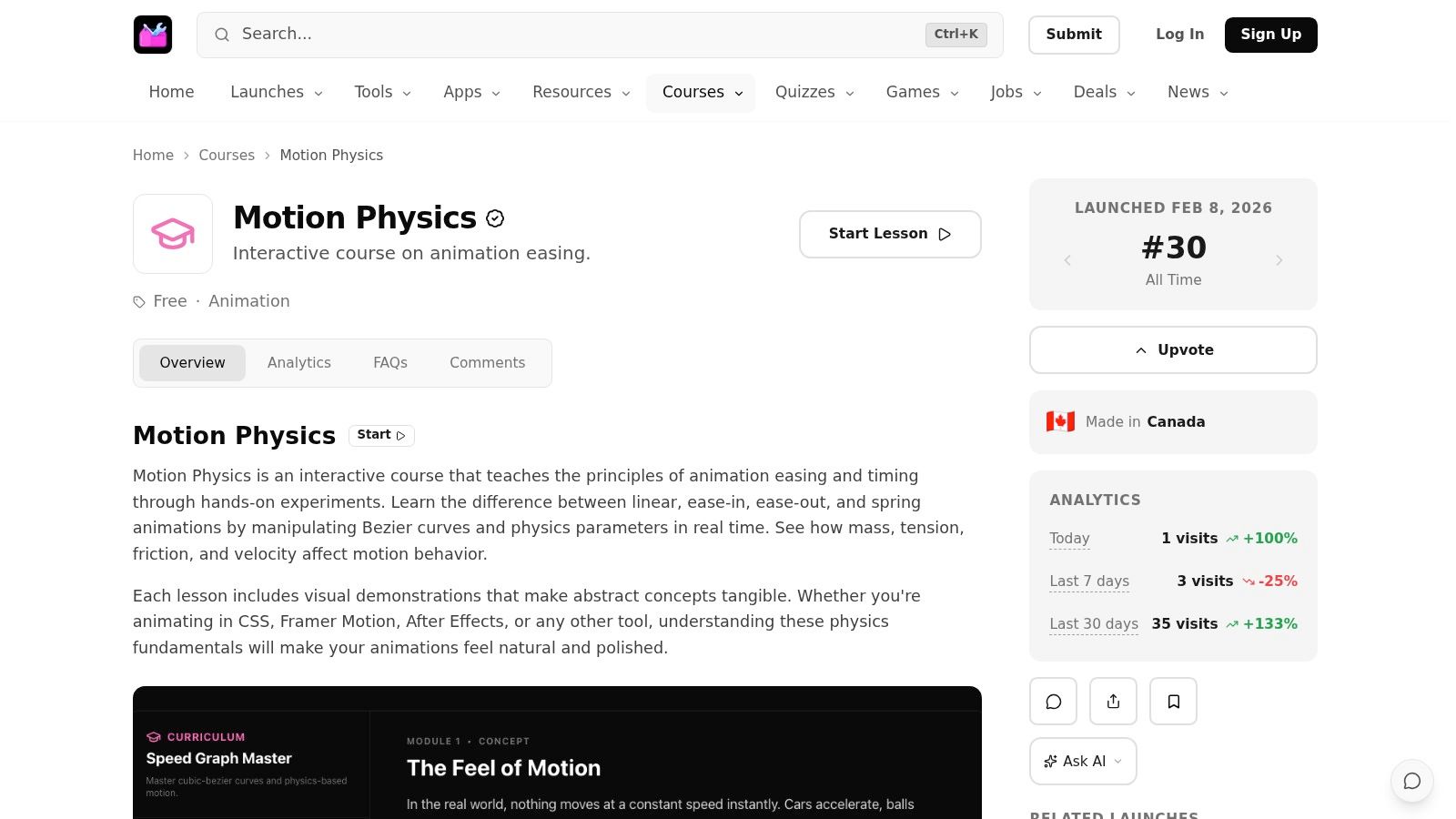
What sets this course apart is its practical, tool-focused workflow. Instead of getting bogged down in abstract animation theory, the curriculum is built around step-by-step tutorials and real-world project exercises. You won’t just learn how to animate; you’ll actively build polished UI motion, smooth title sequences, and social media-ready animated content that can be immediately applied to freelance or studio pipelines.
Key Strengths and Features
The Motion Course is curated by Creator’s Toolbox, a platform known for tracking the latest updates from industry leaders like Adobe, Apple, and Canva. This ensures the techniques taught are current and relevant, even incorporating automation and AI-accelerated steps where applicable. This forward-thinking approach prepares you for modern creative workflows.
The course package is robust, providing more than just video lessons. It includes:
- Swipe-Ready Templates: These assets are designed to accelerate your production, giving you a professional starting point for client work.
- Reusable Assets: Build a library of elements that you can use across various projects, saving time and ensuring consistency.
- Tool-Agnostic Fundamentals: While it provides tips for specific software, the core principles of motion are taught in a way that can be applied across different tools.
The platform that hosts this course, Creator's Toolbox, is part of a larger ecosystem of educational content. As you explore various options like Motion Course for your digital art education, you might be interested in a broader comparison of the best platforms for selling online courses. Understanding the business side can provide context on how different creators structure their learning experiences.
Course Access and Considerations
The Motion Course operates on a one-time purchase model, granting lifetime access to all materials and future updates. This is a significant advantage over subscription-based models, as you can revisit lessons anytime your skills need a refresher.
| Feature | Details |
|---|---|
| Pricing | One-time payment (check website for current price). |
| Access | Lifetime access to all course content, templates, and future updates. |
| Prerequisites | Basic familiarity with a motion design tool (e.g., After Effects, Apple Motion) is recommended. |
| Primary Audience | Digital artists, designers, and video editors looking to specialize in motion. |
| Primary Benefit | Moves from static art to animated, production-quality visuals with a project-based approach. |
While the course is incredibly practical, it's important to note its focus. It’s not for absolute beginners to digital art itself but rather for those who have some foundational design skills and are ready for the next step: motion. The workflows are professional-grade, and some advanced techniques may suggest commercial software or plugins, which could represent an additional cost. However, for anyone serious about making motion a key part of their creative toolkit, this investment provides a direct and actionable path to achieving that goal.
Visit the Website: Courses - Motion Course
2. Proko
While many digital art tutorials for beginners focus on a specific software tool, Proko takes a different approach. It builds your skills from the ground up by teaching the core principles of drawing, which are the bedrock of all visual art, both digital and traditional. It’s an ideal starting point if you feel your fundamental skills are holding back your digital work.
The platform is built around the teaching style of Stan Prokopenko, an artist and instructor known for making complex topics like anatomy and perspective feel approachable and even entertaining. The lessons are exceptionally well-produced, mixing clear theory with practical demonstrations that show you exactly how to apply the concepts.
Key Features and Offerings
Proko’s main course for newcomers is the Drawing Basics program. This is not a quick, single-video tutorial; it's a structured curriculum designed to give you a solid artistic foundation.
- Structured Curriculum: The course is divided into logical sections: The Basics, Line, Shape, Form, Perspective, Values, and Edges. This sequence ensures you build skills progressively.
- Assignments & Critiques: Each lesson comes with a specific assignment. Proko also provides videos where instructors critique student submissions, which is an excellent way for beginners to identify and correct common mistakes in their own work.
- High-Quality Resources: Beyond the videos, you gain access to browser-based 3D models for practicing, high-resolution examples, and downloadable lesson resources.
Unlike software-specific guides, Proko teaches you how to see and how to draw. This knowledge is universal. A solid grasp of perspective from Proko will make creating environments in Procreate or Photoshop significantly easier. Similarly, understanding form and value will make your character paintings in Krita or Clip Studio Paint feel more three-dimensional and believable. While this approach is different from a technical walkthrough, for those interested in vector-based work, a resource like this Figma tutorial for beginners can complement foundational drawing skills by showing how to apply them in a different medium.
Pro-Tip: Don't just watch the videos. Actively complete every assignment. The real learning on Proko happens when you apply the theory, make mistakes, and then watch the critique videos to understand where you can improve.
| Feature Comparison | Proko | Software-Specific Tutorials |
|---|---|---|
| Primary Focus | Drawing Fundamentals (Form, Value, etc.) | Tool & Workflow Mastery |
| Software | Agnostic (applies to any medium) | Tied to a specific app (e.g., Photoshop) |
| Learning Path | Structured, sequential course | Often single-topic, project-based |
| Feedback | Curated student critiques (indirect) | Usually self-assessed |
Pricing & Access: Proko offers a significant number of its lessons for free on its website and YouTube channel, allowing you to sample the teaching style extensively before committing. The full premium Drawing Basics course is a one-time purchase, currently priced at $449, and comes with a 30-day money-back guarantee. You can find more information and sign up at https://www.proko.com.
3. DrawABox
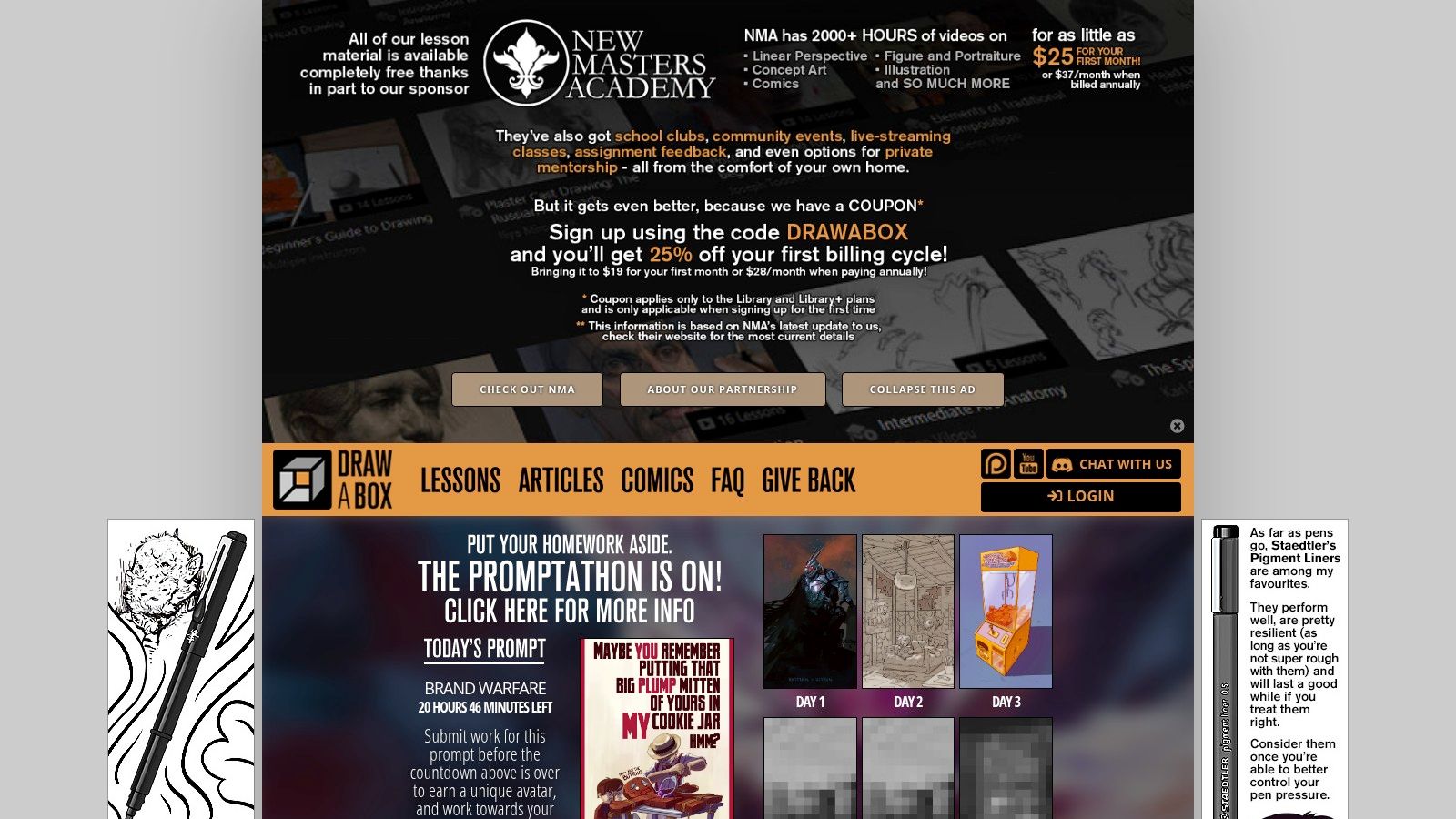
If the idea of a strict, exercise-based regimen for building your drawing skills appeals to you, then DrawABox is one of the best free digital art tutorials for beginners available. This platform is not about quick wins or flashy projects; it is a rigorous, fundamentals-first course designed to build muscle memory, spatial awareness, and confident line work through sheer practice. It's the artistic equivalent of a boot camp, and it’s completely free.
The curriculum, created by artist Irshad Karim (Uncomfortable), is built on the principle of "construction," which is the ability to break down complex subjects into simple 3D forms. This approach is invaluable for digital artists, as it teaches you to draw through your subjects, giving your sketches and paintings a solid, three-dimensional structure rather than appearing flat.
Key Features and Offerings
DrawABox presents a very specific, non-negotiable path through its lessons. The idea is to build skills methodically, with each exercise laying the groundwork for the next. This removes the guesswork of "what should I practice today?"
- Completely Free Lessons: All core lessons, from basic line control to complex organic forms and texture analysis, are available for free on the website. They are presented in a detailed text format, often accompanied by video or audio commentary.
- Emphasis on Construction and Mileage: The course drills you on exercises like drawing boxes in perspective, rotating them in space, and plotting organic forms. The goal is to develop an intuitive understanding of form and space.
- Strong Community Support: A huge part of the DrawABox experience is its community. The official subreddit and Discord server are active hubs where students share their homework, offer feedback, and provide encouragement, creating accountability.
- Optional Paid Critiques: While peer feedback is free, you can also submit your work for official critiques from the DrawABox team by purchasing credits, which are managed through a Patreon-like system.
The core philosophy of DrawABox is that confident drawing comes from mileage and a deep understanding of 3D space. This makes it a perfect companion to software-specific tutorials. After completing the DrawABox exercises on drawing boxes and cylinders, you'll find it far easier to construct a character's torso or sketch a vehicle in perspective using Procreate or Photoshop. It's a system designed to teach you the "why" behind drawing, which makes the "how" of using your digital tools much more effective.
Pro-Tip: Follow the "50% rule" promoted by the course: spend half your practice time on the structured DrawABox exercises and the other half drawing whatever you want for fun. This prevents burnout and helps you apply your new skills creatively.
| Feature Comparison | DrawABox | Software-Specific Tutorials |
|---|---|---|
| Primary Focus | Construction, Spatial Reasoning, Line Control | Tool & Workflow Mastery |
| Software | Agnostic (applies to any medium) | Tied to a specific app (e.g., Photoshop) |
| Learning Path | Strict, sequential lesson plan | Often single-topic, project-based |
| Feedback | Active peer feedback & optional paid critiques | Usually self-assessed |
Pricing & Access: The entire DrawABox curriculum is 100% free. There are no paywalls for the lessons or exercises. The only cost is for optional, official critiques of your homework, which can be purchased via a credit system. You can start the course immediately at https://drawabox.com.
4. Skillshare
For beginners who aren't ready to commit to a single tool or artistic style, Skillshare offers a sprawling library of creative classes. Instead of a single, linear curriculum, it functions like a creative buffet, allowing you to sample hundreds of project-based tutorials across various software and disciplines. This makes it an excellent platform for discovery, helping you find which programs and techniques excite you most.
The platform's strength lies in its sheer volume and variety. You can find introductory classes on Procreate, Photoshop, Illustrator, character design, and more, all under one subscription. This approach is ideal for beginners who want to quickly understand the basics of several tools before deciding which one to focus on. The quality is instructor-dependent, but many top-tier artists and illustrators host their classes on the platform.
Key Features and Offerings
Skillshare is less about foundational theory and more about hands-on, project-based learning. Most classes guide you through creating a specific piece of art from start to finish, teaching you the necessary tools and techniques along the way.
- Broad Software Coverage: Find beginner-friendly classes for nearly every major digital art application, including Procreate, Photoshop, Clip Studio Paint, and Adobe Illustrator. This is perfect for trying software before you buy it.
- Project-Based Learning: The majority of classes are built around a final project, such as "Illustrating a Character in Procreate" or "Creating a Simple Animation in Photoshop." This keeps you engaged and gives you a finished piece for your portfolio.
- Learning Paths: To add structure to its massive library, Skillshare curates "Learning Paths." These are sequenced playlists of classes designed to guide you from novice to proficient in a specific area, like "Digital Illustration" or "Graphic Design."
Skillshare is particularly effective for applied learning. After grasping a fundamental concept, you can immediately find a dozen classes that show you how to apply it in different contexts. For instance, you can learn basic color theory in one class and then take another that shows you how to use that knowledge to create a moody landscape in Procreate. This hands-on approach also extends to related fields; if your digital art journey leads you toward graphic design, you'll find that Skillshare also has a wealth of information on the best graphic design apps and how to use them.
Pro-Tip: Use the free trial period strategically. Create a list of 3-4 different software or styles you want to try (e.g., Procreate character art, Photoshop photo manipulation, Illustrator vector graphics). Dedicate a few days to a beginner class in each to quickly determine which path you enjoy the most before committing to a subscription.
| Feature Comparison | Skillshare | Single-Course Platforms |
|---|---|---|
| Primary Focus | Project-based software skills | Often deep, foundational theory |
| Software | Covers a wide range of apps | Typically software-agnostic or single-focus |
| Learning Path | Self-directed or guided by "Learning Paths" | Usually a single, structured curriculum |
| Feedback | Varies; some have project galleries/feedback | Can have dedicated critique systems |
Pricing & Access: Skillshare operates on a subscription model. After a free trial (typically 7 days), access requires a premium membership, which is billed annually at around $168 per year (prices can vary). This grants unlimited access to the entire class library. You can find more information and sign up at https://www.skillshare.com.
5. Domestika
Where some platforms focus on either broad fundamentals or technical software skills, Domestika carves a niche with its highly produced, project-based courses. If you are motivated by creating a specific, tangible piece of artwork from start to finish, Domestika offers some of the best-structured digital art tutorials for beginners, especially in illustration and character design.
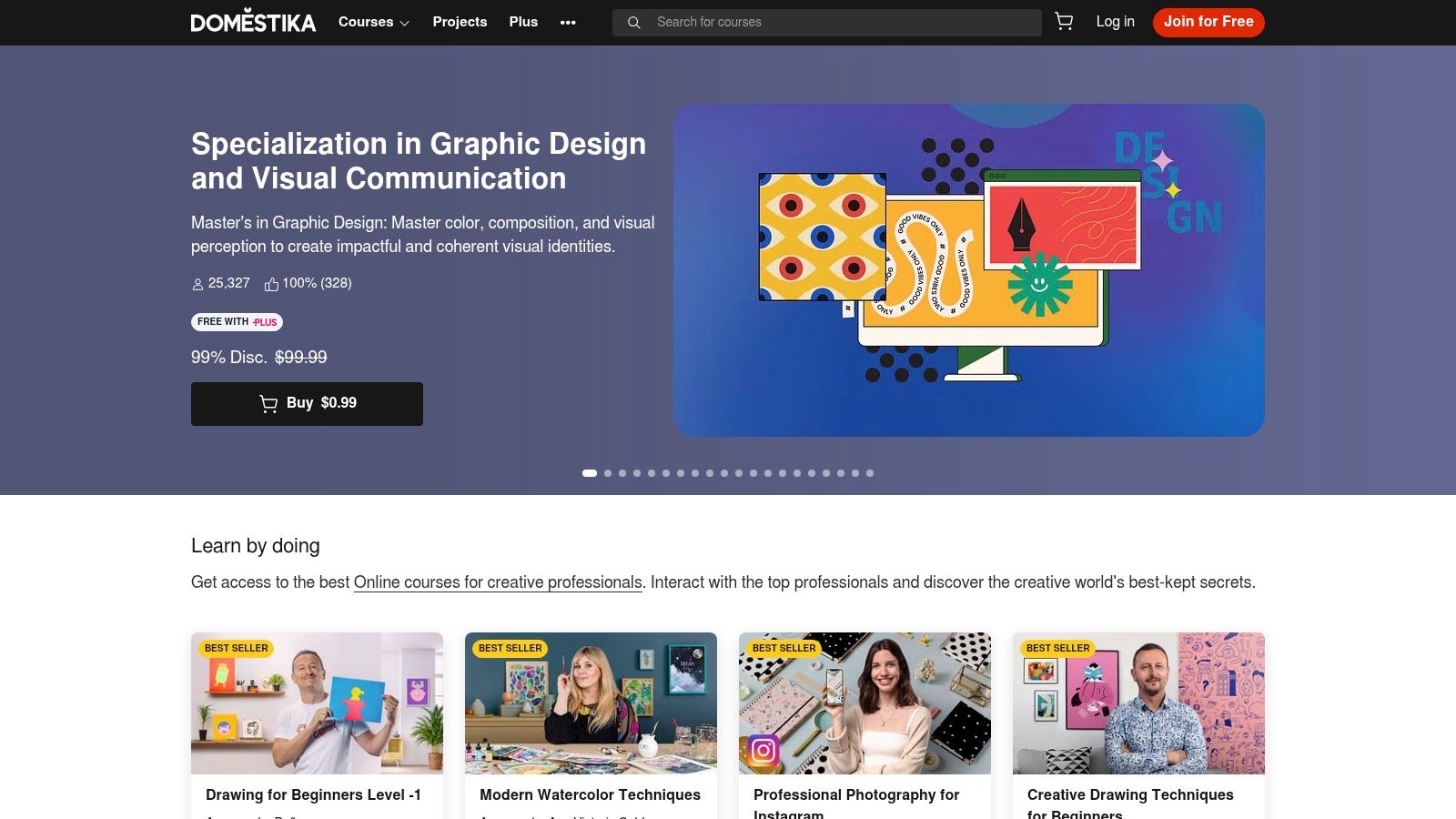
The platform presents courses led by professional artists who guide you through their personal process for creating a specific work. Each course feels like a mini-apprenticeship, with a strong emphasis on practical steps and achieving a polished final project. This project-led approach is excellent for newcomers who want to see immediate, visible progress in their skills.
Key Features and Offerings
Domestika’s strength lies in its vast catalog of individual courses, particularly the Domestika Basics series, which are multi-course bundles designed to teach a software program like Procreate or Photoshop from the ground up.
- Project-Based Learning: Almost every course is centered around creating one finished illustration. You follow along step-by-step, from initial sketch to final color and texture, learning the instructor's workflow along the way.
- Lifetime Access: When you purchase a course, you own it forever. This is a significant advantage over subscription models, as you can return to the material months or years later to refresh your memory.
- Wide Software Coverage: You can find high-quality beginner courses for nearly every major digital art tool, including Procreate, Adobe Photoshop, Illustrator, and Clip Studio Paint, often taught by artists who specialize in that software.
- Community and Resources: Each course includes a dedicated community forum for sharing work and asking questions. Instructors also provide downloadable resources, such as custom brushes, color palettes, and reference files used in the lessons.
While a single course might not provide the deep foundational theory of a platform like Proko, it gives you a practical, repeatable workflow. Completing a character illustration course, for example, gives you a clear process you can adapt for your own future projects. This makes it an excellent choice for artists who learn best by doing.
Pro-Tip: Look for the "Domestika Basics" bundles. They typically consist of 5-6 courses that take you from "I've never opened this app" to a competent user. Buying them as a bundle is far more cost-effective than purchasing each course individually.
| Feature Comparison | Domestika | Subscription-Based Platforms |
|---|---|---|
| Primary Focus | Project-based workflows and styles | Broad skill library access |
| Software | Specific courses for each app | Often software-agnostic or covers many |
| Learning Path | Self-directed by course choice | Can be structured or self-directed |
| Feedback | Peer-based in course forums | Varies from none to direct mentorship |
Pricing & Access: Domestika operates on a per-course purchase model, with frequent sales that bring individual course prices down to $10-$20. Domestika Plus is an optional subscription ($9.99/month) that provides a monthly credit to redeem for a course and discounts on other purchases. Be aware that some users have reported confusion with Plus trial renewals, so read the terms carefully. You can explore the course catalog at https://www.domestika.org.
6. Schoolism
Schoolism is where aspiring artists go to learn directly from the pros. This platform offers a catalog of self-paced courses taught by legendary artists and illustrators currently working in the film, animation, and video game industries. Instead of generic tutorials, you get structured lessons on topics like digital painting, character design, and color and light, straight from the source. It’s an excellent choice for beginners who are serious about building a professional-level skillset.
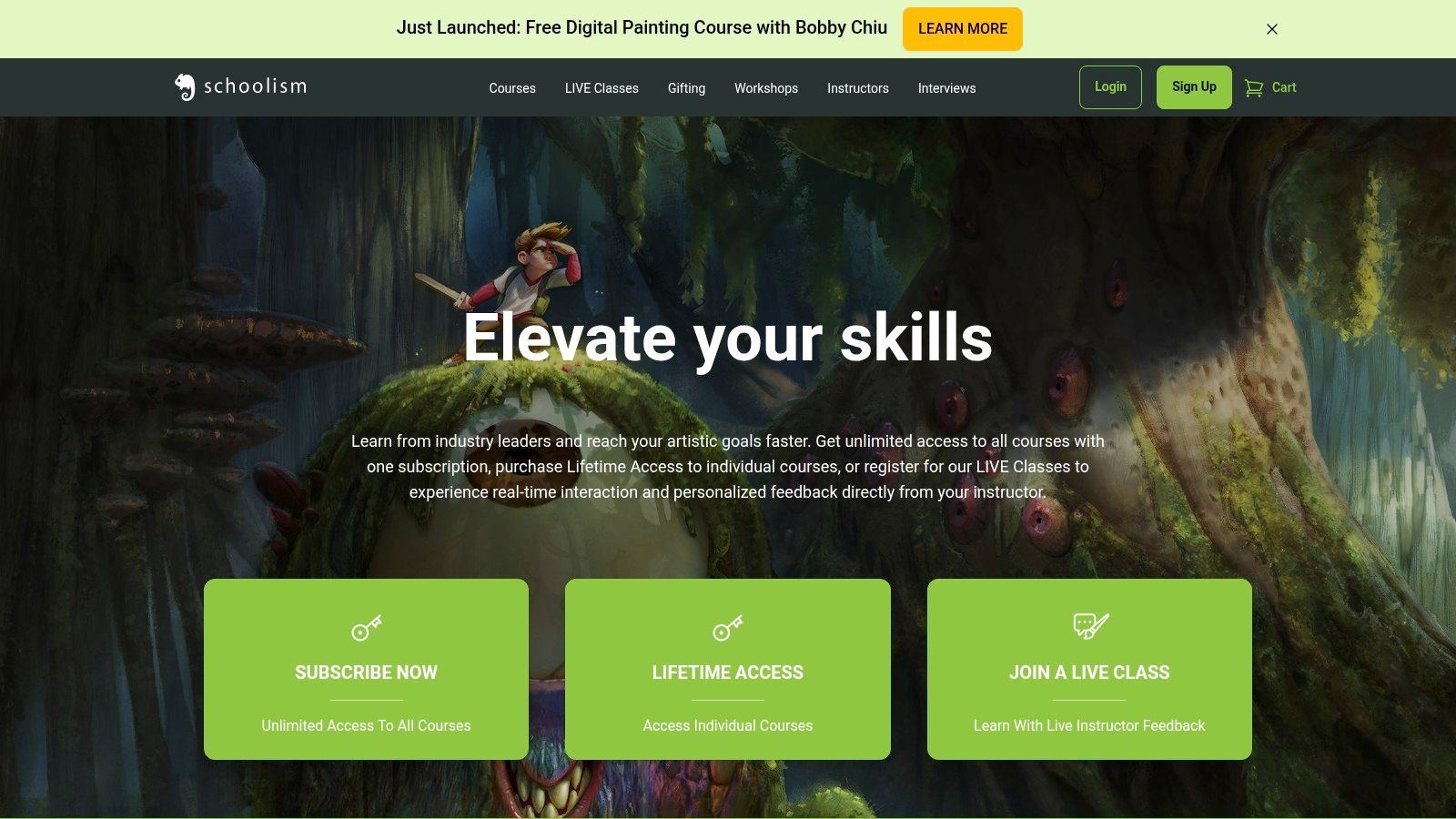
The platform’s strength lies in the caliber of its instructors. You'll learn from artists who have contributed to major projects at studios like Disney, Pixar, and DreamWorks. Their courses are less about which button to click in a specific program and more about the artistic principles and production workflows that professionals use daily. This focus on industry knowledge makes it a standout resource for anyone with career ambitions.
Key Features and Offerings
Schoolism provides a deep dive into the core disciplines of digital art, with a curriculum designed to mirror a professional art education. You can access these courses through a subscription or by purchasing lifetime access to individual classes.
- Taught by Industry Veterans: The main draw is learning from top-tier artists like Nathan Fowkes (color and light), Sam Nielson (lighting fundamentals), and Bobby Chiu (digital painting).
- Critique Archives: Subscription members gain access to a library of past student critiques. Watching an instructor give feedback on assignments is an invaluable way to learn, as you can see common mistakes and understand how to correct them in your own work.
- Flexible Access: You can choose a monthly or annual subscription for access to the entire course library, or you can purchase lifetime access to a single course if you want to focus on one subject.
The lessons on Schoolism are designed to build your foundational art knowledge and show you how it applies in a digital context. For instance, a course on "Fundamentals of Lighting" will teach you principles that are applicable whether you're using Procreate, Photoshop, or any other painting software. This makes the knowledge you gain transferable and long-lasting, providing a solid base for any digital art tutorials for beginners you may try later.
Pro-Tip: Make full use of the critique archives. When you finish a lesson and its assignment, find the corresponding critique video. Listen to the instructor's feedback on other students' work and compare it to your own. This practice helps you develop a critical eye for improving your art.
| Feature Comparison | Schoolism | Free YouTube Tutorials |
|---|---|---|
| Primary Focus | Professional Art Education (Painting, Design) | Single-Topic, Project-Based Learning |
| Instructors | Vetted Industry Professionals (e.g., Disney, Pixar) | Wide range of creators (varied quality) |
| Learning Path | Structured, multi-lesson courses | Mostly standalone videos |
| Feedback | Archived instructor critiques (indirect) | Primarily community comments |
Pricing & Access: Schoolism offers a subscription model, which gives you access to all self-paced courses and the critique library. The subscription is a recurring payment, and you'll need to create an account to see the current pricing at checkout. Alternatively, you can buy lifetime access to individual courses, which is a one-time purchase. You can explore the courses and instructors at https://www.schoolism.com.
7. Creature Art Teacher (Aaron Blaise)
If you're inspired by the worlds of animation and creature design, Creature Art Teacher offers a direct line to that industry's expertise. Led by former Disney animator Aaron Blaise (who worked on classics like The Lion King and Mulan), the platform provides digital art tutorials for beginners that are both accessible and grounded in professional experience. It’s an excellent choice for those who want to learn how to draw and paint animals, creatures, and dynamic characters.
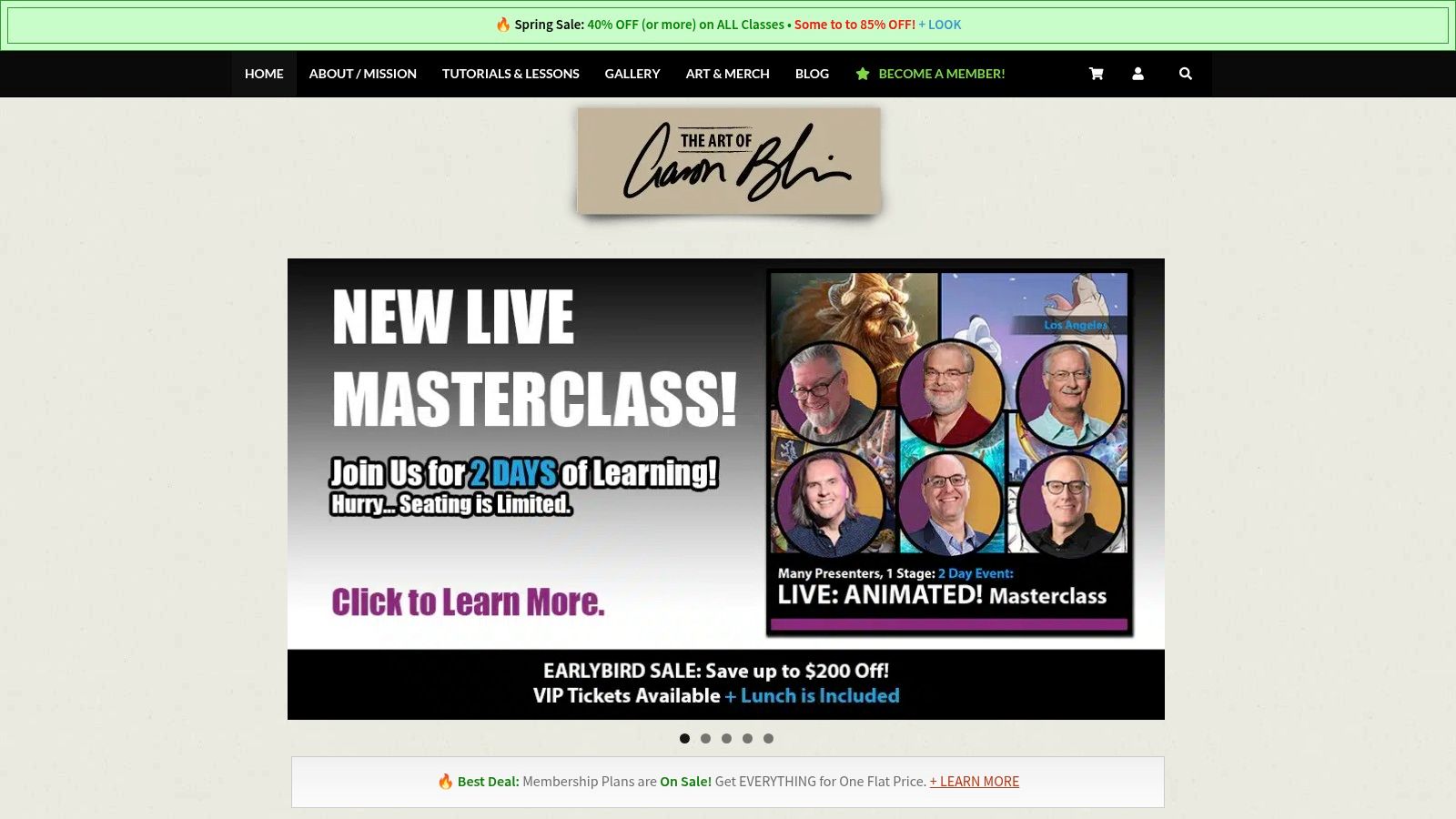
Aaron Blaise’s teaching style is famously approachable and encouraging. He breaks down his process in real-time, explaining not just what he’s doing in Photoshop or Procreate, but why he's making each decision. This makes complex topics like lighting, texture, and animal anatomy feel manageable for someone just starting their digital art journey.
Key Features and Offerings
The platform’s strength lies in its extensive catalog of courses focused on character and animal art. Courses like "Introduction to Digital Painting in Photoshop" and "Getting Started in Procreate" are designed specifically for beginners.
- Software-Specific Introductions: These courses get you comfortable with the essential tools and workflows of major digital painting applications, using a fun project-based approach.
- Fundamental Skills: Beyond software, there are dozens of courses covering core artistic principles, including perspective, composition, light & color, and character design.
- Vast Creature & Animal Library: The heart of the platform is its collection of animal drawing courses. From wolves and big cats to dinosaurs and fantasy beasts, you can learn the anatomy and techniques to bring them to life.
- Flexible Access: You can purchase courses individually or subscribe to a membership for access to the entire library, which is a great value if you plan to take multiple classes.
Unlike platforms that focus strictly on technical skills, Creature Art Teacher shows you how to apply them with artistic intent, particularly for illustrative work. While the emphasis is on painting, the principles of form and light are universal. For artists exploring other modern workflows, understanding how to use emerging AI tools for designers can provide another avenue for creative ideation.
Pro-Tip: Watch for sales and bundles! Creature Art Teacher frequently offers significant discounts on individual courses and membership plans, making it one of the most cost-effective ways to access high-quality instruction.
| Feature Comparison | Creature Art Teacher | General YouTube Tutorials |
|---|---|---|
| Primary Focus | Creature/Animal Art & Illustration | Broad, varied topics |
| Instructor | Industry Veteran (Aaron Blaise) | Varies from hobbyists to pros |
| Learning Path | Structured courses and a deep catalog | Often single-topic or fragmented |
| Software | Photoshop & Procreate focus | All software, inconsistent quality |
Pricing & Access: Courses can be bought individually, with prices often ranging from $15 to $75, especially during sales. Memberships for full library access are also available, with options for annual or lifetime plans that offer the best long-term value. You can explore the courses and find current pricing at https://creatureartteacher.com.
Beginner Digital Art: Top 7 Course Comparison
| Item | 🔄 Implementation Complexity | ⚡ Resources & Cost | ⭐ Expected Outcomes | 📊 Ideal Use Cases | 💡 Key Advantages / Tips |
|---|---|---|---|---|---|
| Motion Course | Medium–High — tool-focused workflows; assumes familiarity with motion tools | Paid course; includes templates; may require commercial software/plugins | Practical, production-ready motion skills and reusable assets | Designers/video editors seeking faster title/UI/social animations | Templates + automation tips accelerate real projects; stays updated to major tool releases |
| Proko | Low–Medium — sequenced fundamentals with clear lesson flow | Paid with many free samples; 30‑day refund | Strong drawing fundamentals (line, form, perspective, values) applicable to digital/traditional | Beginners to early intermediates building core drawing skills | High production quality and effective assignments; critique videos aid self-review |
| DrawABox | Medium — disciplined, repetition-heavy curriculum | Free lessons; optional paid official critiques via patronage | Confident construction drawing, spatial reasoning, and line control | Learners needing strict practice structure and peer feedback | Very structured and free; combine with other resources to avoid monotony |
| Skillshare | Low — bite-sized classes, variable depth and instructor styles | Subscription (unlimited classes); mobile/offline access; annual billing | Broad exposure to tools and techniques; variable mastery per course | Sampling software-specific intros and experimenting with different teachers | Affordable for breadth; curate courses carefully due to variable quality |
| Domestika | Low–Medium — concise project-led lessons with clear deliverables | Per-course purchase with lifetime access; Domestika Plus option available | Tangible portfolio projects and practical technique overviews | Learners wanting finished projects and focused tutorials | Well-produced courses and lifetime access per purchase; watch Plus trial/renewal terms |
| Schoolism | Medium–High — professional-level instruction, self-paced | Subscription or individual course purchases; critique archives included | Advanced concept art/digital painting fundamentals; industry perspective | Aspiring pro artists seeking mentor-quality lessons and critique archives | Taught by industry veterans; pair with tool-specific intros for software basics |
| Creature Art Teacher (Aaron Blaise) | Low–Medium — approachable demos focused on illustrative workflows | Individual purchases, memberships, frequent sales and bundles | Solid beginner-friendly digital painting and creature/animal anatomy skills | Learners focused on animals, character painting, and approachable tutorials | Instructor with professional animation background; good value during sales; catalog focused on creatures |
Your Next Step: From Tutorial-Watcher to Confident Creator
You’ve just explored a curated map of the best digital art tutorials for beginners, each offering a distinct path toward artistic skill. The journey from aspiring artist to confident creator doesn't require you to walk every single path at once. Instead, the most effective approach is to select one route that directly addresses your current needs and goals. This focused strategy prevents overwhelm and builds momentum, turning passive learning into active creation.
Think of this list not as a checklist to complete, but as a compass. Your immediate artistic ambition points the needle. Are you struggling with basic shapes, perspective, and form? The structured, foundational exercises in DrawABox or the anatomical lessons from Proko will build the bedrock of your skills. These are not about flashy results; they are about instilling the core principles that support all future work.
Key Insight: The most common mistake beginners make is jumping into complex, tool-specific tutorials without first understanding the fundamentals of drawing. A solid foundation makes learning any software, from Procreate to Photoshop, significantly easier.
Choosing Your Starting Point
Making the right choice now is crucial for maintaining motivation. Your selection should feel less like a chore and more like an exciting, achievable project.
- For the Project-Oriented Learner: If you need the satisfaction of a finished piece to stay engaged, Domestika is your ideal starting point. Its project-based courses guide you from a blank canvas to a completed artwork, perfect for building a portfolio and confidence simultaneously.
- For the Software Explorer: Perhaps you're still deciding on your primary digital art tool. Skillshare offers a low-commitment playground to experiment with a wide variety of software and styles, helping you discover what clicks for your workflow.
- For the Aspiring Professional: If your sights are set on a career in concept art, animation, or illustration, investing in industry-focused education is a wise move. Schoolism and Creature Art Teacher (Aaron Blaise) provide direct access to the techniques and wisdom of seasoned professionals, giving you a serious competitive edge.
- For the Future Animator: Once you've mastered static images and feel ready to make them move, the Motion Course offers the logical next step. It bridges the gap between illustration and animation, opening up new creative possibilities for your artwork.
Turning Knowledge into Action
Watching hours of digital art tutorials for beginners feels productive, but true growth happens the moment your stylus touches the tablet. The single most important action you can take right now is to commit. Pick one platform, start the first lesson, and schedule consistent practice time. Even 30 minutes of focused drawing each day will yield more progress than 10 hours of passive viewing on a weekend.
Don't be afraid to create "bad" art. Every messy sketch, every disproportional figure, and every muddy color palette is a data point. It's information that tells you what to study next. Your goal isn't immediate perfection; it's consistent effort. Embrace the process of learning, iteration, and refinement. Your journey from a tutorial-watcher to a confident creator is built one brushstroke at a time, and it starts today.
As you continue to build your skills, having the right assets and resources is essential. Creators Toolbox provides a curated library of professional-grade tools, from animation templates to texture packs, designed to help you execute your vision. Explore our collection to find the perfect assets that will support your journey from beginner to pro at Creators Toolbox.