10 Best Cartoon Profile Pic Maker Tools for 2026
You have a selfie you half like. You want a cartoon version of it for a profile picture, so you open a tool, upload the photo, and wait. The result comes back with your hair color and somebody else's jaw.
That's the first thing to understand about this category. The tool you pick decides how much of your face survives, not how good the style looks. Photo-to-cartoon AI restyles the pixels you give it and drifts. Template editors hand you a polished layout with a stranger's face inside it. Parts-based builders skip the photo entirely and give you a character. Artist-made makers produce the best-looking art with the strictest rules about where it can go.
The ten tools below are grouped by how they make the image, because that's what determines whether the output looks like you, whether you need an account, and whether you can use it on a work profile or a product page. If you'd rather start from a photo and keep the likeness, create cartoon images with ImagesArt AI is a reasonable first stop.
1. Adobe Firefly
Firefly handles this as image-to-image generation rather than a filter. You upload a photo, describe the style in a prompt, and set how strongly the result should follow the original. That strength control is what separates it from every one-tap app on this list.
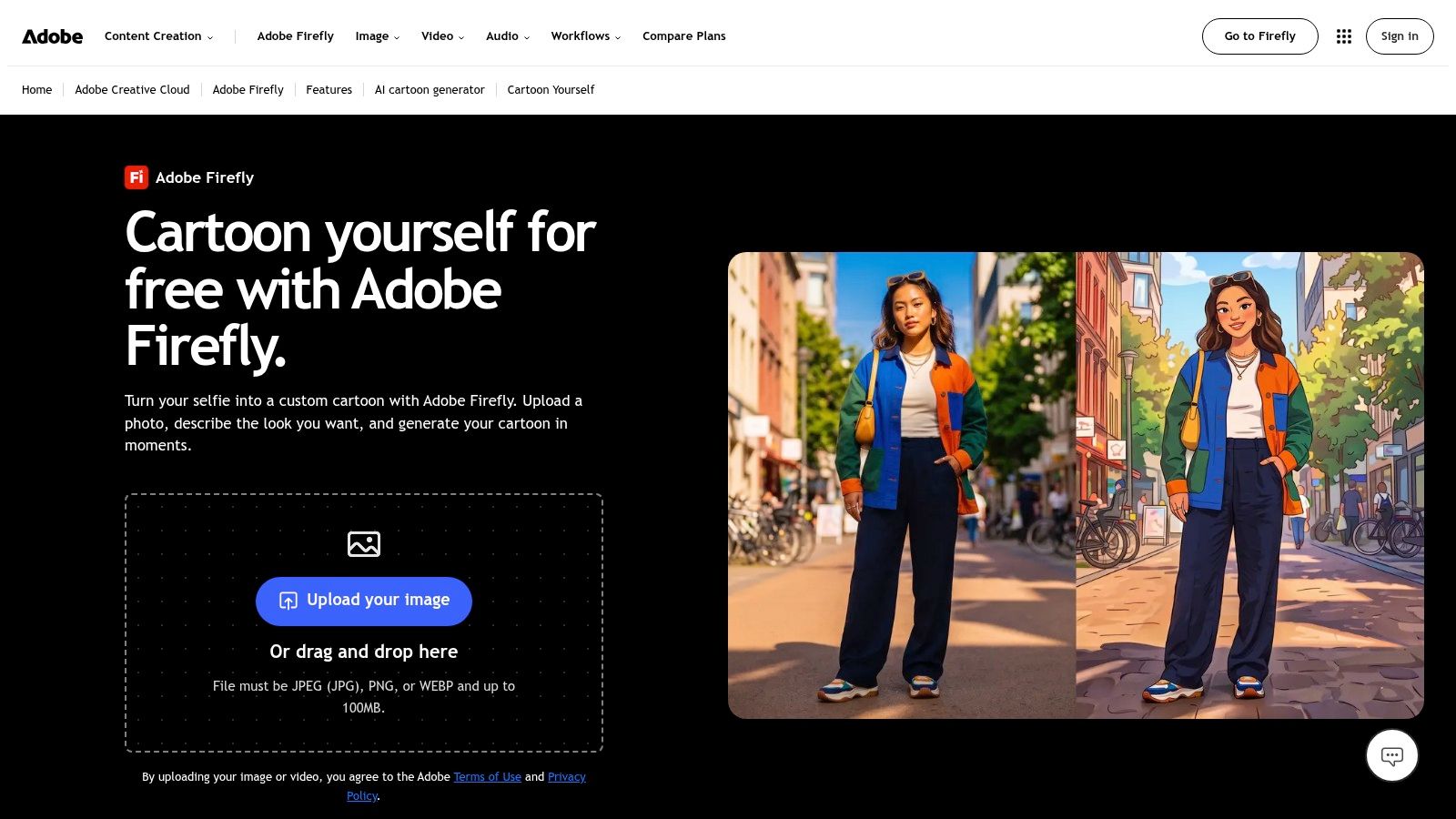
Turn the strength down and you get a loose illustration that keeps the mood and loses the face. Turn it up and the features survive, though the surface flattens less than you'd expect from a true cartoon.
Where the likeness slips
Prompts pull toward average character design. Ask for anime and the model supplies anime eyes rather than yours. Ask for comic-book and you get a jawline from a stock hero. Run three or four variations before you judge a style, because the first pass is rarely the good one.
- Formats: JPEG, PNG, and WEBP uploads run in the browser, so nothing gets installed locally.
- Style range: comic-book, anime-inspired, pastel, and 3D looks are all reachable through wording.
- Account and limits: an Adobe account is required, and free use is capped by daily generation limits.
The cost is time. A filter answers in seconds; Firefly answers well after several attempts. If you already work in Adobe's ecosystem, that effort lands inside a workflow you're keeping anyway. The AI cartoon generator page shows the current style set before you commit.
2. Canva
Canva isn't a photo-to-cartoon converter, and treating it like one leads to disappointment. It's a design editor with avatar and profile-picture templates, which makes it right for a different problem: an avatar that has to sit inside a finished layout. You choose a template, swap in an illustrated character, add a background, type a handle, and export at whatever size the platform wants.
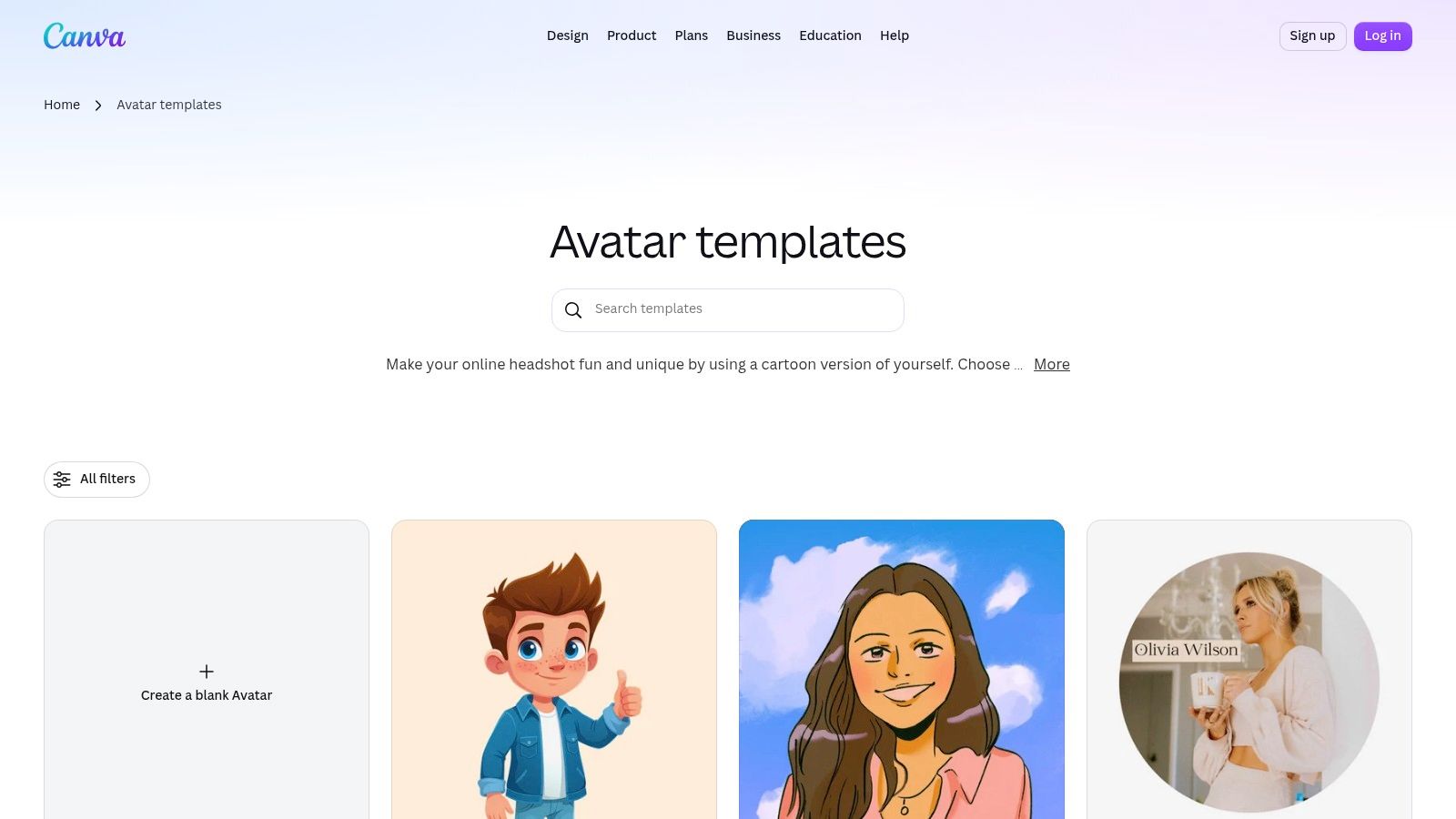
Resemblance is what you trade away
Template characters have faces nobody owns. That's fine for a brand mark and useless if a coworker needs to recognize you in a Slack thread.
Practical rule: Match the tool to the job. If the image carries your name and people should spot you fast, protect the silhouette and skip decorative text. If it carries a brand, the template wins on layout.
- Consistency: cloud-saved projects mean one avatar can be re-exported for LinkedIn, YouTube, and a podcast cover without rebuilding it.
- Cost: some templates and design elements sit behind a paid plan, so check before you build a full set.
- Likeness: weak. This is a template editor, not a converter.
Running several profiles at once turns into a naming problem more than a design problem, and brand asset management tools handle the versioning side. Start from the Canva avatar templates if the layout matters more than the face.
3. Fotor
The style list is the reason to open Fotor. Kawaii, 3D, chibi, bold-line, and pixel-art presets sit alongside prompt-based generation, so you can compare five directions with the same photo in one sitting.
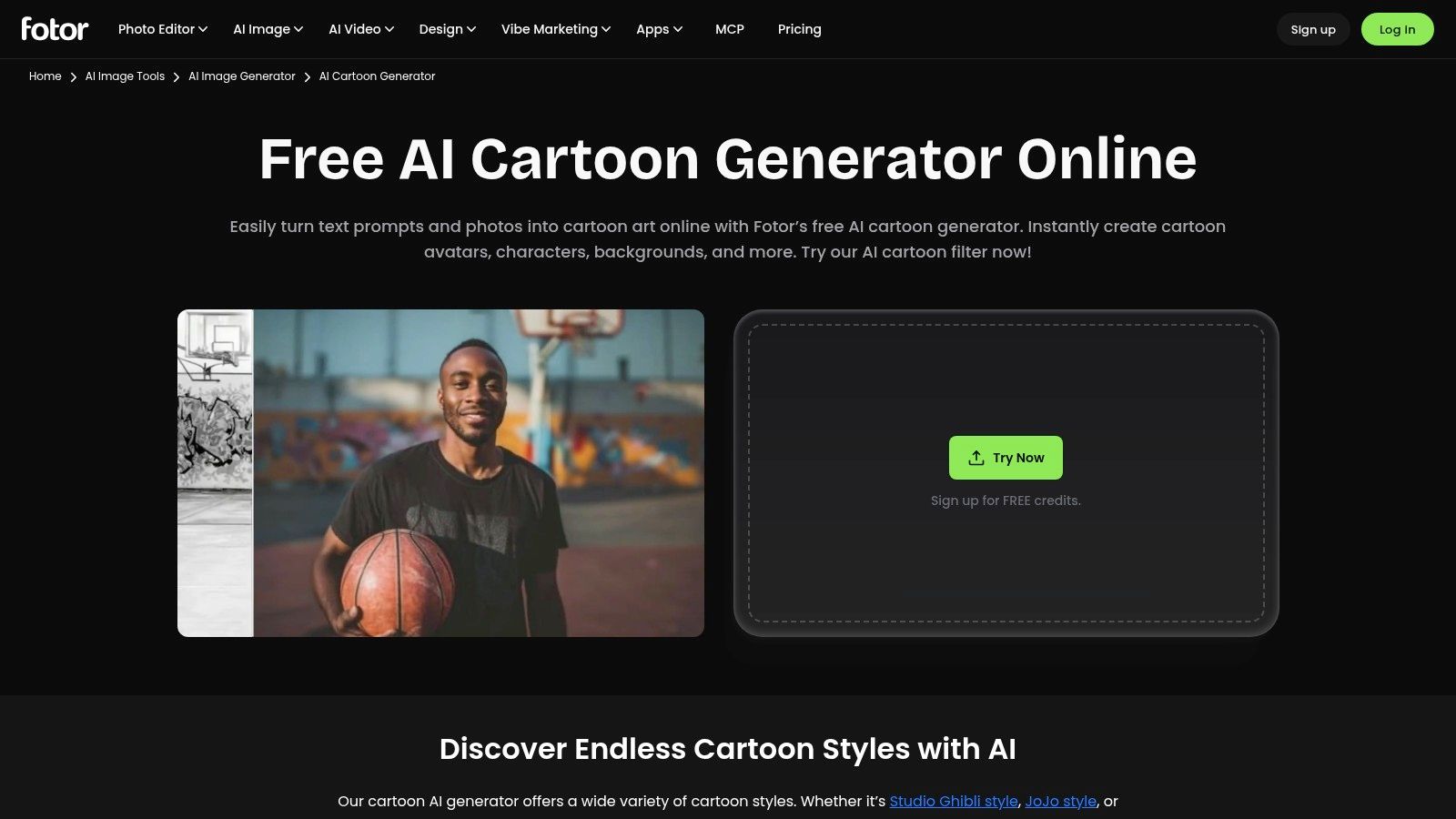
Two workflows share one account. Photo-to-cartoon restyles your upload. Text-to-cartoon builds an image from a description. Use the first for a profile picture and the second when you want a character who isn't you.
Credits decide how much you experiment
The AI features draw on credits or a subscription, and free access is limited by feature and usage. That shapes behavior in a way that hurts results: people try one preset, get something flat, and quit before reaching the style that would have worked.
- Editing in place: text, stickers, and finishing touches live in the same service, so you don't export to a second editor.
- Range: more anime-adjacent and playful presets than most single-purpose converters carry.
- Likeness: mid-pack. The face gets interpreted rather than preserved.
If you need a faithful portrait, this isn't the tool to argue with. If you need six options fast to find your preferred direction, it is. The AI cartoon generator lists the current preset set.
4. ToonMe
You're on a phone, you have a selfie, and you want the result in under a minute. ToonMe is built for that exact sequence: take or upload a photo, pick a portrait effect, save, post. The app ships for iPhone and iPad, with an Android listing as well, and its effects are tuned for social sharing rather than print work.
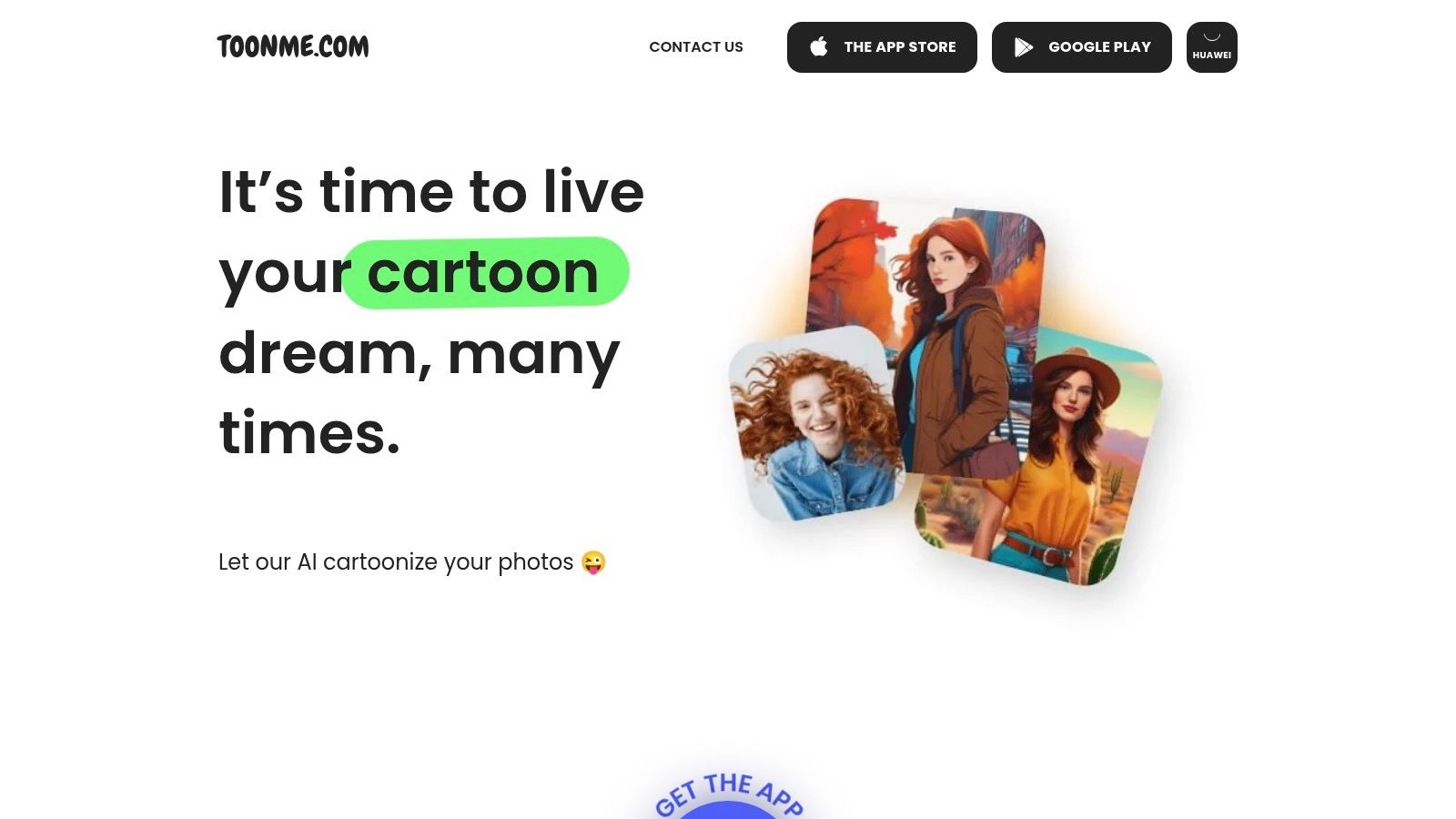
Why quick filters still win
Cartoon avatars spread through social networks long before AI generators existed. During a 2010 Facebook campaign, an analyst tracked his own network and found 33 of 100 active friends using cartoon images, about 32%, against 14.11% of his full friend list, as recorded in Sideways Thoughts' measurement of the cartoon profile picture meme. Those are one person's networks, not a survey. The pattern still holds: people copy a look when the effort is near zero.
- Skill floor: no design experience needed, which is the point of the app.
- Control: lower than a prompt-driven generator, because you pick from what's offered.
- Cost: in-app purchases sit inside the free download.
Image quality and app performance vary by device, so test on the phone you post from. ToonMe is the fastest route here when the face doesn't have to be exact.
5. Picsart
Picsart's AI Avatar tool turns an uploaded photo into a still image and lists more than 20 styles, including cartoon, anime, 3D, watercolor, and pixel art. The advantage over a dedicated converter is what happens after: the editor stays open. You can fix the crop, drop in a background, or place the avatar beside a headline in the same session.
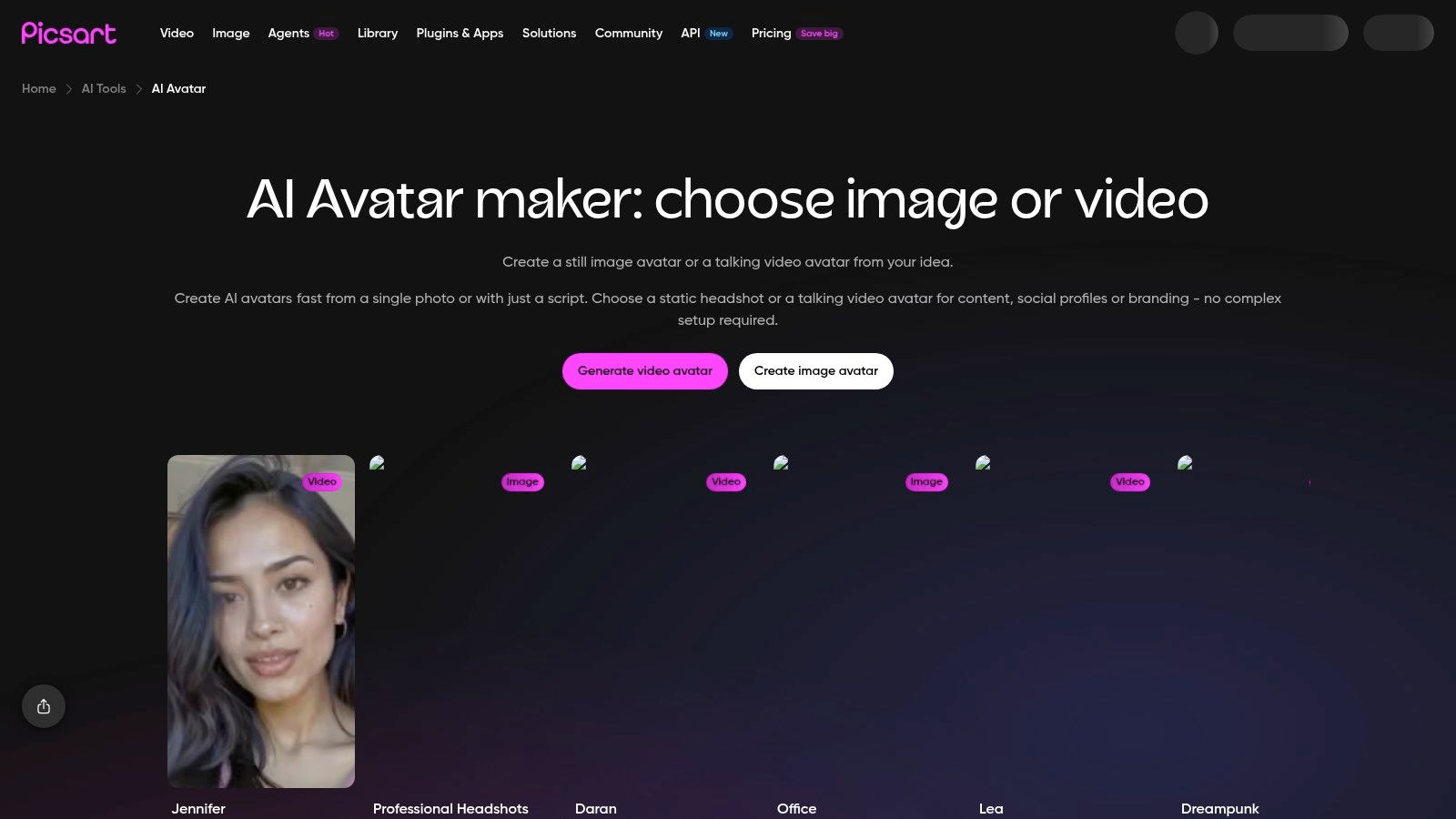
Pick the still-image workflow on purpose. The same account also pushes video avatar options, which is a different output with different export behavior.
What uploading a selfie actually costs
A cartoon version of your face isn't anonymous. Public profile images get indexed and copied: a First Monday study of facial recognition and public social media images notes that Twitter profile pictures appeared in Google Image Search and that public LinkedIn photos could be indexed by search engines, and it shows how facial-recognition tools can identify people from images that are already public. A stylized output lowers casual recognition. It doesn't erase a distinctive pose, hairstyle, background, or the username attached to it.
- Processing: find out whether the conversion runs locally on your device or on a server.
- Retention: check whether uploads are stored and whether they feed model training.
- Metadata: confirm whether EXIF data gets stripped from the download.
Before you turn a selfie into a public avatar, decide which account it belongs to. A pseudonymous account deserves a character built from parts. If the avatar feeds a content calendar across several accounts, social media management and marketing covers the scheduling layer. The Picsart AI Avatar page lists the style options.
6. Cartoonize
Cartoonize bundles three things people usually chase across three tabs: cartoon and sketch photo effects, an avatar maker, and profile-picture tools. The whole thing runs in a browser with nothing to install, and basic use doesn't require registration. That last point matters more than it sounds, because you can test the effect quality before handing over an email address.
- Polish: filters, overlays, graphics, masks, and frames live in the same editor, so you can repair a flat result instead of regenerating from scratch.
- Limits: advanced effects and higher-resolution exports sit behind Pro.
- Complexity: more to learn than a single-purpose avatar tool, which slows down a five-second job.
Sketch effects flatter some faces and age others. Run both the cartoon and sketch path on the same photo before you decide, because the difference is larger than the style names suggest.
One caveat worth taking seriously: a browser editor with this many moving parts inherits the licensing of every overlay inside it. If the image goes on a product page or a paid ad, trace where each element came from before you publish. Read the terms on Cartoonize if the output is commercial.
7. Bitmoji
Bitmoji answers a different question. It doesn't ask what you look like. It asks what character you want to be, then keeps that character consistent across the apps that support it.
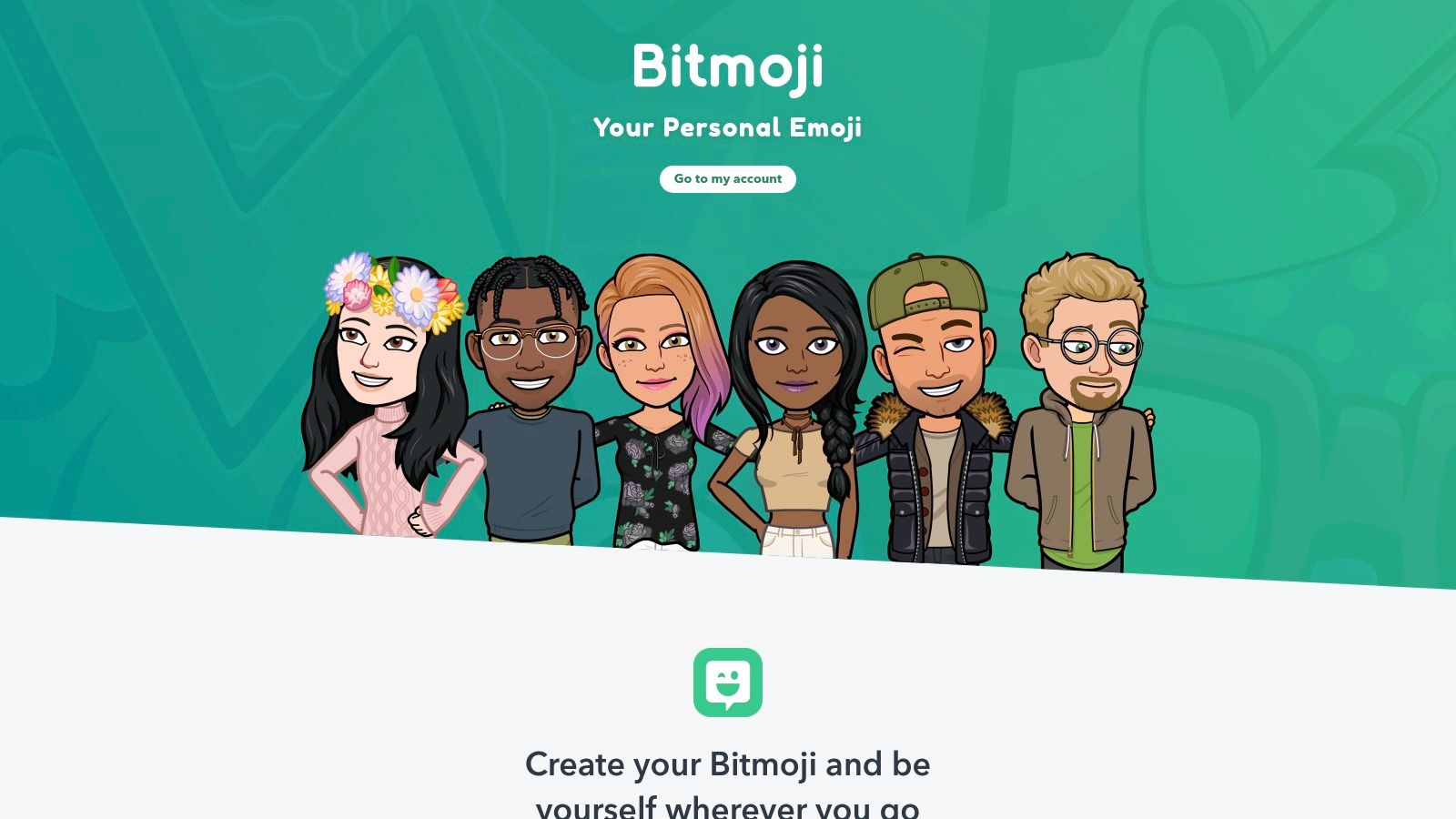
That consistency has a long history behind it. Avatar-based identity runs back to Avatar, a role-playing game for the PLATO computer system in 1979, and forward through AOL's "Buddies" in 1996 and Yahoo! Avatars in Messenger version 6.0 in 2004, as traced in XPRIZE's account of what an avatar really is. Parts-based builders like this one continue that line rather than the photo-transformation one.
What you give up
Likeness. The character is stylized by design, so a colleague who has never met you learns nothing about your face from it. You also give up portability, since full customization happens in the Snapchat mobile app and access is tied to that ecosystem.
- Cost: creating an avatar is free.
- Setup: some first-time users get a selfie-assisted starting point, then adjust from there.
- Use: strong for messaging and Snapchat features, weaker as a standalone profile image elsewhere.
For creators running a personal page around that character, link in bio platforms are where the avatar and the links usually end up together. Start at Bitmoji if you want a persona rather than a portrait.
8. Picrew
Picrew is a host, not a single tool. Independent artists publish image makers on it, and you assemble a character from the illustrated parts each one offers. The result depends entirely on whose maker you open, so it suits anyone who wants a distinctive artist-drawn style more than a generic AI-generated look.
Each maker sets its own permissions. Some allow use as a social-media icon, some restrict commercial use, and some permit neither without asking the artist directly.
- Style range: enormous, because hundreds of illustrators contribute rather than one design team.
- Parts and options: they differ from maker to maker, so the hairstyle you liked yesterday may not exist in the next one you open.
- Privacy: no selfie upload, which is the strongest privacy position on this list.
That privacy advantage carries a cost. Since no photo goes in, nothing gets analyzed, and resemblance to your face is near zero no matter which maker you choose. A photo-based tool serves you better when likeness matters; when a recognizable persona matters more, this approach holds up.
For a shop page, a channel banner, or anything that earns money, check the maker's terms before you build. Commercial use often isn't permitted, and the permission belongs to the individual artist rather than to Picrew as a whole.
9. CHARAT
CHARAT gives you a browser-based character maker with several styles: portrait face icons, chibi characters, and full-body designs. You combine parts, then download a face icon or the whole figure.
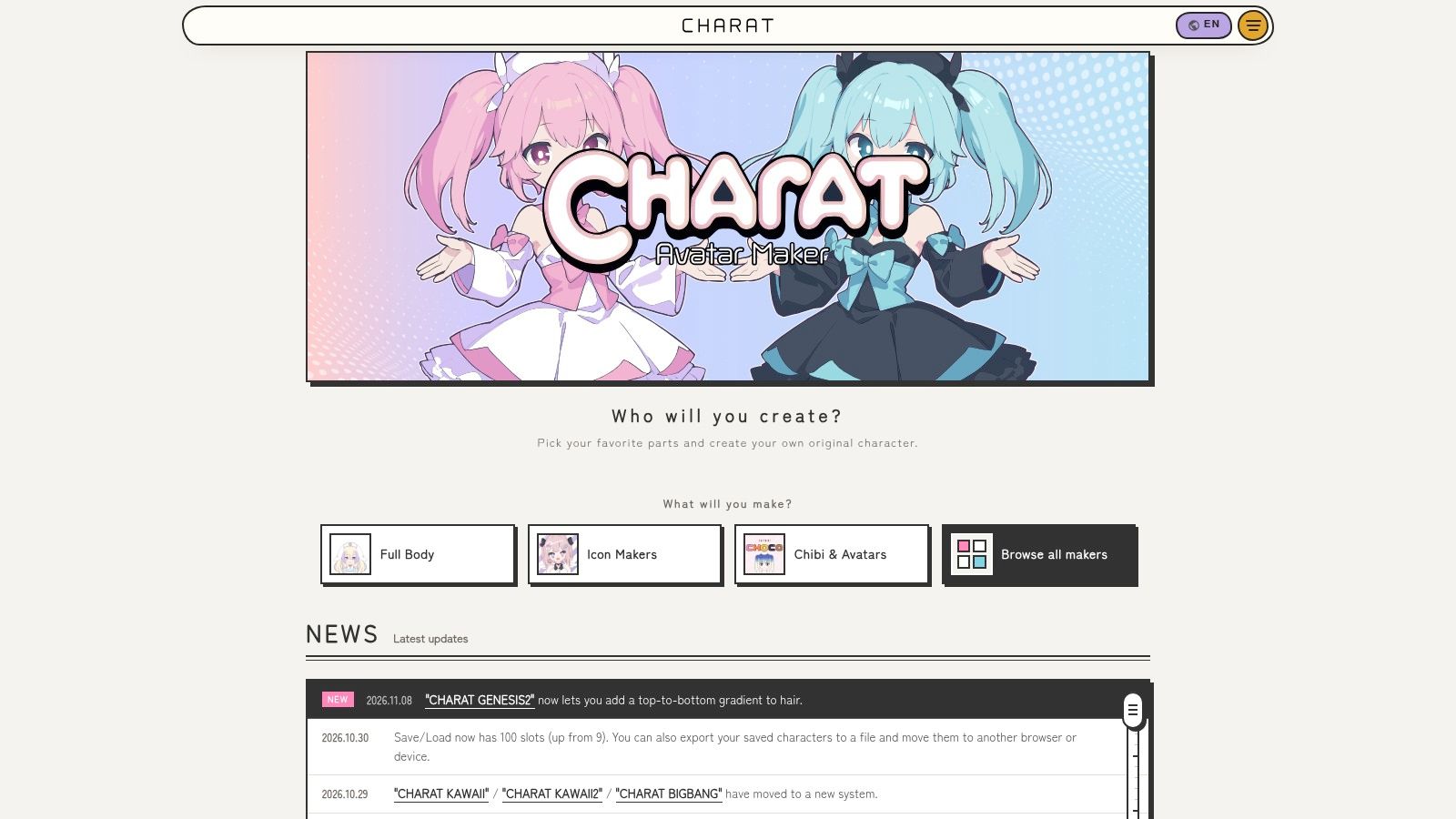
The full-body option is the practical difference. A character built for a profile picture can also become a stream overlay, a sticker, or a channel mascot without a redesign.
- Choices: more character-building control than a basic avatar generator gives you.
- Terms: some commercial uses are restricted by the service's guidelines, which you should read before a paid project.
- Environment: compatibility varies by device and browser, so test it before you rely on it mid-project.
One honest warning. CHARAT produces character art, not a likeness. If your goal is "me, but drawn," this approach frustrates you by the second minute. If your goal is an original character you can reuse everywhere, it holds up well. Browse the makers on CHARAT before you commit to a style.
10. Cartoonify
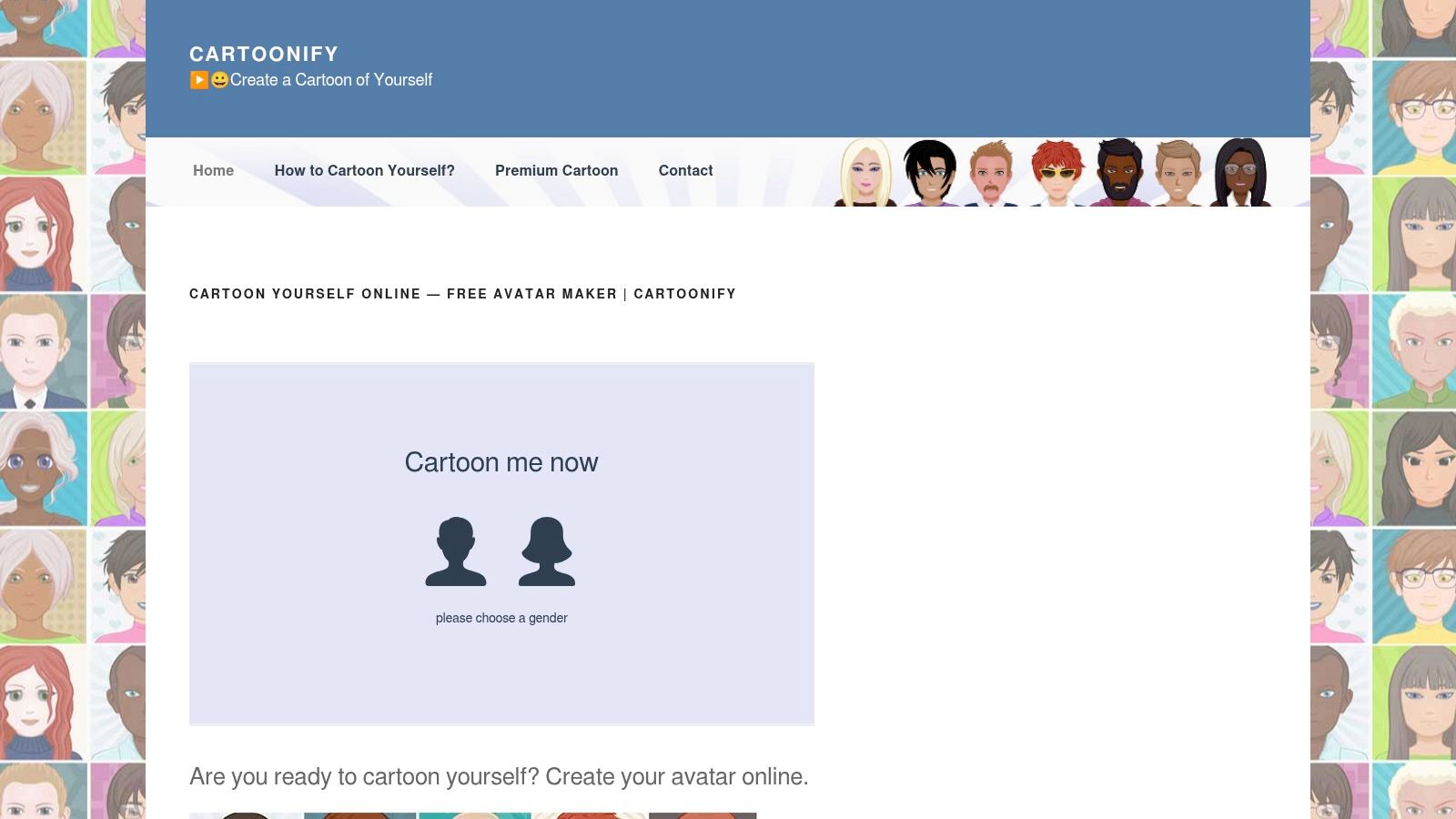
Cartoonify builds a face from parts. Hair, eyes, clothes, and background are separate choices, and the download comes as PNG or SVG. Nothing gets uploaded, because there's no photo input at all.
Every face is hand-assembled from a shared feature set. The result is a picked self-portrait, so resemblance depends entirely on your choices. Two people who select the same parts get near-identical avatars, which is the inherent cost of a library-driven builder.
Why the SVG export matters
Profile images get displayed at wildly different sizes, from a 32-pixel comment thumbnail to a full-width profile header, and vector output resizes without the soft edges a small PNG picks up. That's a production detail worth more than another style preset.
Export both files even when you plan to use only one. Keep the SVG as the master copy for edits and larger placements, and fall back to the PNG wherever a profile field rejects vector files.
- Editing: individual features change without rebuilding the whole avatar.
- Likeness: none. This isn't a photo tool and never claims to be.
- Effort: more manual selection than a one-tap filter.
Check the avatar at 32, 64, and 128 pixels before you commit. If the expression disappears at thumbnail size, the design isn't finished. If the avatar is headed for a logo or client work, read the usage terms first. Build one at Cartoonify and export the SVG alongside the PNG.
How the Cartoon Profile Pic Makers Compare
| Item | Input Method | Best For | Main Limitation |
|---|---|---|---|
| Adobe Firefly | Upload a photo and describe the desired style | Photo-based cartoons with control over style and likeness | Results may need retries; free use has daily limits |
| Canva | Customize avatar and profile-picture templates | Coordinating an illustrated avatar with social or brand designs | Templates may not closely resemble your face |
| Fotor | Upload a photo or enter a text prompt | Trying varied cartoon styles and editing the results | Some features require credits or a subscription |
| ToonMe | Upload or take a selfie and apply a portrait effect | Quickly making a cartoon profile image on mobile | Less control than a full editor or prompt-driven tool |
| Picsart | Upload a photo to generate a still-image avatar | Creating and editing avatars in one service | Some styles and editing features may require payment or credits |
| Cartoonize | Apply cartoon or sketch effects in a browser editor | Applying effects and polishing an image with editing tools | Advanced effects and high-resolution exports require Pro |
| Bitmoji | Customize a character in the Snapchat mobile app | Using a consistent illustrated persona in messaging and social apps | Creates a stylized character, not a close photo-based likeness |
| Picrew | Combine illustrated parts in an artist-created maker | Finding distinctive artist-made character styles without uploading a selfie | Usage permissions vary by maker |
| CHARAT | Build a character by combining parts in a browser | Creating anime- or chibi-inspired icons and characters | Some commercial uses are restricted |
| Cartoonify | Manually assemble and edit an avatar from graphic parts | Making an editable avatar without uploading a selfie | Does not create a photographic likeness |
Choose by Workflow, Then Check the Terms
Start with the input you have, not the style you want. If your profile picture needs to resemble your face, open a photo-based tool such as Adobe Firefly or Picsart first and allow for a few retries. That family is the only one that can carry a likeness, and it will still drift. Expect the jaw, eye spacing, and apparent age to shift from one pass to the next.
If you want a consistent character rather than a likeness, use a parts-based builder. Bitmoji, Cartoonify, Picrew, and CHARAT set your real face aside and gain something in return: a character you can recolor, redraw, and export again without regenerating anything. That trade-off suits messaging, community profiles, and any account where continuity matters more than recognition.
Templates sit between those routes. Canva gives you a polished frame around an illustrated avatar that was never meant to look exactly like you. That works well for a branded account. It is a weaker fit when friends or followers need to recognize the person behind the profile.
The market is moving toward that consistent-identity side. Industry figures cited in an AIFans roundup of AI avatar generators value the global AI-avatar market at approximately USD 808.4 million in 2025, with a 32.9% compound annual growth rate projected to reach USD 7.9 billion by 2033, while interactive avatars accounted for 68.4% of the market by type. Treat those figures as projections. They still explain why stronger tools now sell continuity across regenerations rather than one funny picture.
Three checks settle most of the rest:
- Who owns the output: artist-made makers often restrict commercial use, and paid export tiers sometimes carry their own terms.
- What happens to the source photo: local processing and short retention are worth more than an extra style preset.
- Whether it survives a circular crop: favor a strong silhouette, readable eyes and mouth, and no fine detail at the edges.
Read the terms before you upload anything, especially on the free tier of a photo tool or in a maker built by an individual artist. A cartoon avatar reduces casual recognition, but the original selfie may still remain on a server. If avatar output feeds a larger automation pipeline, include generation workflows for AI agents in the same technical review as ownership and export terms.
For side-by-side tool breakdowns, Creators Toolbox publishes comparison pages covering features, pricing, and which option suits a given workflow. Its free productivity tools include interactive generators, calculators, and utilities, while its resource collections provide vectors, textures, mockups, and more for design projects. Check Creators Toolbox when you need a practical way to compare creative tools and resources.