Brand Asset Management Tools: 10 Platforms Compared
Buying advice on brand asset management tools often tells you to compare storage limits, interface polish, and feature counts. That advice is why so many libraries rot over time. Storage was never the hard part; a shared drive holds files perfectly well. What fails is everything around the files: the logo from the last rebrand that nobody retired, the template a regional partner edited past recognition, and the approved photograph nobody could find, so someone pulled a substitute from a stock site.
Adoption is thinner than vendor marketing suggests. In a 2025 brand-management survey, 26% of respondents said they use a digital asset management platform to manage brand assets, according to Celum. The other three in four have no DAM in place, so many buying decisions start from inconsistent folders and ad hoc permissions rather than a clean migration.
The useful question is which job you need done first: archiving, controlled distribution, or template-based creation. This list sorts 10 platforms by that job and flags which pricing details never appear in public. Creators Toolbox publishes side-by-side comparisons covering features, pricing, and which tool fits a given workflow, and the same approach applies here. For the production-file side of the same problem, see this guide to media asset management for agencies.
1. Frontify
Frontify puts brand guidelines and the asset library on the same surface, which is closer than anything else here to how brand teams work. Staff and outside partners open one link and get both the approved logo files and the page explaining which logo belongs where.
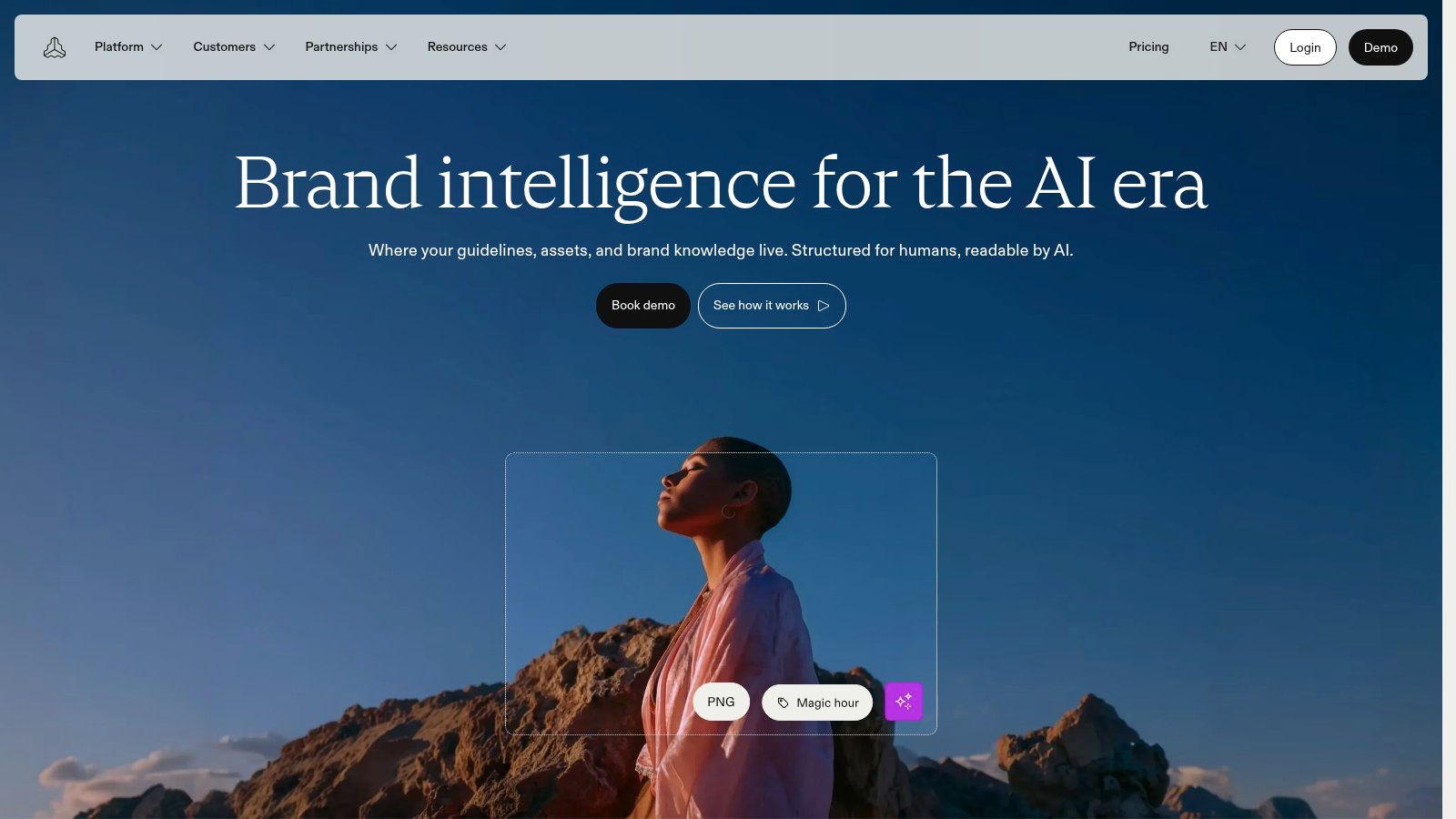
Built for: controlled distribution across multiple brands and markets. Brand systems can be split by region or product line, with SSO and custom permissions at enterprise level, so a distributor in one market doesn't browse another market's unreleased campaign.
The pricing model is the aspect to examine. Frontify charges based on monthly active users rather than named seats, which can be cheaper when hundreds of people log in a few times a quarter to grab a file. It can also cost more than your estimate if your definition of an active user differs from the vendor's. Ask how a user is counted, when the count resets, and whether a partner who downloads one file in March is billed as active for the rest of the year.
Ask on the sales call: how many monthly active users did your last three customers of our size record, and what did their bill do in month seven?
If you need a tidy library and nothing more, this is more platform than the job requires. Compare an open source alternative before signing a multi-year agreement, and check Frontify for the current product lines.
2. Bynder
Bynder earns its place when the library is big enough that finding a file becomes a project. That threshold arrives earlier than teams expect. In a 2024 survey of 420 DAM users across 14 countries, one-quarter of respondents said their organizations stored more than 50,000 digital assets, according to Cloudinary's DAM statistics guide.
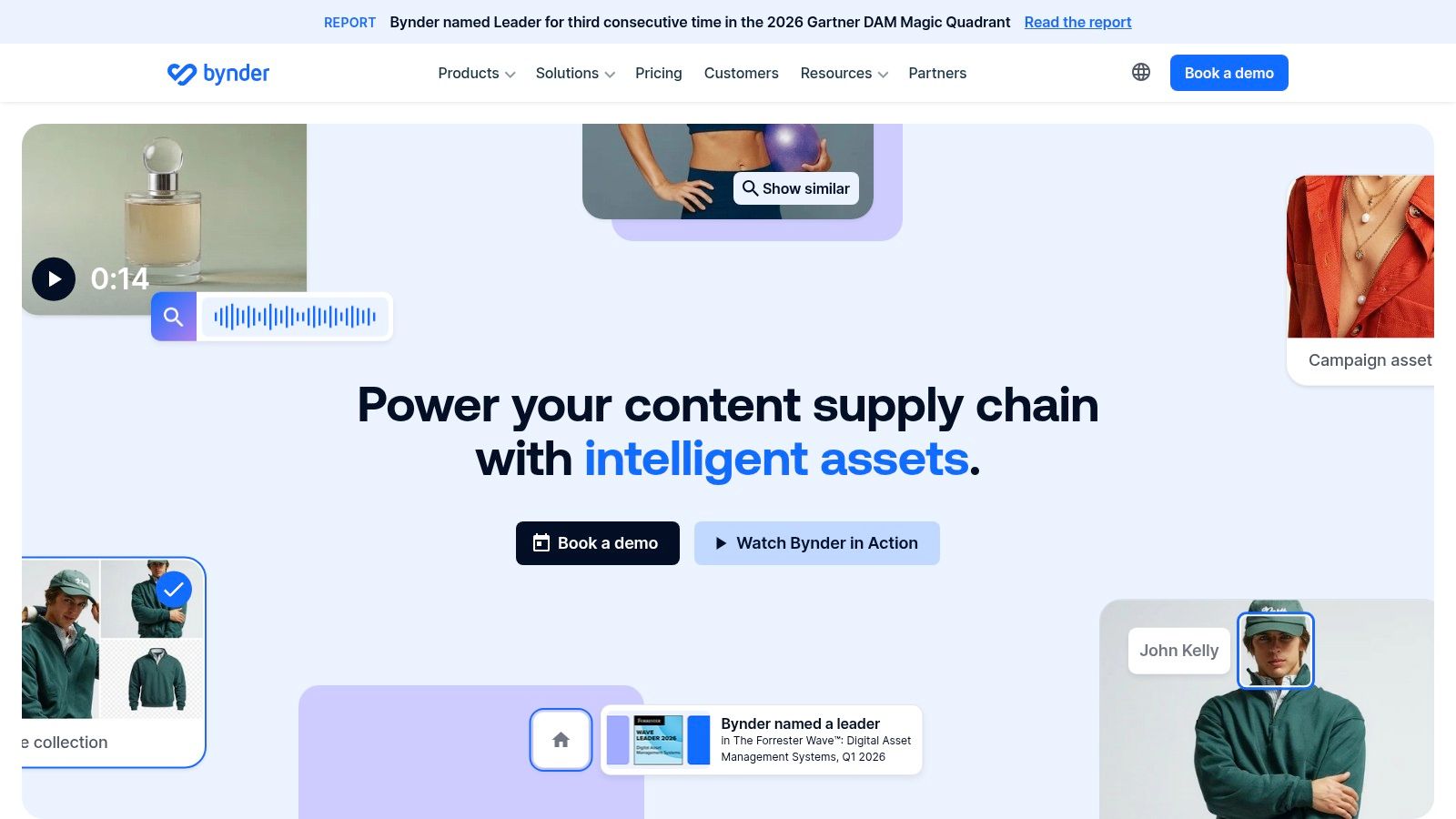
At that volume, metadata stops being an admin chore and starts deciding whether the platform works at all. Bynder's strengths are the ones that matter at scale: version history, permissions granular enough to separate markets, AI-assisted discovery that includes image-based search, and APIs for connecting the library to the rest of your marketing stack.
What to verify before a pilot
- Taxonomy ownership: find out who builds the metadata schema during onboarding and whether that work is included or billed as a separate project.
- External collaboration: ask how many partner accounts the quote covers and what an outside agency can see by default.
- Reporting: analytics exist in the ecosystem, so get the specific reports you need named in the contract rather than promised on a call.
The trade-off is weight. A broad feature set means a longer setup and a governance project rather than a weekend migration, and search quality depends almost entirely on the metadata discipline your team brings to it.
Bynder sells through a custom quote, so expect a scoping conversation before you see a number.
3. Brandfolder
Brandfolder is built for controlled distribution: getting approved assets into the hands of sales reps, partners, and regional teams without a design ticket in between. The polish shows up where those people spend time, in a branded, searchable library, AI-assisted tagging, and self-service transformations that resize an approved image on the spot.
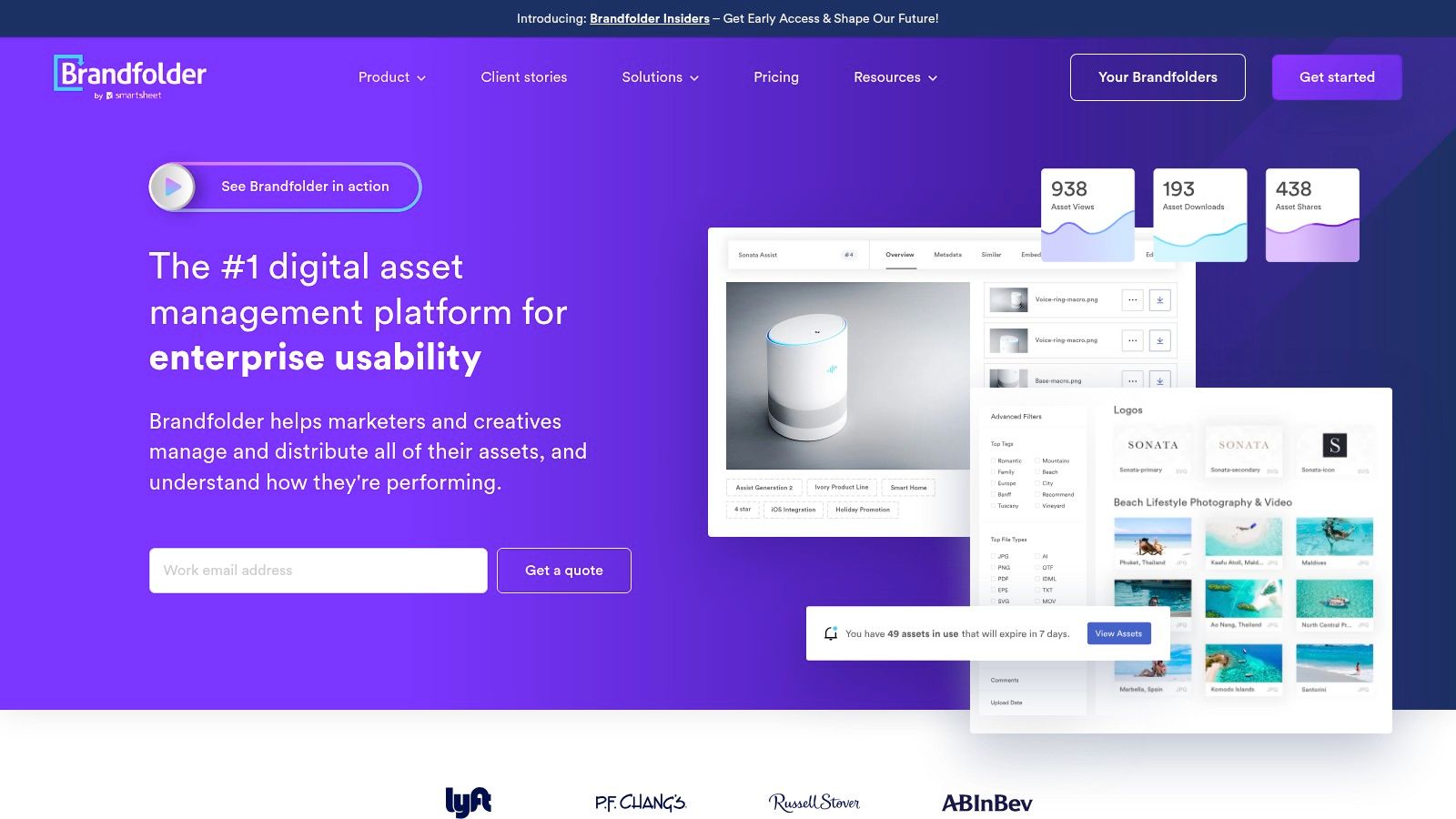
The catch is tiering. Analytics, OCR-based document search, and lifecycle controls sit in higher packages or enterprise arrangements, so the feature that sold you in the demo may belong to a plan above the one you budgeted for.
Libraries grow, which makes the tier question expensive. In Cloudinary's 2024 Global DAM Survey of 420 users across 14 countries, 66% of respondents were likely to expand their DAM use during the following 12 to 18 months. Price the tier you'll need at that size, not the one that fits today.
Negotiating move: request a three-year quote at your projected asset and user counts. A year-one figure at today's numbers flatters every vendor on this list.
Get integration and automation lines inside the quote as well, since those are the items most likely to resurface later as add-ons. Teams whose evaluation reaches beyond the DAM itself can check product discovery services for the adjacent category. Brandfolder publishes no standard dollar amount, so the missing numbers are exactly what to bring to the sales call.
4. Canto
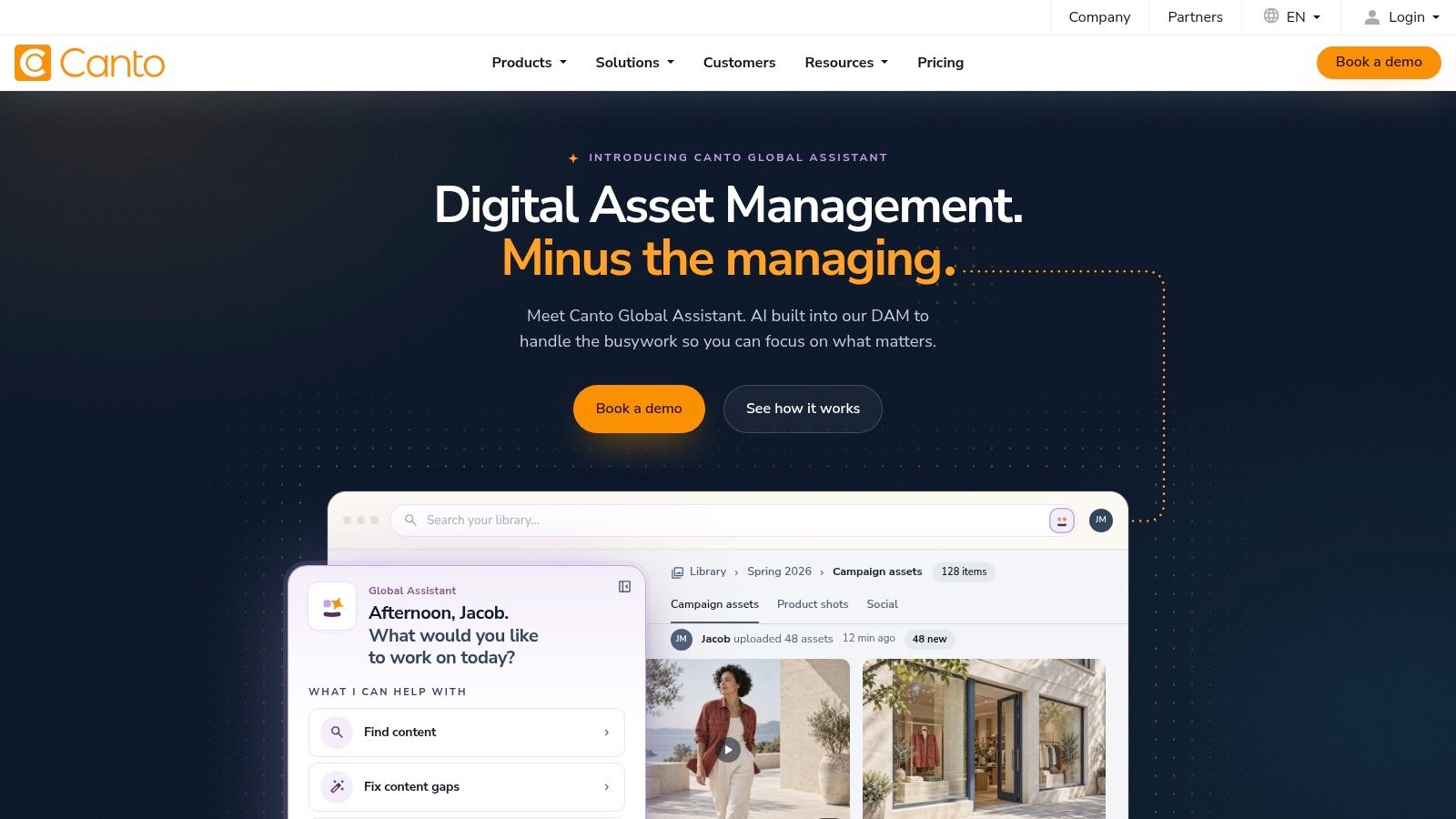
Canto plays the all-rounder: a digital asset library, brand portals for outside audiences, digital style guides, rights management, and review and approval in one system. Teams with mixed audiences of staff, partners, and press tend to land here because the portal does the work of a separate distribution tool.
Where AI search changes the risk
Search is where the pitch gets interesting. In DAM research summarized in MediaValet's trends report, 82% of respondents wanted AI-powered asset discovery. The same research found that three in four organizations enforce AI rules inconsistently or not at all, which turns fast retrieval into a brand risk: a regional marketer can now find and use an unreleased asset in seconds.
Test AI search against your worst files before you commit. Legacy naming, near-duplicate campaign shots, and assets with no metadata are what your library actually contains, and a vendor demo library is tuned to look good.
Rights management, version controls, and approval workflows are present, but availability can depend on the package you select. Ask which tier includes review and approval before you compare prices, because the middle package usually carries the governance features that matter.
Canto doesn't present pricing as a straightforward public plan, so treat any number you hear as a starting point.
5. Acquia DAM (Widen)
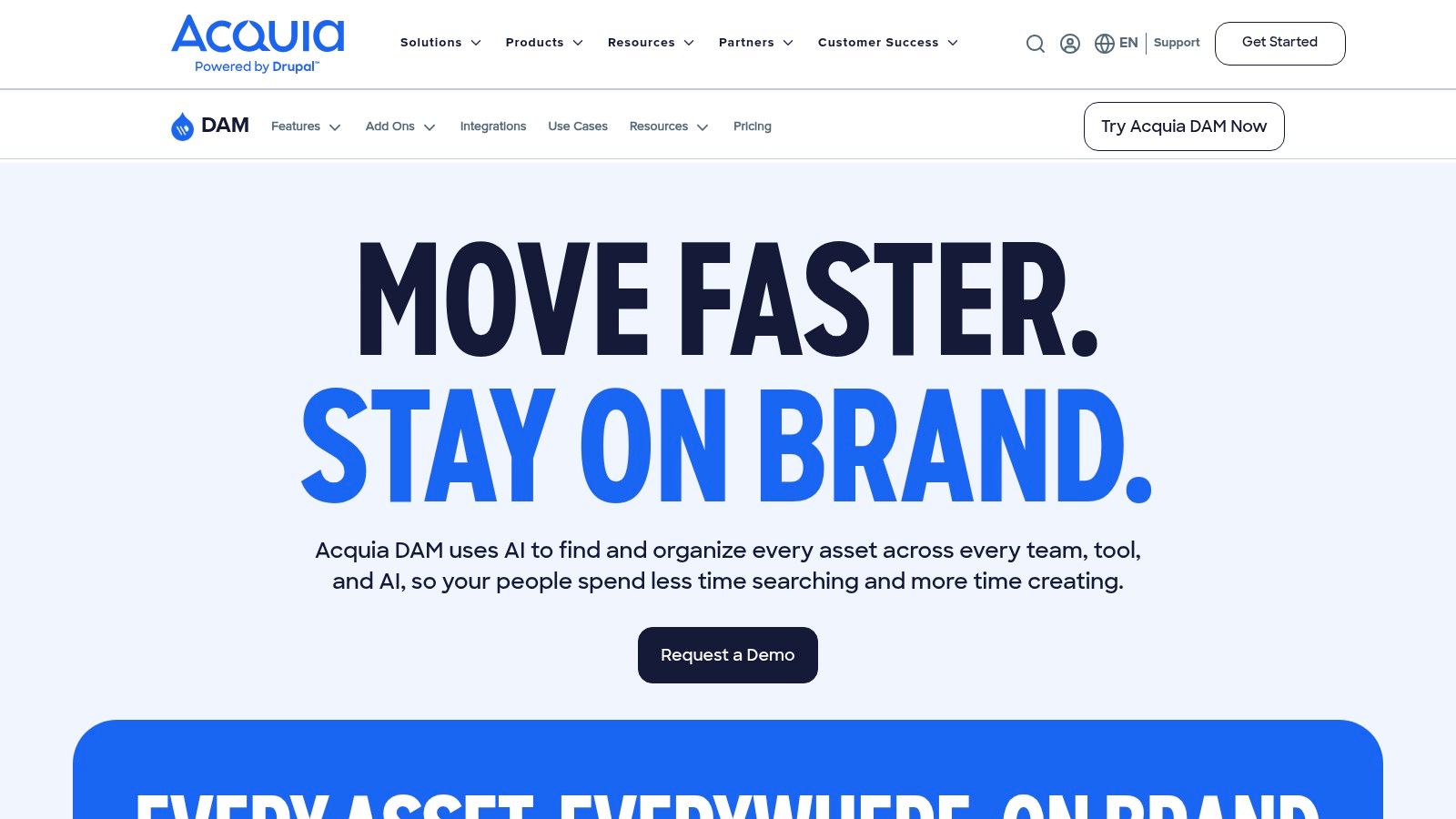
Acquia DAM, the product formerly sold as Widen, sits between a marketing asset library and a content platform. It centralizes brand, marketing, and product content, exposes it through portals for different audiences, and adds product information management so a spec sheet and its product photography can live in the same workflow.
Accessibility is the buying criterion most teams skip
Metadata quality now carries legal weight in Europe. Market analysis from Mordor Intelligence identifies the European Accessibility Act, effective June 2025, as a factor pushing organizations to improve legacy asset systems, richer metadata, and alt text.
Automated alt text closes a checkbox; it doesn't tell you whether a description conveys the meaning of the image to the audience who needs it. Compare the workflow, not the feature badge.
- Editable fields: confirm descriptions can be overridden per market, not just generated once at upload.
- Localization flow: ask how a description moves through translation and who signs off before publication.
- Version history: make sure the audit trail survives asset updates and replacements.
Portals let people outside the DAM reach approved assets without full platform access, which helps with external contributors and regional teams. The wider feature set usually needs planning and implementation support, and fit depends on how close your existing systems sit to the Acquia ecosystem. Acquia prices by subscription and add-ons.
6. MediaValet
MediaValet is built on Microsoft Azure and sells to organizations that want a cloud library with broad access rather than a per-seat calculation. The vendor describes unlimited users, a free sandbox, open REST API access, and integrations with Adobe Creative Cloud, including InDesign, Photoshop, and Illustrator.
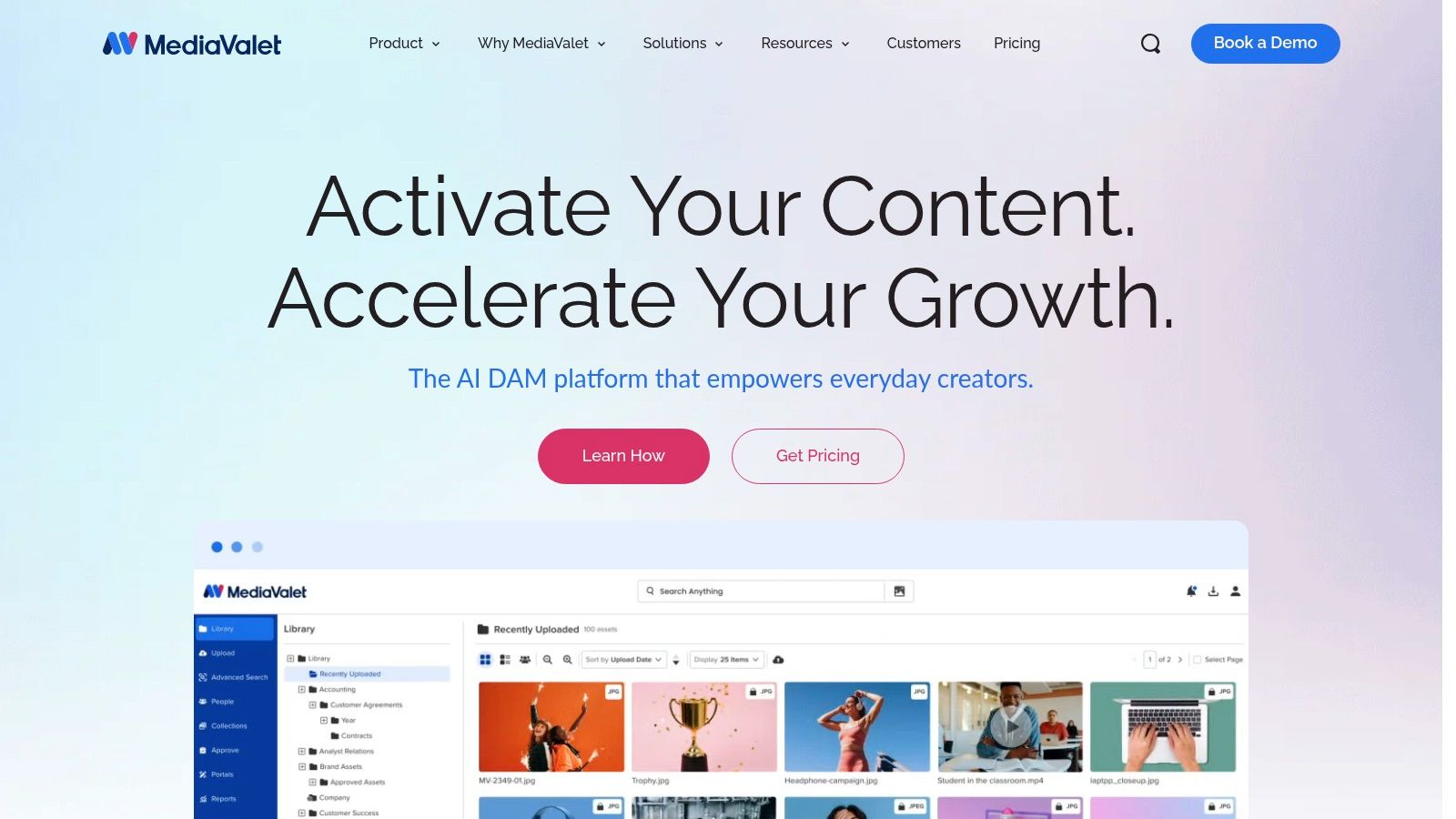
That combination suits a specific shape of team: a mid-size marketing department where staff, sales, and partners all need to reach assets, and where designers work inside Adobe apps and won't tolerate a download-and-reupload routine.
What the pricing page won't tell you. Total cost depends on configuration, storage, and integrations, and those three variables are where budgets drift. Ask for a written breakdown that separates storage tiers from integration fees, because an Adobe connector or an API-dependent workflow can carry its own line item.
Use the sandbox properly: load 200 assets with your own naming convention, invite three users with different roles, and watch whether each one finds the right file without being told where to look.
Administration breadth is a genuine strength here, and role-based access is part of the platform rather than an upsell. The caution is that unlimited users doesn't mean a fixed bill, since storage and configuration still move the number. MediaValet quotes through sales rather than publishing tiers.
7. Air
Air is a visual workspace first and an archive second. Creative teams use it to browse images and video in a gallery-style view, comment on versions, and move work through review. Finished assets and in-progress feedback can therefore live near each other instead of in separate systems.
The job it does: creation-adjacent collaboration. Its ceiling is brand governance at scale. If the problem is a designer and marketer debating version four in a comment thread, Air fits that job. If the risk is a franchisee in another country downloading a retired logo, controlled distribution belongs higher on the shortlist.
The plan limits need a spreadsheet
Air publishes its plans on its own site, but plan names alone do not produce a reliable budget. Map the expected library size, users, storage growth, review workload, and administration requirements before choosing a tier. Ask the vendor which features and services are included at the quoted level and which carry an added cost.
- Model a full year: measure the busiest quarter and expected library growth, not an average month.
- Check controls before the quote: confirm identity access, permissions, reporting, and migration support for the level under consideration.
- Scope migration separately: ask for the import process, vendor assistance, and any service fees in writing.
A free plan exists for smaller libraries, making Air a reasonable way to test whether a team will use review workflows or only intends to.
8. Brandkit
Brandkit is the one on this list that publishes starting prices, which changes the conversation. Instead of a discovery call before you know the order of magnitude, you can build a rough budget, take it to whoever approves spending, and negotiate from a known position.
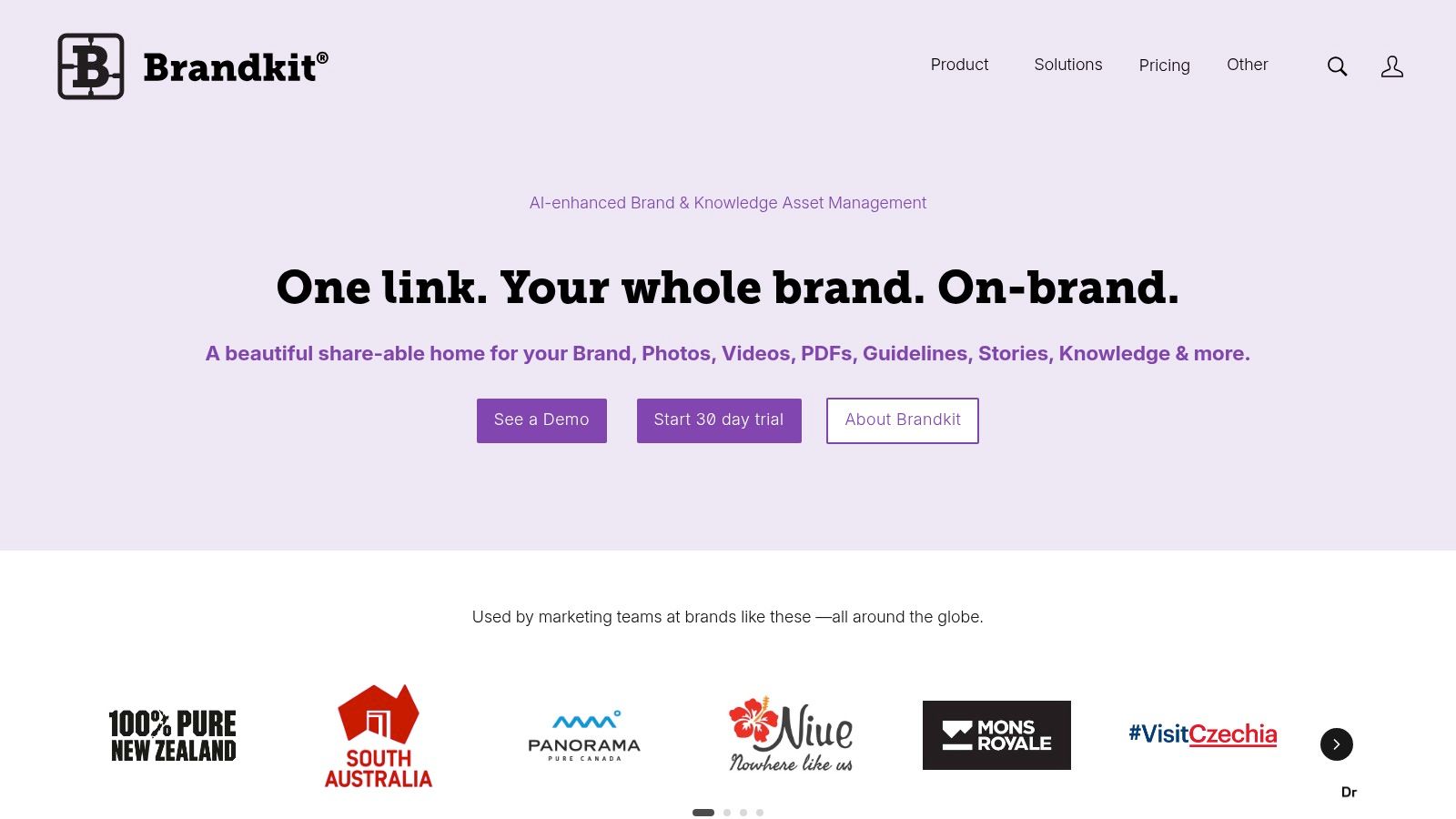
The product pairs a digital asset library with a branded self-service portal and a knowledge library, so approved assets and the guidance explaining them sit together. Public or private portal options depend on the plan, custom domains and branded portals appear on higher tiers, and SSO with multi-language or multi-portal support sits in enterprise options.
Read the storage line, not the seat line. Listed plans carry no per-seat fees, a real advantage when distributors and partners need access. Storage and usage can still move the total.
Custom portal design and setup may carry additional fees, so ask for those as separate lines rather than discovering them at signature. Teams with a large enterprise ecosystem should also weigh integration and implementation needs, because a cheaper platform that requires a developer to connect isn't cheaper.
For the publishing side of brand assets, this guide to free social media scheduling tools covers how approved content reaches the channel. Brandkit lists its plans publicly, which is rare in this category.
9. Marq
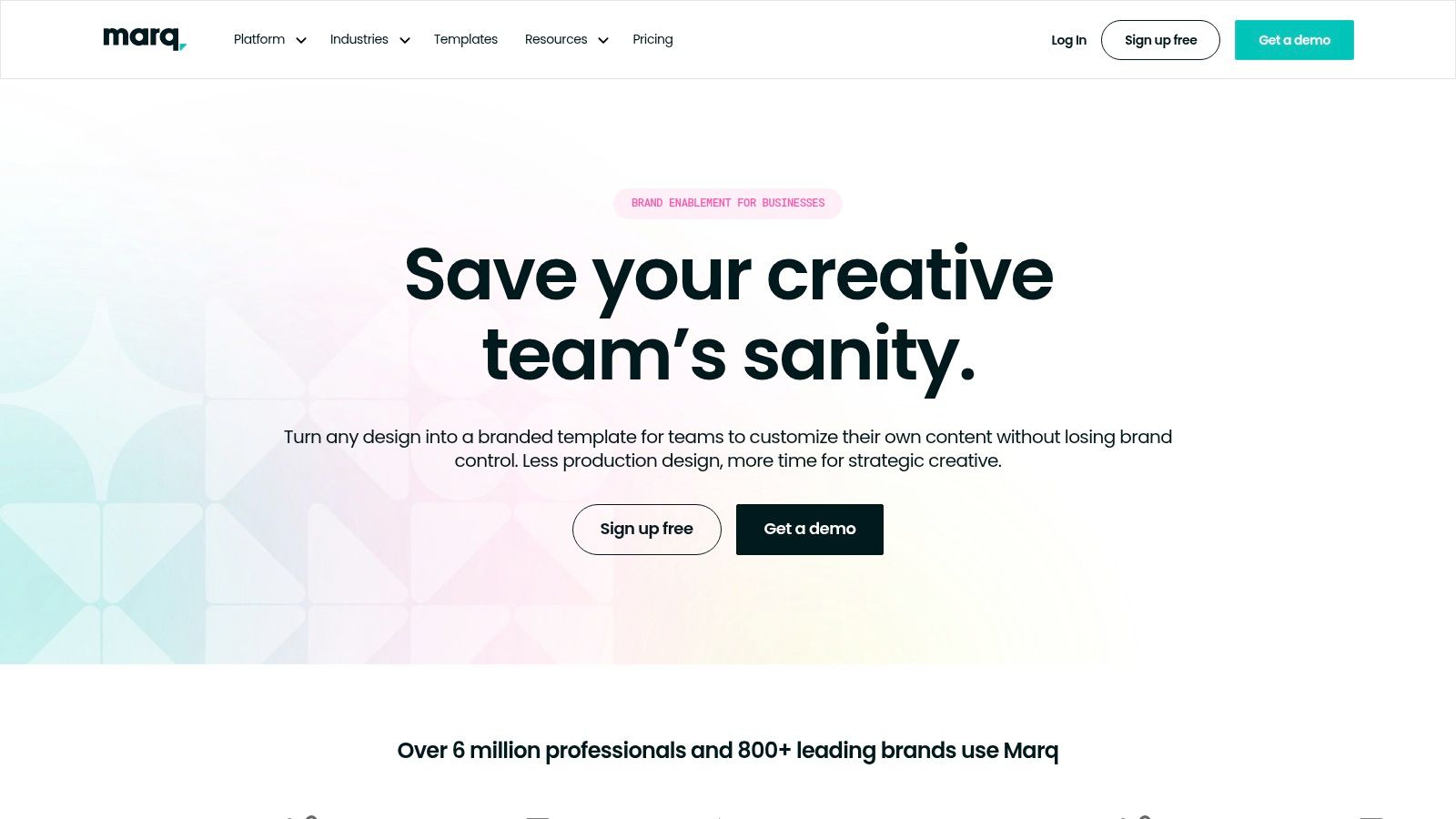
Marq solves a different problem from every other tool here. It isn't trying to be your archive; it's trying to stop non-designers from rebuilding a one-pager from scratch in last year's colors.
What it's for: template-based creation at scale. A brand team builds approved templates, locks the elements that must not change (logo placement, type sizes, color fields), and distributes them to sales, franchisees, or regional marketers who fill in the blanks and export.
What that fixes and what it doesn't
- Fixes: routine collateral requests that eat a designer's week, inconsistent local materials, and the recurring email thread asking for the deck template.
- Doesn't fix: asset governance, rights management, video archives, or version control across a 60,000-file library.
That distinction matters at purchase time. Teams buy a template tool expecting a DAM and discover months later that nobody can find the approved photography, so the templates fill with whatever image was nearest.
If you already own a DAM, Marq complements it. If you own neither, buy the archive first, because templates without approved assets behind them just produce polished inconsistency.
Enterprise pricing and capability details need confirming directly with the vendor, and the permission model deserves a live test with someone who has never seen the tool. Marq sells to teams rather than individuals.
10. Adobe Experience Manager Assets
Adobe Experience Manager Assets is the heaviest platform on this list, and for the right organization that's the point. It handles discovery, management, activation, delivery, and analysis of multimedia content inside a content ecosystem many large companies already run.
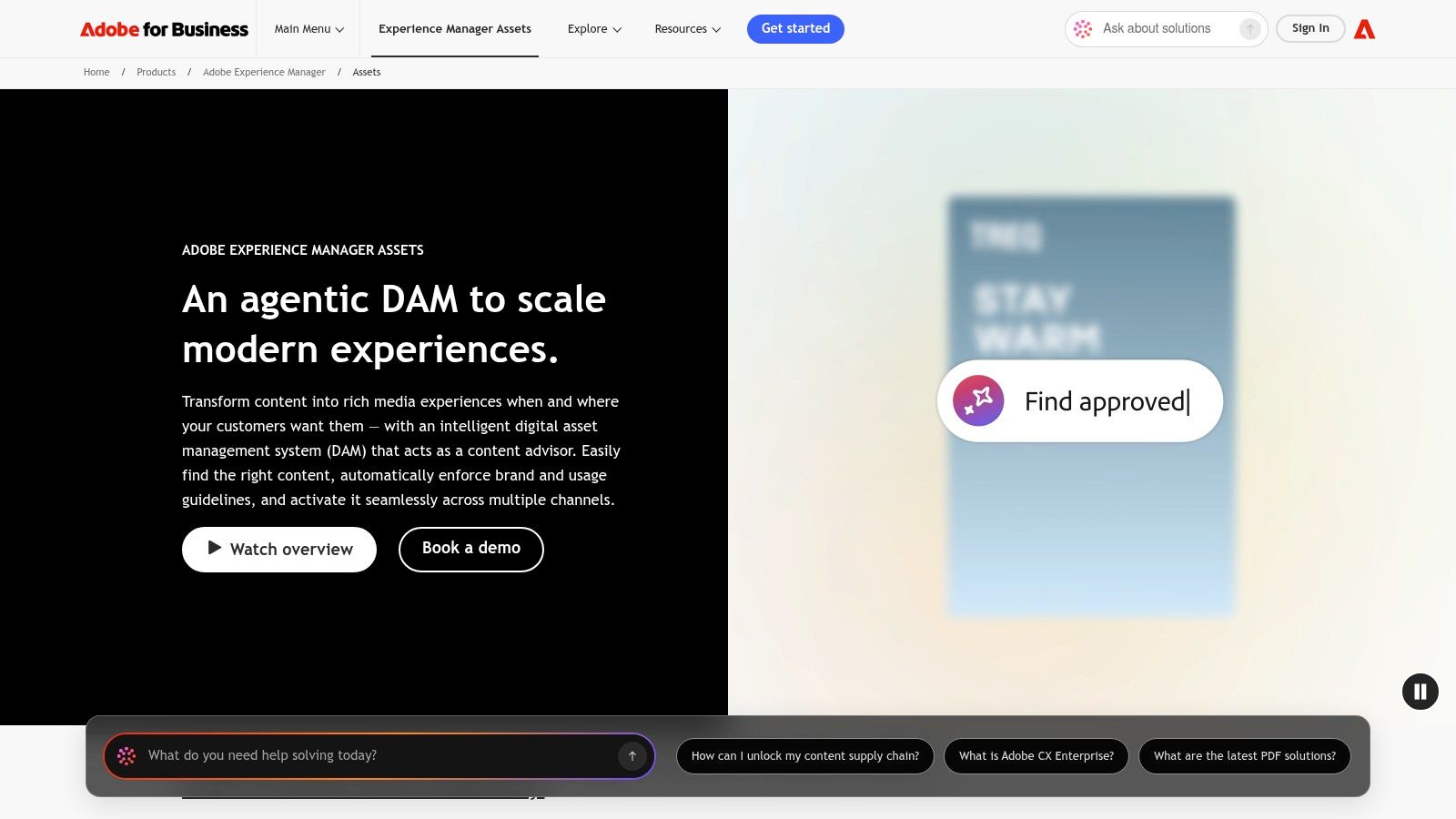
Brand Portal is the piece that matters for brand operations: it gives partners and external contributors a controlled space for approved assets, separate from the full authoring environment. That separation is what keeps a press contact out of an unreleased campaign folder.
Prime versus Ultimate
The package split is where evaluation meetings go wrong. Ultimate adds capabilities such as a more extensive API offering, and buyers who map requirements to the wrong package find the gap during implementation rather than negotiation.
- Map features to packages first: write your required feature list, then have the vendor mark each item Prime or Ultimate in writing.
- Budget administration: a DAM at this scope needs a named owner and ongoing configuration time, not a launch project that ends.
- Check workflow fit: the value depends on how much of your content already lives in Adobe tooling.
Extensive capability comes with implementation weight. A small team will find the overhead hard to justify, and pricing is available by request rather than published. Adobe Experience Manager Assets is an enterprise purchase with an enterprise onboarding.
How the 10 brand asset management tools compare on pricing visibility, free options, and best-fit use cases
Pricing transparency is the exception on this list. Two platforms let you in without a sales call, one publishes starting prices, and the other seven quote only after a conversation. The job each tool is built for matters more than its feature count, so read the table by job, not by row order.
| Item | Pricing visibility | Free option | Best for |
|---|---|---|---|
| Frontify | Custom quote | No free plan publicly listed | Managing brand guidelines and assets across teams and markets |
| Bynder | Custom quote | No free plan publicly listed | Enterprise asset governance and distribution |
| Brandfolder | Pricing not publicly listed | No free plan publicly listed | Searchable asset libraries with self-service tools |
| Canto | Pricing details not straightforwardly public | No free plan publicly listed | Sharing approved assets with portals and workflows |
| Acquia DAM (Widen) | Subscription plus add-ons, quoted by vendor | No free plan publicly listed | Structured brand and product content workflows |
| MediaValet | Custom quote; costs depend on configuration | Free sandbox | Teams needing broad access and Microsoft or Adobe integrations |
| Air | Priced by storage and credit tier | Free plan available | Creative teams collaborating on feedback and approvals |
| Brandkit | Public starting prices | No free plan publicly listed | Branded portals with no per-seat fees |
| Marq | Enterprise pricing by request | No free plan publicly listed | Distributed teams creating collateral from approved templates |
| Adobe Experience Manager Assets | Pricing by request | No free plan publicly listed | Large organizations using Adobe content tools and workflows |
The best-fit column splits the list into three purchases. Brandfolder, Canto, and Acquia DAM (Widen) are library buys: assets go in, get organized, and stay findable. Bynder, Brandkit, MediaValet, and Adobe Experience Manager Assets are distribution buys, priced for portals and controlled access at scale. Frontify, Marq, and Air sit closer to creation, where guidelines, templates, or approval flow drive the work.
Match the free option to your evaluation style. Air's free plan and MediaValet's sandbox let you test with your own files before procurement gets involved. Everywhere else, the quote is the entry price, so ask what a paid pilot costs and how long it runs.
Choosing the Right Brand Asset Tool Before You Shortlist Vendors
Start with the job, not the feature grid. Archiving, controlled distribution, and template-based creation are three different purchases that happen to share a category name. If a partner in another market needs to download an approved logo and nothing else, you're buying a portal, and most of this list is more machinery than that job requires.
The market's size explains why the sales motion feels heavy. In 2025, the global digital asset management market was valued at USD 6.9 billion, according to Contrive Datum Insights, and platforms at that scale are sold through procurement-shaped processes rather than self-serve checkout.
Three questions that separate the shortlist
- What does the quote include? Ask for storage, named users or monthly active users, integrations, implementation, and support as separate lines. A single total hides the parts that grow.
- Who administers it after launch? Every platform here needs a named owner for metadata, permissions, and retirement of old assets. No license fee buys that discipline.
- What happens when you leave? Ask how assets and metadata export, in what format, and at what cost.
A platform that can't answer the export question in writing is a platform you'll pay to escape.
Then run a real test. Load a few hundred of your own files, include the messy ones, invite the partner who currently emails you for logos, and watch whether that person finds the right asset unaided. Demos use clean libraries; yours won't be.
Before you shortlist, check each publisher's website for current pricing, availability, and requirements, because several vendors on this list don't publish full pricing and terms shift between sales cycles. That's the approach we take at Creators Toolbox: verify on the publisher's site rather than trusting a comparison written a year ago.
Creators Toolbox publishes side-by-side tool comparisons covering features, pricing, and which platform fits a given workflow, and the weekly roundup tracks the releases that change those answers. If you're still weighing an archive against a portal or a template tool, start with the Creators Toolbox guides and free productivity resources before you book a single demo. Visit Creators Toolbox this week to see what's new across design, AI, and creative tooling.