10 Product Discovery Services to Find and Track Tools
You hear about a new video tool on Monday. By Wednesday you're reading its changelog to check export settings, and by Friday you've missed a rendering fix that changes how a client project will play back. That gap between finding a tool and keeping up with it is where most of the wasted time sits.
Product discovery services don't all do the same job, and treating them as interchangeable leads to too many tabs and too little signal. Some are built for launch day. Others help you replace a tool you already know, compare business software, or follow releases after you've committed. If you're building a wider shortlist for a startup stack, a software discovery guide for SaaS founders can sit alongside this list, but you'll still need to match each service to a stage of work.
This list covers 10 services, assessed by that stage. Disclosure matters here. Creators Toolbox is included alongside independent competitors, and it's judged on the same terms, including where it falls short. I've kept the focus on practical trade offs. What's fast, what's shallow, and what you'll still need to verify yourself.
Table of Contents
- 1. Creators Toolbox
- 2. Product Hunt
- 3. BetaList
- 4. Uneed
- 5. Microlaunch
- 6. AlternativeTo
- 7. SaaSHub
- 8. G2
- 9. Capterra
- 10. Futurepedia
- How the 10 product discovery services differ by use case, update tracking, and community input
- Matching Each Service to the Job You Need Done
1. Creators Toolbox
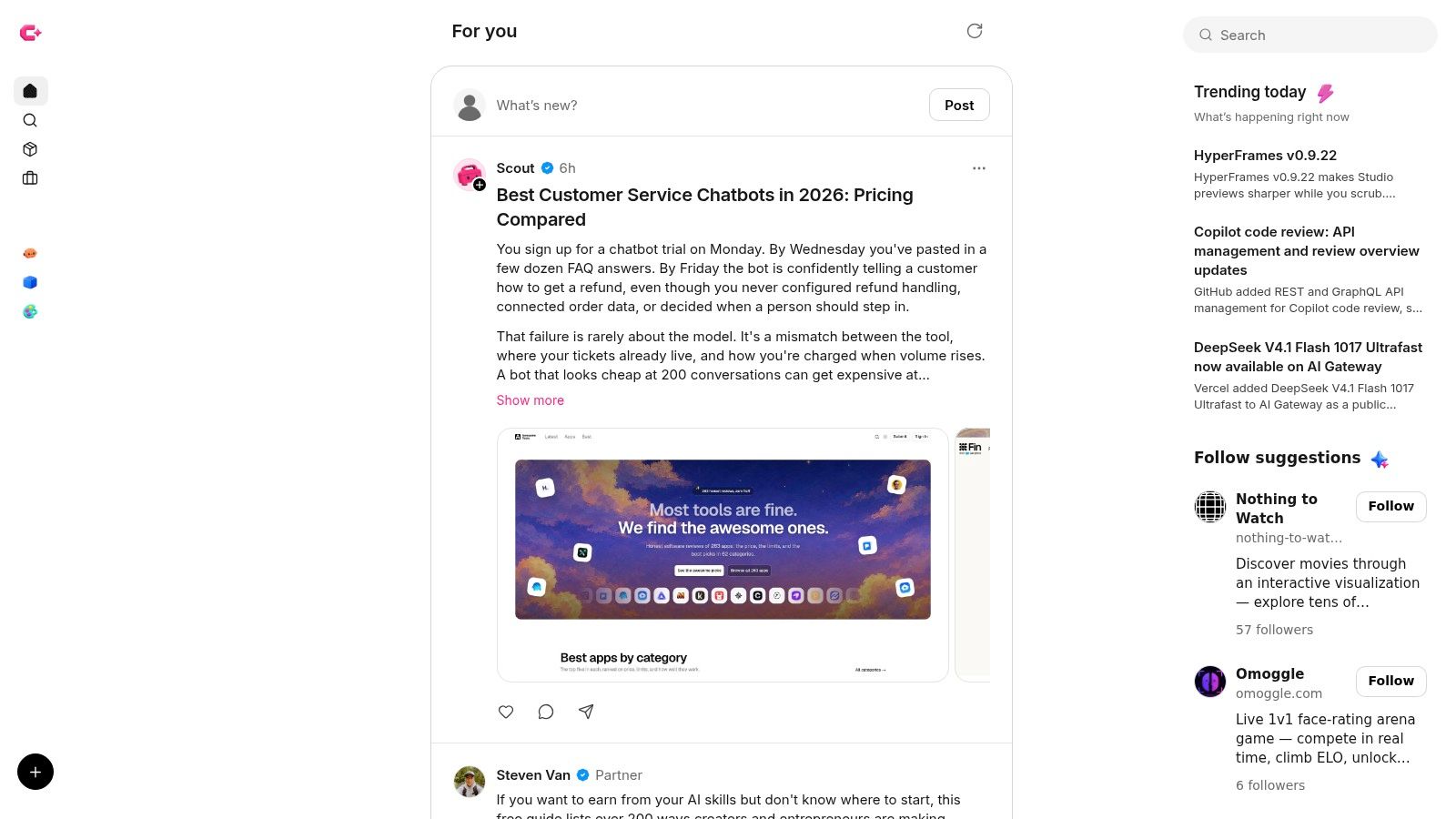
Start here if your problem isn't only finding a tool, it's staying current after you adopt one. We built Creators Toolbox as a discovery and monitoring hub for creative tools, digital products, resources, and product news. The directory covers more than 800 tools, apps, and courses, and each product page brings together an overview, release updates, and related conversations in one place.
The chronological feed is the differentiator. It summarizes launches, feature changes, fixes, and industry resources across design, video, development, and AI, with examples involving Figma, GitHub Copilot, Vercel, and Claude Code. Follow individual products to build a focused feed, or browse communities such as Graphic Design and Artificial Intelligence. We also surface relevant job listings, which is useful context you won't get from a plain directory.
Where It Works and Where It Doesn't
- Directory plus updates: You evaluate a tool and keep tracking it without switching platforms.
- Dated summaries with source links: Scout, our automated publisher, shares announcements with links to original sources, so you can verify details quickly.
- Broad creative coverage: Design, video, social publishing, development, and AI sit side by side.
- Third party limit: We catalog other companies' products. We don't develop or provide the listed tools, and current pricing, availability, and requirements are found on the publisher's website.
- Filtering required: Automated announcements may contain errors or omissions, and the breadth of the feed means you'll need to follow specific products to cut noise. We offer a way to report errors or missing details.
Follow the five tools you actually depend on first. A broad feed is for scanning, a followed feed is for decisions.
I recommend this stage fit for ongoing monitoring. It's less about launch day hype and more about whether a tool keeps shipping.
2. Product Hunt
Product Hunt is still the fastest way to see what's launching today. Daily rankings, product pages, and community discussion tell you what a product claims to do and how early users react in public. For software, developer tools, AI products, and marketing technology, that first wave of questions is often more useful than the maker's own description.
Use it at the finding stage, not the deciding stage. Votes measure launch momentum and network reach. They don't measure reliability six months later, support quality, or whether an update will break your workflow. High volume also buries niche tools that didn't plan a launch campaign.
- Daily launches and rankings: Good for a quick morning scan of new products.
- Comments and votes: Early objections and use cases surface fast.
- Category browsing and email updates: Helpful if you track one segment, such as AI or dev tools.
If you're comparing launch platforms themselves, roundups of sites like Product Hunt show how much the format has been copied. My rule is simple. Bookmark what looks relevant on Product Hunt, then verify it somewhere slower before you put it in production.
3. BetaList
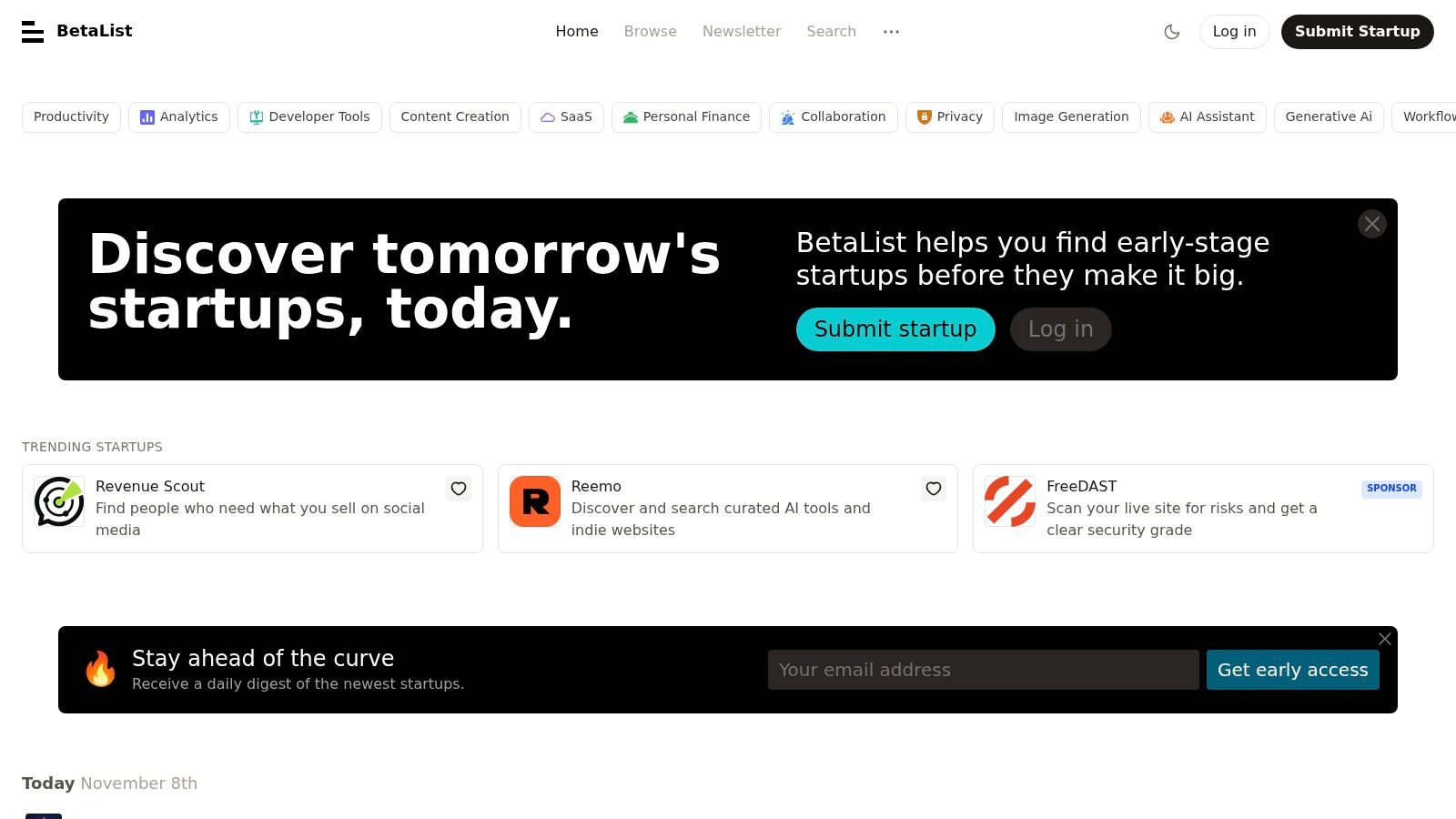
BetaList sits earlier in the pipeline than most launch sites. It focuses on early stage internet startups, including products that are pre-launch, in beta, or newly available. That makes it useful if you want beta access or a waitlist spot before a tool becomes widely known.
The trade off is uncertainty. Early products pivot, stall, or disappear, and listings often carry limited detail on pricing, integrations, or support. I wouldn't use BetaList to research established software you'll rely on for client delivery. I'd use it to spot directions a category is moving in.
Best Use in Practice
Browse by topic, join the daily email digest if you can tolerate another inbox item, and click through to the startup's own site before you judge anything. Founders get value here too, since submissions put a product in front of potential early users who expect rough edges and give feedback.
Treat every listing as a lead, not a recommendation. If a beta tool looks promising, test it on a low risk project and keep your current tool in place until the new one proves it can handle real files, real deadlines, and real exports.
4. Uneed
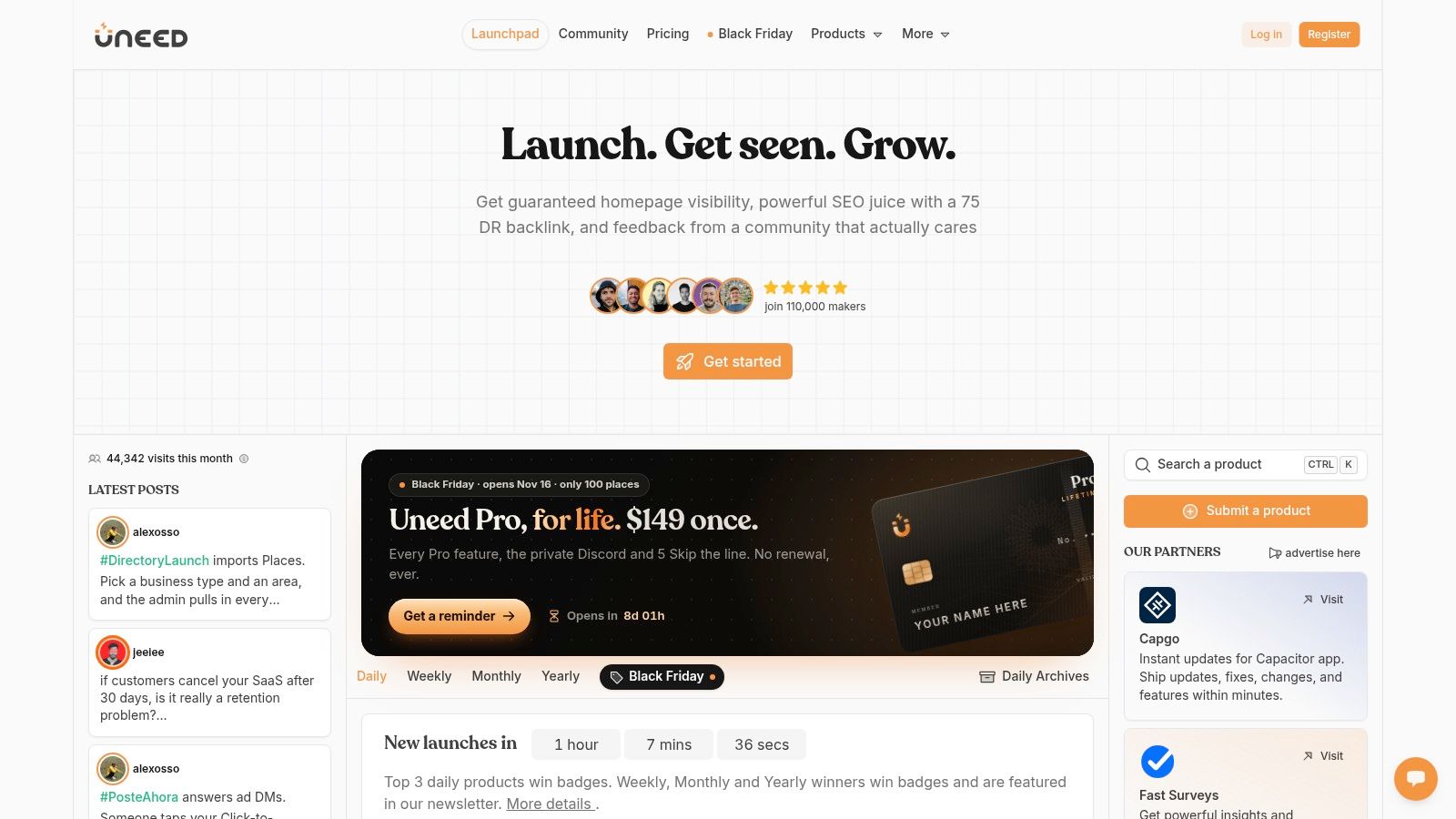
Uneed works as a social launch platform where browsing by category and tag matters more than a single daily leaderboard. That structure helps when you don't have a product name yet. You start with a job, such as scheduling, analytics, or thumbnail creation, and work outward to related products.
Indie software and smaller startup projects get more room here than they do on larger launch sites. Related product browsing is the feature I use most, because adjacent options often fit a specific workflow better than the headline launch. Community interaction and product submission keep the catalog moving.
Don't mistake activity for testing. Launch listings and social engagement aren't substitutes for independent product testing, trial work, or checking data handling yourself.
- Category and tag browsing: Better for problem first searching.
- Related products: Useful for building a shortlist of three or four options.
- Tech focus: Strong for software, weaker if you also want courses, assets, or broader creative resources.
Uneed fits the early shortlisting stage. You'll still need vendor docs and your own trial to close the decision.
5. Microlaunch
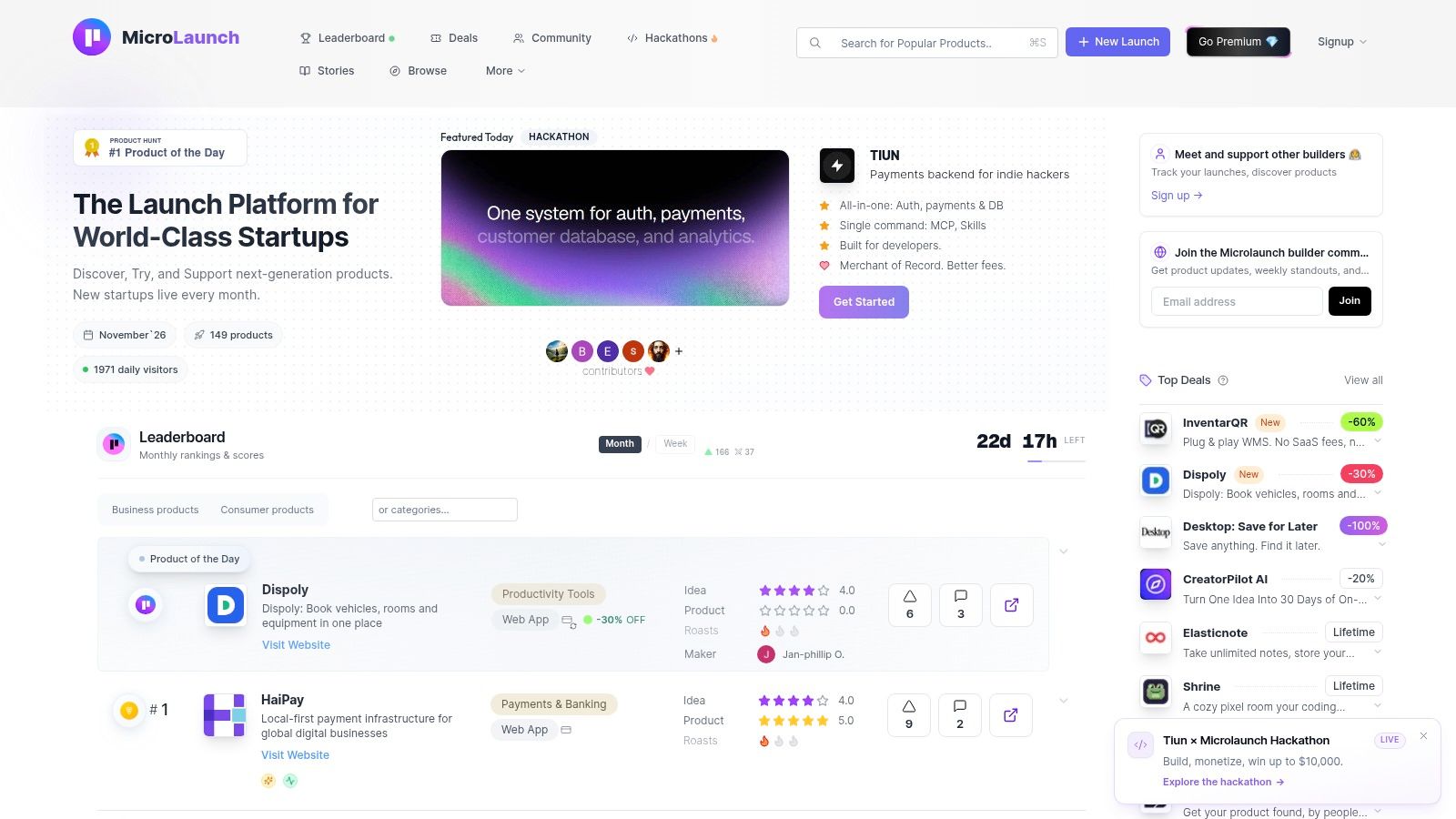
Smaller launch platforms have one clear advantage. Less noise. Microlaunch is built for discovering, trying, and supporting products, with a focus on startups and smaller launches that might get lost on a bigger leaderboard. Its marketplace and community format gives founders tools to submit products and gives you another route to newer software.
The smaller profile cuts both ways. You may find fewer listings and less community activity than on established platforms, which means fewer public questions, fewer edge cases raised, and less social proof to lean on. Verify product details on the provider's own website every time.
Practical rule: The smaller the launch community, the more weight you should put on documentation, export options, and a working trial.
I see Microlaunch as a supplementary scan, not a primary research base. Check it when you're exploring a niche and want options beyond the obvious names. Skip it as your only source if you're choosing business critical software, because the evidence base around each listing is thinner and you'll carry more of the verification work yourself.
6. AlternativeTo
Say your current editor raises prices, drops a platform, or removes a feature you need. AlternativeTo is built for that exact moment. You start from a product you already know and get alternative listings across desktop, mobile, and web software, with community input and links to product websites.
That replacement first logic is why it beats launch sites for switching decisions. Platform and category browsing lets you filter by operating system and software type, which matters when a team is split across Mac, Windows, and browser based work. Broad coverage across software types means you'll usually find at least a few credible candidates.
Quality varies. Community submitted information can differ in detail and recency, so check when a listing was updated and confirm features with the vendor. It's also not a launch or release update feed. You won't learn what shipped last week here.
Use AlternativeTo to build the replacement shortlist, then move to vendor changelogs and trials. For shortlisting, it's one of the most direct product discovery services on this list. For monitoring after you switch, you'll need something else.
7. SaaSHub
SaaSHub combines product listings with alternatives, comparisons, and community driven information. Start from a product you know and you can move sideways into competitors and adjacent options without running five separate searches. The broad range of categories makes it handy for SaaS heavy stacks, from marketing and analytics to developer utilities.
That breadth is also the weakness. Listing depth and freshness vary across a large catalog, and rankings or user generated material should be treated as a starting point, not a verdict. Product verification and community content help, but they don't replace checking current pricing, limits, and integration docs.
How I'd Use It
- Start with a known tool: Open its alternatives and competitor pages to map the field.
- Cross check two or three candidates: Look for consistent complaints or missing features across pages.
- Leave quickly: Once you have names, do serious evaluation on vendor sites and review platforms.
SaaSHub fits the shortlisting stage well, especially for business SaaS. It's less useful for creative resources, courses, or tracking what changed in a tool after you've adopted it.
8. G2
G2 is where discovery turns into structured evaluation for business software. Categories, product comparison pages, buyer guides, vendor profiles, and a large volume of user reviews help you move from a long list to a defensible shortlist. Review volume can surface common user experiences that a vendor landing page won't mention, such as onboarding friction or support delays.
Read reviews in context. Check the review date, the reviewer's company size and role, and whether the complaint matches your use case. Rankings should be assessed the same way. A tool that's ideal for an enterprise sales team may be poor fit for a two person studio.
That enterprise tilt is the main limit here. G2 is less suited to casual discovery of creative tools, indie apps, or early stage products that haven't accumulated reviews.
Use G2 when money, procurement, or team rollout is involved and you need documented peer experience. Don't use it as your only lens for emerging AI or design tools, because the most interesting options may not have a meaningful review base yet.
9. Capterra
Capterra serves a similar evaluation job to G2, with category browsing, software profiles, user reviews, side by side comparisons, and buyer guidance. Coverage is strongest in marketing, productivity, finance, and operations, which makes it practical when you're building a structured vendor shortlist for a business function rather than browsing for inspiration.
Product pages combine ratings with practical evaluation information, so you can compare a few finalists without rebuilding the same spreadsheet from vendor sites. That's real time saved at the shortlisting stage.
Know the business model. Sponsored profiles and referral links are part of how Capterra operates, so placement isn't the same as endorsement. It's also less focused on product news and release tracking, so it won't tell you what broke or improved in last month's update.
Use comparison sites to narrow the field to two. Use trials with your own files and data to pick the winner.
I recommend Capterra for operational software purchases where stakeholders need a clear comparison. For creative tool discovery and ongoing change tracking, it's the wrong shape.
10. Futurepedia
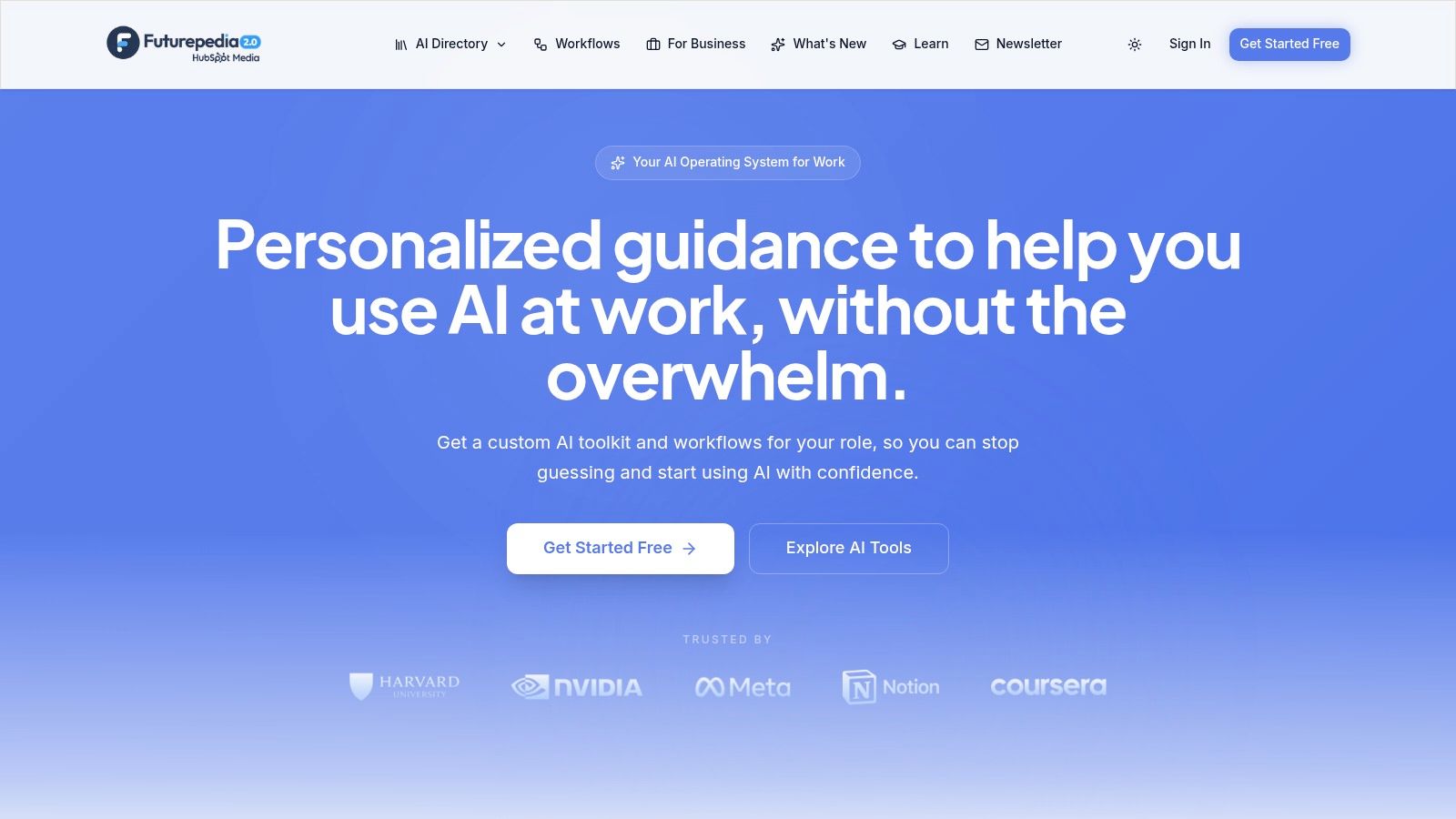
Futurepedia narrows the field to AI tools, organized into categories including video, image, productivity, business, audio, and coding. Directory descriptions, pricing labels, and provider links make a large catalog easier to explore by use case. Trending, popular, and new listings give you three different entry points depending on whether you want proven options or recent releases.
That focus is useful for creative and technical workflows right now, because AI tools ship and change pricing faster than most software categories. It's also the limit. The catalog covers AI products only, so it won't help you compare a non AI editor, a scheduling platform, and a course in one place.
Availability and pricing change often enough that you should confirm details with the provider before you plan around them. A free label in a directory may mean a trial, a limited tier, or a plan that no longer exists.
Use Futurepedia to map an AI category quickly, then test outputs yourself. For AI tools, your own prompts, files, and review process matter more than any directory description.
How the 10 product discovery services differ by use case, update tracking, and community input
Three questions separate these ten services: what job each one does, whether it keeps covering a product after launch day, and how much community input shapes what you see. The table answers them row by row. Creators Toolbox publishes this comparison and appears alongside nine independent competitors, so weigh its row the way you would any vendor describing itself.
| Item | Best For | Primary Focus | Tracks Updates After Launch | Reviews or Community Input |
|---|---|---|---|---|
| Creators Toolbox | Discovering and monitoring creative tools | Directory, product updates, and related conversations | Yes: followed products collect posts into a dedicated feed | Community conversations organized by subject categories |
| Product Hunt | Finding newly launched technology products | Daily launches, rankings, and discovery | Launch-day activity only; no ongoing release feed | Community comments and votes |
| BetaList | Finding early-stage and pre-launch startups | Beta products, waitlists, and startup discovery | No dedicated release feed; check the startup's own site | Founder submissions and early-user feedback |
| Uneed | Discovering indie and early-stage tech products | Social launches and related-product browsing | No dedicated release feed; check the product's own site | Community interaction and submissions |
| Microlaunch | Exploring newer startup products | Product marketplace and smaller launches | No dedicated release feed; check the product's own site | Community support |
| AlternativeTo | Finding replacements for known software | Alternatives across platforms and categories | No release feed; alternatives show what to switch to, not what changed | Community opinions |
| SaaSHub | Exploring software alternatives and competitors | Listings, comparisons, and related products | No dedicated release feed; check the vendor's own site | Community-driven information |
| G2 | Evaluating business software | Reviews, comparisons, and vendor discovery | Reviews are dated, so recent ones reveal how a tool is performing now | Peer reviews |
| Capterra | Building business software shortlists | Product profiles, comparisons, and buyer guidance | Review dates surface recent experiences; no release news feed | User reviews |
| Futurepedia | Finding AI tools for specific workflows | AI software directory by category | New listings are highlighted; shipped updates are not tracked | Directory descriptions and pricing labels |
The update column is where the list splits hardest. Launch platforms and alternatives directories index a product at one point in time, then move on to the next submission. Review sites capture change indirectly, since a dated review only tells you the tool was working, or broken, on that day. A follow-based feed is the only model here built to keep reporting after you adopt a tool. On Creators Toolbox, Scout, an automated publisher, posts product announcements with links to the original sources, and a correction route handles errors or missing details.
Community input means something different in each row too. Votes and comments measure how a launch landed. Peer reviews measure how business software holds up in production. Subject communities keep the discussion attached to the tools themselves, which matters once the launch-day crowd has moved on.
Matching Each Service to the Job You Need Done
No single service covers discovery, evaluation, and tracking equally well. That's not a failure of these platforms. It's a reflection of how buyers behave, moving between sources before they commit. The Salsify 2025 Consumer Research Report found that 65% of shoppers used search engines for product research, while 54% used online marketplaces. Discovery is multi stage, and your stack of services should be too.
Start with stage, not brand. For new launches, use Product Hunt, BetaList, Uneed, or Microlaunch depending on how early you want to be. For replacements and shortlists, AlternativeTo and SaaSHub get you sideways from a known tool, while G2 and Capterra add structured reviews for business software. For AI specific mapping, Futurepedia narrows the field fast. For tracking after adoption, a followed feed matters more than another leaderboard.
That tracking stage is where many teams underinvest. The historical pattern behind these tools points the same way, since an arXiv history of recommender systems traces modern filtering to Tapestry in 1992 and GroupLens in 1994, both built to select relevant items from a large information space over time. Recommendation finds the product. Filtering keeps you informed as it changes.
Trust and Readiness Matter More Than Volume
More listings don't reduce risk. In the Applause 2025 AI survey, 65% of users reported encountering GenAI problems within the previous three months. Ask what could go wrong in your workflow, how much human review you'll need, and whether accessibility, exportability, and data handling fit your work. A feature summary won't answer that.
Readiness is the second filter. The Capgemini generative AI in organizations 2025 report found that 93% of surveyed organizations were exploring or enabling GenAI in 2025, yet 71% said they could not fully trust autonomous AI agents for enterprise use. Sometimes the right call is delaying adoption, choosing a simpler tool, or limiting a product to low risk tasks until governance and fallbacks are in place.
Satisfaction with discovery itself is uneven, which is another reason to layer sources. A Constructor survey reported by PR Newswire found that 42% of surveyed online shoppers in the United States and United Kingdom rated retail site product discovery experiences C or below. One feed won't fix that. A small, deliberate combination will.
Build that combination once and reuse it. Pick one launch source you can scan in ten minutes. Keep one alternatives or review service for shortlisting. Follow your core tools so release changes reach you before a deadline does. A benchmark from ProductTalk on adoption of discovery habits found that 77.6% of respondents identified opportunities in their most recent user interview, which underlines a simple point. Isolated discovery activity is common. A repeatable system is rarer and more valuable.
Before you commit to any tool found through these product discovery services, confirm pricing, availability, and requirements on the provider's own website. Test with your own files. Check what happens when you export, cancel, or need support. That last verification step is yours, and no directory can do it for you.
If you want discovery and ongoing tracking in one place, browse our directory of creative tools, follow the products you rely on, and use dated update summaries linked to original announcements to check what changed before it affects your work. Visit Creators Toolbox to build your followed feed and start with the tools already in your stack.