The Best AI Note Taking App: 7 Tools Compared for 2026
A 45-minute call ends. Three people hang up believing three different decisions were made. A week later nobody can find the exact wording of the action item, and the person who agreed to it can't remember agreeing.
An AI note taking app fixes that only when it matches the job your notes have to do after the call ends. Some notes need to become a searchable archive of every meeting. Some need to be a verbatim transcript you can quote from. Some need to grow into a research library built from your own documents. Some need to sit next to the project they belong to.
The seven tools below are judged on that second job, not on feature checklists. Each entry covers the recording etiquette and free-plan limits that most roundups skip. One number to set the scene: a survey of 1,000 full-time professionals found 19% used AI frequently to generate meeting notes, while 40% never used it at all (Fellow). Pick the tool that fits your work rather than the one with the longest feature page.
1. Granola
The recorder nobody sees still has to be announced. Granola captures meeting audio from your desktop or phone without adding a visible bot to the call, so no participant list entry warns the room. On an external call that removes the awkward "what just joined?" moment. It also makes disclosure your job, not a setting.
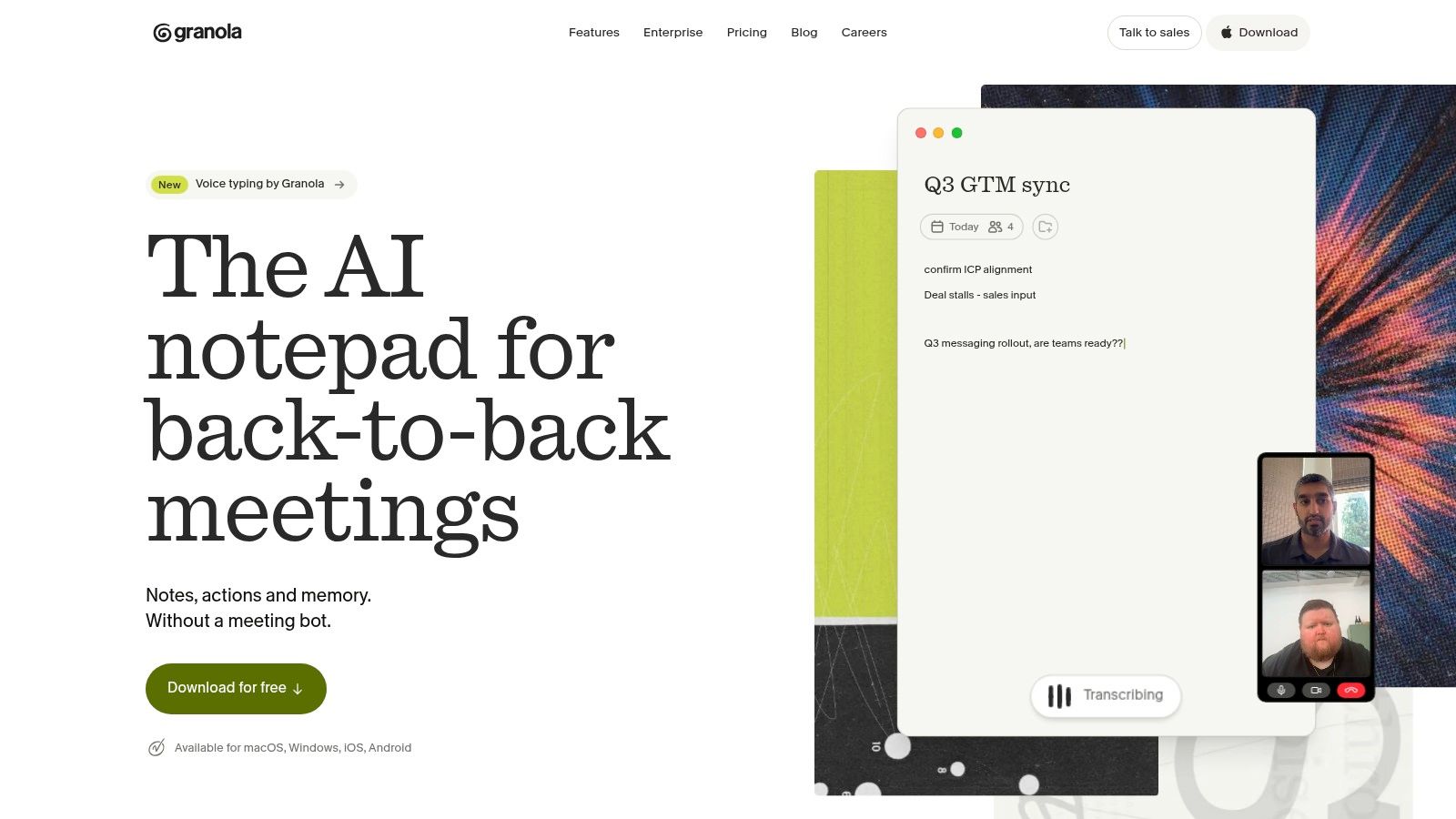
After the call, the job is a personal meeting archive you can search. Granola runs the transcript beside the notes you type, then merges both into one structured note. The transcript keeps what was said; your half-sentences mark what mattered. Search and cross-meeting chat are what make that useful months later, when the question is "who promised that?" rather than "what did we discuss?"
Free plan. Meeting history is limited on the free tier, so treat it as a trial rather than a permanent archive and check the current limit on the Granola site.
Where it fits. Back-to-back calls on a laptop, one person keeping the record, meetings that need documentation without ceremony.
Where it fails. A shared multi-year archive for a team, or anyone trying to build a general knowledge base instead of a meeting log.
Because no bot announces itself, consent has to come from you. Industry research on AI meeting assistants found 63% of employees have privacy concerns about AI recording, and 74% believe external participants should always be notified (Stealth Agents). Say it in the first ten seconds.
Practical rule: if you wouldn't say "I'm recording this" out loud, don't record it.
Start with the free plan if bot-free capture sounds right for your calls. If the invisible-recorder model feels wrong for client work, switching from Granola to VoxNote is the comparison to make before you commit.
2. Otter.ai
Otter transcribes live in Zoom, Microsoft Teams, and Google Meet, labels who spoke, and keeps the audio beside the text so you can check a quote. The job it does best is the reviewable transcript. Months later you find the sentence, not a summary of the sentence.
That job is harder than vendor pages imply. One recent test reported a 5.3% word-error rate on ordinary audio, and in the same test the system got 0 of 5 proper nouns correct and retained only one speaker when two people talked simultaneously (Weeve). Names, brands, and numbers are exactly what you quote later, so budget time to fix them.
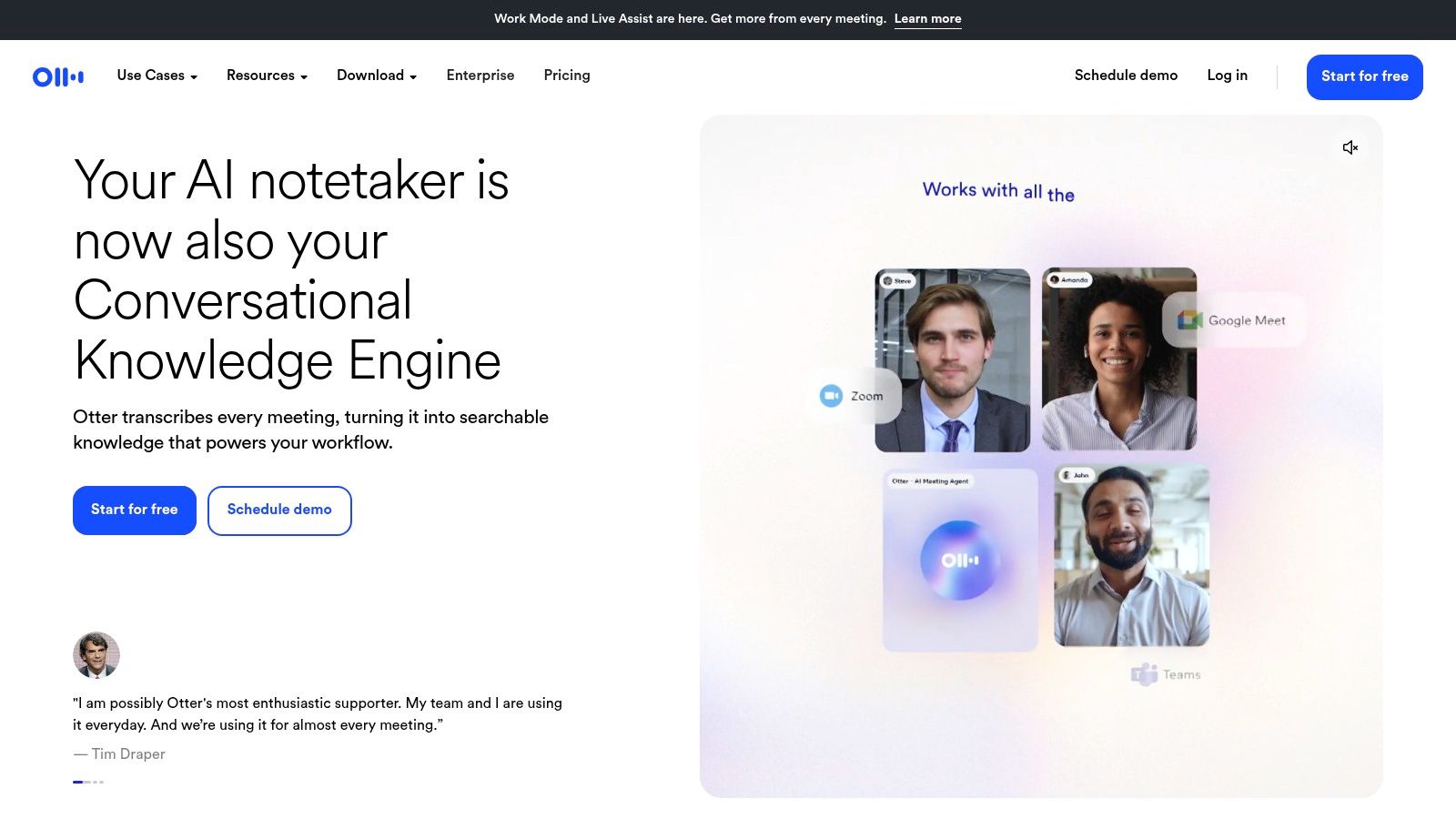
Speaker labels earn their keep on long calls. A 60-minute interview with four voices turns into a wall of text without them. Labels plus audio playback let you verify an attribution in seconds.
Correction is part of the workflow. Read the transcript once against the audio before you send it anywhere. Overlapping speech is where errors cluster, and every summary inherits them.
Free tier. Monthly transcription minutes are limited, which is enough to test the workflow on two real meetings before you pay.
Treat the first transcript pass as a draft, never as a record.
Audio isn't always a meeting either. People who transcribe bench observations from iPhone hit the same rule: one clear voice beats a room full of them. Otter.ai ships mobile and desktop apps, so the same tool covers both.
3. Fireflies.ai
Fireflies takes the archive job. It records across the main video platforms, indexes every transcript, and answers questions about old conversations with the moments they came from. If your team keeps asking what was agreed three months ago, this is the right category of tool.
Adoption of note-takers is uneven by team size. A 2026 market analysis puts deployment at 78–81% among solo professionals and small teams, 61% in organizations with 1,001–5,000 employees, and 43% among companies with more than 5,000 (Sally). Small teams adopt fast because one person decides. Large ones move slowly because security review, procurement, and legal all get a vote.
Where the Search Layer Pays Off
Search rewards sales calls, client check-ins, and recurring standups where the same people appear every week. It rewards a freelancer with four calls a month far less, because the archive never grows big enough to need searching.
Free plan limits. Transcription and a limited set of AI features are included, but storage and AI credits are capped. Check those caps before you promise a client a searchable history.
Integrations beat summaries. Notes that land in the task board or the CRM get read. Notes that stay inside the recorder get forgotten, so check where Fireflies.ai sends its output.
The money in this category explains the pace of change. The global AI meeting assistant market reached an estimated USD 3.47 billion in 2025 (Speakwise), which means features and pricing shift under you. Re-read the terms at every renewal.
4. Fathom
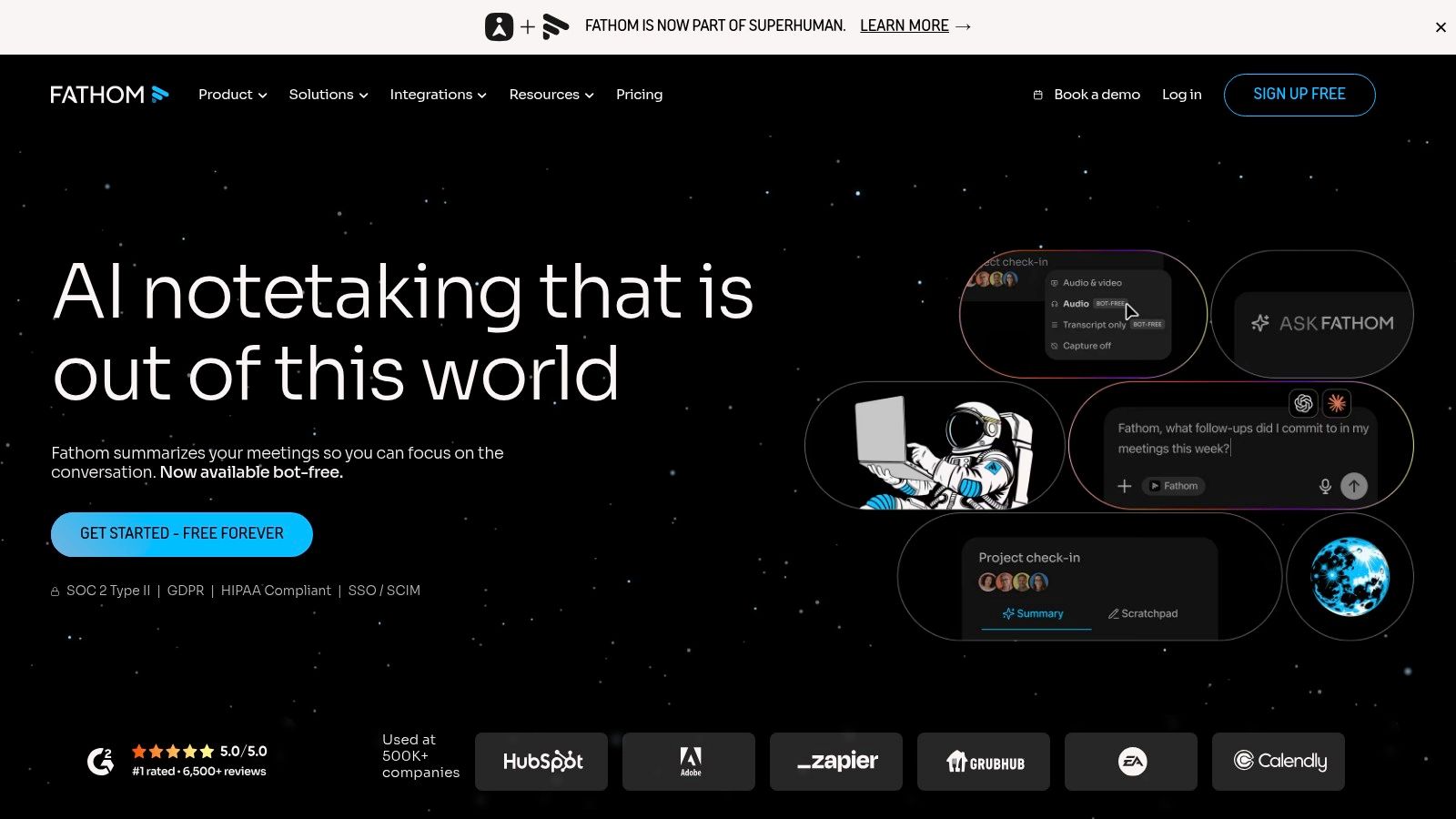
Fathom records Zoom, Google Meet, and Microsoft Teams meetings, and on the free plan it doesn't meter recordings, storage, or transcription. For an individual testing whether AI notes help at all, that removes the usual minute ceiling.
The catch sits on the AI side. Advanced summaries and follow-up features are limited on the free tier, and the recorder appears as a visible participant, so every call starts with a small social decision.
That decision isn't cosmetic. In a 2026 survey summary, 47% of existing note-taker users said a tool had recorded or shared something unintended, while 48% of workers worry the notes themselves introduce inaccuracies or lose nuance (Goodnotes). Recording a call is easy. Recording the right twenty minutes is the skill.
Clips beat full recordings. Sending a two-minute clip of the decision, instead of a 50-minute file nobody opens, is what makes the tool useful inside a team.
Recurring calls suit it. Weekly client check-ins, standups, and one-to-ones where a quick recap is the deliverable.
It isn't a notes app. There's no research library and no project workspace. It captures calls, and that's the scope.
Test a recorder on one call with an external guest before you point it at ten internal ones.
Sign up at Fathom and cap it at a single recurring call for two weeks. Free is a fair trial. Paying before you know which meetings you'll re-read is the wrong order.
5. Notion
Notion answers a different question. The note isn't the product of the call, it's one row in a workspace where the brief, the project plan, the content calendar, and the client record all live. If your notes die because they sit apart from the work, this is the fix.
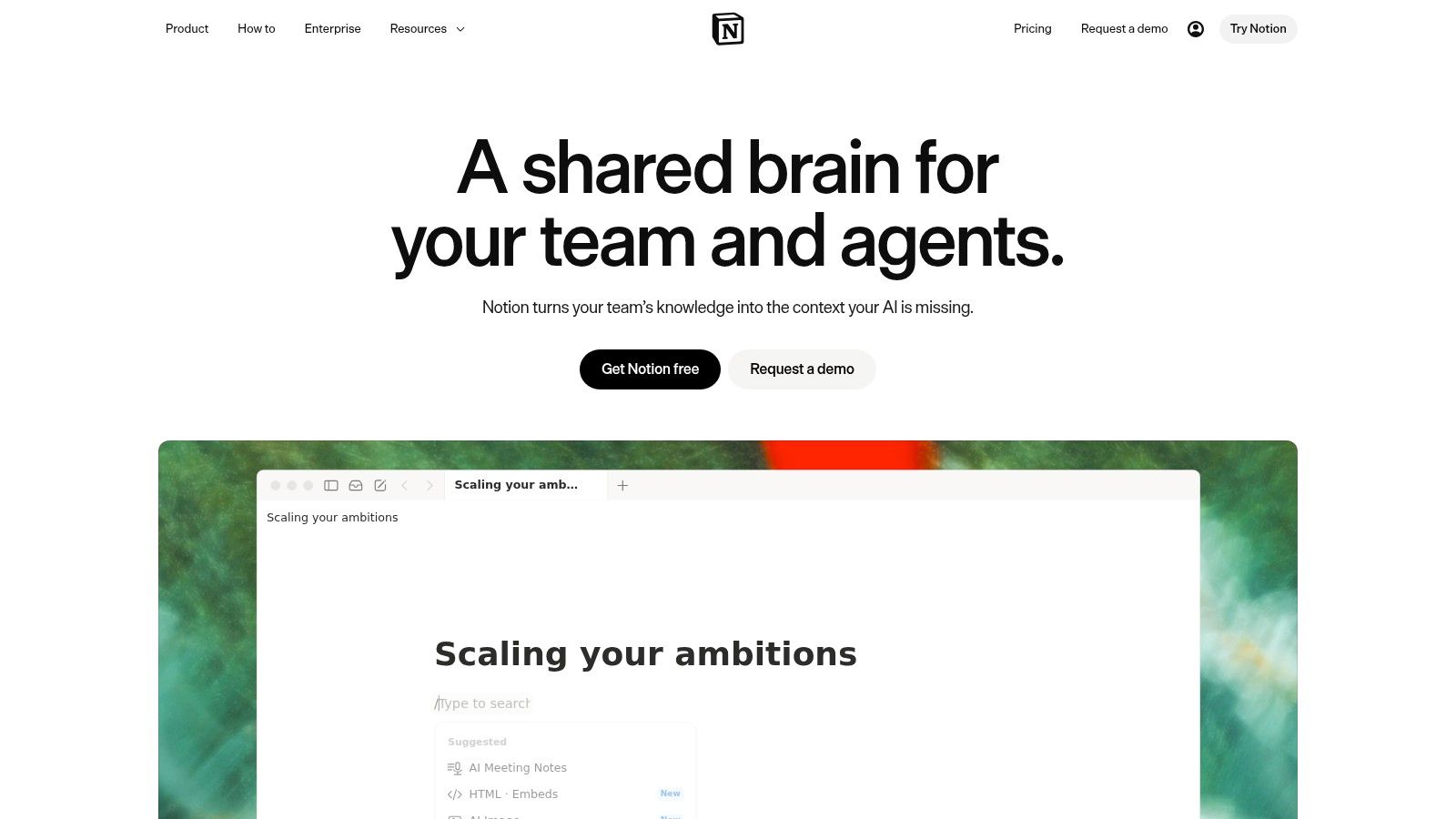
AI Meeting Notes sit on the Business plan, and that placement tells you who the feature is for. AI access on Free and Plus is limited to trying things out. The global AI note-taking market was valued at USD 623.5 million in 2025 (Laxis), and the bet here is that durable value lives in the workspace around the notes rather than the transcript itself.
The Setup Cost Is the Trade-Off
Pages and databases let you model anything. They also let you spend three weekends building a system you abandon in month two. Start with one database, five properties, and a single view.
Where it wins. Creative work with a paper trail: campaign briefs, interview notes linked to the person, feedback tied to a deliverable.
Where it fails. Quick capture during a phone call. Notion rewards structure and punishes urgency.
Free plan. Fine for an individual organizing notes, though the meeting capture features sit several tiers above it.
Once the notes are in a database, the obvious next step is making them do something, and no-code AI automation is a common starting point. The free plan at Notion is enough to test whether the structure sticks.
6. Google NotebookLM
NotebookLM doesn't sit in meetings. You add sources (documents, PDFs, transcripts, notes), then ask questions that get answered from that material with citations back to the passage. The job is the research library, not the call recap.
Grounded answers are the point. Because responses come only from what you uploaded, you can check them. That makes it usable for client research, script development, and competitive review, where a confident wrong answer costs money.
Source and usage limits apply. The free standard tier is generous for personal work but capped, and limits vary by account type. Load your ten most important files, not your whole drive.
It won't capture a live call. Pair it with a recorder if you need both. The transcript goes in as a source and becomes research material a week later.
A Workflow That Holds Up
Upload the interview transcripts for one project. Ask what the sources agree on. Ask where they contradict each other. Then write from the answers and check each claim against the cited passage.
Use it for "what do my sources say", not "what did we decide".
The free tier needs nothing more than a Google account, so testing costs you an afternoon. NotebookLM won't replace a meeting recorder, and it isn't meant to. Teams tracking how fast these tools change get more out of them, and the artificial intelligence weekly roundup is one place those changes surface.
7. Evernote
Evernote earns its place when the note has to keep working after the call: the brief, the clipped page, the invoice reminder, the half-formed idea from midnight. Notebooks, attachments, web clips, and search that reaches into PDFs and images make it a long-term archive rather than a recap engine. Its AI sits inside paid plans as an editing and summarizing layer.
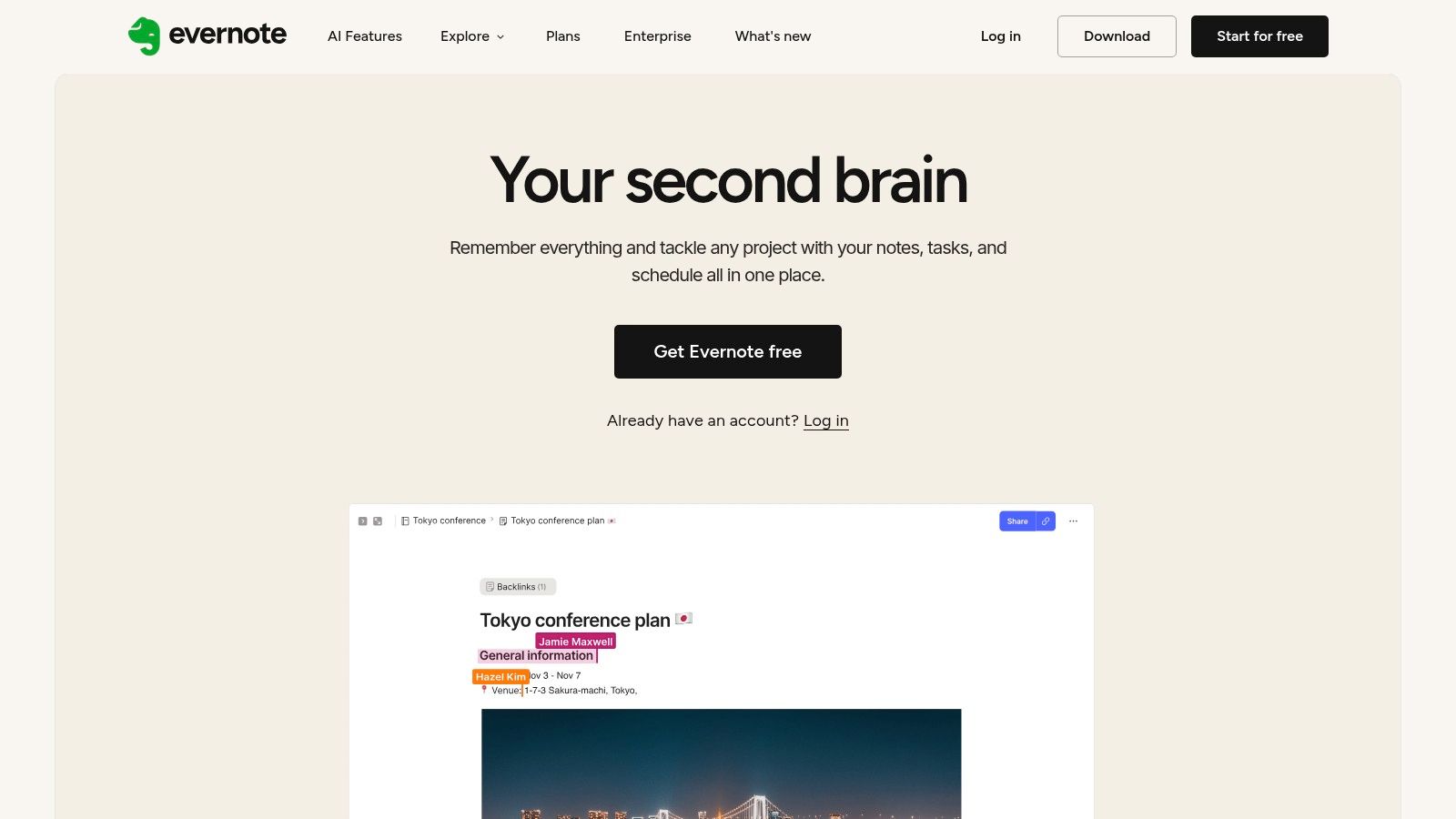
AI Edit is modest, and that helps. Select text, then fix typos, summarize, or reshape a paragraph for an email. You get a few useful actions instead of a wall of prompt buttons.
Search is the reason to stay. Years of notes only pay off if the 2019 file surfaces fast. Search across attachments and handwriting is the feature long-term users are really paying for.
The free tier is narrow. Limits can hit notes, notebooks, attachments, or devices depending on plan, so check the cap against how you write before you commit.
Where It Beats a Meeting Bot
A recorder remembers last Tuesday and little else. Evernote keeps the client context around that call: the brief, the invoice note, and the idea you had at midnight. For a freelancer running several clients, that continuity can matter more than a cleaner summary. Compare the plans at Evernote against paying for a recorder plus a separate notes app.
If subscription limits start to bite, price an open-source alternative before renewing on habit.
How the seven AI note-taking apps compare on use case, free access, capture style, and main limitation
| Item | Best for | Free plan | Capture style | Main limitation |
|---|---|---|---|---|
| Granola | Bot-free meeting notes | Available; meeting history limited to 30 days | Device audio plus typed notes | Focused on meetings, not general knowledge management |
| Otter.ai | Live transcription and speaker-labeled conversations | Available; transcription minutes are limited | Live transcription with speaker identification | Transcripts may need correction |
| Fireflies.ai | Teams connecting meeting notes to workflows | Available; transcription and some AI features are limited | Meeting recording and transcription | Storage and AI features have plan limits |
| Fathom | Quick recaps of recurring online meetings | Available; unlimited recordings, storage, and transcription | Meeting recording, transcription, and clips | Advanced AI summaries are limited |
| Notion | Notes connected to projects and team work | Available for individuals; AI access is limited | Workspace notes; AI meeting capture requires Business | Setup can take time; meeting notes require a higher-tier plan |
| Google NotebookLM | Research and review of provided sources | Free standard tier available | Questions and summaries based on uploaded sources | Not designed to capture live meetings |
| Evernote | Organizing notes and attachments | Free option available; limits depend on plan | Manual notes, notebooks, and attachments | Less suited to live meeting capture |
Choosing the Right AI Note Taking App for Your Workflow
Start with where your notes come from, not with a feature list.
Live calls you attend. Granola for bot-free capture when a visible participant changes the room. Fathom when you want unlimited recording while you decide. Fireflies when the archive itself is the point.
Recorded interviews you'll review word by word. Otter or another transcription-first tool, with a correction pass built into your week rather than left to chance.
Source documents and research. NotebookLM, where every answer points back at the passage it came from.
Ongoing projects. Notion when notes need to live beside the plan, Evernote when you want a straight archive instead of a build.
Then shortlist two apps and test both on the same real meeting. Score the transcript against the audio, count the names it gets wrong, check what the free plan hides, and look up the retention policy. Expect to pay somewhere between USD 6 and USD 40 per user per month on annual billing for a full-featured plan (Acta), so the gap between tiers is usually governance and history rather than raw accuracy.
Two things decide whether you keep the tool after month two. Whether the notes land where you already work, because a transcript in a silo gets opened once. And whether you can defend the recording, which means telling people, keeping a deletion path, and not pointing a recorder at a conversation you wouldn't put in writing.
We publish side-by-side comparison pages of tools at Creators Toolbox, covering features, pricing, and which option suits a given workflow, so you can check current plan details before you commit. If your recording happens away from a desk, these offline dictation tools for travelers are worth reading alongside this list.
Accuracy matters less than recovery. A tool that flags an uncertain name and keeps the audio will beat one that writes a confident wrong sentence, because you can fix the first and you can't spot the second.
When you've picked two apps to trial, the next question is how they fit the rest of your stack. Creators Toolbox covers productivity apps, AI tools, and the updates that change them, from comparison pages to a weekly roundup of new releases, so you can check pricing and features before a renewal surprises you. Visit Creators Toolbox to compare the tools in this guide and find the one that matches how your notes get used.