Larry Page
Google co-founder
Google DeepMind tool that watermarks and identifies AI-generated content — images, text, audio, and video — to foster transparency and trust.

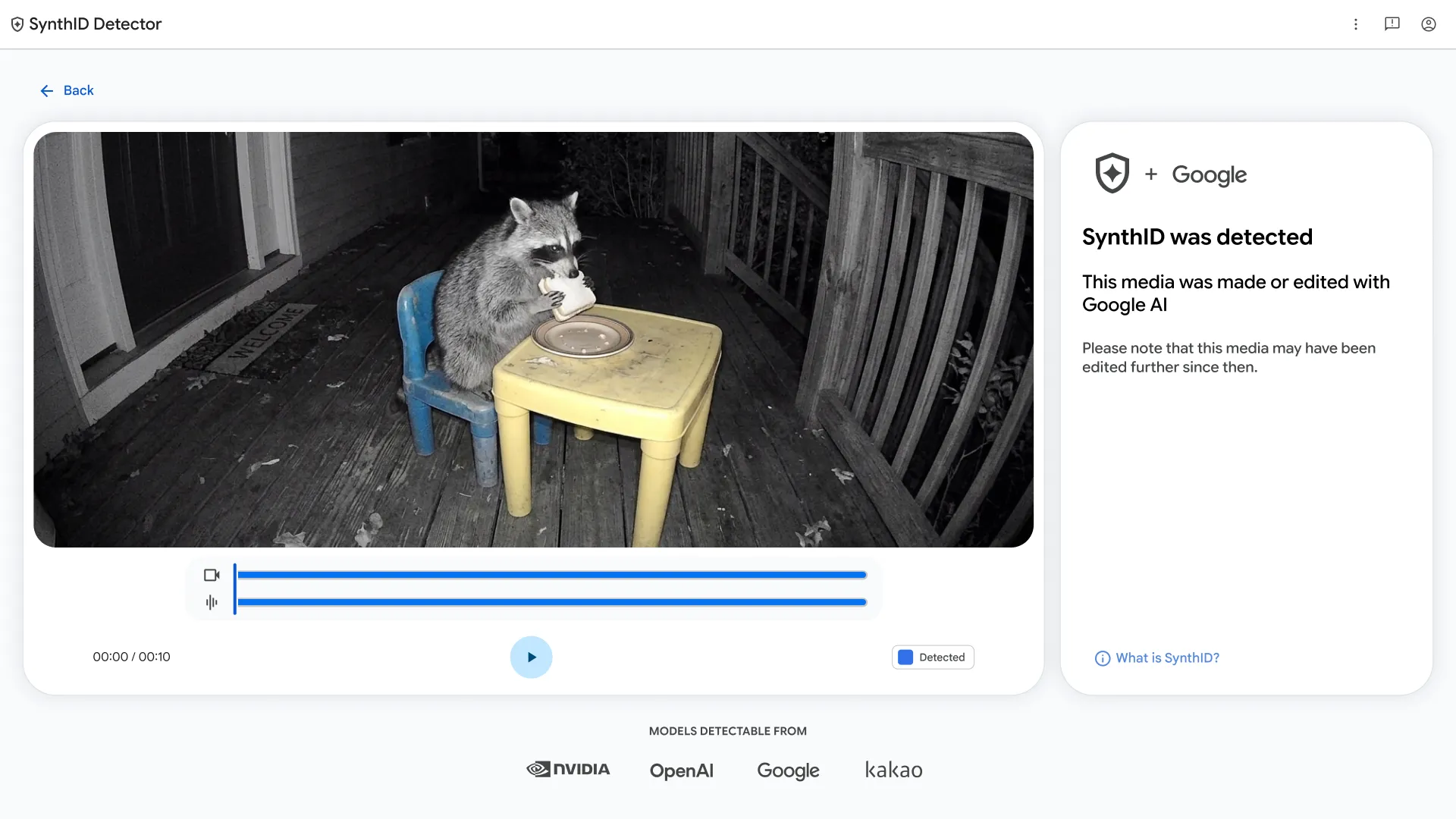
SynthID is a suite of tools from Google DeepMind for watermarking and identifying AI-generated content. It embeds imperceptible digital watermarks into images, text, audio, and video produced by AI models. These watermarks survive common modifications like cropping, filtering, and compression, allowing reliable detection later.
SynthID is already integrated into Google products like Imagen and Gemini, and an open-source text watermarking toolkit is available for developers. It's designed for creators, platforms, and organizations that want to maintain transparency about AI-generated content without degrading quality.
Common questions about SynthID
Traffic and momentum for SynthID
6 similar tools

AutoDraw
AI-powered drawing tool by Google that suggests professional artwork as you sketch, making fast drawing accessible to everyone.
Google App for Desktop
AI-powered search on your desktop — press Alt+Space to search the web, your files, apps, and Google Drive with Gemini AI.

Google Vids
AI-powered video creation tool by Google — generate clips, record your screen, convert presentations to video, and edit with AI assistance.
Google AI Studio
Build, test, and deploy AI apps with Gemini — Google's free web-based IDE for generative AI prototyping.
Project Genie
Google DeepMind research prototype that generates infinitely diverse, navigable 3D worlds from text or image prompts.

Google Flow
AI-powered creative studio by Google Labs for generating and editing videos, images, and stories.
The people behind SynthID
Google co-founder
Google co-founder
CEO of Google and Alphabet
Similar Launches
HeyGen
Talking-head videos from AI avatars — pick from hundreds or build your own from a clip, script in 40+ languages, and translate with lip sync intact.

Google Flow Music
AI music creation tool by Google — create, remix, and share studio-quality songs from simple prompts.

Stitch
AI-powered UI design tool by Google — generate mobile and web app interfaces from text prompts.
CADAM
Open-source text-to-CAD web application — describe a 3D model in plain text and get CAD output.

Modly
Free local AI app that turns any photo into a 3D model — runs entirely on your GPU, no cloud required.
Google AI Studio
Build, test, and deploy AI apps with Gemini — Google's free web-based IDE for generative AI prototyping.
Comments