macOS capture workspace — screenshots, screen recordings and full-page web captures, edited, auto-organised by on-device AI, and shared as a link.
What is Shotbase?
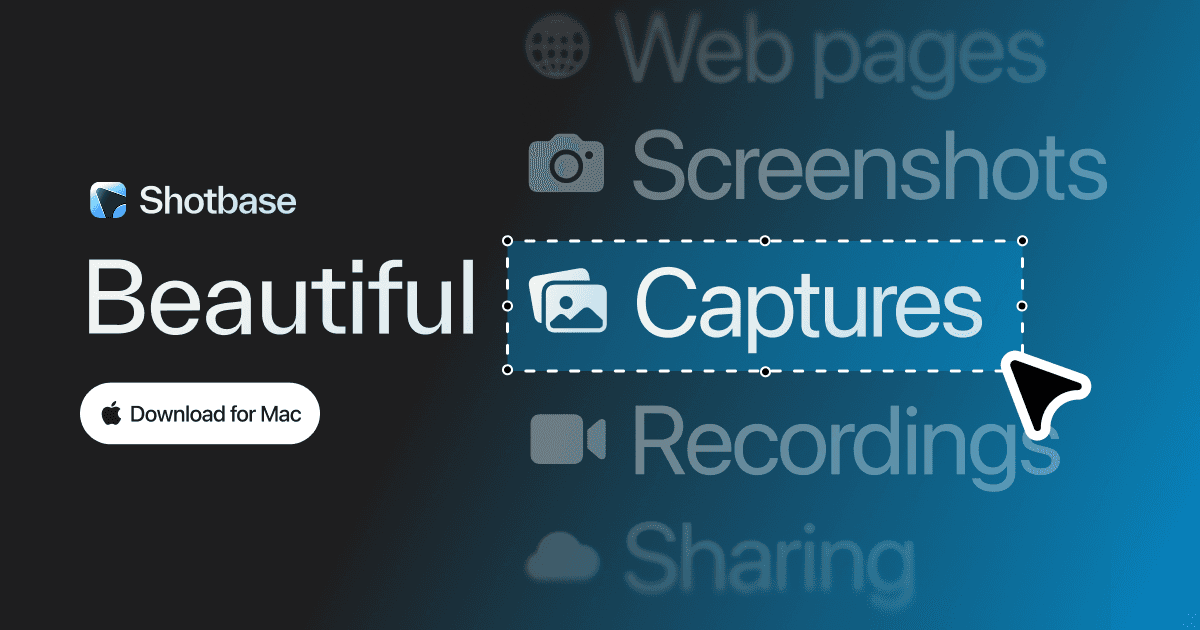
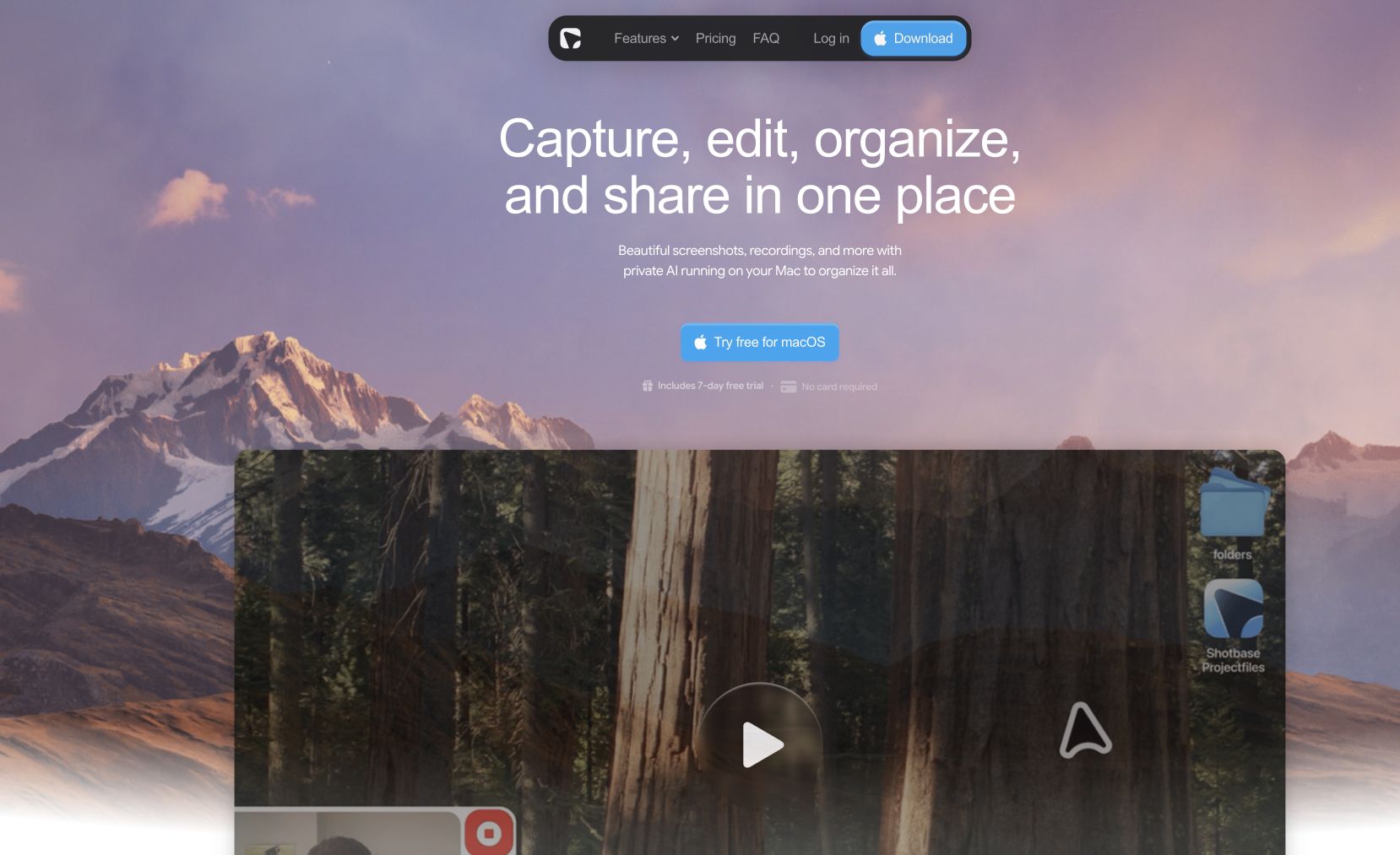
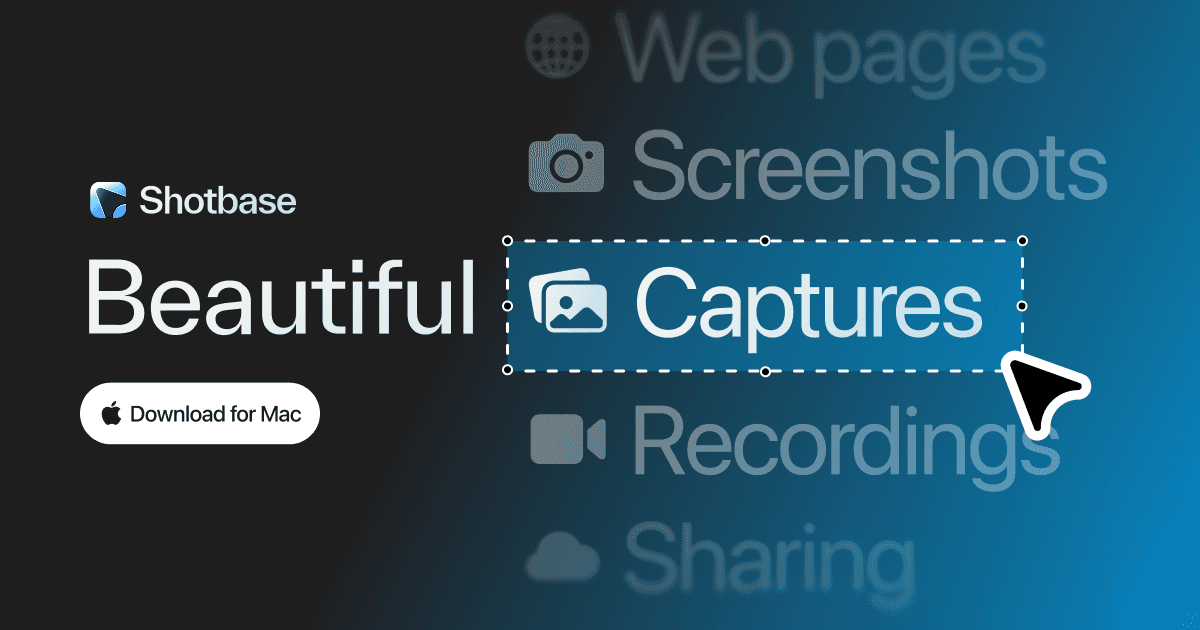
Shotbase is a screen capture workspace for macOS that treats the capture as the start rather than the end. It takes screenshots, screen recordings and full-page web captures — the web capture can hit any breakpoint from mobile to desktop, in light or dark mode, and grab the whole page or just the viewport. One editor handles both stills and motion: backgrounds, frames, shadows, borders and watermarks for polish, then arrows, text, highlights, shapes and callouts for the annotation, with automatic zooms and 3D depth for recordings.
Everything lands in a single library, where AI running locally on the Mac names, tags and summarises each capture so search actually finds things later — image content is analysed on-device rather than sent to a remote model, which needs Apple silicon. Sharing is a right-click: Shotbase uploads the capture, creates a link, and opens it in the browser for whoever you send it to. $25/month, or $13/month billed yearly, after a 7-day free trial that doesn't ask for a card.
Features
- Screenshots, screen recordings and full-page web captures in one app
- Automatic zooms that follow the action in a recording
- Backgrounds, frames, shadows, borders and watermarks
- Arrows, text, highlights, shapes and callouts
- 3D depth and movement for flat recordings
- Capture any page at mobile, tablet, desktop or a custom breakpoint
- On-device AI names, tags and summarises every capture
- Right-click any capture to turn it into a share link
FAQs
Common questions about Shotbase
What does Shotbase cost?
Is the AI private?
Do people need Shotbase to open a link I share?
Does it record as well as screenshot?
Insights
Traffic and momentum for Shotbase
What are alternatives to Shotbase?
6 similar tools

Evercut
A Mac screen capture and recording app with cinematic zooms, backgrounds, and transcript-based video editing.
CleanShot
The Mac screenshot and screen recording app — annotate, scroll-capture, record GIFs and video, pin to screen, and share via cloud link. Version 5.0 adds Studio Mode for polished recordings.
Taken
Screen recorder for your 9th take. A lightweight macOS menu bar app to capture, record, trim, copy, or export any screen region in a few clicks.

Moonjar
An agent-driven Mac studio for product screenshots, device mockups, and app marketing assets.

Screen Movie
Native macOS screen recorder and video editor — record, screenshot, animate text and captions, add music, and export product videos in 4K.

Mockup Kit
Compose, position, and export iPhone App Store screenshots on Mac — a native app for polished store mockups.
Ask AI about Shotbase
Share
Similar Launches
Evercut
A Mac screen capture and recording app with cinematic zooms, backgrounds, and transcript-based video editing.
CleanShot
The Mac screenshot and screen recording app — annotate, scroll-capture, record GIFs and video, pin to screen, and share via cloud link. Version 5.0 adds Studio Mode for polished recordings.
Taken
Screen recorder for your 9th take. A lightweight macOS menu bar app to capture, record, trim, copy, or export any screen region in a few clicks.
Moonjar
An agent-driven Mac studio for product screenshots, device mockups, and app marketing assets.
Screen Movie
Native macOS screen recorder and video editor — record, screenshot, animate text and captions, add music, and export product videos in 4K.
Mockup Kit
Compose, position, and export iPhone App Store screenshots on Mac — a native app for polished store mockups.
Comments