Noman
Creator
Screen recorder for your 9th take. A lightweight macOS menu bar app to capture, record, trim, copy, or export any screen region in a few clicks.
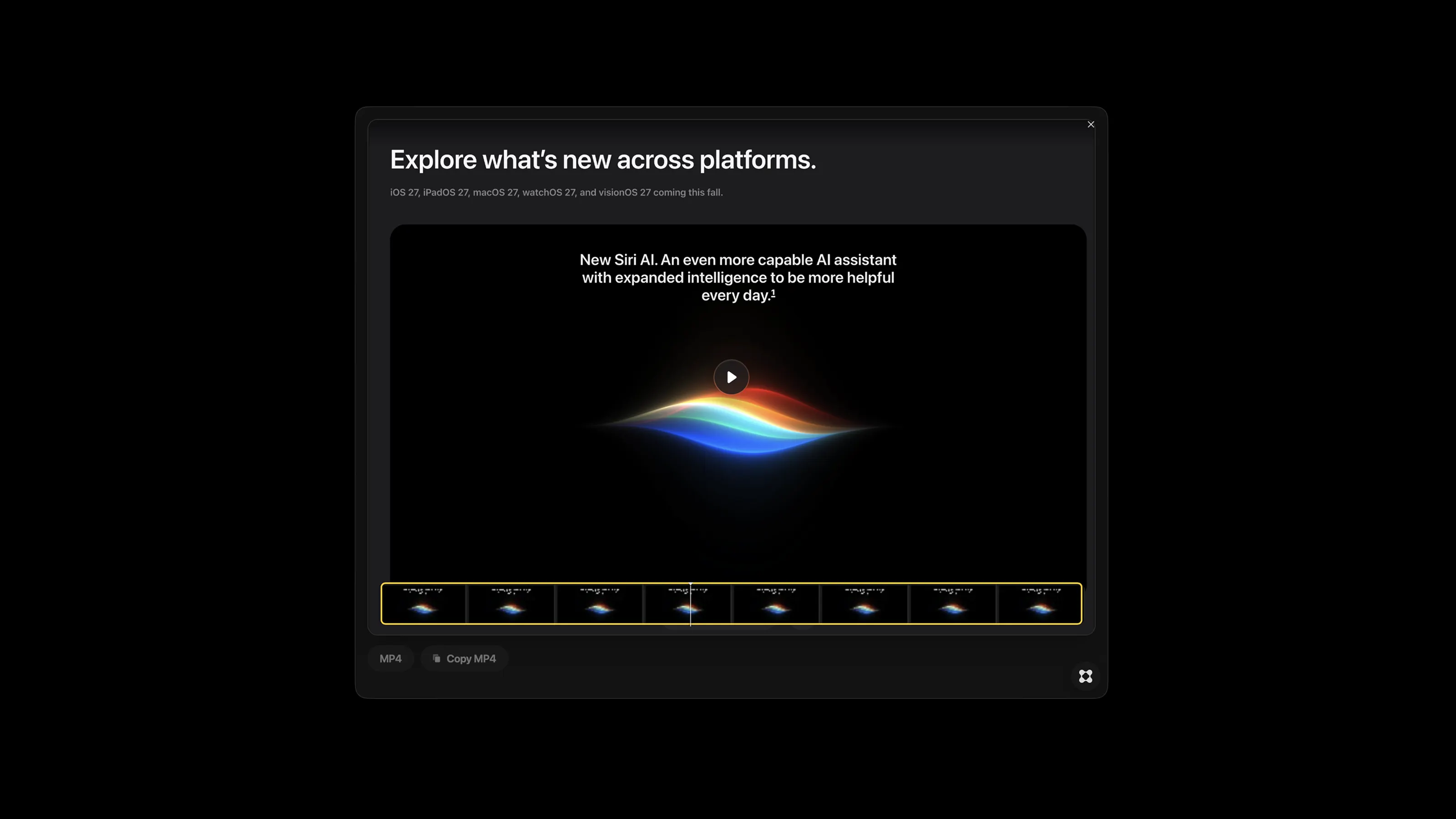
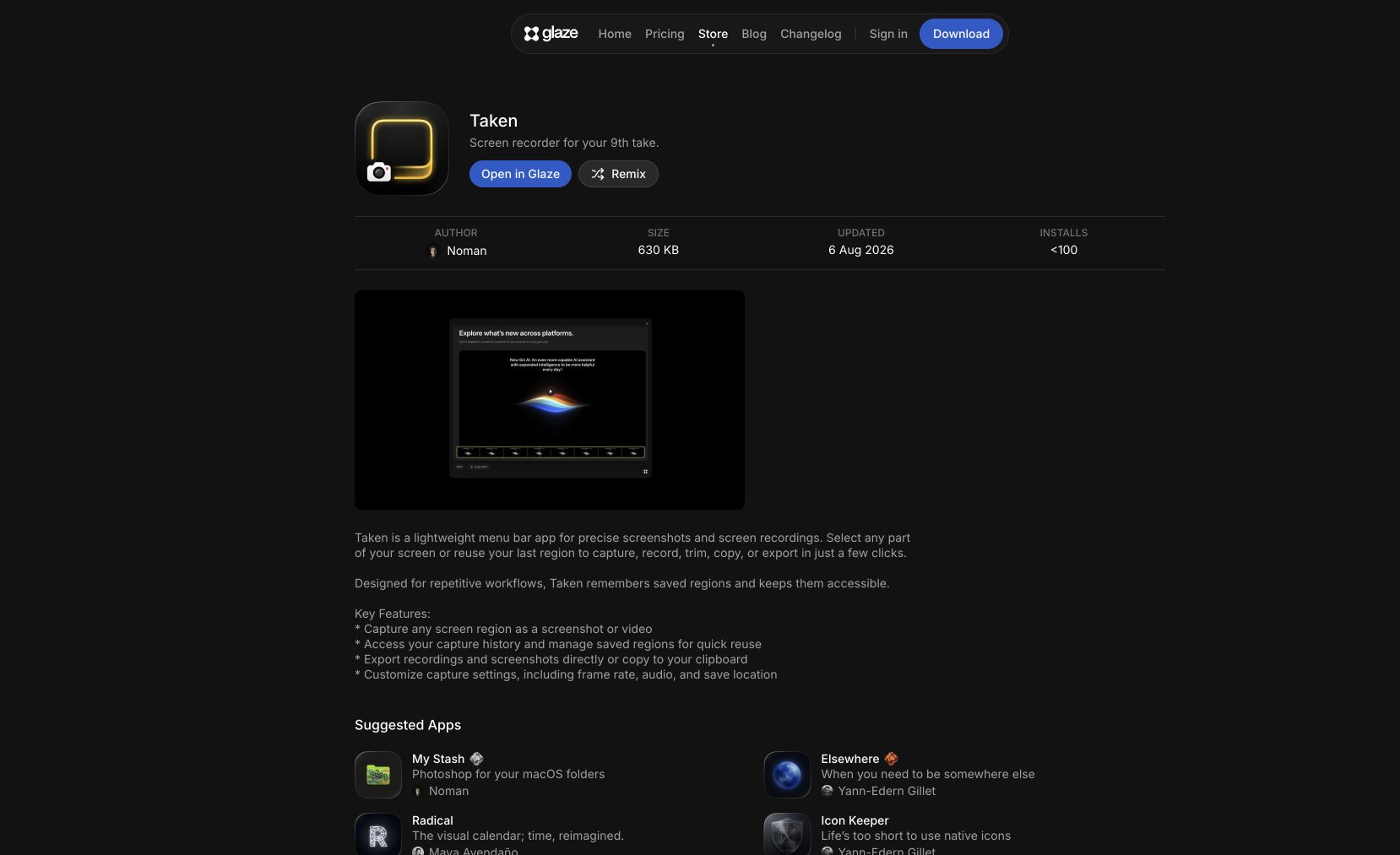
Taken is a lightweight screen capture utility built on Glaze, Raycast's AI app platform. It sits in the macOS menu bar and lets you select any part of your screen, or reuse your last region, to capture screenshots, record video, trim, copy, or export in just a few clicks. Saved regions and capture history make repetitive capture workflows fast, and settings cover frame rate, audio, and save location.
At 58 KB, it stays out of your way.
Common questions about Taken
Traffic and momentum for Taken
6 similar tools
Recordly
Open-source screen recorder with auto-zoom, motion blur cursors, and minimal interface — a free alternative to Screen Studio.

Screen Studio
Mac screen recorder that turns raw captures into polished demo videos — smooth cursor motion, auto-zoom on clicks, and custom backgrounds.
Screenity
Free, privacy-friendly screen recorder for Chrome — capture, annotate, and edit videos with no sign-in, no limits, fully open source.
Motionfly
A desktop screen recorder for software demos — auto zoom, animated 3D device mockups, and motion-graphics-style demo videos.
SuperMotion
Turn product screenshots and screen recordings into polished promo videos — zoom, pan, device mockups, annotations, and multi-scene editing. One-time $79.
Screen Charm
Mac screen recorder with smart zoom, webcam overlay, motion blur, background music, and 4K export — one-time purchase, no subscription.
Similar Launches
CleanShot
The Mac screenshot and screen recording app — annotate, scroll-capture, record GIFs and video, pin to screen, and share via cloud link. Version 5.0 adds Studio Mode for polished recordings.
Supaste
Local-first clipboard and screenshot history app for Mac — searchable timeline of copied text, links, images, files, code, and colors.
Shotbase
macOS capture workspace — screenshots, screen recordings and full-page web captures, edited, auto-organised by on-device AI, and shared as a link.

Evercut
A Mac screen capture and recording app with cinematic zooms, backgrounds, and transcript-based video editing.

Screen Movie
Native macOS screen recorder and video editor — record, screenshot, animate text and captions, add music, and export product videos in 4K.
Phi
A remarkably well-behaved browser engineered specifically for macOS — quietly intelligent, beautifully native, and built on Chromium.
Comments