
An independent browser service for generating video from prompts or images, using signup credits and one-time credit packs.
What is Ray32.net?
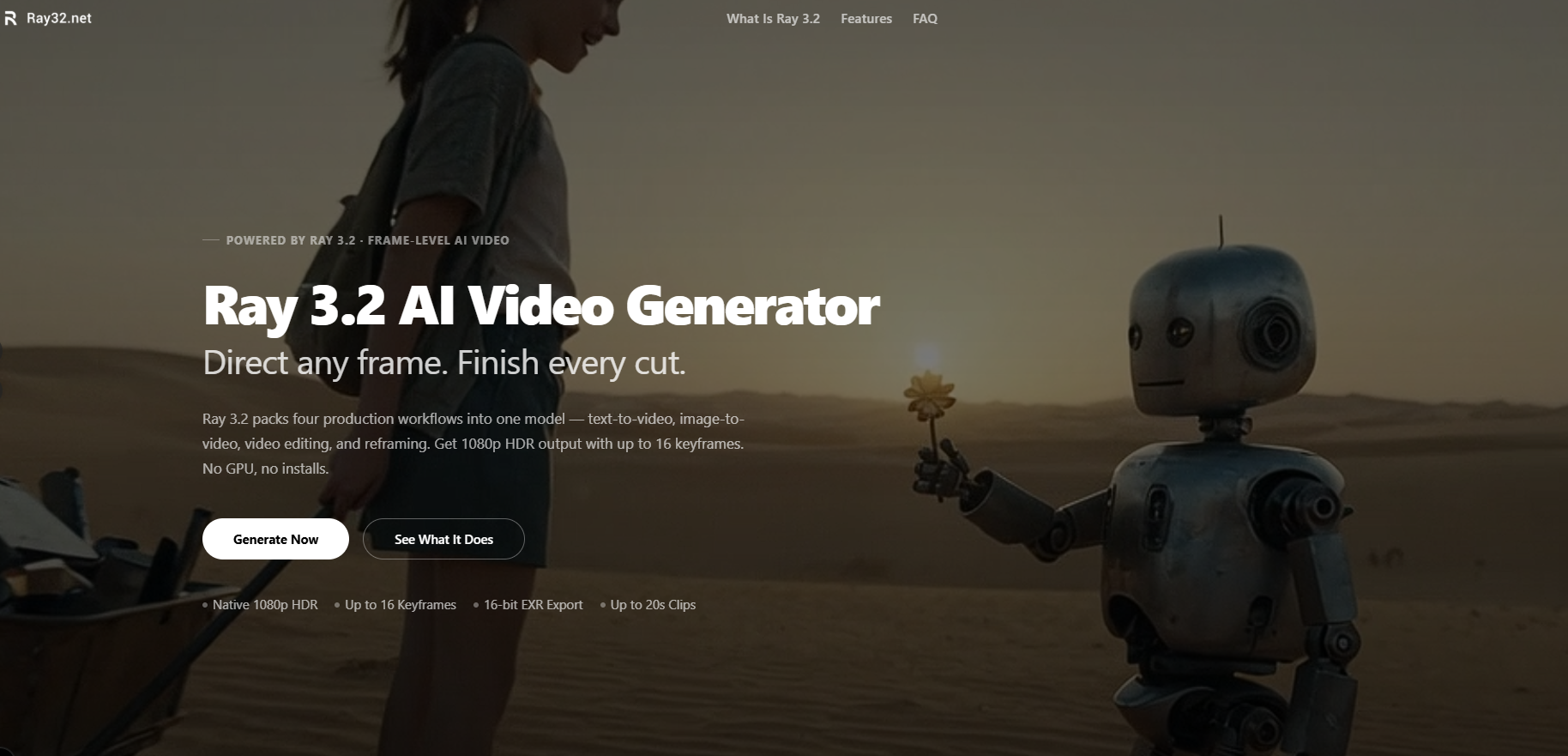
Ray32.net is an independent, browser-based service for generating and editing video with Luma AI's Ray 3.2 model. The site states that it is a third-party tool, that it is not affiliated with or endorsed by Luma AI, Inc., and that generated content is subject to Luma AI's terms of service. Generation runs in the cloud, so no local GPU or software installation is required.
The generator offers four workflows: text-to-video, image-to-video, video edit and video reframing. Text-to-video and image-to-video produce 5- or 10-second clips at 540p, 720p or 1080p in several aspect ratios, and the generator accepts up to four optional reference images. Video edit restyles an uploaded clip from a text prompt while keeping its motion and timing; source clips can run up to 20 seconds at 24fps, 15 seconds at 30fps or 7 seconds at 60fps.
Reframe changes a clip's aspect ratio without cropping by filling the newly exposed canvas, for source clips up to 12 seconds. The site also lists up to 16 keyframes per clip, HDR output with 16-bit EXR export, and watermark-free MP4 downloads. The site says it is built for creators, marketers and storytellers, and lists use cases in film previsualization, advertising and brand video, game and animation concept work, social media content, VFX and post-production, and agency and studio pipelines.
Pricing uses one-time credit packs rather than a subscription: Starter at $9.9 for 160 credits, Pro at $29.9 for 580, Scale at $49.9 for 1,100 and Max at $99.9 for 3,330, with taxes included. New users receive free credits on signup; the amount is not stated. Credits are charged per second of output based on workflow and resolution, do not expire, and are deducted only when a generation succeeds.
Under the refund policy, requests made within 7 days of purchase receive a full refund if 10% or less of the credits have been used, or a proportional refund of unused credits otherwise.
Pricing: Free signup credits (amount not stated); one-time packs: $9.9 (160 credits), $29.9 (580), $49.9 (1,100), $99.9 (3,330); credits never expire; no subscription
Features
- Text-to-video and image-to-video clips of 5 or 10 seconds at 540p, 720p or 1080p
- Video edit restyles uploaded clips up to 20 seconds at 24fps while keeping motion and timing
- Reframe converts clips to 9:16, 16:9, 1:1, 4:3 or 21:9 with scene-aware fill
- Up to 16 keyframes per clip for frame-level direction
- HDR output with 16-bit EXR export in ACES2065-1 color space
- Watermark-free MP4 downloads with commercial usage rights
- One-time credit packs with non-expiring credits and free signup credits
FAQs
Common questions about Ray32.net
Is Ray32.net free?
Is Ray32.net the official Luma AI website?
How are credits charged?
What files can be uploaded?
Can generated videos be used commercially?
What is the refund policy?
Insights
Traffic and momentum for Ray32.net
What are alternatives to Ray32.net?
4 similar tools

viewmax studio
Chat-based AI video generator. Describe a video in chat and create it with leading models.

MiniMax H3 Max
Turns a prompt or an image into a 5-second 768p clip in about three seconds. Five free videos a day, no sign-up.
wan ai video
Wan AI - AI Video Generator | Text to Video | Image to Video | Voiceover Creation Wan AI Video Generator for Text to Video, Image to Video, and Voiceover Creation Create cinematic AI videos from a text prompt or image. Start with 2 free standard-quality previews, then upgrade for HD output, longer videos, and advanced creative controls.
Ask AI about Ray32.net
Share
Similar Launches
viewmax studio
Chat-based AI video generator. Describe a video in chat and create it with leading models.
MiniMax H3 Max
Turns a prompt or an image into a 5-second 768p clip in about three seconds. Five free videos a day, no sign-up.
wan ai video
Wan AI - AI Video Generator | Text to Video | Image to Video | Voiceover Creation Wan AI Video Generator for Text to Video, Image to Video, and Voiceover Creation Create cinematic AI videos from a text prompt or image. Start with 2 free standard-quality previews, then upgrade for HD output, longer videos, and advanced creative controls.

Flux 3 Video
Independent video-generation platform with text, images and credit-based plans.
Comments