Alejandro Leon
Founder of Spline (publisher)
Build interactive experiences, websites, 3D scenes, and apps using natural language — just describe what you want and Omma creates it.

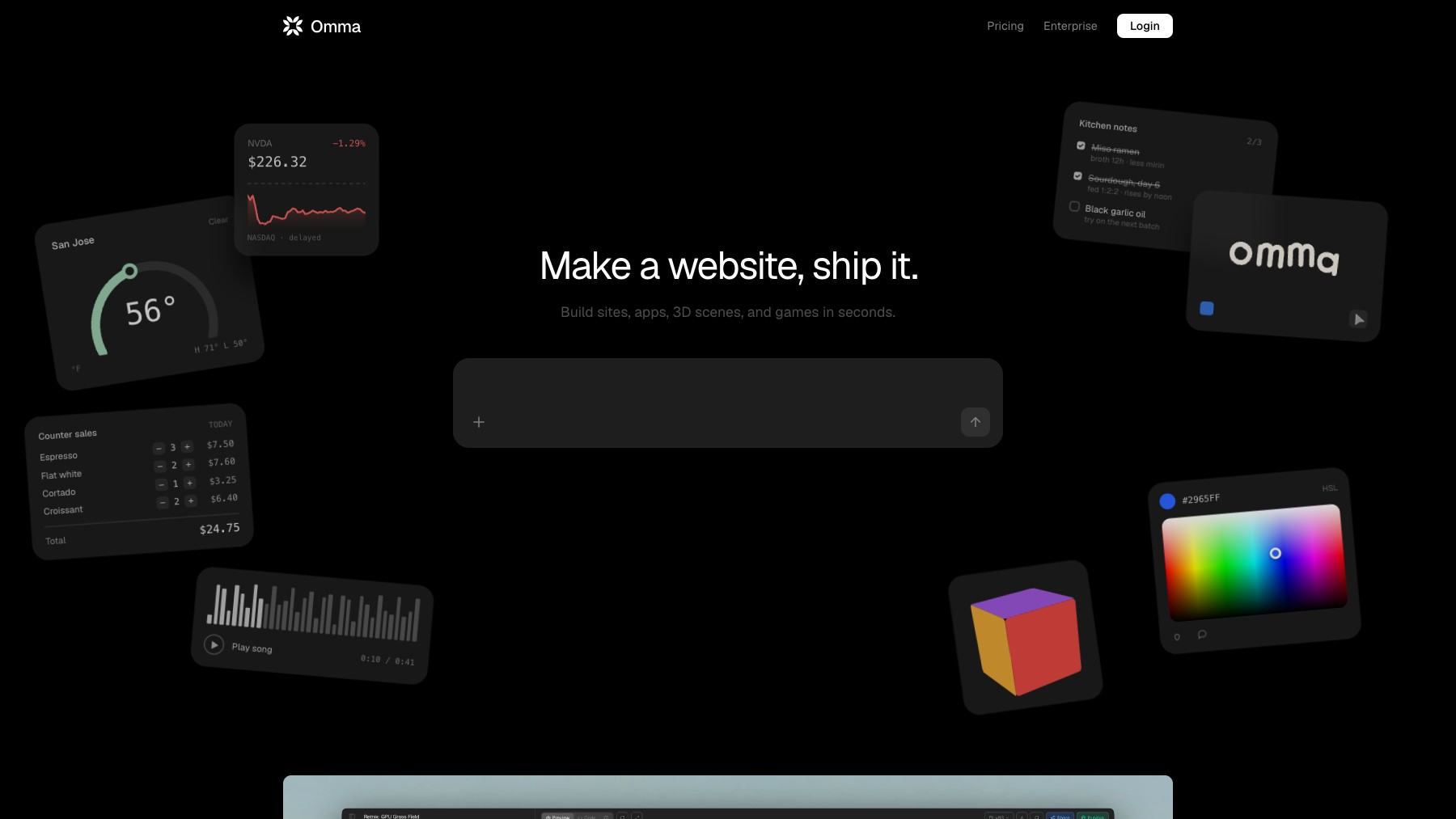
Omma is an AI-powered builder that lets you create interactive experiences, websites, 3D scenes, and apps using natural language. Describe what you want in plain English and Omma generates it — from landing pages and interactive prototypes to 3D environments and full applications. It's designed for creators who want to bring ideas to life quickly without writing code or learning complex tools.
Whether you're prototyping a concept, building a portfolio piece, or creating an interactive demo, Omma bridges the gap between imagination and execution.
Common questions about Omma
Traffic and momentum for Omma
6 similar tools

Cursor
AI code editor built on VS Code — agents that edit across your codebase, run in the cloud, review pull requests, and now host your repos.

Replit
Build, refine, and publish apps, websites, and other projects by describing what you want to Replit Agent.
Bolt
AI coding platform that turns text prompts into full-stack websites and apps — with built-in databases, auth, hosting, and analytics.
Vibecode
AI-powered app builder — design, build, and publish mobile and web apps in minutes without coding.

Anything
AI app builder — turn ideas into sites, apps, tools, and products just by describing what you want.
Shipper
Agentic AI app builder — describe your idea and Shipper builds, deploys, and hosts a full web app with database, payments, and auth.
Similar Launches
Replit Design
AI-powered design tool by Replit — describe what you want and get professional, brand-consistent designs in minutes.
Zaro
An AI workspace that lets you build context-aware agents, apps, and workflows on top of your own company data — from a single prompt.
Playabl
Turn any game idea into a playable web game through AI chat — describe it, iterate in real time, and publish a shareable link in minutes.
MagicPath
Turn text prompts into high-quality UI prototypes on an infinite canvas — no design skills needed.
Stitch
AI-powered UI design tool by Google — generate mobile and web app interfaces from text prompts.

Wonder
AI design tool that generates UI designs and exports production-ready React + Tailwind code.
Comments