






Nicholas Nicolaou
Co-founder and CEO
AI-powered motion design — create beautiful motion videos and graphics from text, images, and drawings in seconds.
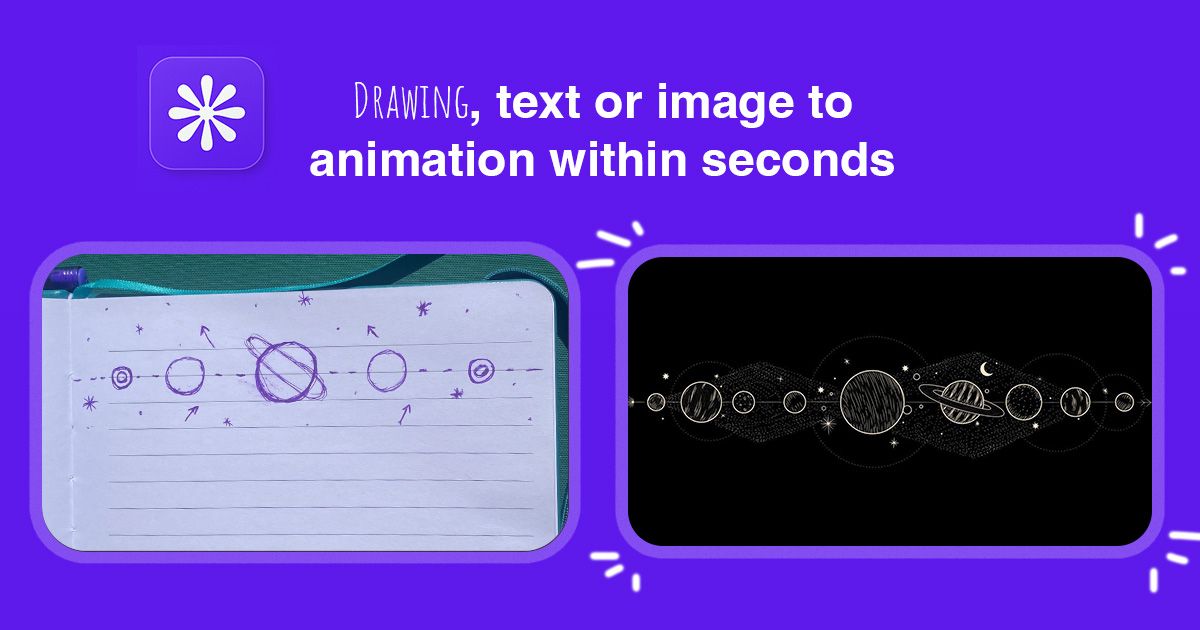
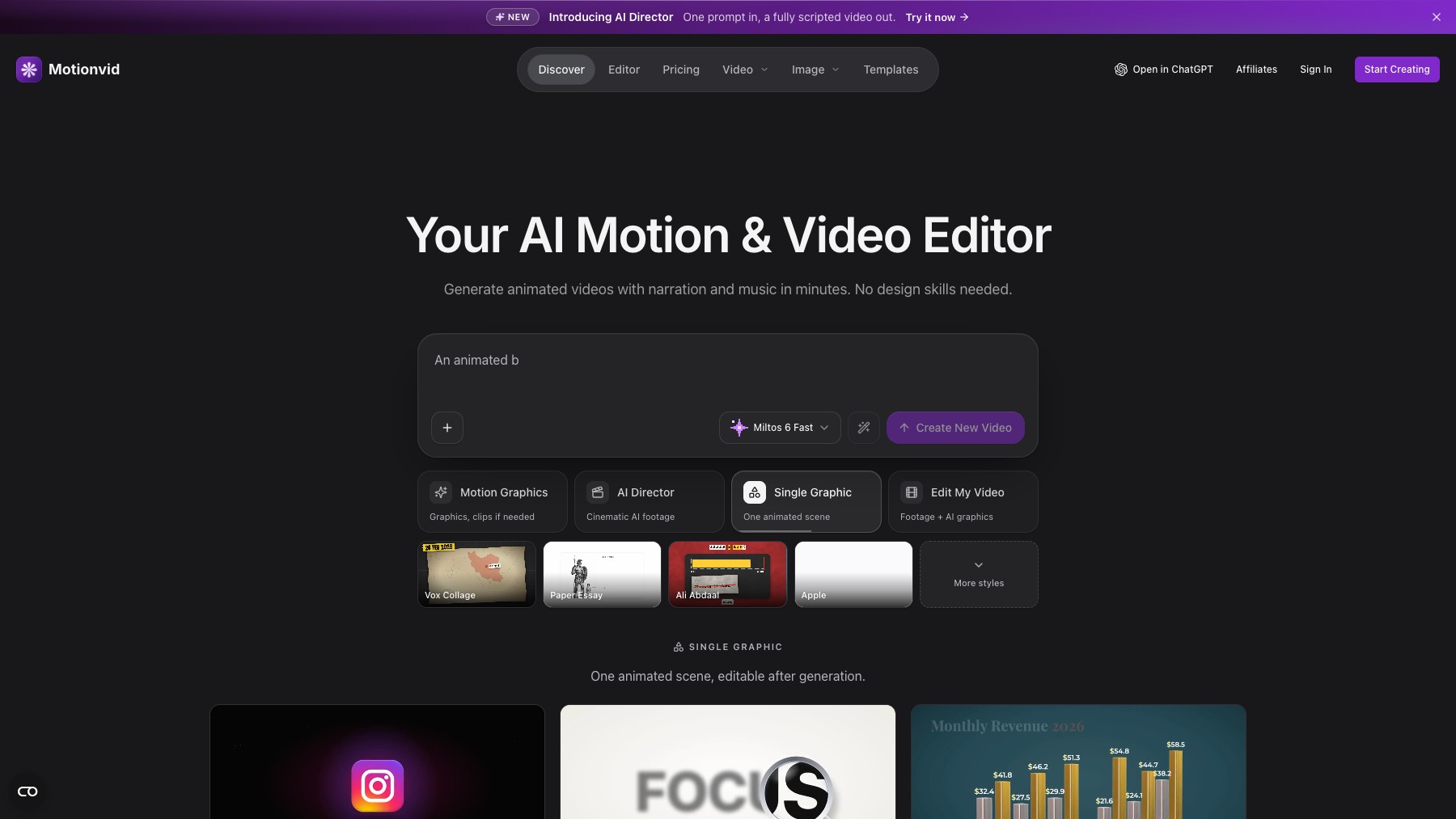
MotionVid is an AI-powered motion design platform that transforms text, images, and drawings into animated videos and motion graphics. Features include Motion Control (transfer motion from reference videos to images), Cinema Studio (simulate real cameras and film stock), character consistency tools, map animations, and explainer video generation. What used to take hours in After Effects now takes seconds.
Plans start at $29/month with 700 credits, up to $249/month for 6,200 credits with unlimited exports.
Common questions about MotionVid
Traffic and momentum for MotionVid
Official videos and tutorials for MotionVid.
6 similar tools

Adobe After Effects
Motion graphics, VFX, and compositing on a timeline — animated titles, rotoscoping, 3D tracking, particles, and expression-driven animation.
Jitter
Collaborative motion design tool on the web — create professional animations in minutes, no experience required.
Rive
The interactive experience engine — design, animate, and code interactive graphics that ship everywhere.

OiiOii
AI animation agent — turn your imagination into animated content with an AI team that handles the entire animation pipeline.
Remotion
Make videos programmatically — create animations, data visualizations, and dynamic video content using React and code.
The people behind MotionVid
Similar Launches

mtioon
Prompt-driven motion design editor that connects to Claude Code, reads your project assets, and builds editable videos on a real timeline.

Descript
Edit video and podcasts by editing the transcript — delete a word and it leaves the video, plus Studio Sound cleanup and Overdub voice cloning.

Submagic
AI-powered short-form video editor — auto-captions, B-roll, sound effects, and transitions for TikTok, Reels, and Shorts.
AI Producer
AI editing agent for your own footage — one pass adds captions, B-roll, motion design, music, and SFX, then you chat with it to adjust the cut.

Jitter MCP
A beta MCP server that lets AI assistants create, edit, and animate native Jitter files from a chat.
LTX Studio
AI video production platform for turning concepts into professional videos with camera control, consistent characters, and timeline editing.
Comments