' stroke='%234d4d4d'/%3E%3C/svg%3E)
Pilgrim
Creator
Browser-based texture processing studio — adjust levels, channel mix, crop, and export alpha masks or height maps from photo references.
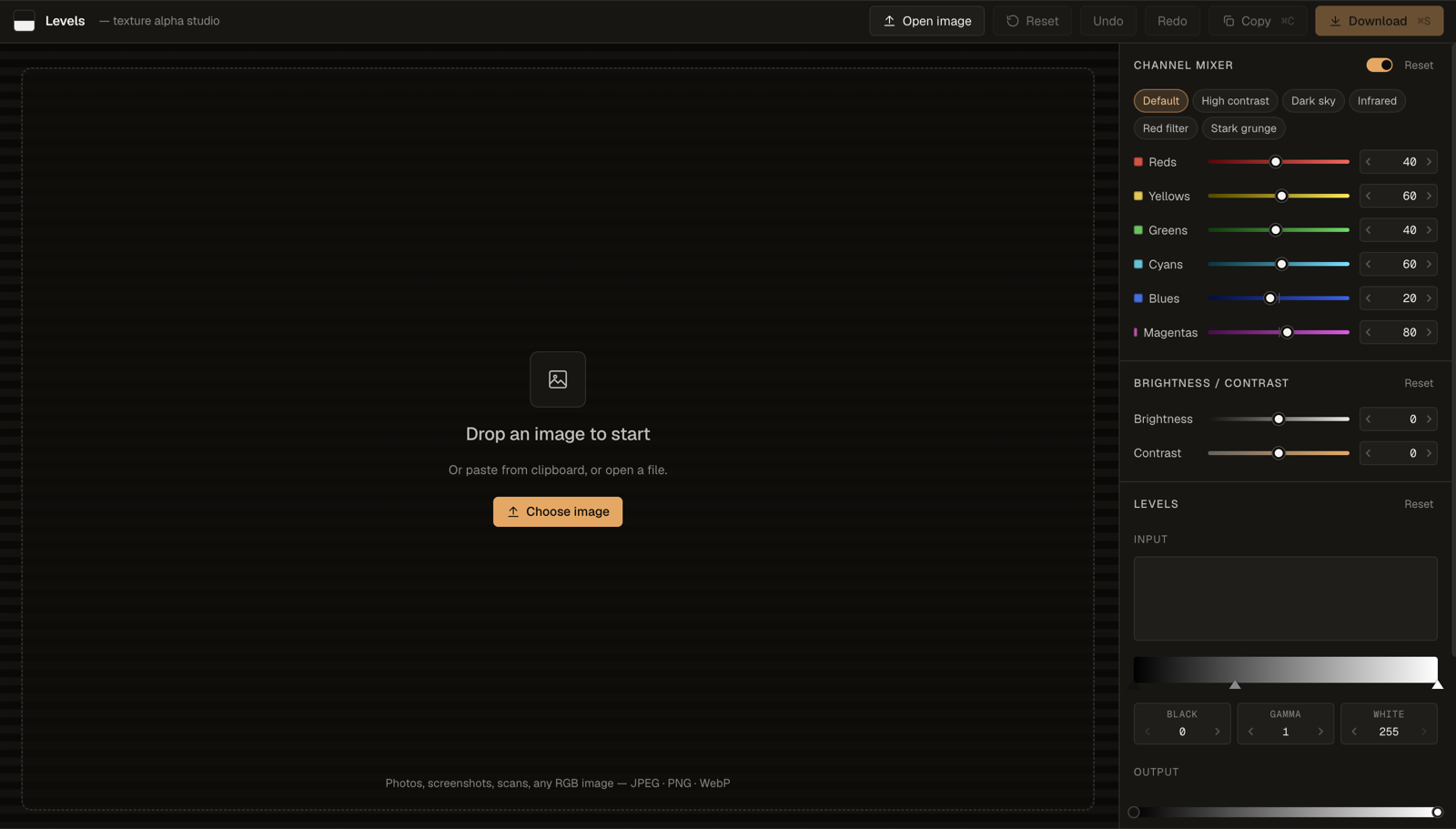
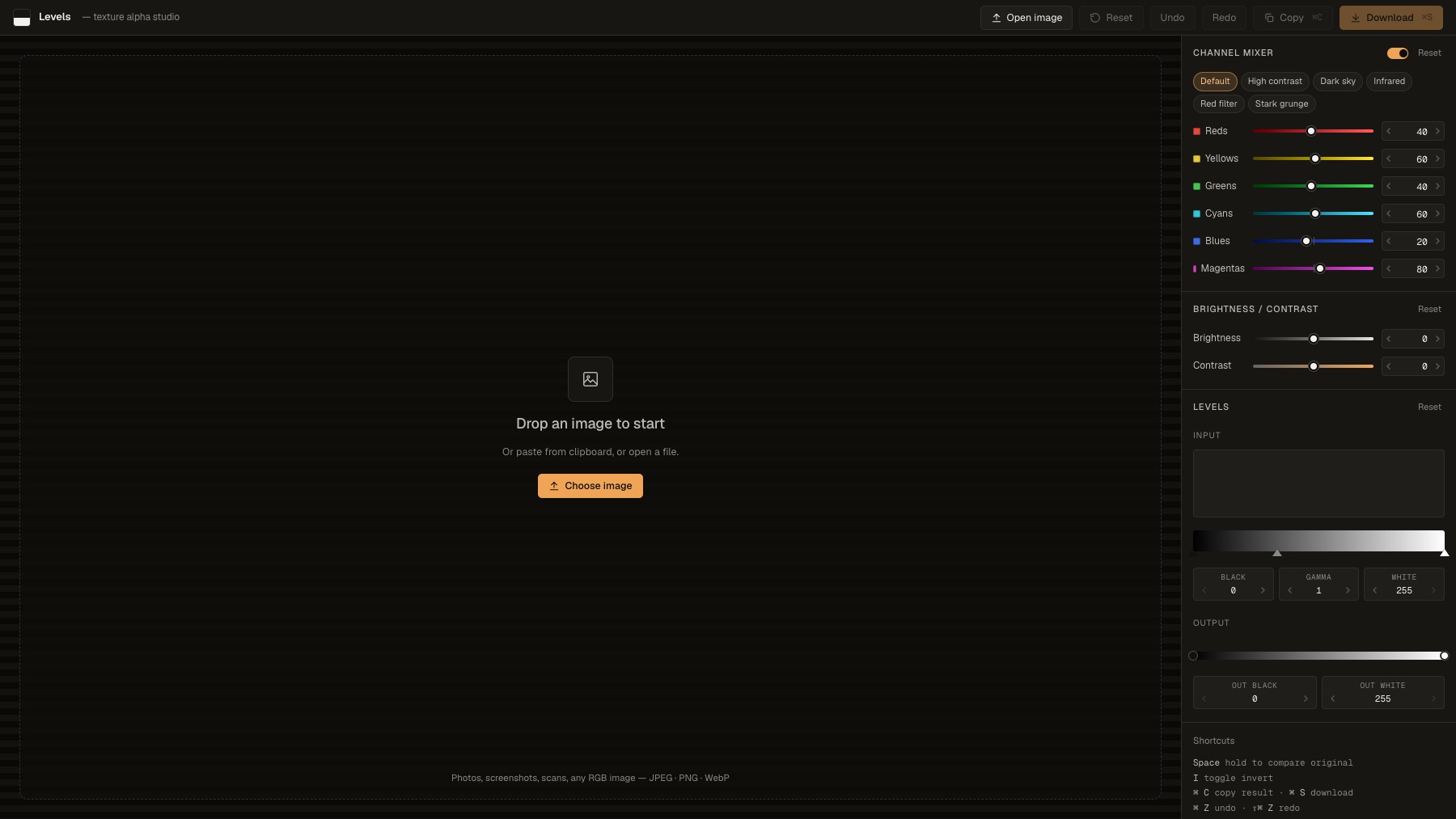
Levels is a free browser-based texture processing studio built by Art of Pilgrim. Upload any image and apply non-destructive adjustments: channel mixing with presets like infrared and stark grunge, brightness/contrast, levels curves with a live histogram, and perspective or rectangular cropping with an alignment grid. Hold Space to compare before/after in real time.
Export as PNG or copy straight to clipboard. Purpose-built for game artists and photographers generating alpha masks, height maps, and roughness maps from photo references — no install or build step required, works offline.
Common questions about Levels
Traffic and momentum for Levels
4 similar tools
Ditther
Browser-based pixel art generator — turn images and video into dithered, ASCII, halftone, LEGO, dot, and voxel effects in real time.

DotForge
Real-time dither animation tool for creating visual effects with patterns like Bayer, halftone, ASCII, and more.
Textures
Add print, glyph, paper, and painterly textures to an image — runs entirely in your browser, nothing uploaded.

Google Pics
AI image creation and precision editing inside Google Workspace — generate from a prompt or a photo, edit individual objects, refine or translate text, and work on images with your team in Docs, Slides and Drive.
Similar Launches
Textures
Add print, glyph, paper, and painterly textures to an image — runs entirely in your browser, nothing uploaded.
Google Pics
AI image creation and precision editing inside Google Workspace — generate from a prompt or a photo, edit individual objects, refine or translate text, and work on images with your team in Docs, Slides and Drive.
Comments