Figma plugin that converts CSS gradient code into native Figma fills — paste any linear, radial, or conic gradient and apply it instantly.
What is Import CSS Gradients?
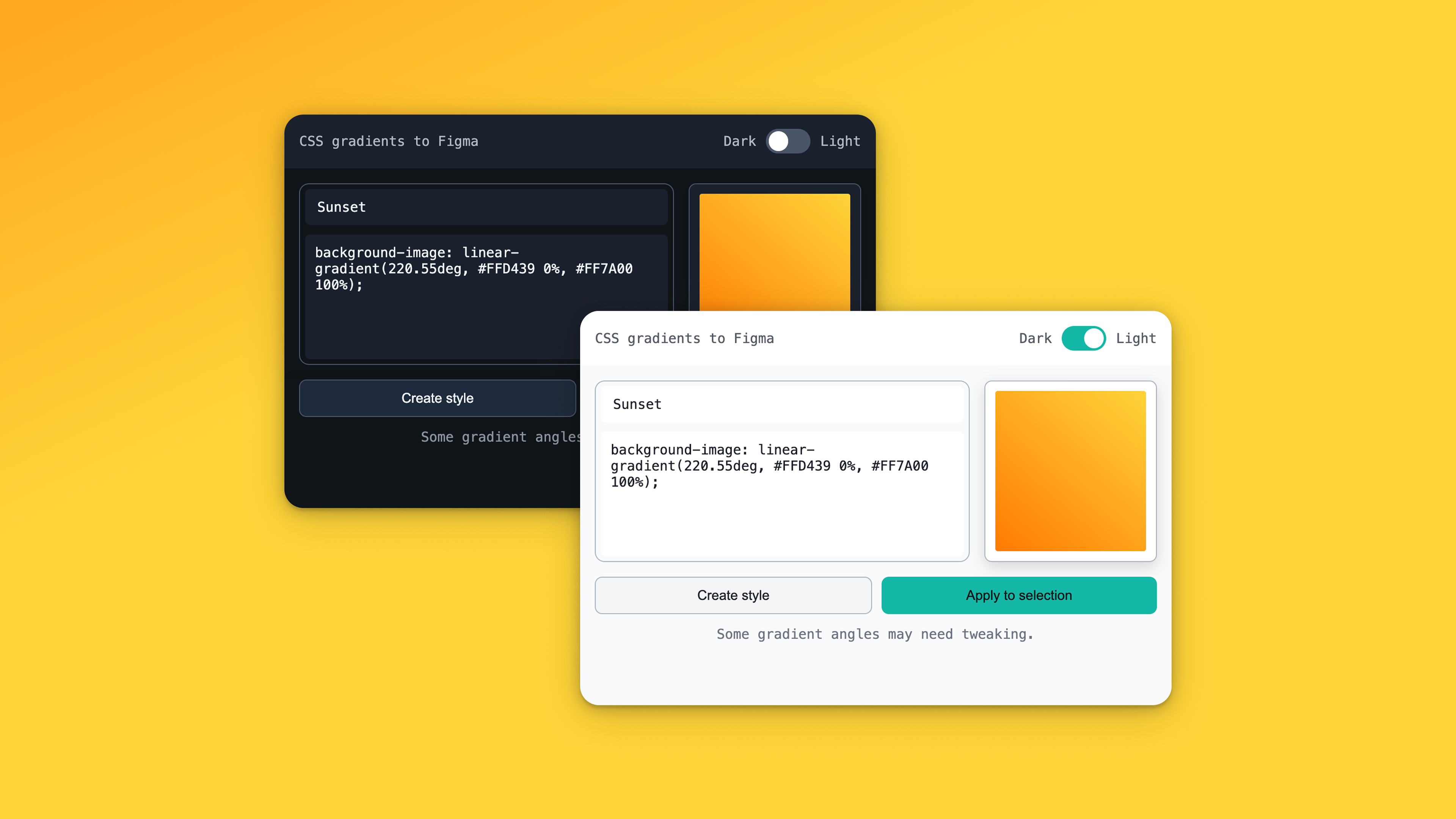
Import CSS Gradients is a Figma plugin that lets you paste CSS gradient code and instantly convert it into native Figma gradient fills. Supports linear-gradient, radial-gradient, and conic-gradient syntax including complex multi-stop gradients. Instead of manually recreating gradients color stop by color stop, just copy the CSS from your browser DevTools, a CSS generator, or any code snippet and paste it into the plugin.
The gradient is parsed and applied to the selected layer as a native Figma fill, preserving all color stops, angles, and positions.
Features
- Paste CSS gradients directly into Figma
- Supports linear, radial & conic gradients
- Instant conversion to native Figma fills
- No manual color stop recreation
FAQs
Common questions about Import CSS Gradients
What gradient types are supported?
Is this plugin free?
Insights
Traffic and momentum for Import CSS Gradients
What are alternatives to Import CSS Gradients?
6 similar tools

Figma
Collaborative design tool for building interfaces, prototypes, and design systems — all in the browser.
Figma Weave Community
Browse and share Weave workflow templates — pre-built node setups for AI image, video, and 3D generation.

LottieFiles for Figma
Discover, create, and export Lottie animations directly inside Figma — browse thousands of free animations and add them to your designs.
Cursor for Figma
Figma plugin for Cursor — inspect your design system, find the right components, variables, and styles, then write directly to Figma as editable layers.
Figma Weave
Node-based AI workflow platform by Figma — connect 12+ AI models with professional editing tools and share as simple apps.
Figma Make
AI-powered design tool by Figma — generate and iterate on UI designs, layouts, and prototypes with natural language prompts.
Similar Launches
Lil Pixel Icon
Figma plugin for creating pixel-art style icons — generate retro, pixelated icons directly in your design files.
Lil Pixel Icon
Free pixel-art icon plugin for Figma — generate retro pixelated icons for your design projects.
Cursor for Figma
Figma plugin for Cursor — inspect your design system, find the right components, variables, and styles, then write directly to Figma as editable layers.
LottieFiles for Figma
Discover, create, and export Lottie animations directly inside Figma — browse thousands of free animations and add them to your designs.

Moodboard 3000
Figma plugin for building moodboards fast — drag, drop, and arrange images, colors, and references on a visual board.
Comments