


Dylan Field
Figma publisher: Co-founder and CEO
Node-based AI workflow platform by Figma — connect 12+ AI models with professional editing tools and share as simple apps.

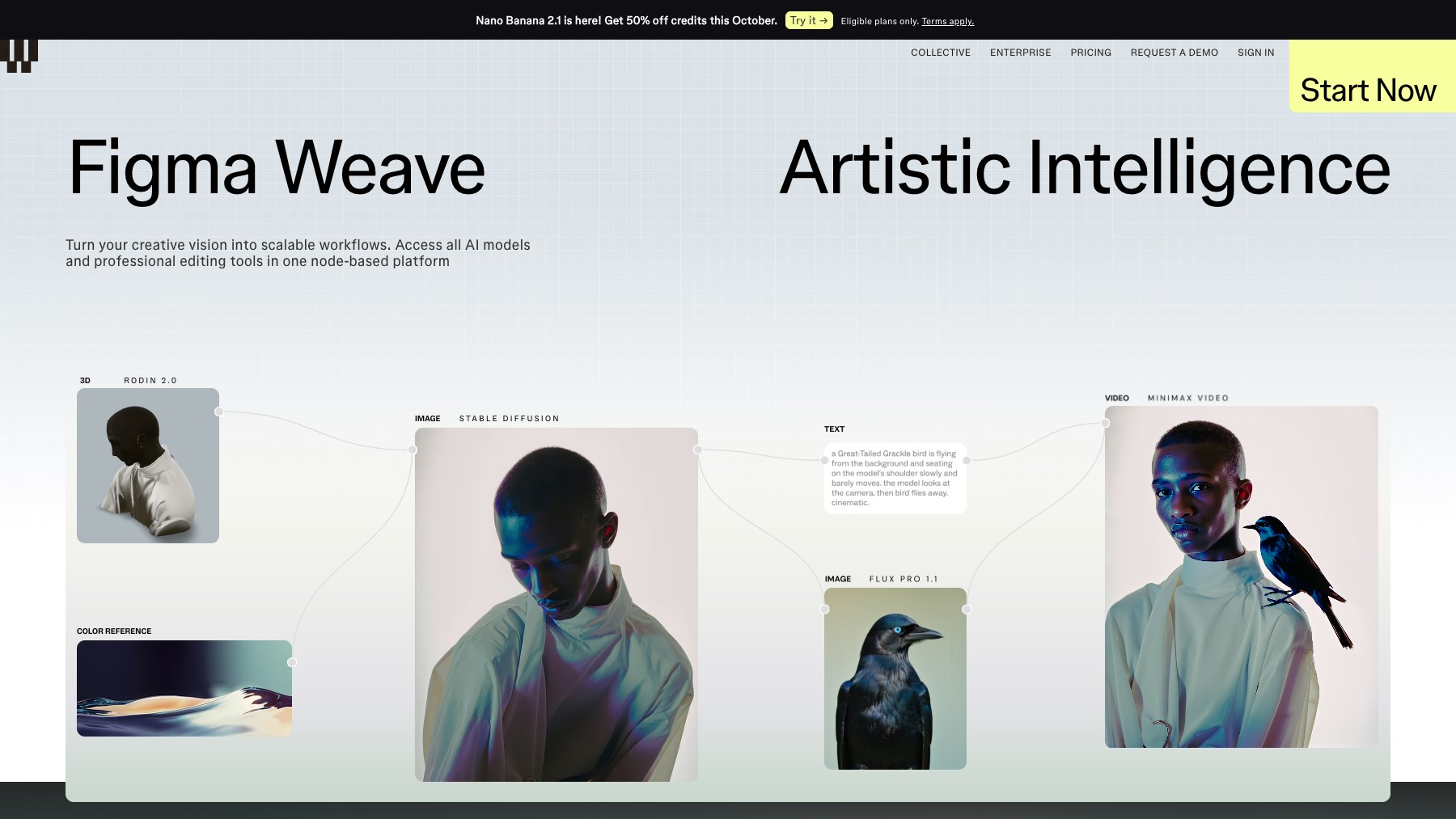
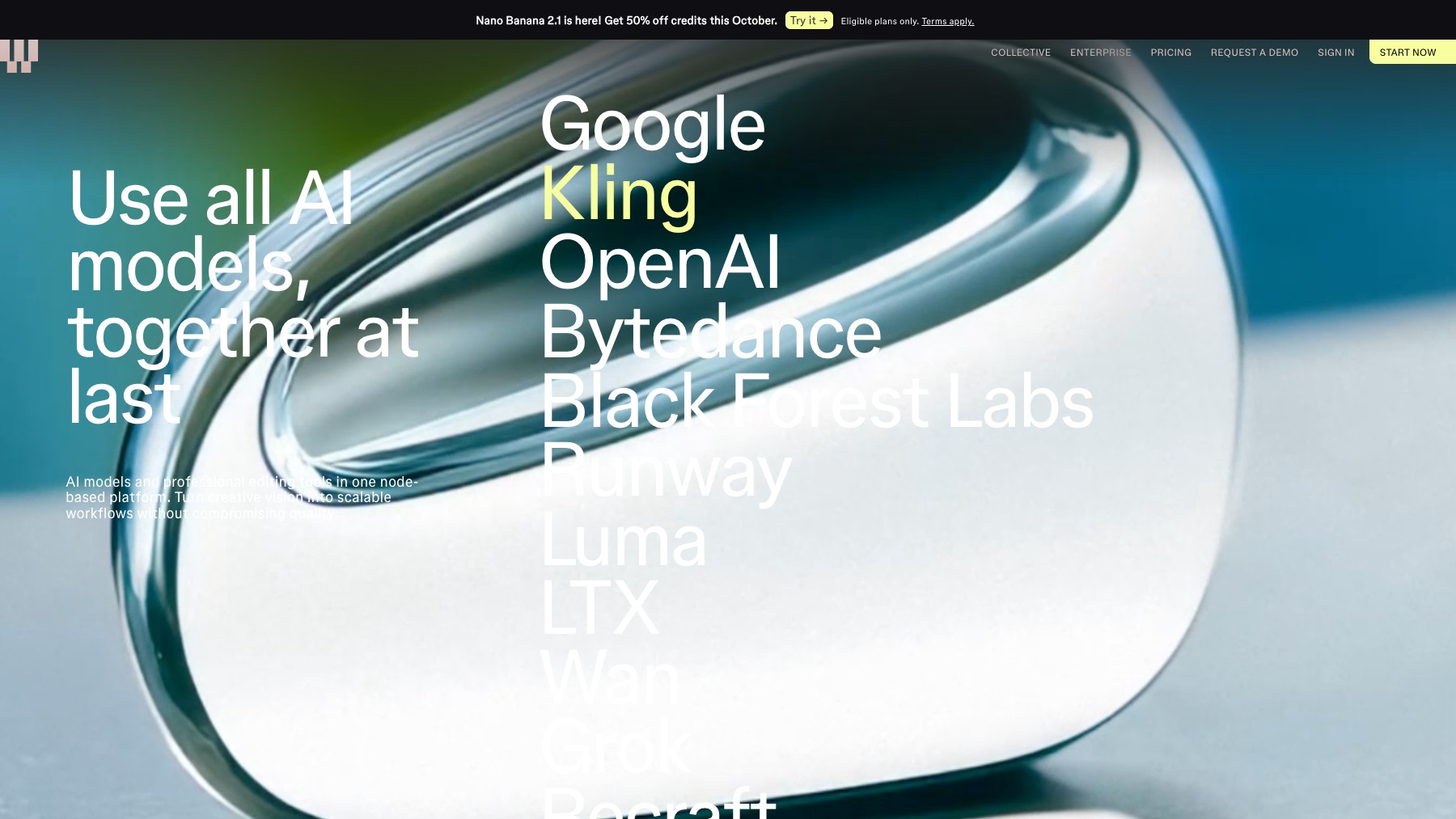
Figma Weave is a node-based platform that combines AI models with professional creative tools. Connect 12+ AI providers including Google, OpenAI, Runway, Luma, Kling, and Black Forest Labs. Chain them with editing tools like inpainting, relighting, upscaling, masking, and layer compositing to build repeatable creative workflows.
Convert any workflow into App Mode — a simplified interface your team can use without touching nodes. Generate images, videos, and 3D assets all within one visual canvas.
Common questions about Figma Weave
Traffic and momentum for Figma Weave
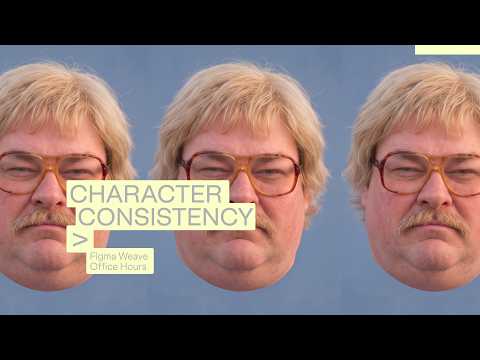
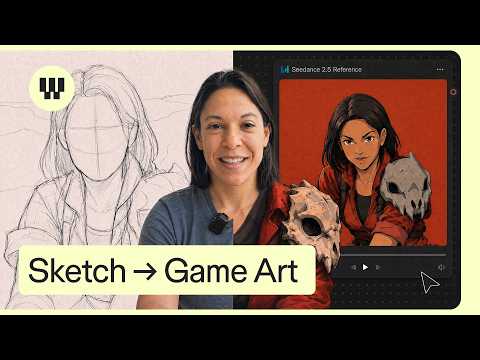
Official videos and tutorials for Figma Weave.
6 similar tools
Midjourney
AI image generation tool that creates stunning artwork, illustrations, and photorealistic images from text prompts.
Leonardo.Ai
AI image and video generation platform — create production-quality visuals with fine-tuned models and a generous free tier.
Ideogram
AI image generator with best-in-class text rendering — create logos, posters, and visuals with readable text.
Adobe Firefly
Commercially safe generative AI trained on licensed content — text to image, Generative Fill, text effects, and color palette variations.
ChatGPT Images
Generate and edit images with ChatGPT — create illustrations, logos, mockups, and photorealistic visuals from text prompts.
The people behind Figma Weave
Figma publisher: Co-founder and CEO
Figma publisher: Co-founder; former team member (2012–2021)
Similar Launches

Google Pics
AI image creation and precision editing inside Google Workspace — generate from a prompt or a photo, edit individual objects, refine or translate text, and work on images with your team in Docs, Slides and Drive.

OpenArt
AI art platform — generate images from text, train custom models, edit with inpainting, and create consistent characters.
Leonardo.Ai
AI image and video generation platform — create production-quality visuals with fine-tuned models and a generous free tier.
ChatGPT Images
Generate and edit images with ChatGPT — create illustrations, logos, mockups, and photorealistic visuals from text prompts.

fal
A generative media platform and inference API for running fast image, video, and audio AI models at scale.

Figma
Collaborative design tool for building interfaces, prototypes, and design systems — all in the browser.
Comments