
Chrome extension that extracts CSS styles from any website and generates DESIGN.md files for AI-assisted development.
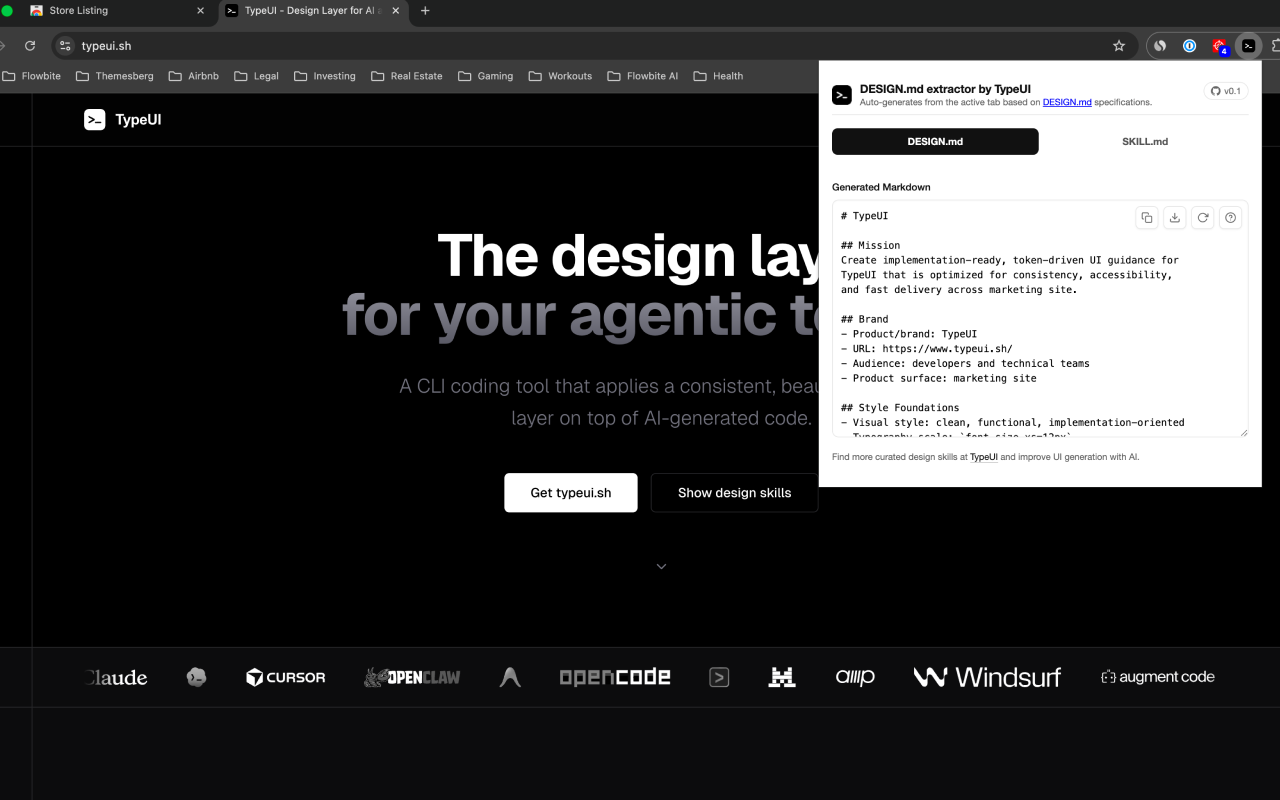
What is DESIGN.md Style Extractor?
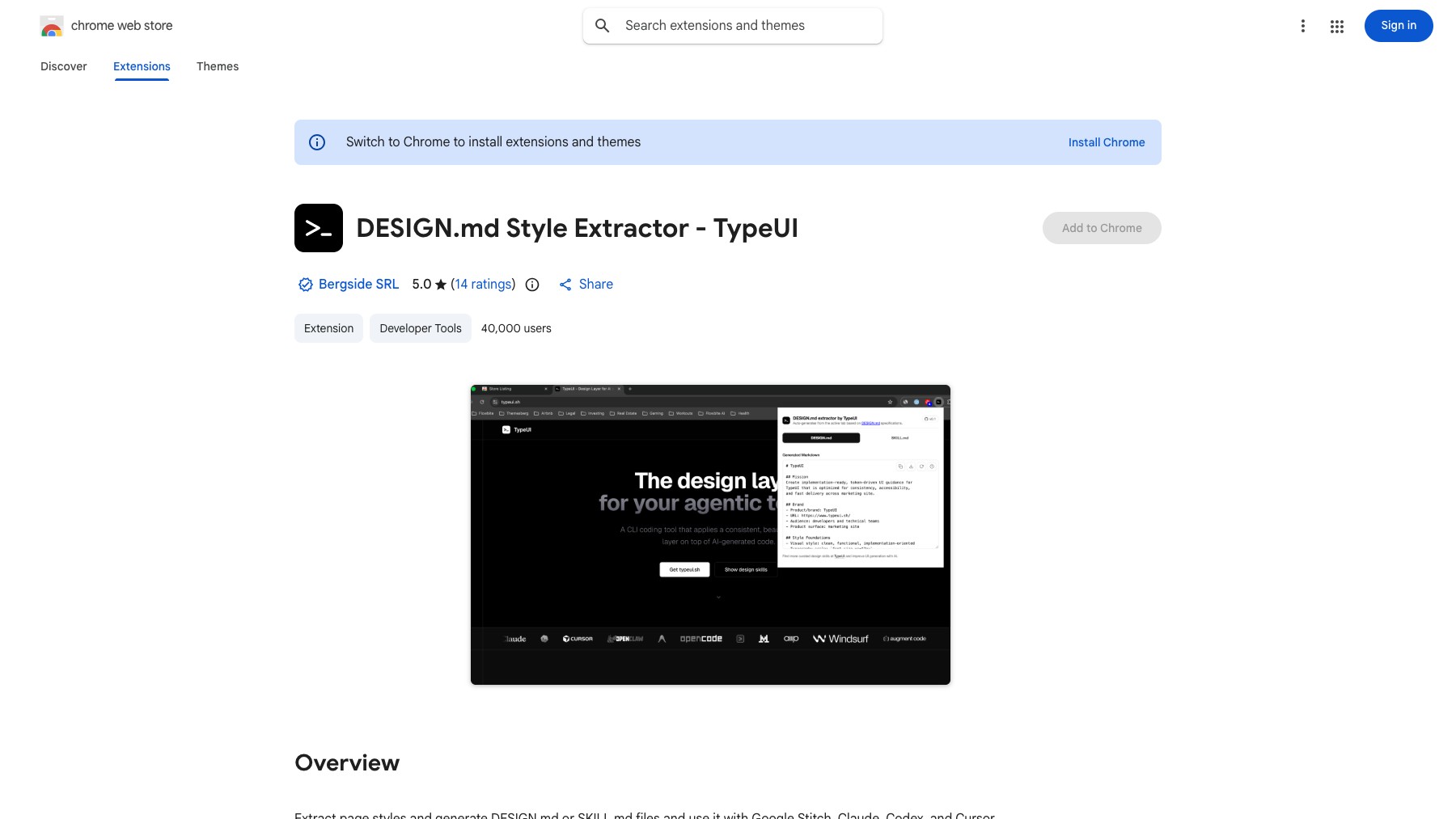
DESIGN.md Style Extractor is a Chrome extension by TypeUI that automatically extracts CSS styles and design elements from any website. It generates structured DESIGN.md or SKILL.md files optimized for AI-assisted development workflows — compatible with Claude Code, Google Stitch, OpenAI Codex, and similar tools. Extract CSS variables, design tokens, and page styles with one click, then feed them into your AI coding workflow for pixel-perfect implementation.
Features
- Extract CSS variables and styles from any page
- Generate DESIGN.md or SKILL.md files
- Compatible with Claude Code, Codex, Stitch
- TypeUI framework integration
FAQs
Common questions about DESIGN.md Style Extractor
Is it free?
What AI tools does it work with?
Insights
Traffic and momentum for DESIGN.md Style Extractor
What are alternatives to DESIGN.md Style Extractor?
6 similar tools

MiroMiro
Chrome extension that extracts design assets, code, and design tokens from any website without opening DevTools.
Refero Styles
Curated DESIGN.md library for AI agents — drop-in design systems for Cursor, Claude Code, Lovable, and other AI coding tools.

OpenRouter
One API for 500+ AI models across 80+ providers — pay with credits that work anywhere, with automatic fallback when a provider goes down.
Runware
Fast, low-cost AI inference API for image, video, and audio generation — run top models at scale without managing GPUs.
Adam
AI-powered CAD agent — design mechanical parts with natural language prompts instead of manual clicks.

Codex
Cloud-based AI coding agent by OpenAI — assign tasks and Codex writes, tests, and ships code in a sandboxed environment.
Ask AI about DESIGN.md Style Extractor
Share
Similar Launches
OpenRouter
One API for 500+ AI models across 80+ providers — pay with credits that work anywhere, with automatic fallback when a provider goes down.
Runware
Fast, low-cost AI inference API for image, video, and audio generation — run top models at scale without managing GPUs.
Adam
AI-powered CAD agent — design mechanical parts with natural language prompts instead of manual clicks.
Codex
Cloud-based AI coding agent by OpenAI — assign tasks and Codex writes, tests, and ships code in a sandboxed environment.
AgentMail
API-first email for AI agents — give any app or agent its own inbox to send, receive, and reply to emails programmatically.
Ora
Scan any site or MCP server and get a 0–100 agent-readiness score — can agents find you, access you, use you, and pay you.
Comments