
AI video editor — edit videos using natural language prompts. Remove repeated takes, create highlights, and cut for social media.
What is ChatCut?
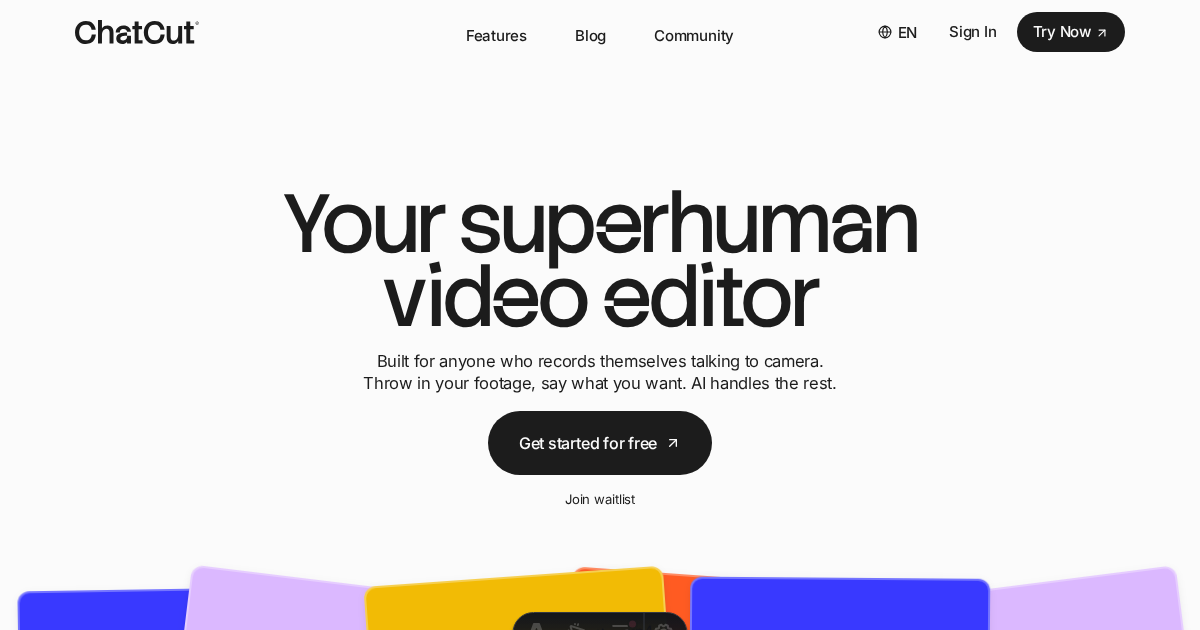
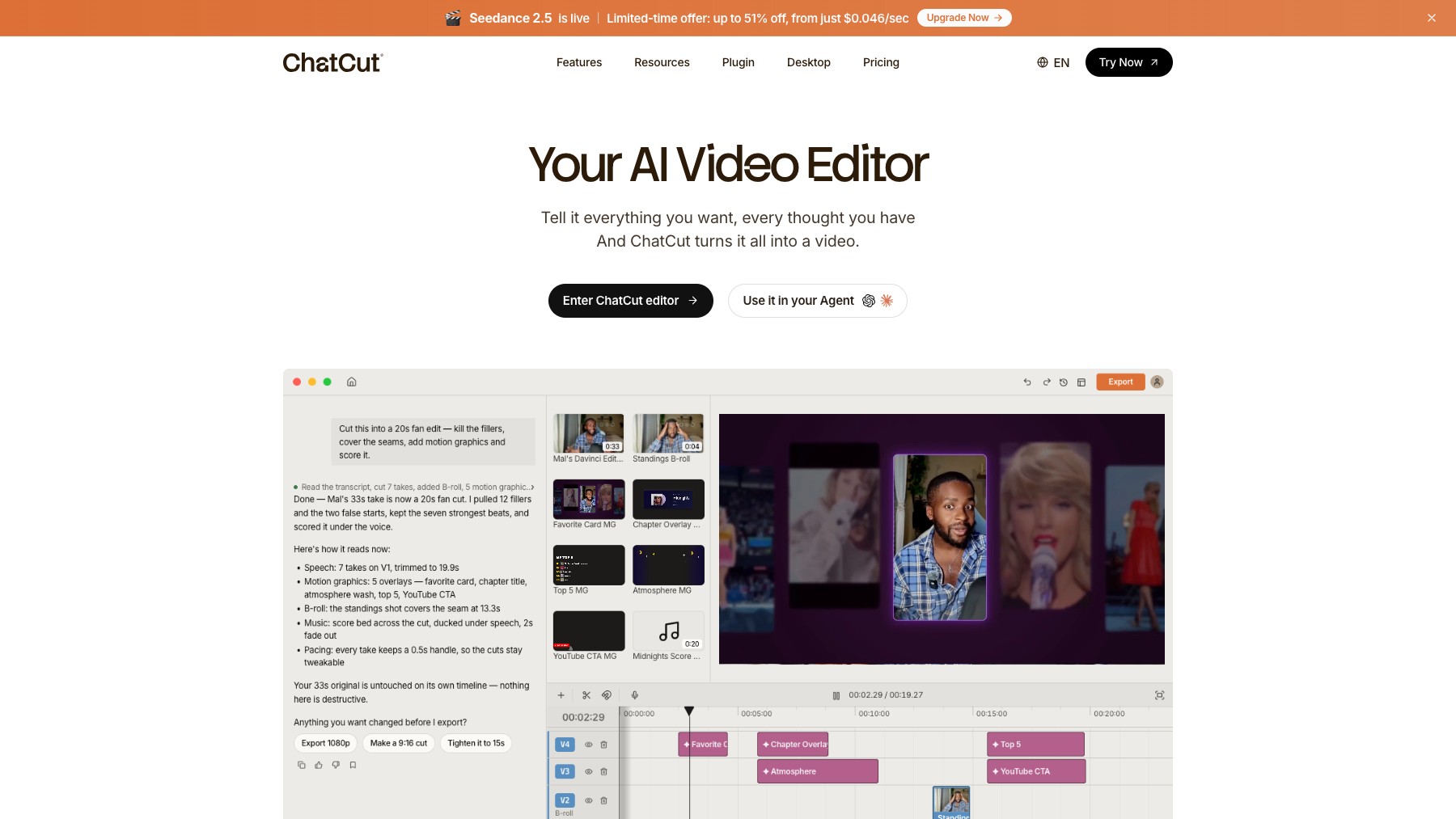
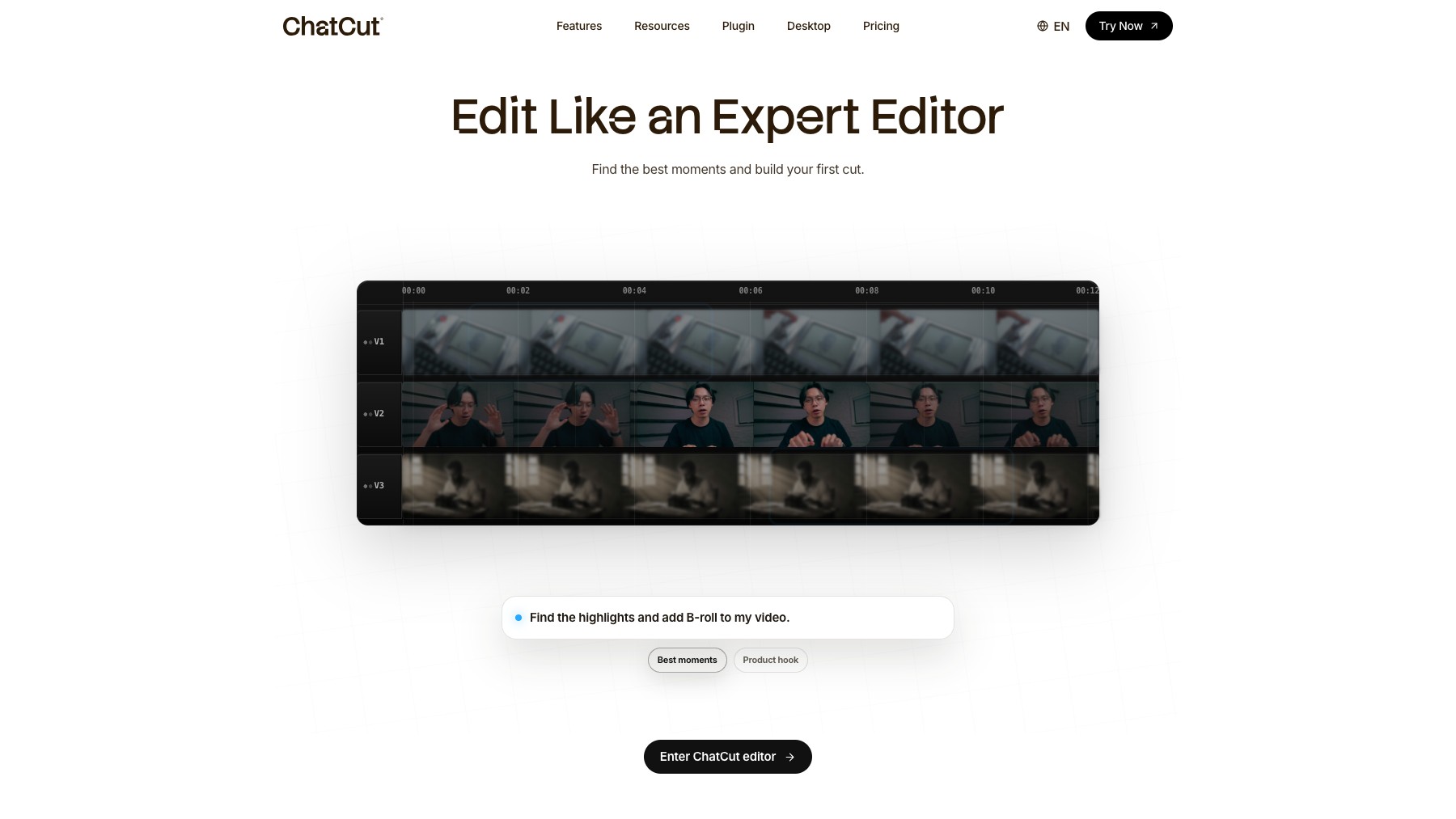
ChatCut is an AI-powered video editor that lets you edit videos using natural language prompts instead of a traditional timeline. Upload your footage and describe what you want: remove repeated takes, create a highlight reel, cut it down for social media, or extract the best moments. ChatCut understands your instructions and makes the edits automatically.
It's ideal for creators who shoot a lot of footage and want to speed up the editing process without learning complex software.
Features
- Edit videos with text prompts
- Remove repeated takes automatically
- Generate highlights and clips
- Cut videos for social media formats
- No timeline editing needed
FAQs
Common questions about ChatCut
Is ChatCut free?
How does it work?
Do I need video editing experience?
Insights
Traffic and momentum for ChatCut
What are alternatives to ChatCut?
6 similar tools


CapCut
All-in-one video editing software with AI-powered tools, trending effects, and multi-track editing across app, web, and desktop.

Descript
Edit video and podcasts by editing the transcript — delete a word and it leaves the video, plus Studio Sound cleanup and Overdub voice cloning.
DaVinci Resolve
Professional video editing, color grading, VFX, and audio post-production — all in one free tool.
VEED
Browser-based video editor with AI auto-subtitles, screen and webcam recording, background removal, AI avatars, and team collaboration.

FrameZero
Sketch, animate, and share — a whiteboard video editor for explainer videos and tutorials.
Similar Launches

mtioon
Prompt-driven motion design editor that connects to Claude Code, reads your project assets, and builds editable videos on a real timeline.
Descript
Edit video and podcasts by editing the transcript — delete a word and it leaves the video, plus Studio Sound cleanup and Overdub voice cloning.

Submagic
AI-powered short-form video editor — auto-captions, B-roll, sound effects, and transitions for TikTok, Reels, and Shorts.
AI Producer
AI editing agent for your own footage — one pass adds captions, B-roll, motion design, music, and SFX, then you chat with it to adjust the cut.

NexLev
AI-powered YouTube niche finder — discover profitable niches, research content, and scale faceless channels with real data.
LTX Studio
AI video production platform for turning concepts into professional videos with camera control, consistent characters, and timeline editing.
Comments