Brendan Allan
Founder
Open source screen recorder for Mac — capture your full screen or a single window in high quality and share it instantly via link, no watermarks.
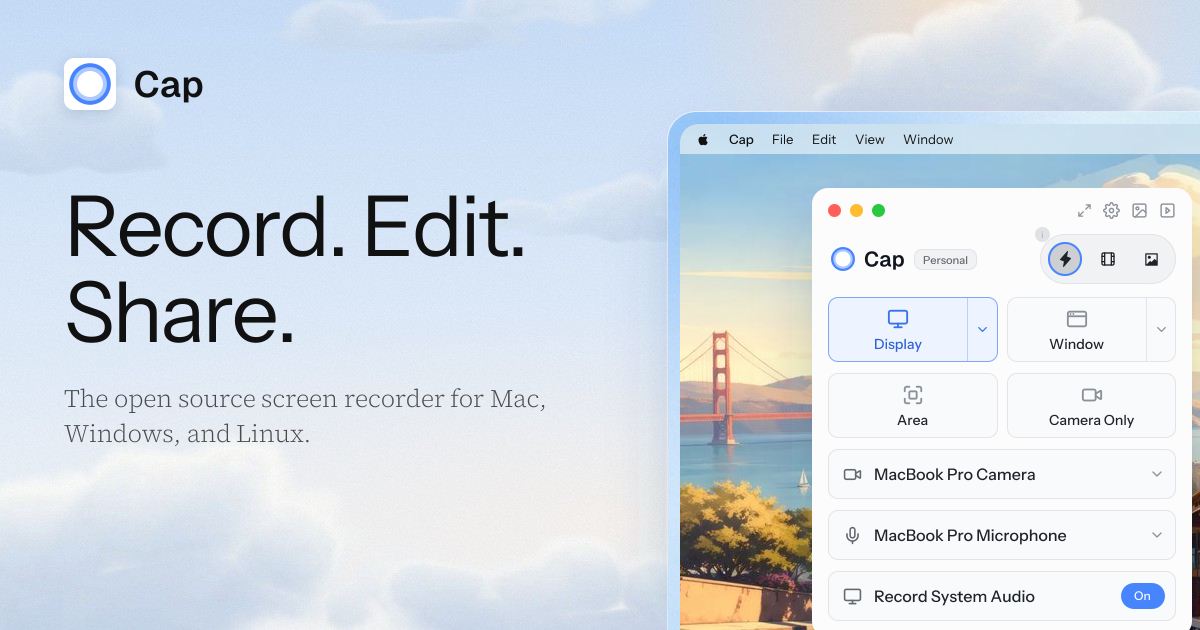
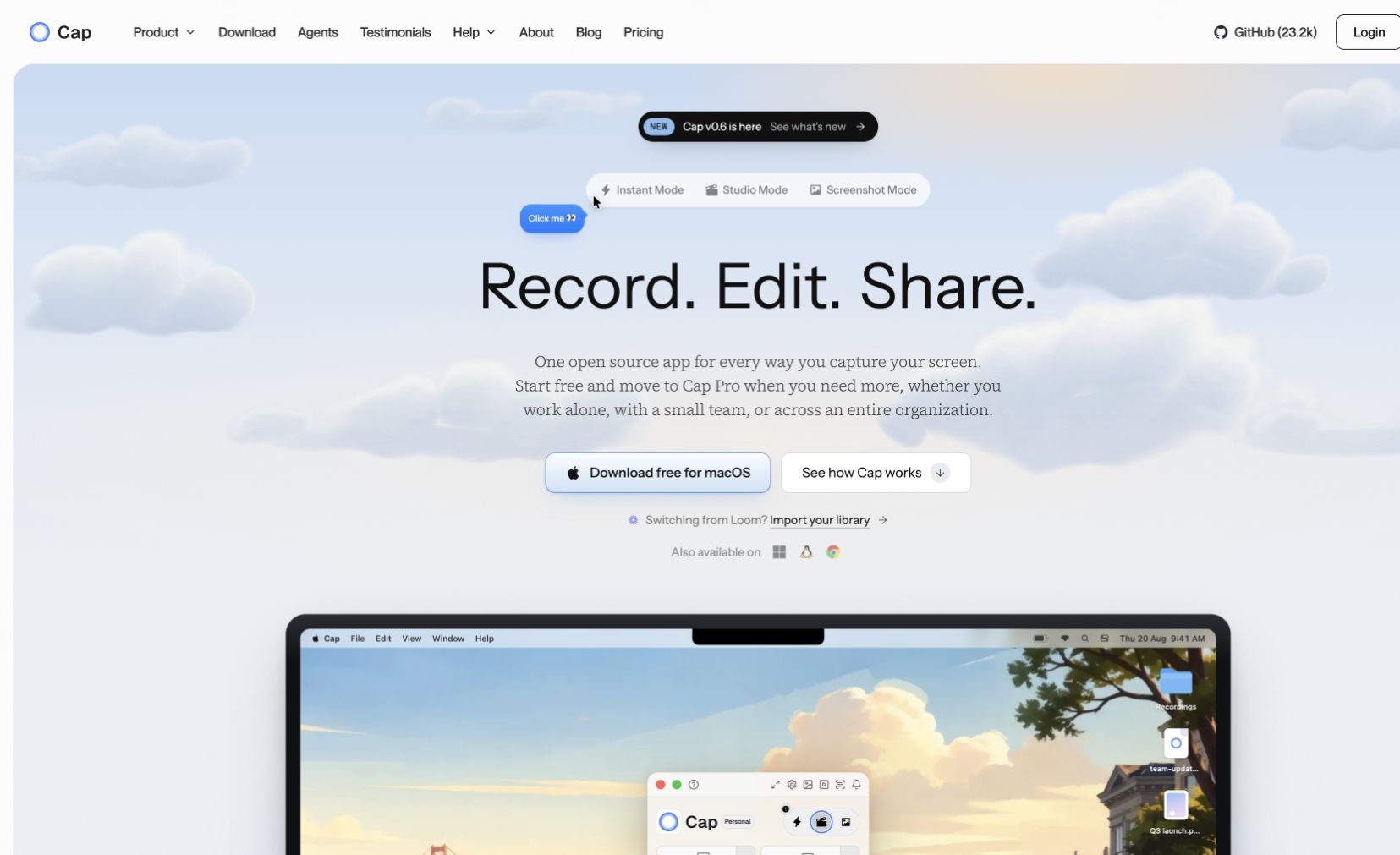
Cap is an open-source screen recorder for Mac that makes capturing and sharing your screen effortless. Record your entire screen or a specific window in high quality, then instantly share via a link — no upload wait times. As an open-source project, Cap is transparent, privacy-respecting, and community-driven.
Perfect for quick bug reports, async team communication, tutorial recordings, and product demos. Lightweight and distraction-free compared to heavier recording suites.
Common questions about Cap
Traffic and momentum for Cap
6 similar tools

Descript
Edit video and podcasts by editing the transcript — delete a word and it leaves the video, plus Studio Sound cleanup and Overdub voice cloning.

Screen Studio
Mac screen recorder that turns raw captures into polished demo videos — smooth cursor motion, auto-zoom on clicks, and custom backgrounds.
Google Vids
AI-powered video creation tool by Google — generate clips, record your screen, convert presentations to video, and edit with AI assistance.
Screenity
Free, privacy-friendly screen recorder for Chrome — capture, annotate, and edit videos with no sign-in, no limits, fully open source.
Taken
Screen recorder for your 9th take. A lightweight macOS menu bar app to capture, record, trim, copy, or export any screen region in a few clicks.
Screen Movie
Native macOS screen recorder and video editor — record, screenshot, animate text and captions, add music, and export product videos in 4K.
The people behind Cap
Comments