Alyssa X
Founder
Free, privacy-friendly screen recorder for Chrome — capture, annotate, and edit videos with no sign-in, no limits, fully open source.
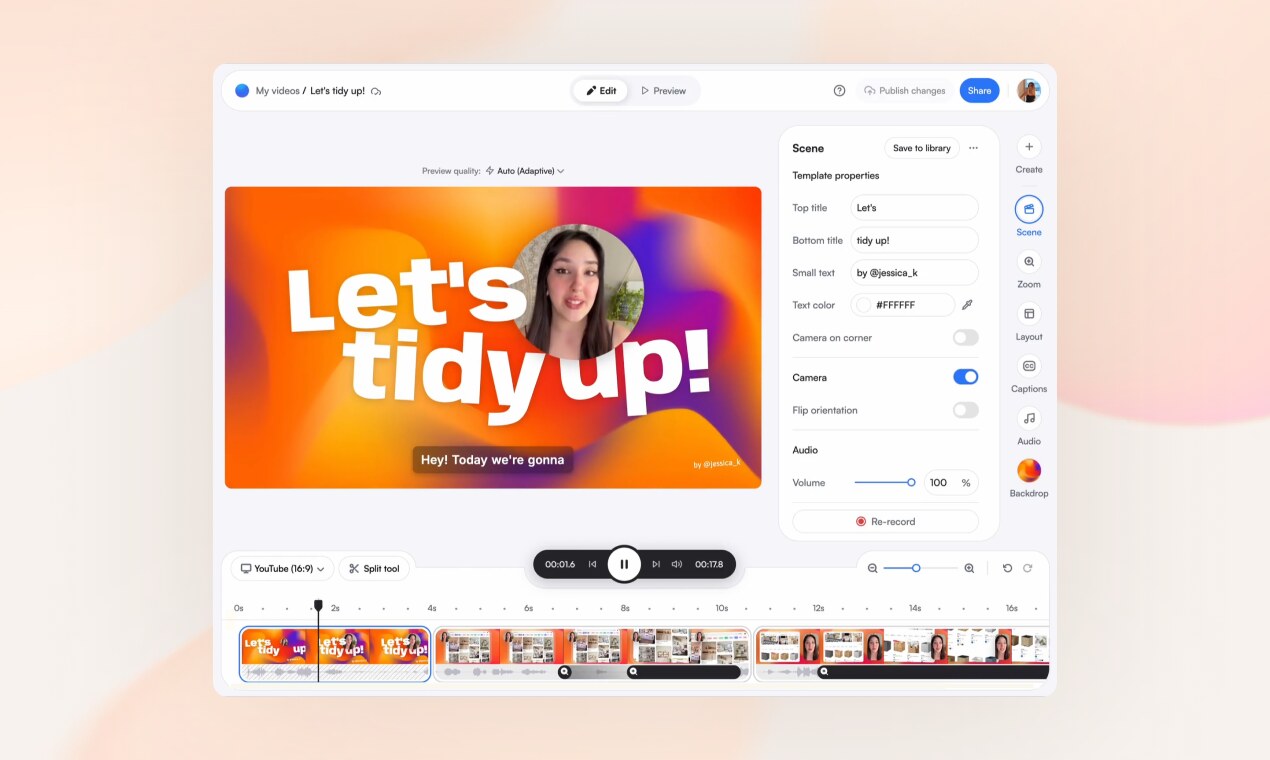
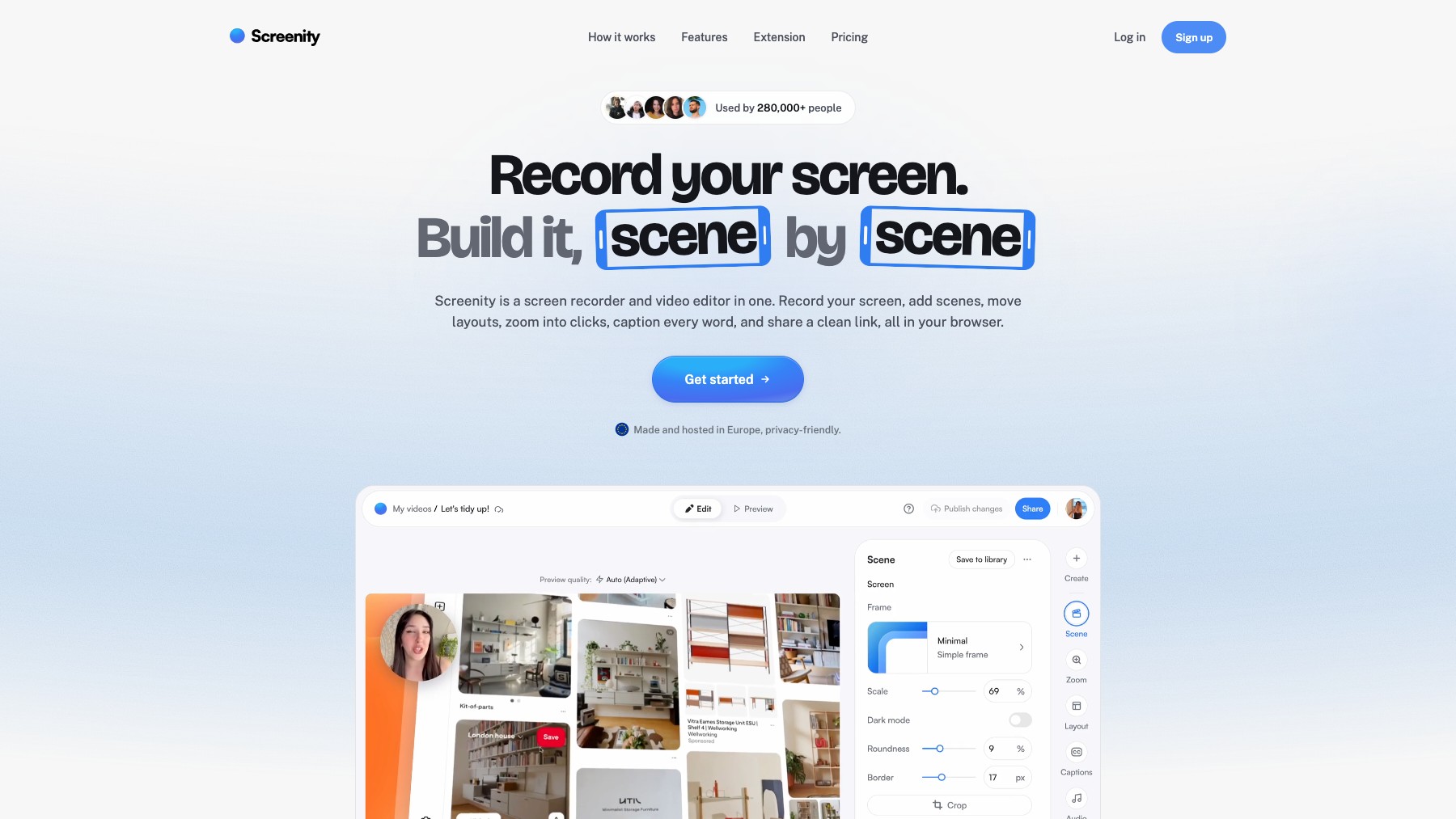
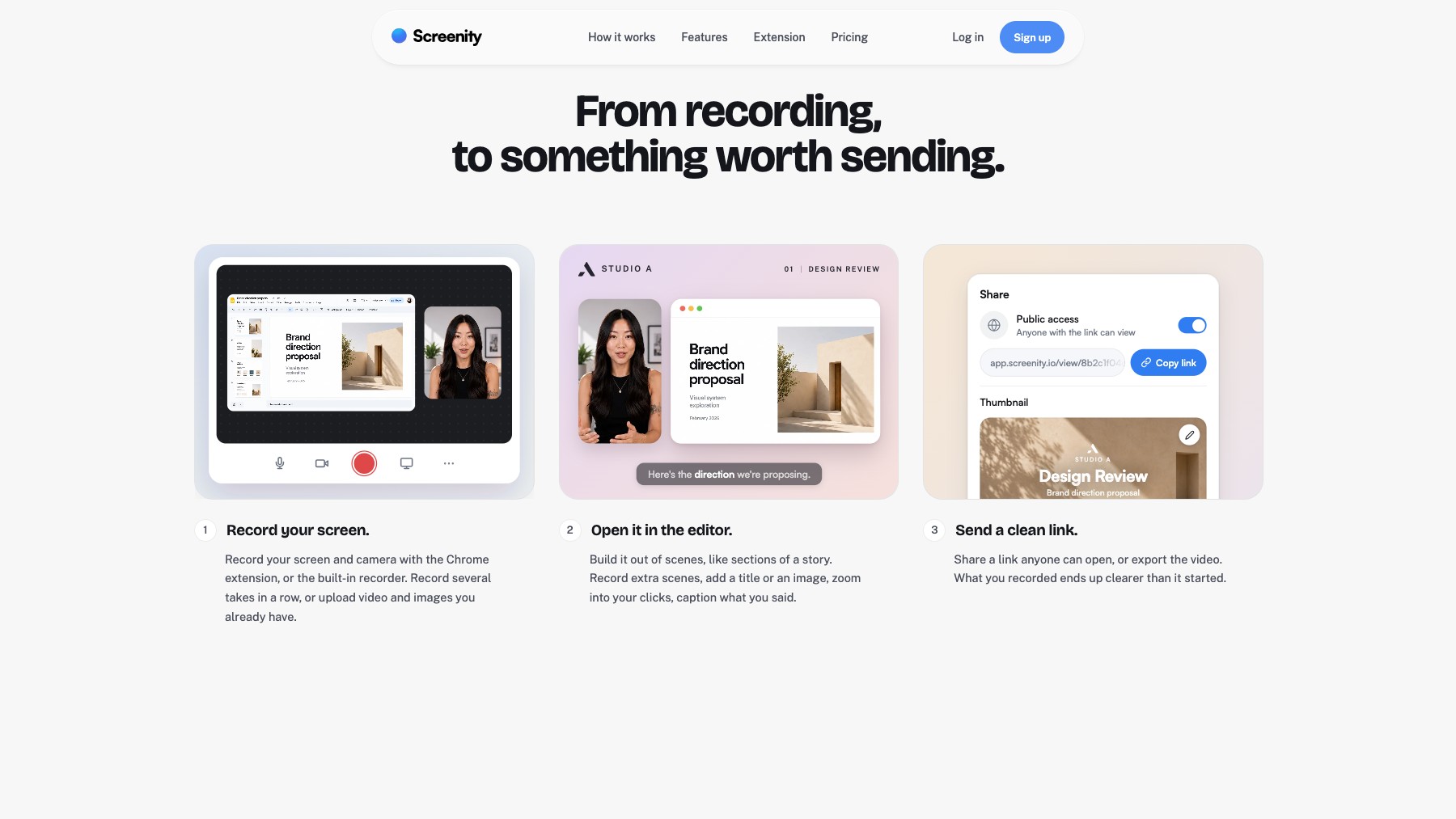
Screenity is a free, open-source Chrome extension for screen recording with no limits or sign-in required. Record your full screen, a window, or a tab with webcam overlay, draw and annotate while recording, and edit your videos with a built-in trimmer — all without leaving the browser. Screenity is completely private: no data is sent to any server, everything stays local.
It's used by developers for bug reports, educators for tutorials, marketers for demos, and anyone who needs a quick, reliable screen recording tool.
Common questions about Screenity
Traffic and momentum for Screenity
6 similar tools

Screen Studio
Mac screen recorder that turns raw captures into polished demo videos — smooth cursor motion, auto-zoom on clicks, and custom backgrounds.

Google Vids Screen Recorder
Chrome extension by Google — record your screen directly from the browser and import into Google Vids for editing.

Tella
Browser-based screen and webcam recorder with custom scene layouts, zoom effects, and backgrounds — polished demos with no post-production.

Cap
Open source screen recorder for Mac — capture your full screen or a single window in high quality and share it instantly via link, no watermarks.
Kite
Screen recorder for stunning demo videos — record, edit, and share polished product demos and tutorials.
Screen Charm
Mac screen recorder with smart zoom, webcam overlay, motion blur, background music, and 4K export — one-time purchase, no subscription.
The people behind Screenity
Founder
Similar Launches
Cap
Open source screen recorder for Mac — capture your full screen or a single window in high quality and share it instantly via link, no watermarks.
Recordly
Open-source screen recorder with auto-zoom, motion blur cursors, and minimal interface — a free alternative to Screen Studio.
Google Vids Screen Recorder
Chrome extension by Google — record your screen directly from the browser and import into Google Vids for editing.
Comments