
Left Angle
Original Autograph developer
Free motion graphics and VFX app by Maxon — combine 2D and 3D in one compositing workflow with GPU-accelerated effects.
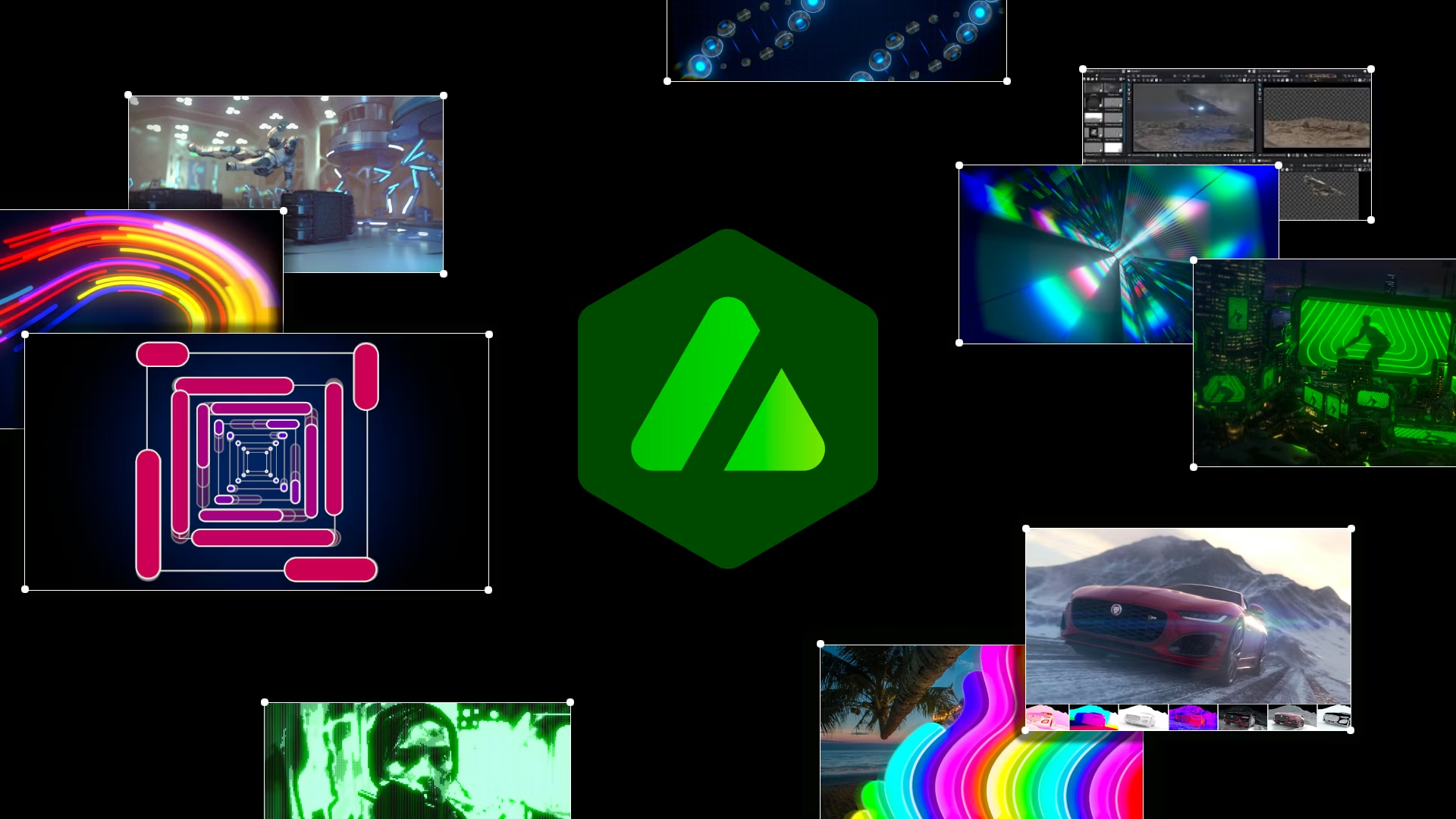
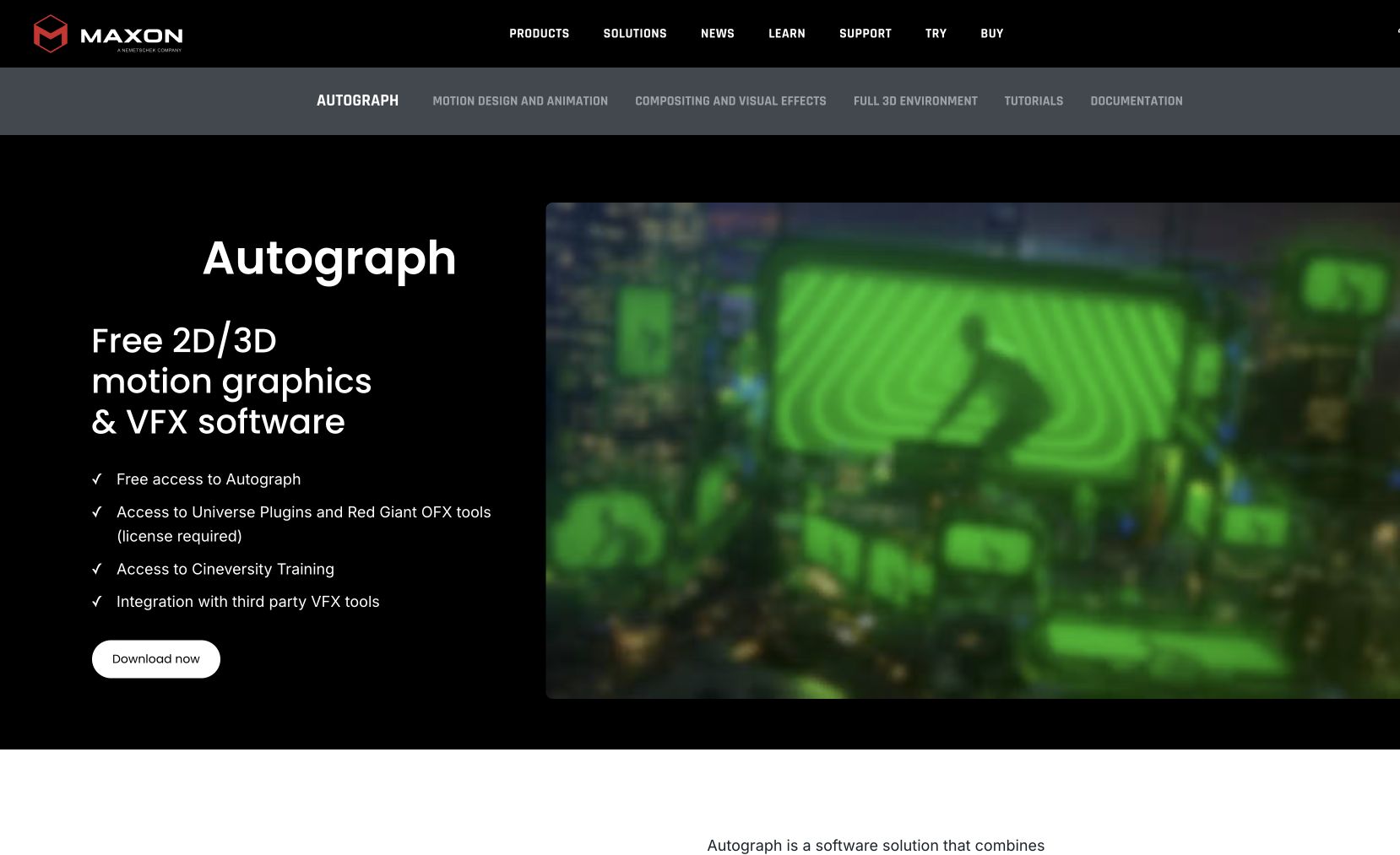
Autograph is a free motion graphics and VFX application by Maxon. Animate text and shapes, apply GPU-optimized effects, composite 2D and 3D assets together, and render in multiple formats — all in one app. Built on Pixar's OpenUSD standard for 3D, with support for OpenFX plugins, EXR, Photoshop layers, ProRes, and ACES/OCIO workflows.
Integrates with Universe and Red Giant plugins. Runs on Windows and macOS, designed to work on less powerful hardware too.
Common questions about Autograph
Traffic and momentum for Autograph
6 similar tools
Adobe After Effects
Motion graphics, VFX, and compositing on a timeline — animated titles, rotoscoping, 3D tracking, particles, and expression-driven animation.
Jitter
Collaborative motion design tool on the web — create professional animations in minutes, no experience required.
OpenMotion
Desktop app that turns a prompt into an editable motion graphic — describe the scene, refine it on a real timeline, export video, transparent WebM, or HTML.

Cinema 4D
Professional 3D modeling, animation, and rendering software used in motion graphics, film, and product visualization.
Redshift
GPU-accelerated 3D renderer — photorealistic lighting, materials, and effects for Cinema 4D, Maya, Houdini, and more.
The people behind Autograph
Original Autograph developer
Current publisher
Similar Launches
OpenMotion
Desktop app that turns a prompt into an editable motion graphic — describe the scene, refine it on a real timeline, export video, transparent WebM, or HTML.

Cavalry
2D animation and motion design app built by animators, for animators.
Cinema 4D
Professional 3D modeling, animation, and rendering software used in motion graphics, film, and product visualization.
Redshift
GPU-accelerated 3D renderer — photorealistic lighting, materials, and effects for Cinema 4D, Maya, Houdini, and more.
Blender
Free, open-source 3D creation suite — modeling, animation, VFX, rendering, and video editing.

Hera
AI motion designer — turn text into professional motion graphics, animations, and motion design without manual keyframing.
Comments