Shantanu Narayen
Chair and CEO of Adobe
Professional video editing software for film, TV, and the web.
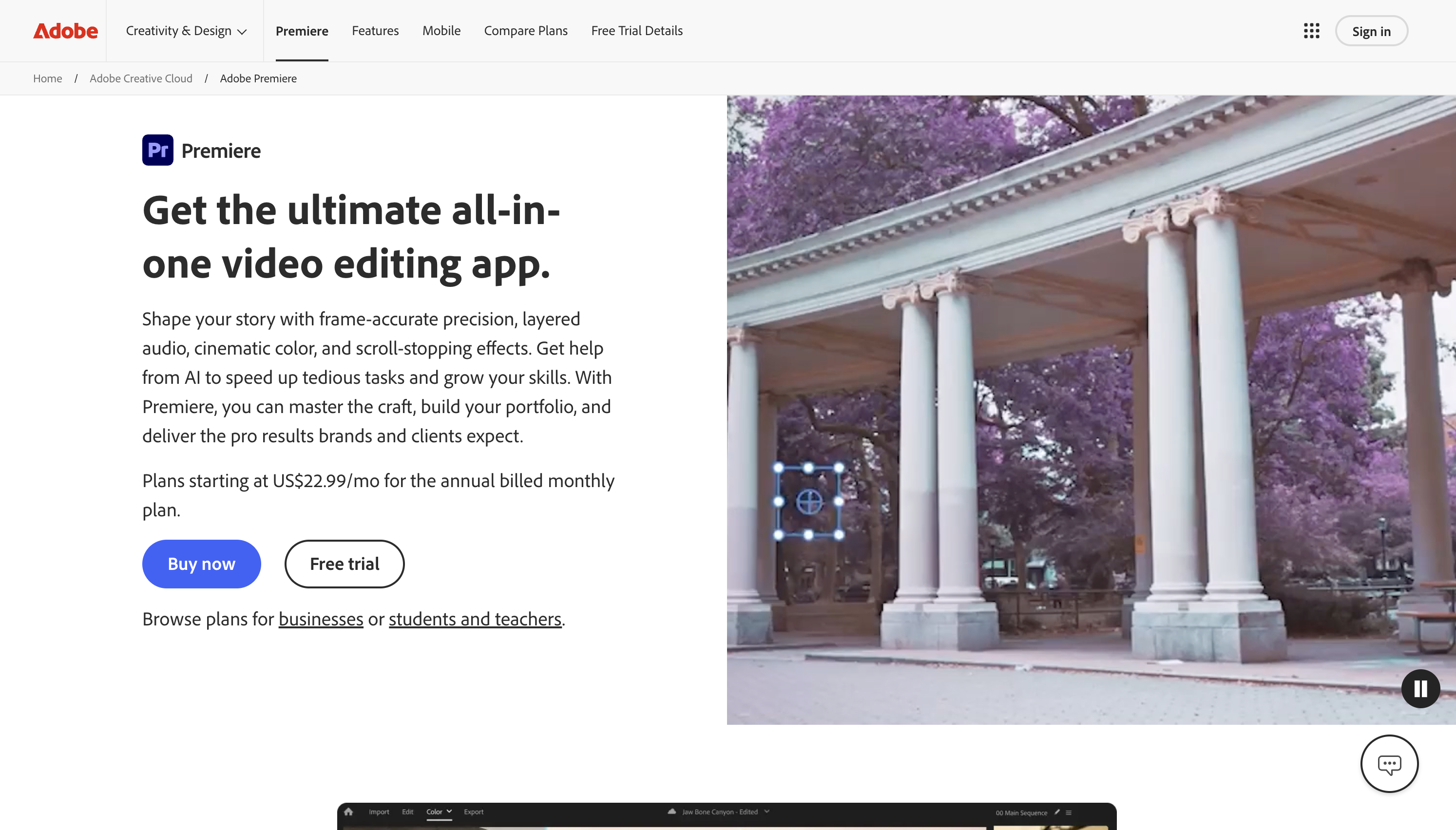
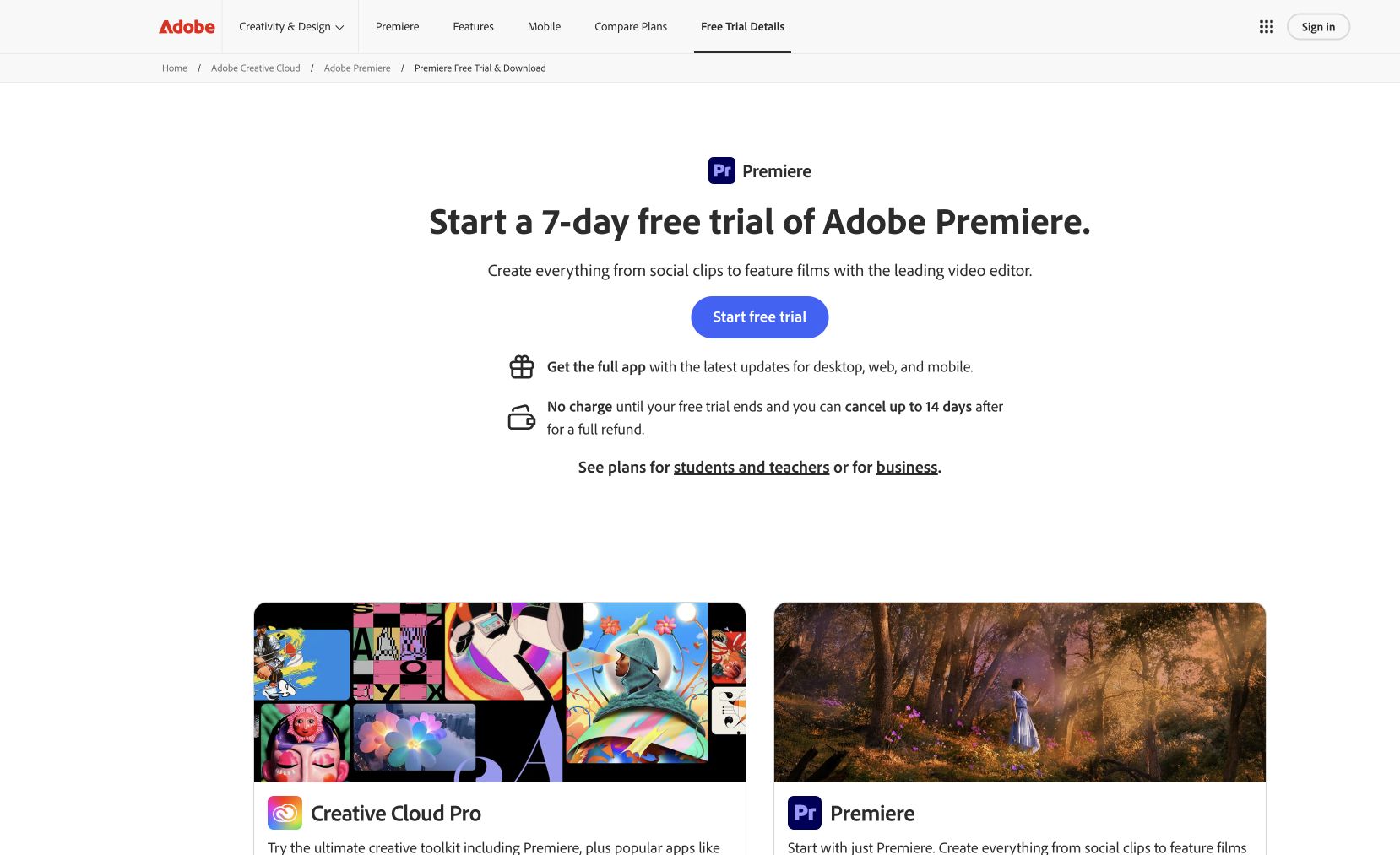
Adobe Premiere Pro is the professional video editing software used by filmmakers, YouTubers, and broadcast editors worldwide. With revolutionary features like Text-Based Editing that lets you cut footage by editing a transcript, Auto Color for instant color correction, Speech to Text for automated captions, and deep integration with After Effects and Audition, Premiere Pro accelerates every stage of post-production. Support for virtually every video format, multi-cam editing, and GPU-accelerated performance means you can handle projects of any scale — from short social clips to feature-length films.
Common questions about Adobe Premiere Pro
Traffic and momentum for Adobe Premiere Pro
6 similar tools

CapCut
All-in-one video editing software with AI-powered tools, trending effects, and multi-track editing across app, web, and desktop.

Descript
Edit video and podcasts by editing the transcript — delete a word and it leaves the video, plus Studio Sound cleanup and Overdub voice cloning.
Adobe Photoshop
Photo editing, retouching, and digital painting — Generative Fill and Expand, Neural Filters, layer compositing, and professional color grading.

Adobe Illustrator
Vector editor for logos, icons, illustrations, and typography — Pen tool, Shape Builder, Generative Recolor, and art that stays sharp at any size.
Adobe Creative Cloud
Get the full Adobe Creative Cloud suite at a massive discount with a valid student or educator ID.
Adobe Firefly
Commercially safe generative AI trained on licensed content — text to image, Generative Fill, text effects, and color palette variations.
The people behind Adobe Premiere Pro
Similar Launches
Frame.io
Cloud-based video collaboration platform — upload, review, and approve creative work with frame-accurate feedback.
Adobe After Effects
Motion graphics, VFX, and compositing on a timeline — animated titles, rotoscoping, 3D tracking, particles, and expression-driven animation.
Adobe Premiere: Video Editor
All-in-one mobile video editor from Adobe — cut, add text & audio, use templates from top creators, and animate with keyframes.

Higgsfield for Adobe
Free AI plugin for Premiere Pro and After Effects — reframe, remove background, upscale to 4K/8K, draw to edit, and generate video without leaving Creative Cloud.
Comments