Shantanu Narayen
Chair and CEO of Adobe
Photo editing, retouching, and digital painting — Generative Fill and Expand, Neural Filters, layer compositing, and professional color grading.
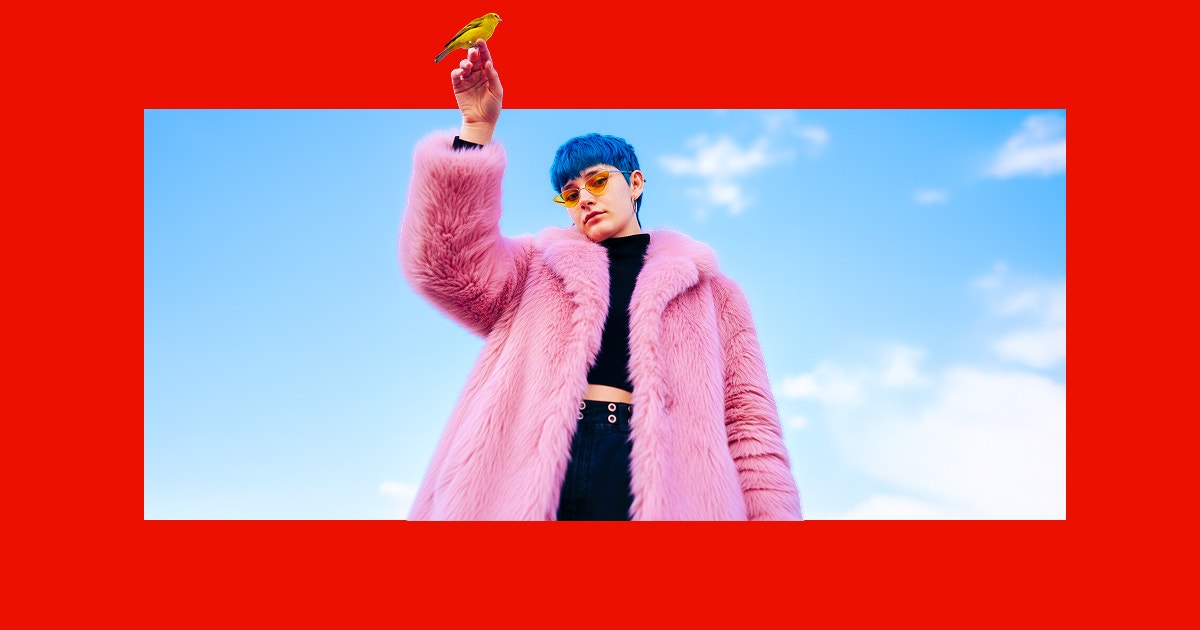
Adobe Photoshop is the world's most powerful photo editing and digital design software. From retouching portraits and compositing surreal scenes to creating digital paintings and designing web layouts, Photoshop provides an unmatched set of tools including Generative Fill and Generative Expand powered by AI, Neural Filters for one-click adjustments, advanced layer compositing, and professional color grading. Whether you're a photographer perfecting shots, a designer building mockups, or an artist painting from scratch, Photoshop is the creative foundation trusted by professionals everywhere.
Common questions about Adobe Photoshop
Traffic and momentum for Adobe Photoshop
Official videos and tutorials for Adobe Photoshop.
6 similar tools
Adobe Express
Free all-in-one design app — create social media posts, flyers, videos, and more with thousands of templates and AI tools.
Photopea
Free browser-based photo editor with full PSD, Sketch, and XD file support — no install needed.
Canva
Free online design platform for creating presentations, social media graphics, videos, websites, and print materials with thousands of templates.

Adobe Illustrator
Vector editor for logos, icons, illustrations, and typography — Pen tool, Shape Builder, Generative Recolor, and art that stays sharp at any size.
Adobe Lightroom
Cloud photo editing and library management — non-destructive edits, AI search, presets, masking, and sync across desktop, mobile, and web.

Picsart
All-in-one photo and video editor with AI-powered tools — create, edit, and design on mobile and web.
The people behind Adobe Photoshop
Similar Launches
Adobe Illustrator
Vector editor for logos, icons, illustrations, and typography — Pen tool, Shape Builder, Generative Recolor, and art that stays sharp at any size.
Adobe Lightroom
Cloud photo editing and library management — non-destructive edits, AI search, presets, masking, and sync across desktop, mobile, and web.

Luminar Neo
One-click AI sky replacement, object removal, portrait and lighting fixes, plus layer-based compositing — standalone or as a Lightroom plugin.

Adobe Podcast
Next generation audio from Adobe is here. Record, transcribe, edit, share. Crisp and clear, every time.
Picsart
All-in-one photo and video editor with AI-powered tools — create, edit, and design on mobile and web.
Adobe Express
Free all-in-one design app — create social media posts, flyers, videos, and more with thousands of templates and AI tools.
Comments