
Paul Bakaus
Creator; founder of publisher Renaissance Geek
37 patterns that mark an interface as AI-generated, plus a live detection overlay that catches them in place — the rule catalog behind npx impeccable detect.
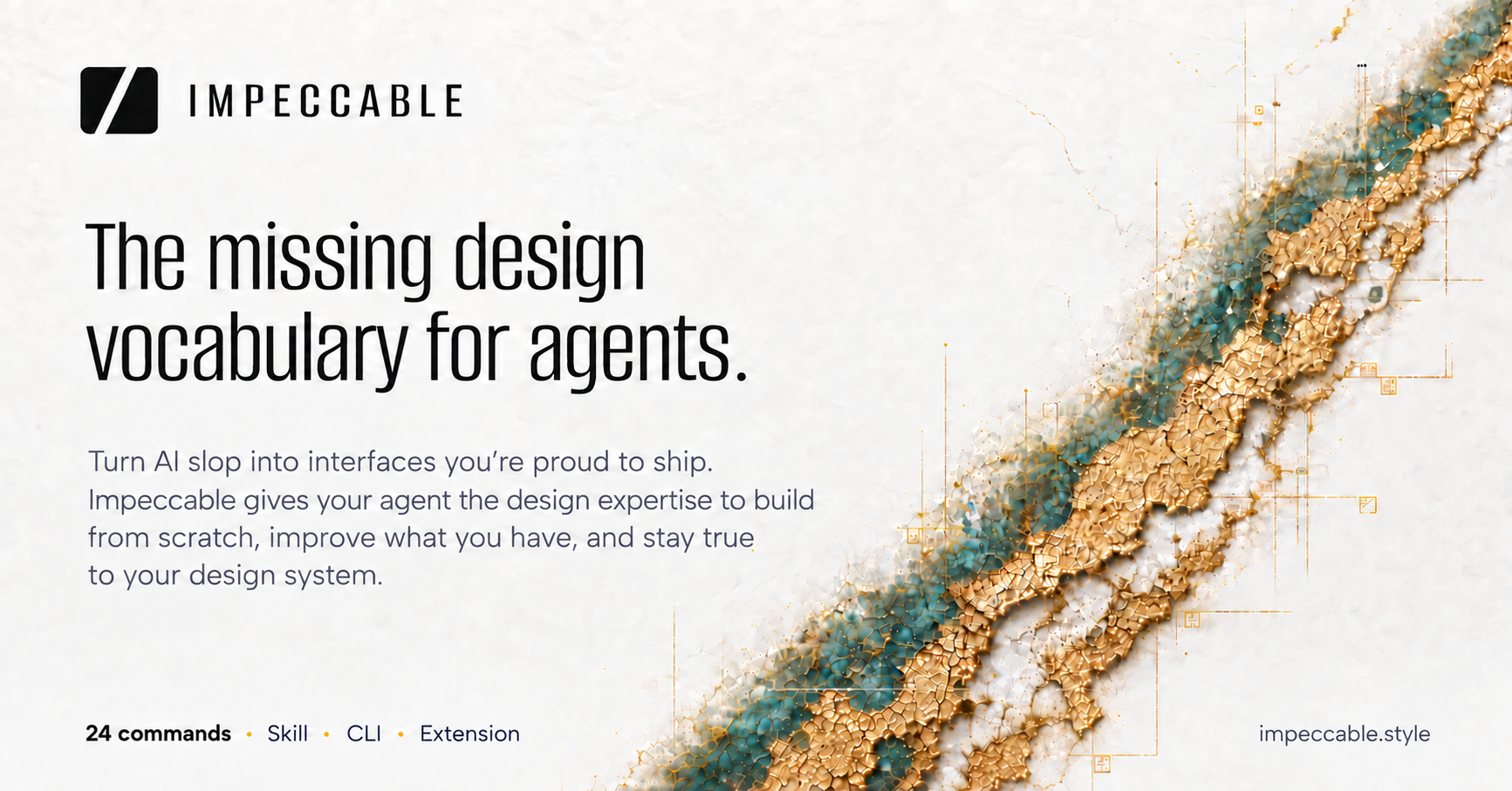
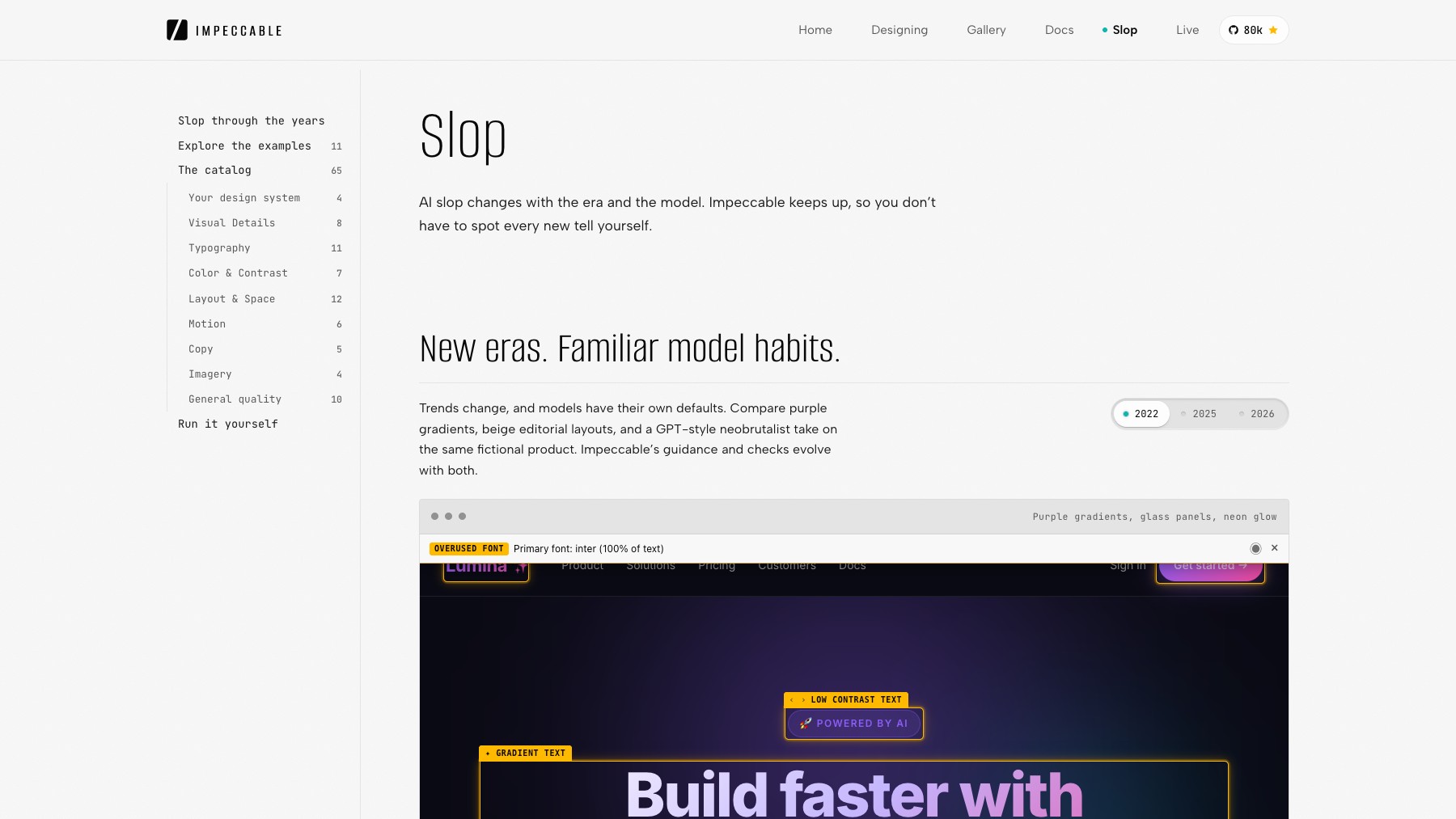
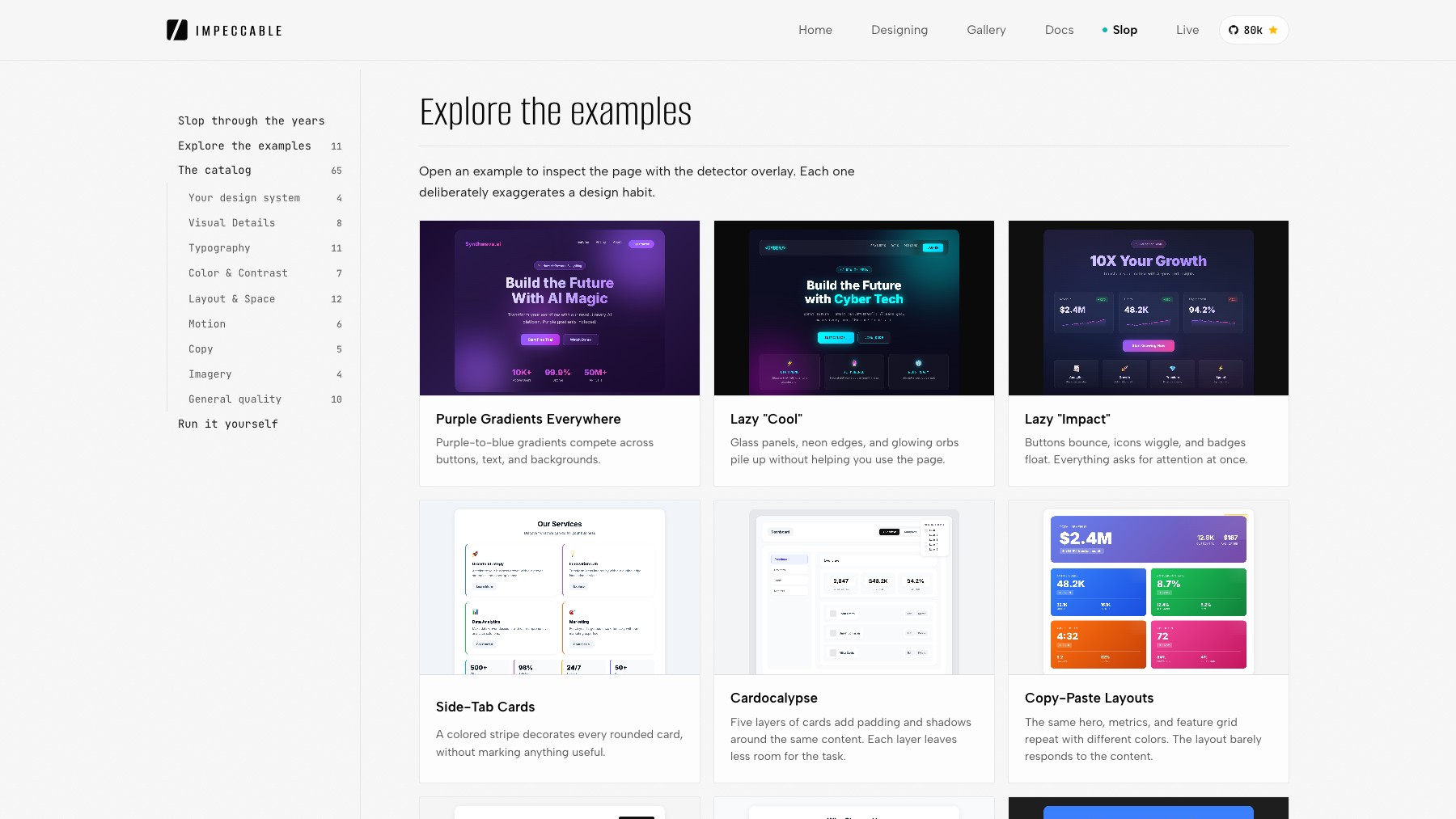
Slop is the rule catalog behind Impeccable — a free design audit toolkit that documents the visible tells of AI-generated UI. The 37 patterns span visual details, typography, color, layout, motion, interaction, responsiveness, and general quality. Some rules are deterministic and run automatically; others use LLM review.
Hook it up via the Chrome extension, the npx impeccable detect CLI, or the /impeccable critique slash command to keep AI-generated drafts from shipping with the same five gradients and glassy cards every other product is using.
Common questions about Slop by Impeccable
Traffic and momentum for Slop by Impeccable
6 similar picks

Framer AEO Scanner
Scan your site in 10 seconds and get a free AEO readiness report — see exactly what's blocking AI engines from finding and citing your content.

Motion Prompt Gallery
Explore AI motion graphics with prompts, creator credits, and links to the original sources.

IP as Logo Skill
Agent Skill that generates rounded mascot logos with neo-skeuomorphic styling — three directions first, then six variants, from any agent that can make images.
Graphify
Turn a codebase into a knowledge graph your AI assistant can trace — answers come back as graph paths with real file:line citations.
Hugging Face
The open home of machine learning: 3 million models, 500,000 datasets and 1 million apps, with hosted inference, Spaces and the Transformers libraries.
Bolt Slides
Open-source building blocks any AI agent (Claude Code, Codex, Bolt) can use to compose presentation decks that are real, shareable web apps.
Similar Launches
Motion Prompt Gallery
Explore AI motion graphics with prompts, creator credits, and links to the original sources.
IP as Logo Skill
Agent Skill that generates rounded mascot logos with neo-skeuomorphic styling — three directions first, then six variants, from any agent that can make images.
Graphify
Turn a codebase into a knowledge graph your AI assistant can trace — answers come back as graph paths with real file:line citations.
Hugging Face
The open home of machine learning: 3 million models, 500,000 datasets and 1 million apps, with hosted inference, Spaces and the Transformers libraries.
Bolt Slides
Open-source building blocks any AI agent (Claude Code, Codex, Bolt) can use to compose presentation decks that are real, shareable web apps.

OpenEdit
Open source agentic video editor by VEED. Install it as an agent skill and let Claude Code, Codex, or Gemini transcribe footage, design caption styles, and render finished MP4s locally.
Comments