
Sam Altman
OpenAI co-founder and CEO
OpenAI's Codex Chrome extension — let Codex work inside your browser on signed-in sites for research, form-filling, dashboards, and multi-step workflows.
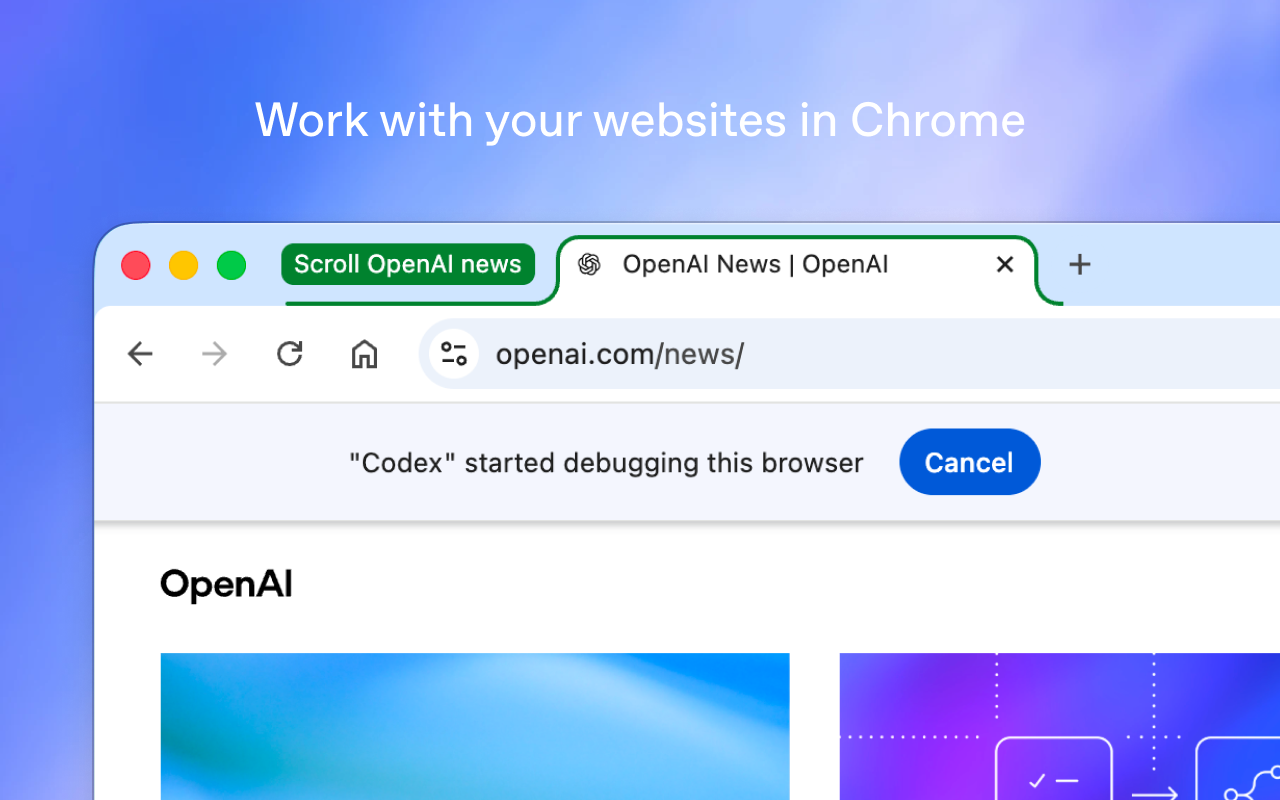
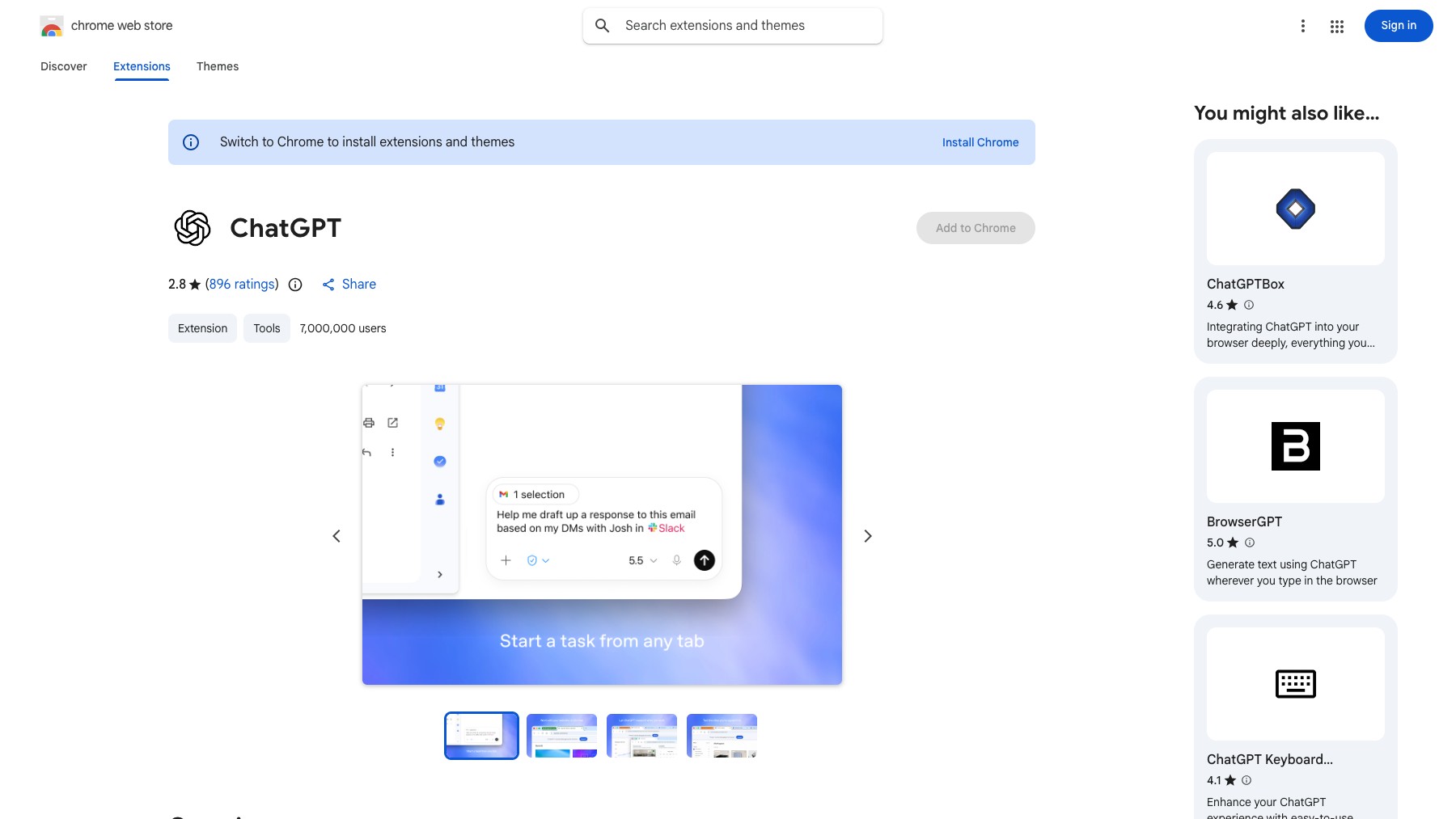
Codex for Chrome is OpenAI's official Chrome extension for the Codex coding agent. It runs in parallel across tabs in the background without hijacking your active session, and acts on signed-in sites — Gmail, LinkedIn, Salesforce, internal dashboards, and more. Under the hood, Codex writes and runs code to navigate pages and complete tasks: form filling, dashboard checks, CRM updates, and repetitive data entry.
When a task spans tools, Codex picks the best one for each step (plugins where they fit, the in-app browser for local pages, Chrome when it needs a logged-in site). Always asks permission before sensitive actions. Available on Mac and Windows in the Codex app today, in all regions except the EU and UK.
Common questions about Codex for Chrome
Traffic and momentum for Codex for Chrome
6 similar picks

Claude
AI assistant by Anthropic — write, analyze, code, and create with one of the most capable large language models available.
ChatGPT
AI assistant by OpenAI — chat, write, code, analyse data, generate images, and browse the web, powered by the GPT-5.6 family.

Google Gemini
Google's AI assistant — write, plan, brainstorm, generate images, and analyze files with one of the most powerful multimodal models.
Grok
AI assistant by xAI — chat, reason, generate images, and analyze data with real-time information access.
OpenAI Verify
Public verification tool that checks whether an image was generated by OpenAI products via C2PA Content Credentials and SynthID watermarks.
Claude for Microsoft 365
Use Claude inside Word, Excel, PowerPoint, and Outlook — context carries across all four apps so you can move from email to doc to deck in one conversation.
Similar Launches
Bolt Slides
Open-source building blocks any AI agent (Claude Code, Codex, Bolt) can use to compose presentation decks that are real, shareable web apps.

OpenEdit
Open source agentic video editor by VEED. Install it as an agent skill and let Claude Code, Codex, or Gemini transcribe footage, design caption styles, and render finished MP4s locally.
Bloom
The brand layer for AI agents — turn your brand into a working system that powers everything agents create on your behalf.

Unif API
Prebuilt AI marketing agents for SEO, GEO, influencer research, social listening, and competitor analysis — run them inside Claude, ChatGPT, or Codex over one MCP server.
Reve for Chrome
Reve's official Chrome extension — add images from across the web straight into your Albums and References in Reve.
Browser Use
Open-source browser automation platform for AI agents — let LLMs drive a real browser to research, fill forms, scrape, and complete multi-step tasks.
Comments