Ori Eval: Find the Best Model for What You're Building
By Steven Van ·
Choosing the model inside your product is often decided without a systematic method.
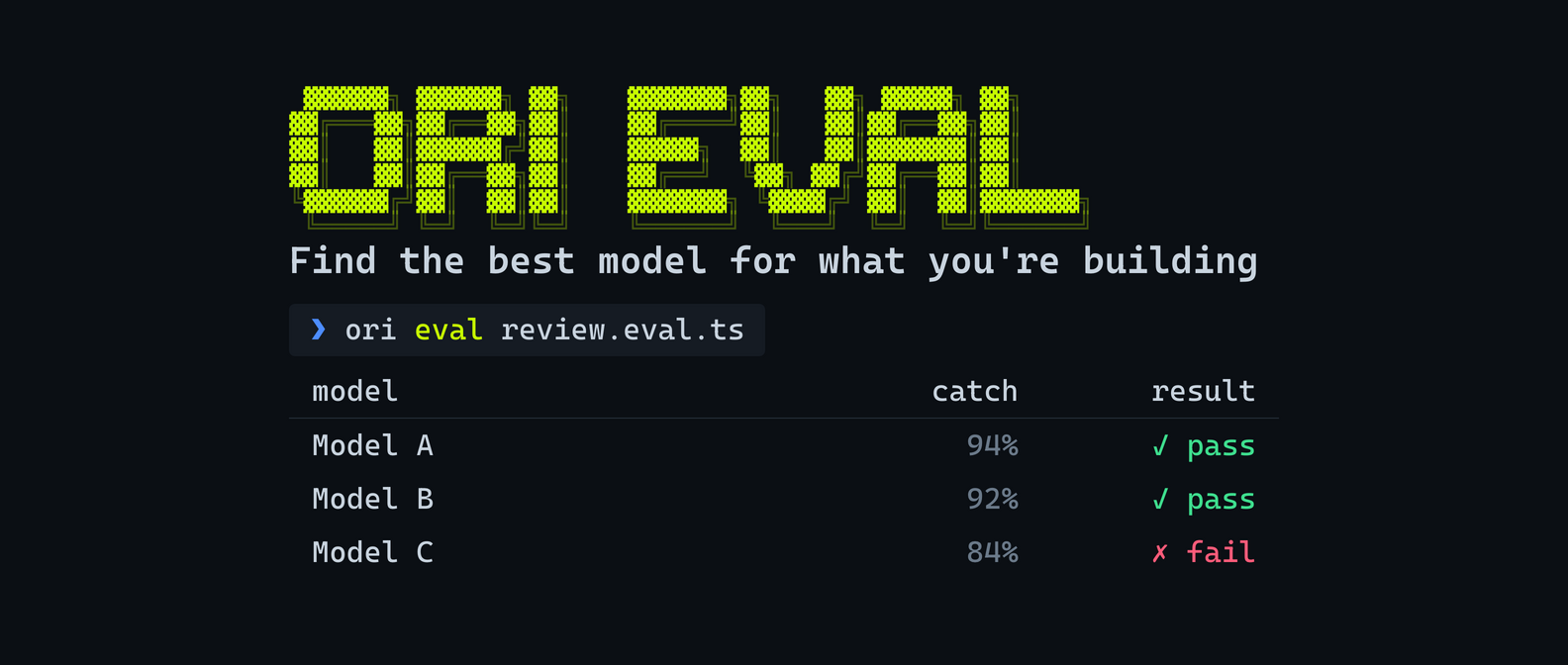
OpenRouter has launched Ori Eval, a way to test which of the 500+ models on the platform actually performs best inside a specific app, rather than relying on a benchmark leaderboard or someone else's recommendation. Told to run a single command in a coding agent, Ori Eval scans a codebase for every place a model is called, asks what matters most (cost, latency, accuracy, tool call accuracy), and shortlists the five latest models that fit.
It then writes a review.eval.ts test file, runs the app's own agent against each candidate model in parallel, and returns a table scoring bug catch rate, p50 latency, and cost per run, along with a recommendation and the reasoning behind it. Evals check which tools an agent called or avoided, and use an LLM judge to grade open-ended answers against criteria the developer sets.
- No eval-writing experience is needed: Ori Eval interviews the developer and writes the eval file itself.
- Each run pins the harness, model, and effort level, so a changed score can only be attributed to a changed model.
- A described bug, such as an agent skipping an order lookup before issuing a refund, becomes an assertion that fails until the bug is fixed and then stays in the test suite.
- Eval files are plain code, so they can run in GitHub Actions to block regressions, or be scheduled to re-run automatically when new models ship.
Getting started means running a skill installer command in a coding agent (or the /spawn-ori-eval slash command via the OpenRouter MCP server), which installs Ori, asks for sign-in, and runs the interview. Running evals also requires Bun.