Your Developer Portal, now in the sidebar
By Steven Van ·
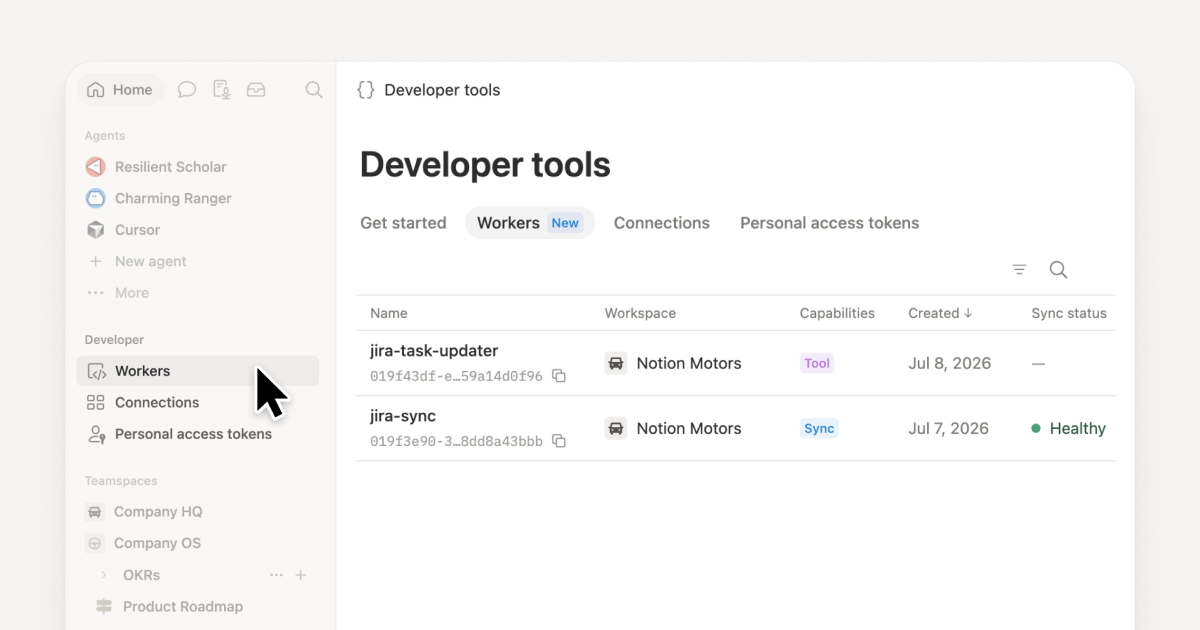
Manage your Workers, connections, and personal access tokens from the new Developer section of your Notion workspace.
Notion has added a Developer section to the workspace sidebar, alongside a developer bar for grabbing IDs. Both are now available from Settings → Developer → Enable developer features.
- The Developer section manages Workers, connections, and personal access tokens, with an overview of deployed Workers and logs behind every run.
- The developer bar surfaces IDs for the current page, database, block, workspace, or user, and copies any one of them, or the full API object, in one click.
Notion
All-in-one workspace for notes, docs, projects, and wikis — with AI built in for writing, summarizing, and organizing.
View Notion →