Notion 2.33: Automate workflows
By Steven Van ·
Notion 2.33: Automate workflows in databases
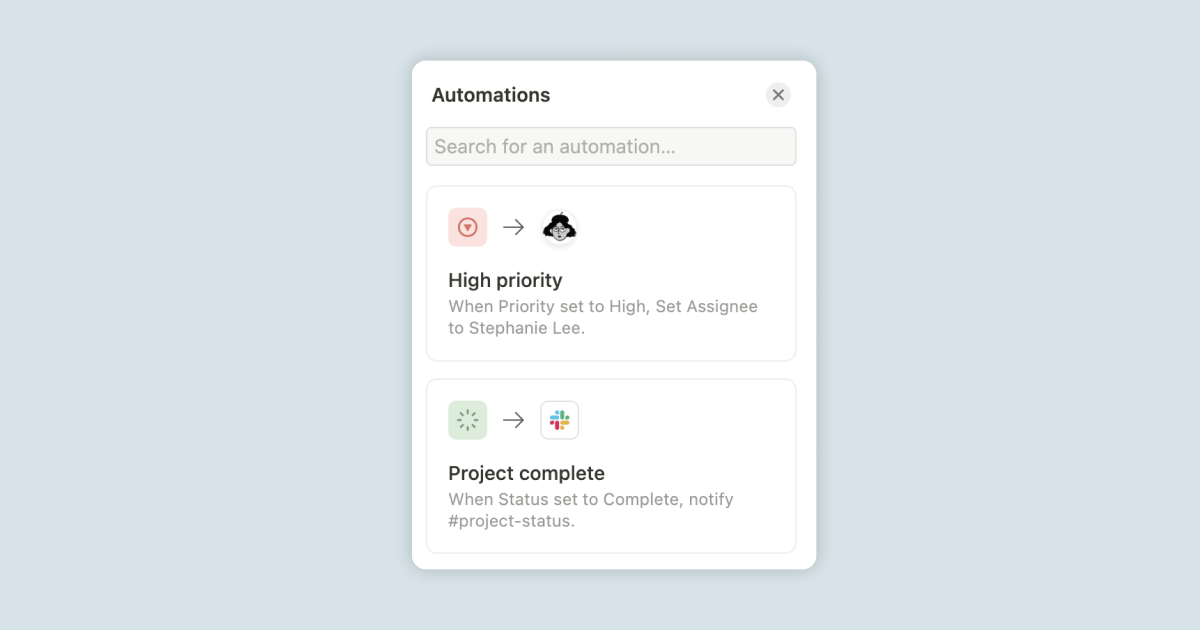
Notion 2.33 adds automations to databases: you can now set a status, assign a task, and trigger other actions automatically when conditions in a database are met. The release also includes several other database and editing changes.
- Table view columns can now be frozen so they stay in place while you scroll.
- Formulas 2.0 makes it easier to write formulas, use functions, and get formatted outputs.
- AI can translate any database property into a teammate's language.
- The Evernote and Trello importers handle more data, and a new Universal import accepts any ZIP file containing text, Markdown, CSV, HTML, and other files.
- Database templates can use dynamic references like @me, @today, and @now in people or date properties, and buttons can now set a database template as their default page.
- Board and Gallery views gained a "Wrap all properties" layout option, code blocks can be formatted from their three-dot menu, and the timezone in Settings and members → My settings can default to your location or be set manually.
Notion
All-in-one workspace for notes, docs, projects, and wikis — with AI built in for writing, summarizing, and organizing.
View Notion →