New calendar tools for your agent
By Steven Van ·
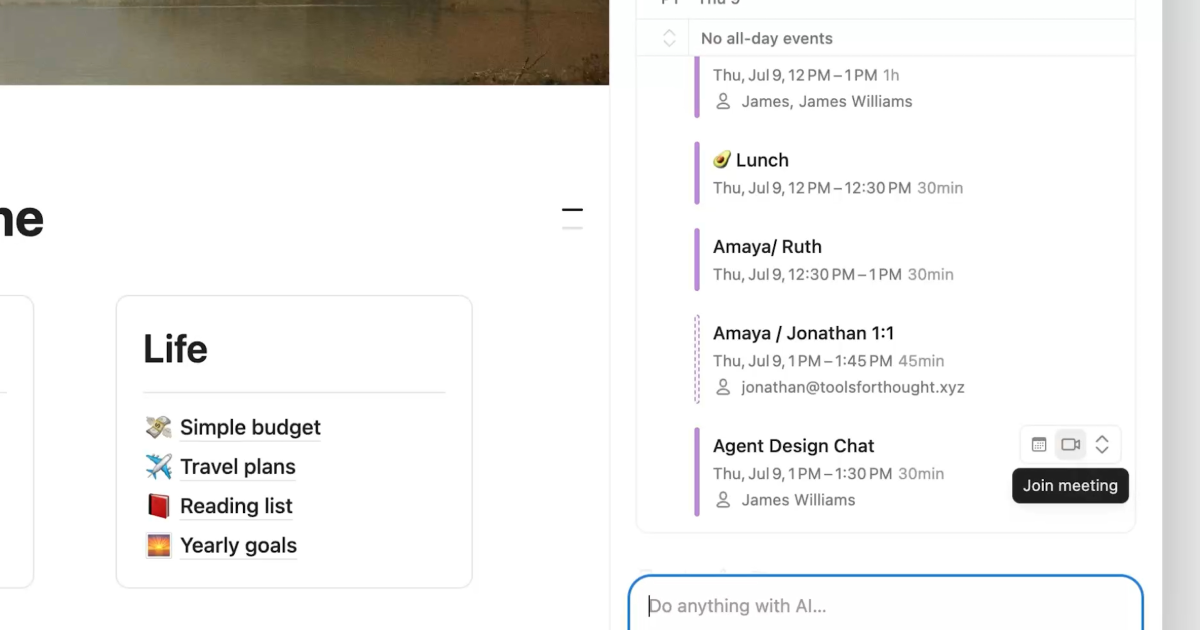
Your agent just got new calendar tools to show and manage your schedule.
Notion's agent can now see and manage your calendar. Ask it what's on your schedule, have it move a meeting, or get it to send invites and find times that work for everyone, all from the chat.
- Show your schedule: "What's on my schedule today?"
- Reschedule a meeting: "Move my meeting with Sandra to 1pm"
- Create a scheduling link: "Create a scheduling link for tomorrow between 2-5pm"
To set it up, ask the agent to "Connect your calendar," or go to Settings → Connections. The feature is available on desktop now, with mobile coming soon. See the full announcement for details.
Let me fix the product link, which should point to /tools/notion.Notion's agent can now see and manage your calendar. Ask it what's on your schedule, have it move a meeting, or get it to send invites and find times that work for everyone, all from the chat.
- Show your schedule: "What's on my schedule today?"
- Reschedule a meeting: "Move my meeting with Sandra to 1pm"
- Create a scheduling link: "Create a scheduling link for tomorrow between 2-5pm"
To set it up, ask the agent to "Connect your calendar," or go to Settings → Connections. The feature is available on desktop now, with mobile coming soon. See the full announcement for details.