Notion Google Meet extension labels every speaker
By Steven Van ·
The Chrome extension for Google Meet now names each speaker in Notion AI Meeting Notes, including in group calls on desktop.
On October 27, 2026, Notion said its AI Meeting Notes Chrome extension for Google Meet now gives every speaker a label. Transcripts previously had two speakers: you and everyone else. That is separate from the desktop app’s labels for one-on-one video calls.
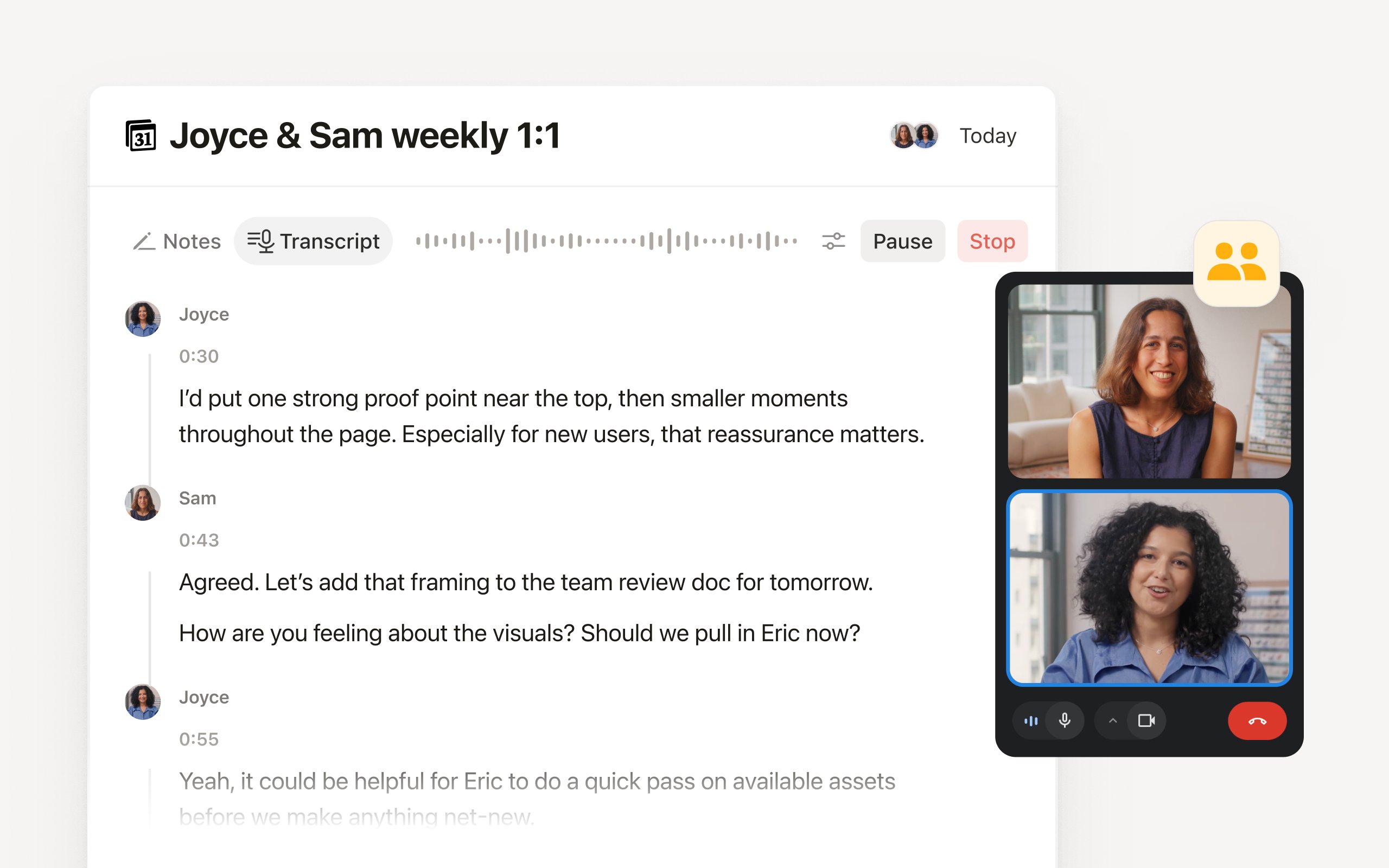
The Notion Meetings Add-on applies those labels in Google Meet, including group meetings. Only the person transcribing needs it. It works in Chrome 127 or later on a computer, not on phones or with other meeting tools.
It pins a chat message when transcription starts, and shows a recording indicator when your camera is on. Some lines still have no name when people talk over each other or audio comes from outside the call. AI Meeting Notes requires a Business or Enterprise plan, or an eligible mobile subscription with Notion AI. The add-on page lists no separate price.