Archive outdated pages to keep your workspace fresh
By Steven Van ·
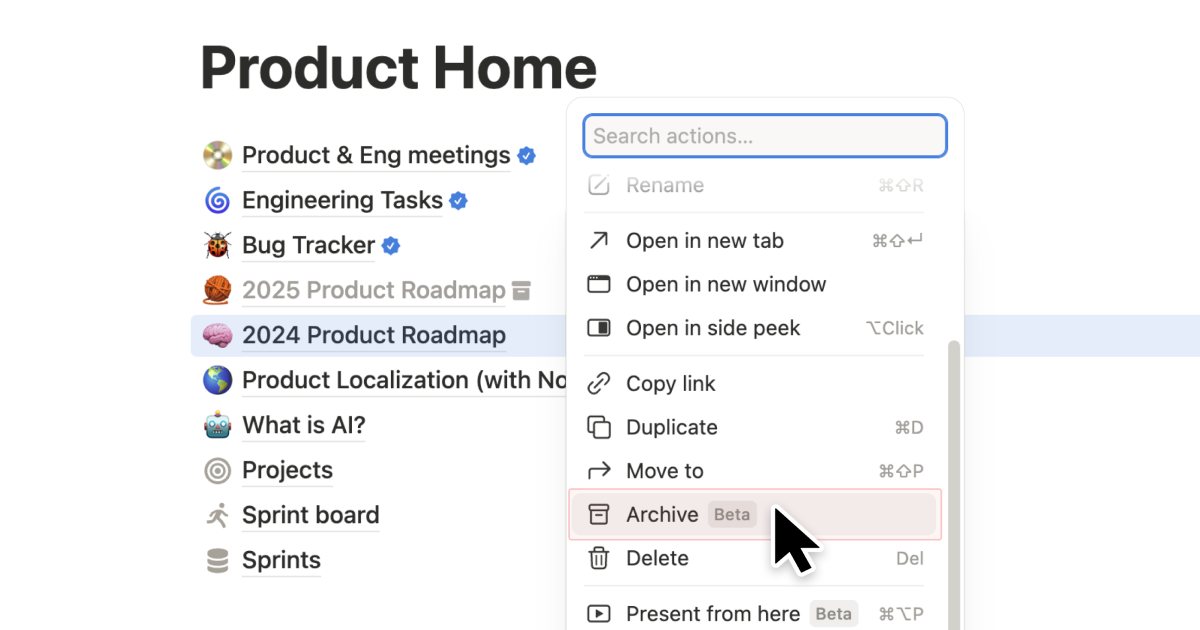
Archive lets you mark pages as outdated to keep your workspace clean and improve your search results.
Notion's Notion can now mark pages as outdated instead of deleting them. Archiving hides a page from search, the sidebar, and database views by default, and adds a banner showing who archived it and when. Archiving a parent page archives its sub-pages automatically.
To archive a page, click the ••• menu in the top-right corner and select Archive. Notion says the feature is meant to keep workspaces clean and improve search results. Read the announcement.
Notion
All-in-one workspace for notes, docs, projects, and wikis — with AI built in for writing, summarizing, and organizing.
View Notion →