Add Custom Agents to private Slack channels
By Steven Van ·
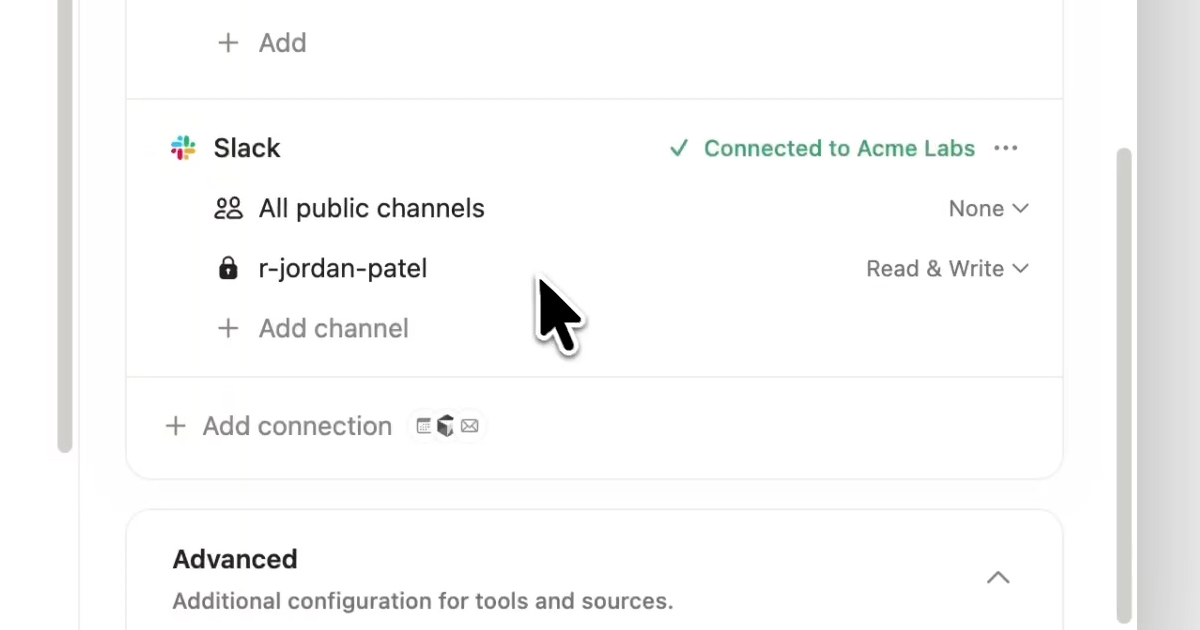
Custom Agents can now read and reply in private Slack channels.
Notion's Custom Agents can now read and reply inside private Slack channels, not just public ones. Access is off by default: turn it on from workspace settings under Settings → Notion AI → AI connectors → Enable access to private content. Once enabled, an agent still only sees the private channels it has been invited to, as described in the release notes.
Notion
All-in-one workspace for notes, docs, projects, and wikis — with AI built in for writing, summarizing, and organizing.
View Notion →