Higgsfield's AI tools now plug into Premiere Pro and After Effects
By Steven Van ·
Free plugin adds text-to-video, one-click reframing, background removal, generative fill, and 4K/8K upscaling to Creative Cloud.
Higgsfield for Adobe is now live, bringing the company's AI generation and editing tools directly into Premiere Pro and After Effects (2025+ on macOS or Windows). A single installer adds five plugins to the panel, no separate app switching required.
- Generate AI video or images from a text prompt and drop the result straight into the timeline.
- Reframe any clip to 9:16, 16:9, 4:3, 3:4, 21:9 or 1:1 with one click, using subject tracking to keep the focal point centred.
- Remove backgrounds from footage without a green screen.
- Draw directly on a frame to remove objects, add elements, or replace areas with a brush stroke.
- Upscale clips up to 4K or 8K on export, aimed at restoring archive or low-resolution footage.
The announcement also notes an MCP bridge that connects Higgsfield's engines to Claude.
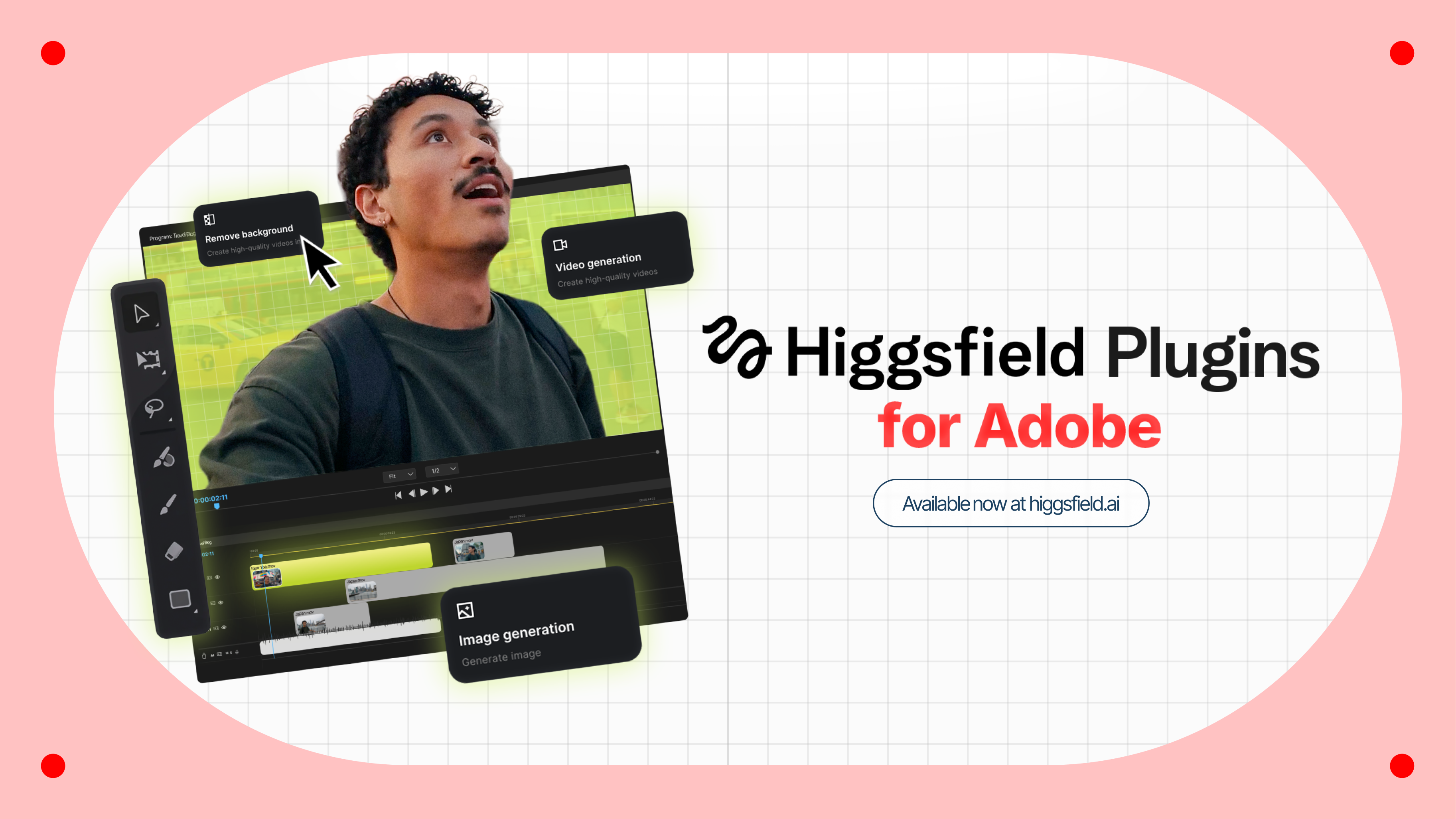

Higgsfield for Adobe
Free AI plugin for Premiere Pro and After Effects — reframe, remove background, upscale to 4K/8K, draw to edit, and generate video without leaving Creative Cloud.
View Higgsfield for Adobe →